Nano Banana vs Seedream 4.0? AI Image Generator Showdown
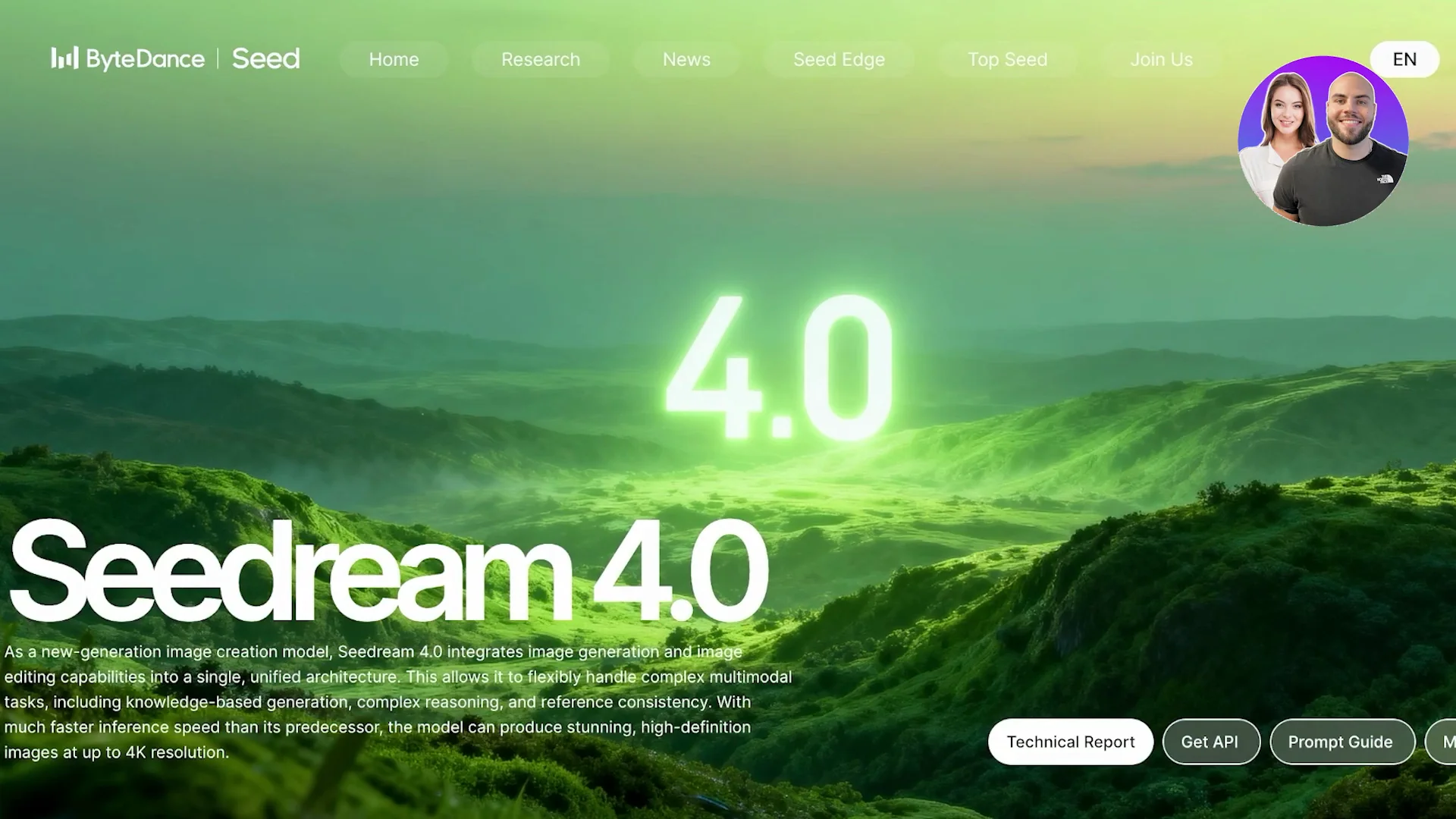
Nano Banana vs Seedream, which is best? Here is a quick comparison between Nano Banana, Google's AI image generator, and Seedream, the newly launched AI image generator created by ByteDance, the parent company behind TikTok. Both aim to provide high quality AI images and both are trying to focus on being able to provide AI images that look great. The question is which one is actually worth your time, your money, and your creative energy.
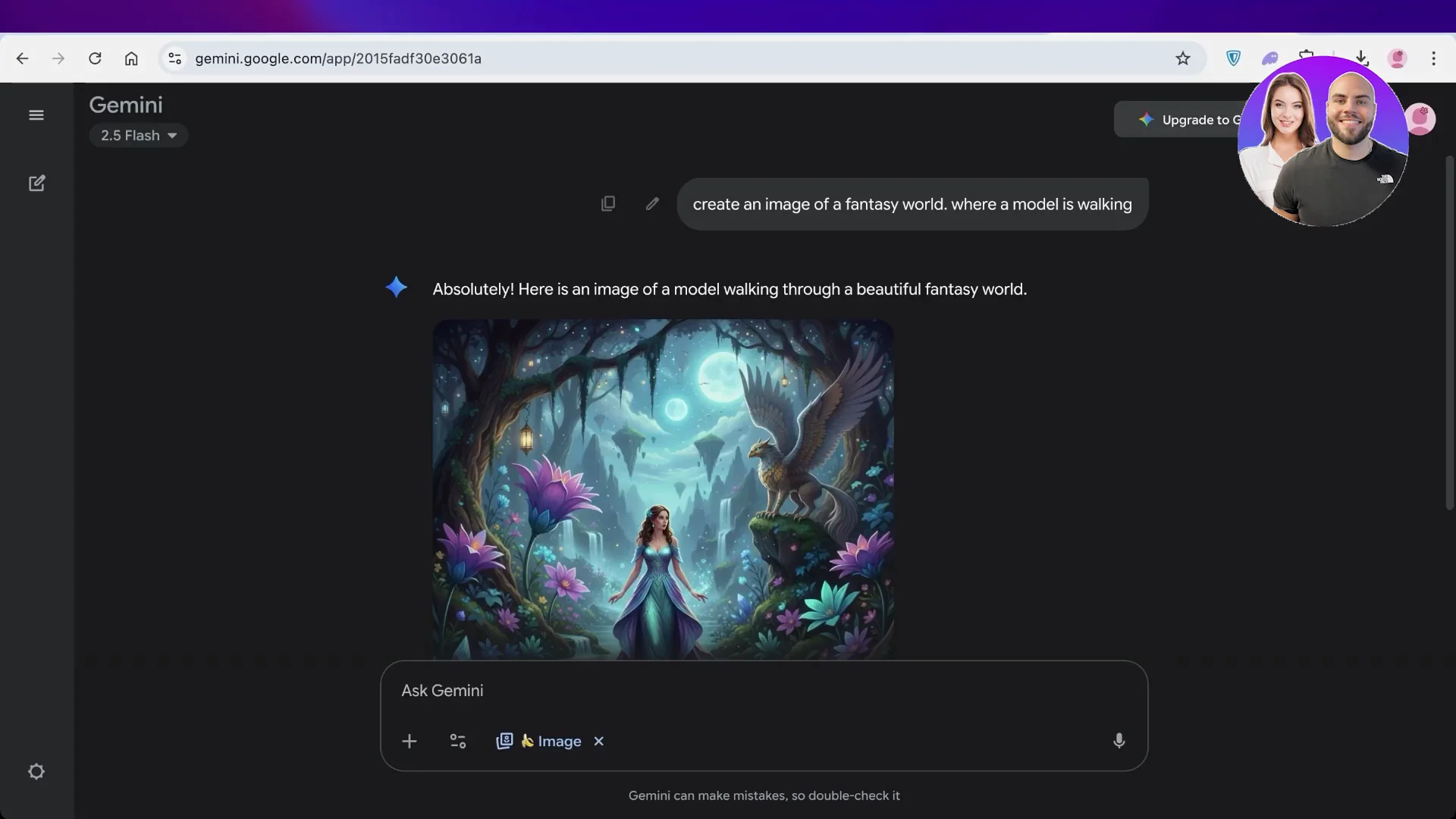
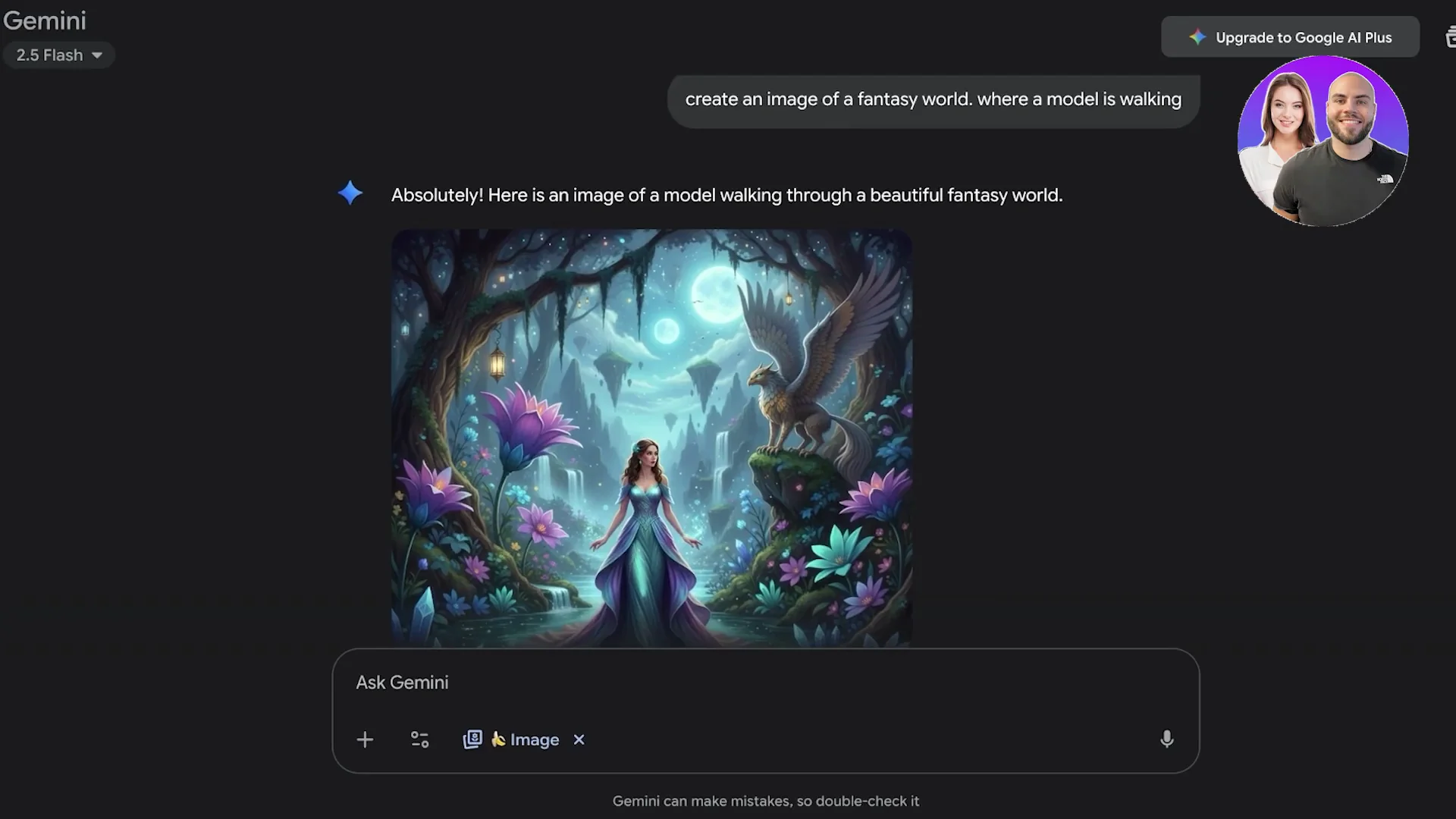
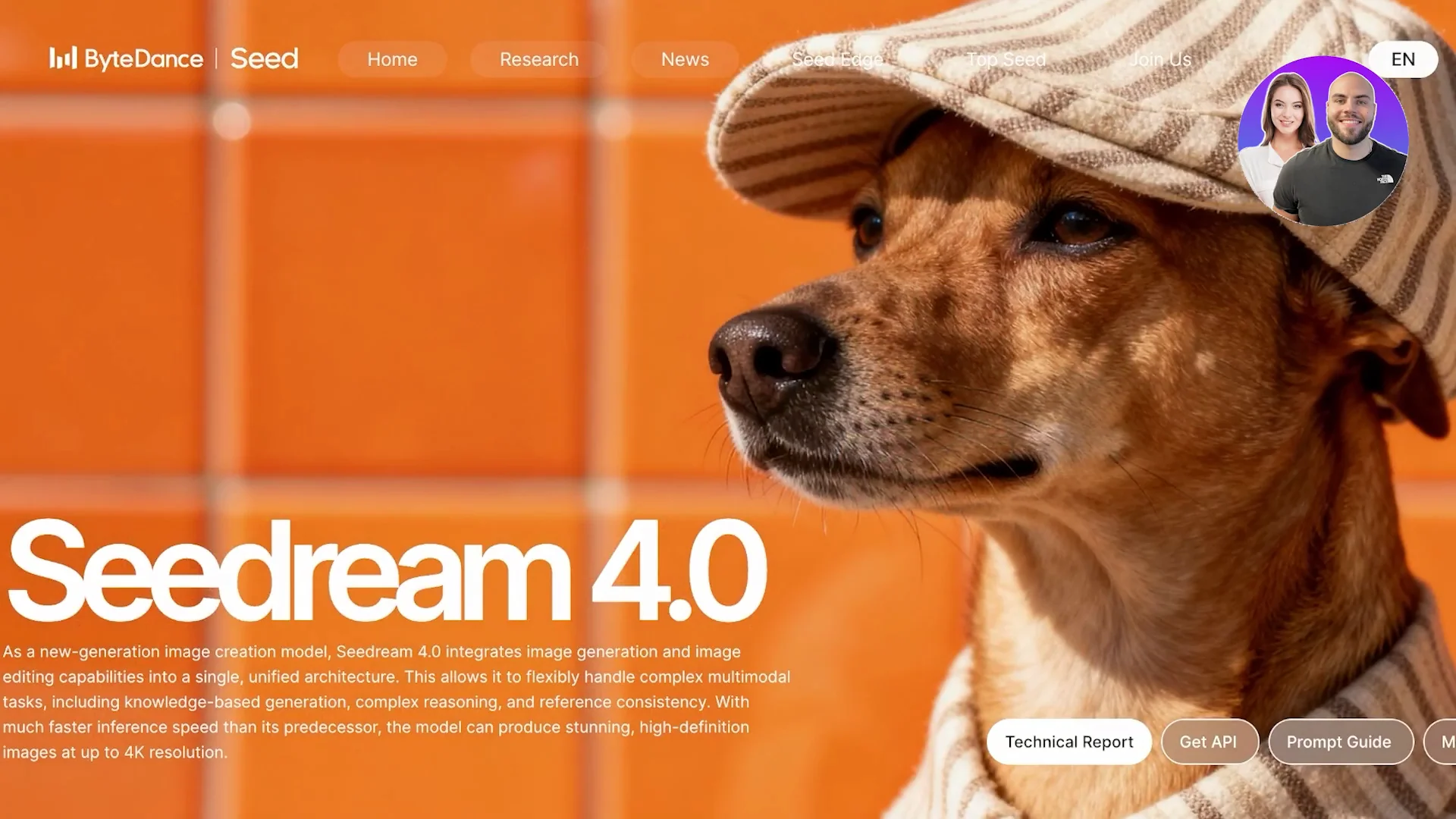
Nano Banana is a relatively new AI image generator that focuses on speed and accessibility. It's fast and designed to make AI image generation simple for beginners, but still powerful enough for advanced users. Seedream 4.0 is the fourth version of the original Seedream launch and it's known for hyper realism image rendering and advanced prompt interpretation. It's marketed as a premium choice for professional artists and designers and anyone that is looking for next level visuals. Seedream 4.0 is for realism and depth whereas Nano Banana is for speed and ease.
| Aspect | Nano Banana | Seedream 4.0 |
|---|---|---|
| Creator/Origin | Google's AI image generator, available in Gemini | ByteDance model, fourth version of the original Seedream launch |
| Core Focus | Speed and accessibility | Hyper realism and advanced prompt interpretation |
| Image Style | Colorful, fun, stylized outputs; great for cartoon style and concept art | Realistic lighting, skin texture, fine details; strong realism and depth |
| Detail Fidelity | Can look rough when zoomed in; proportions and fingers can be off in hyper realism | Maintains character consistency across camera angles; strong perception of detail |
| Prompt Handling | Solid understanding of basic concepts; can oversimplify very detailed prompts | Follows nuanced prompts very closely and nails fine details |
| Speed | Lightning fast; batches in seconds | Slower because it processes more details |
| Access | Directly available in Gemini | API, Model Arena, Flux AI, sedreamai.io |
| Styles/Presets | General stylized outputs | Hong Kong style, CG style, oil painting style, more in Model Arena/Magic Arena |
| Pricing | Very budget friendly, can be used for free in Gemini | Premium pricing; around $10 to $15 for about 5,000 credits on third-party platforms; API via Bite Plus |
| Best For | Quick iterations, brainstorming, stylized or concept images | Professional artists and designers who need hyper realistic results |
| Tradeoffs | Not perfectly hyper realistic | Slower and paid for premium quality |
Nano Banana vs Seedream: Detailed Comparison
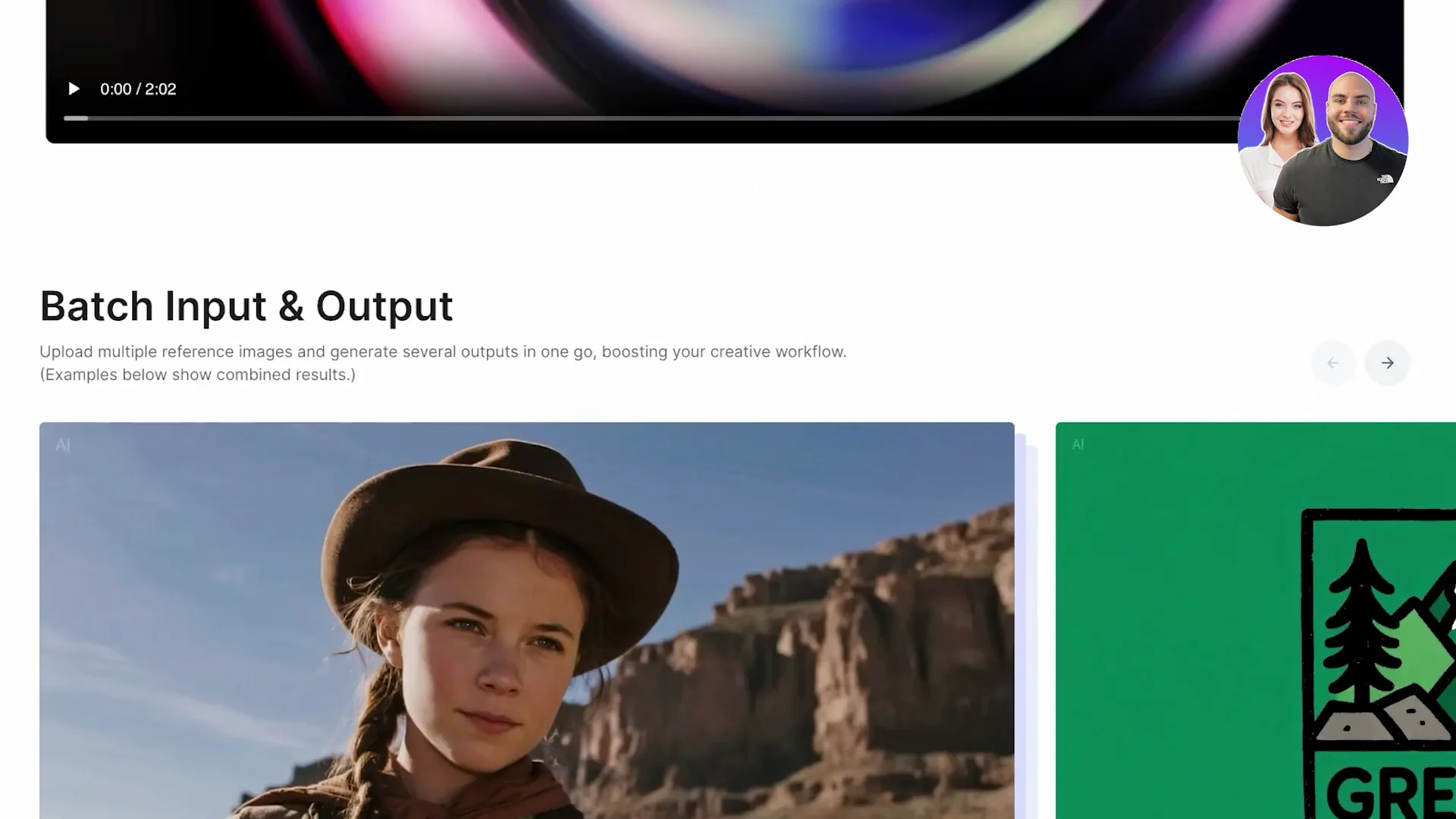
Image quality and style
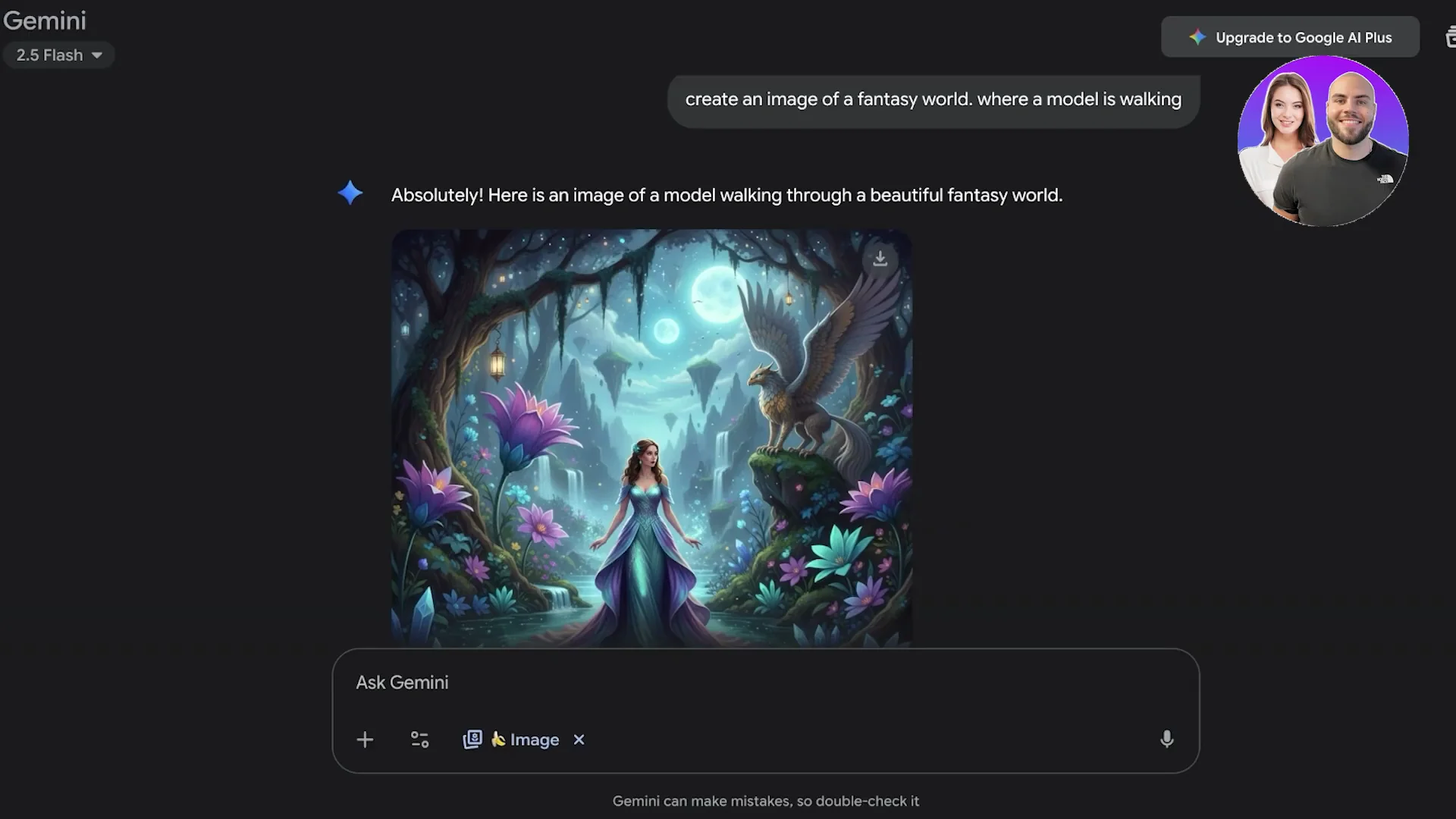
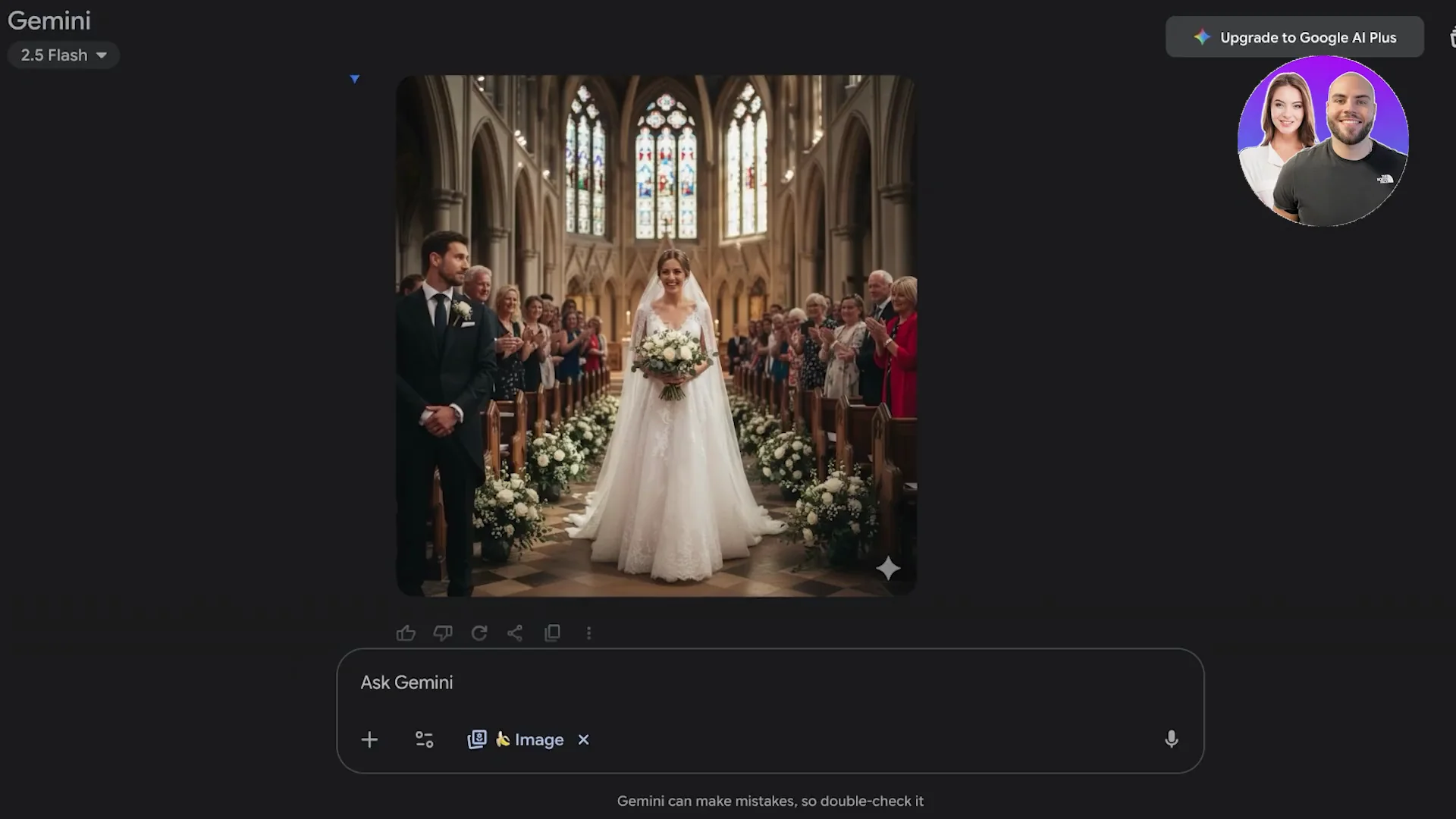
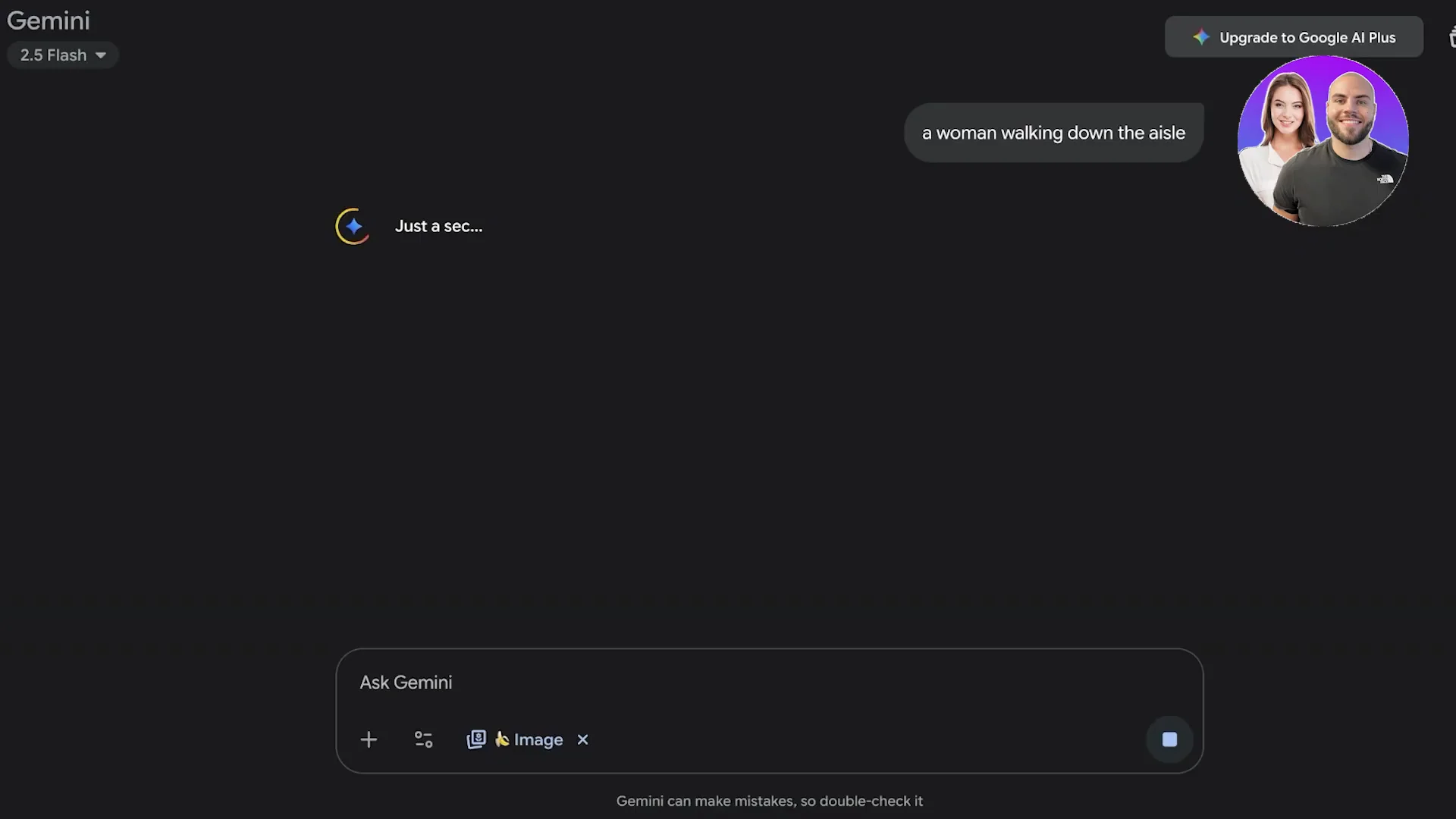
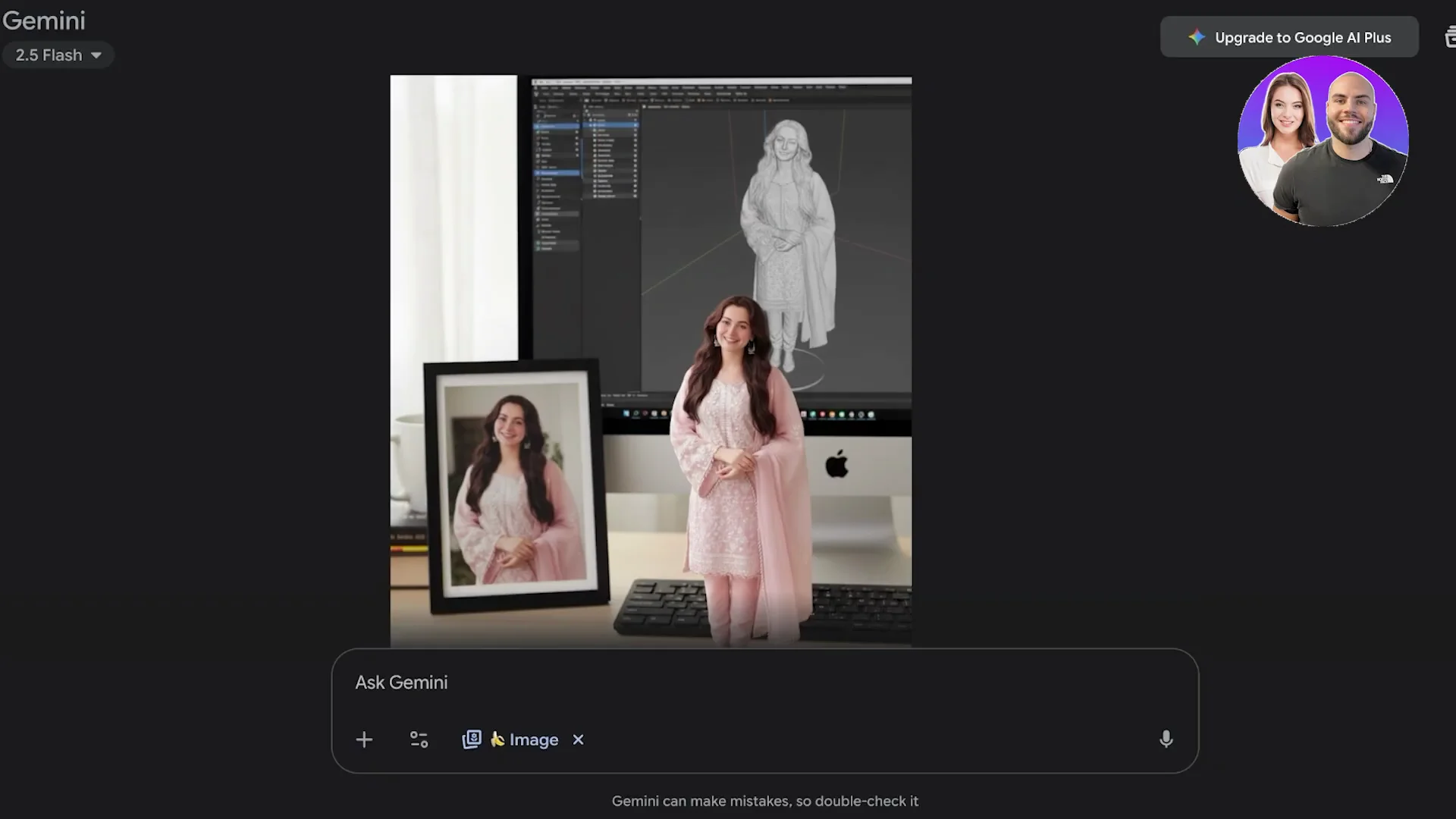
Nano Banana creates really colorful images and beautiful outputs based on the prompt or a reference image. It makes really fun images with really nice colors. These are going to work better for cartoon style outputs or creative brainstorming. Sometimes the details look a bit rough when you zoom in, and these are better stylized as images or concept art. For hyper realism, things like proportions might be a little weird. Fingers might be weird.
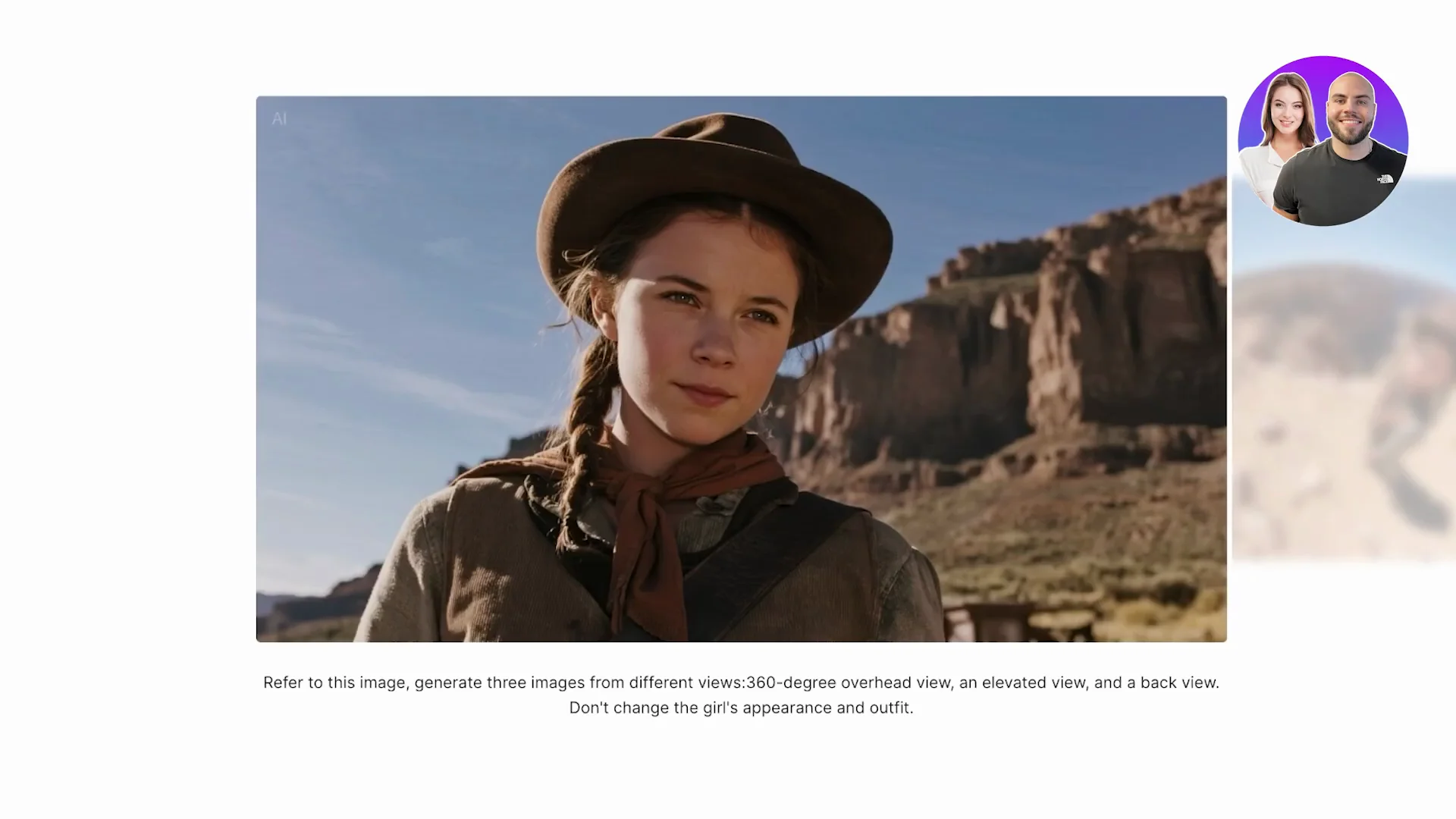
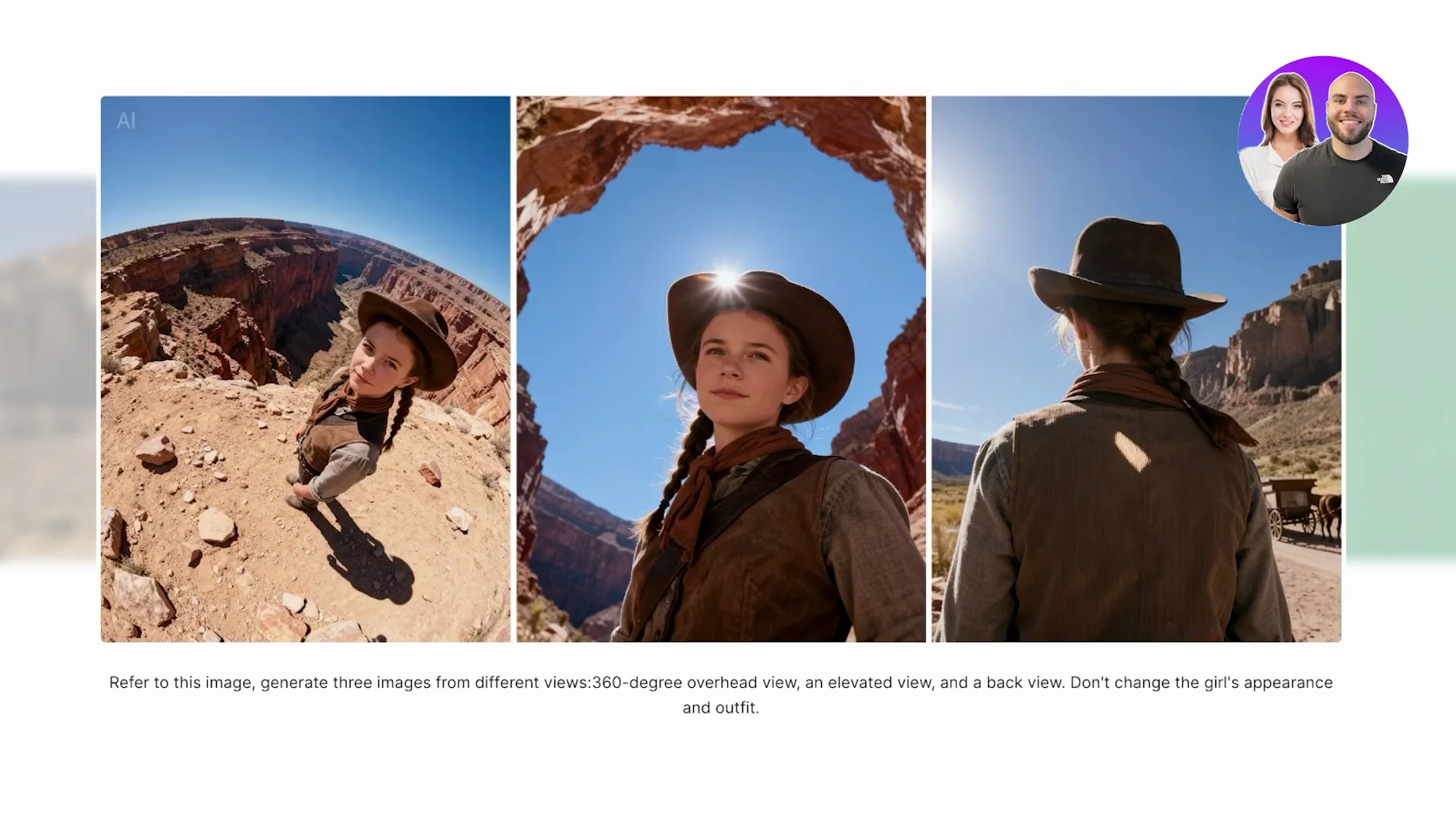
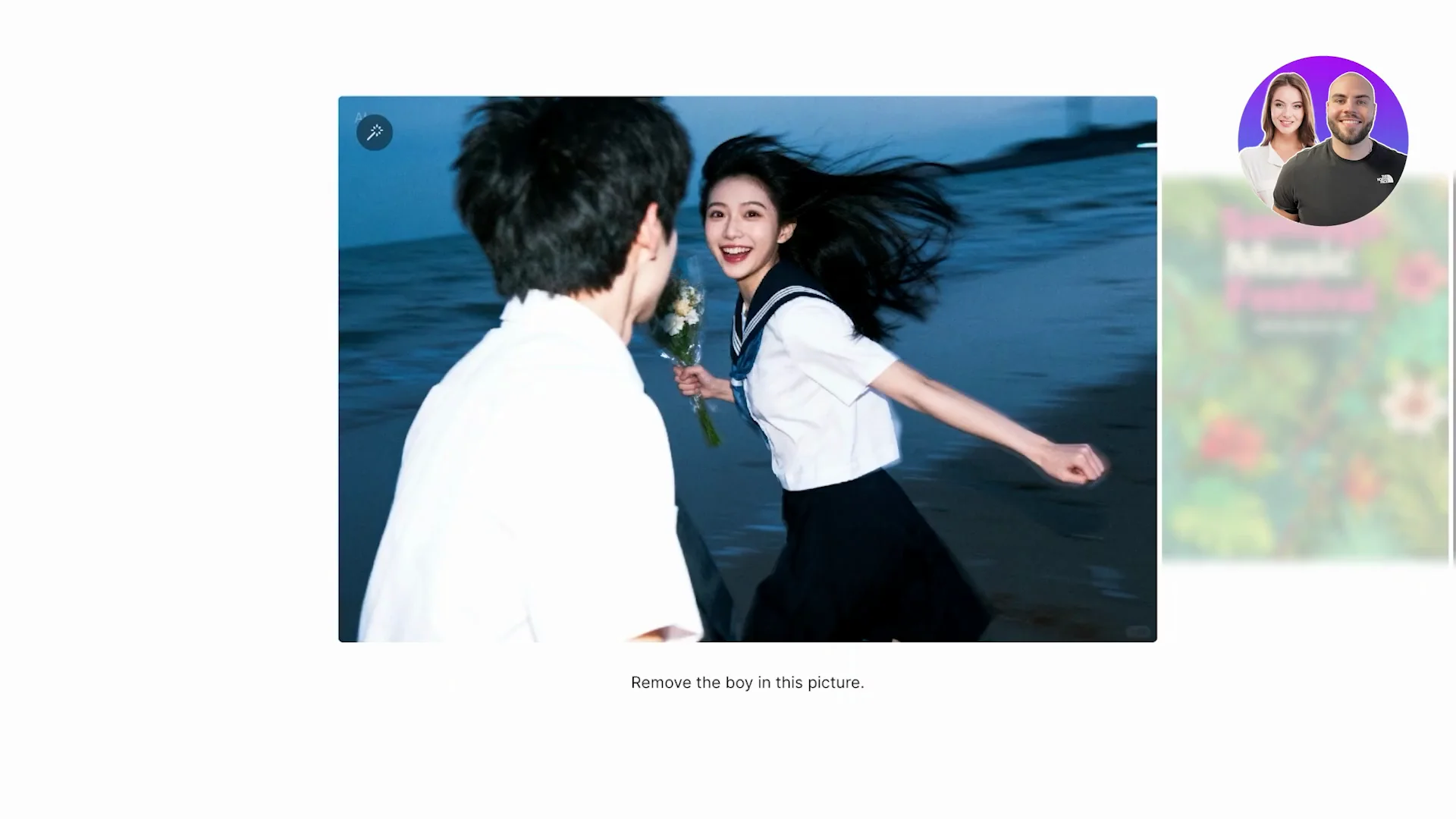
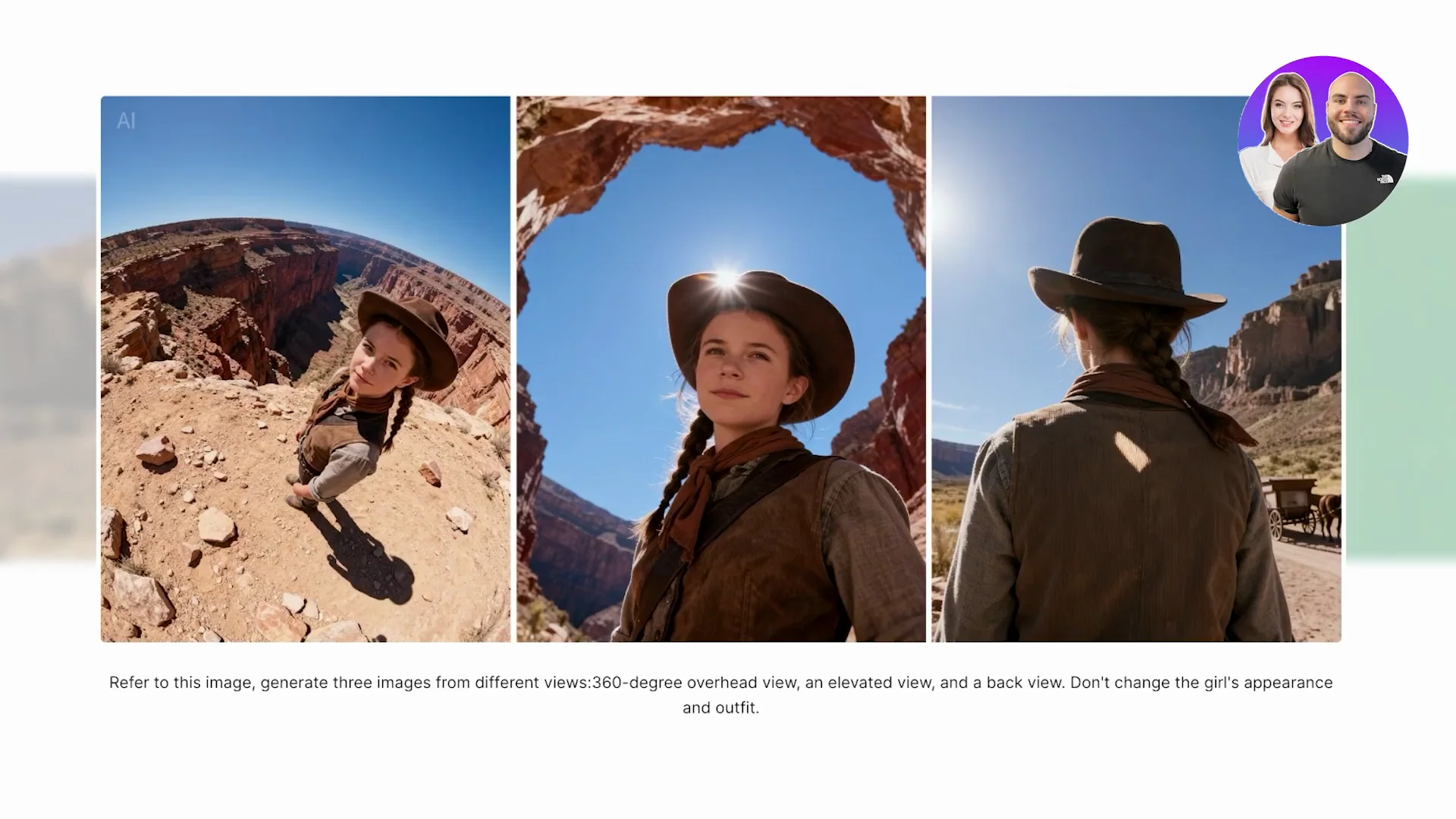
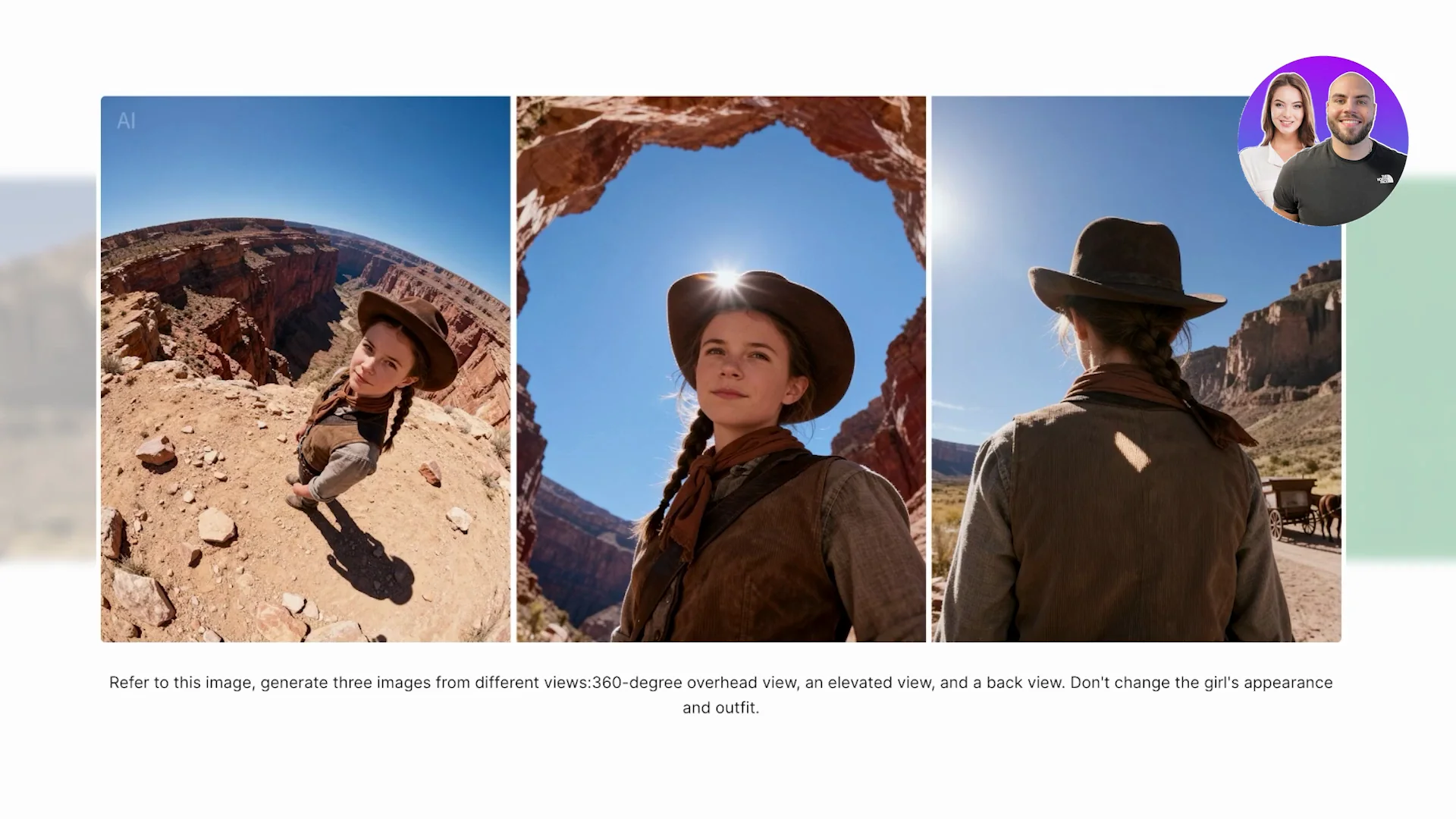
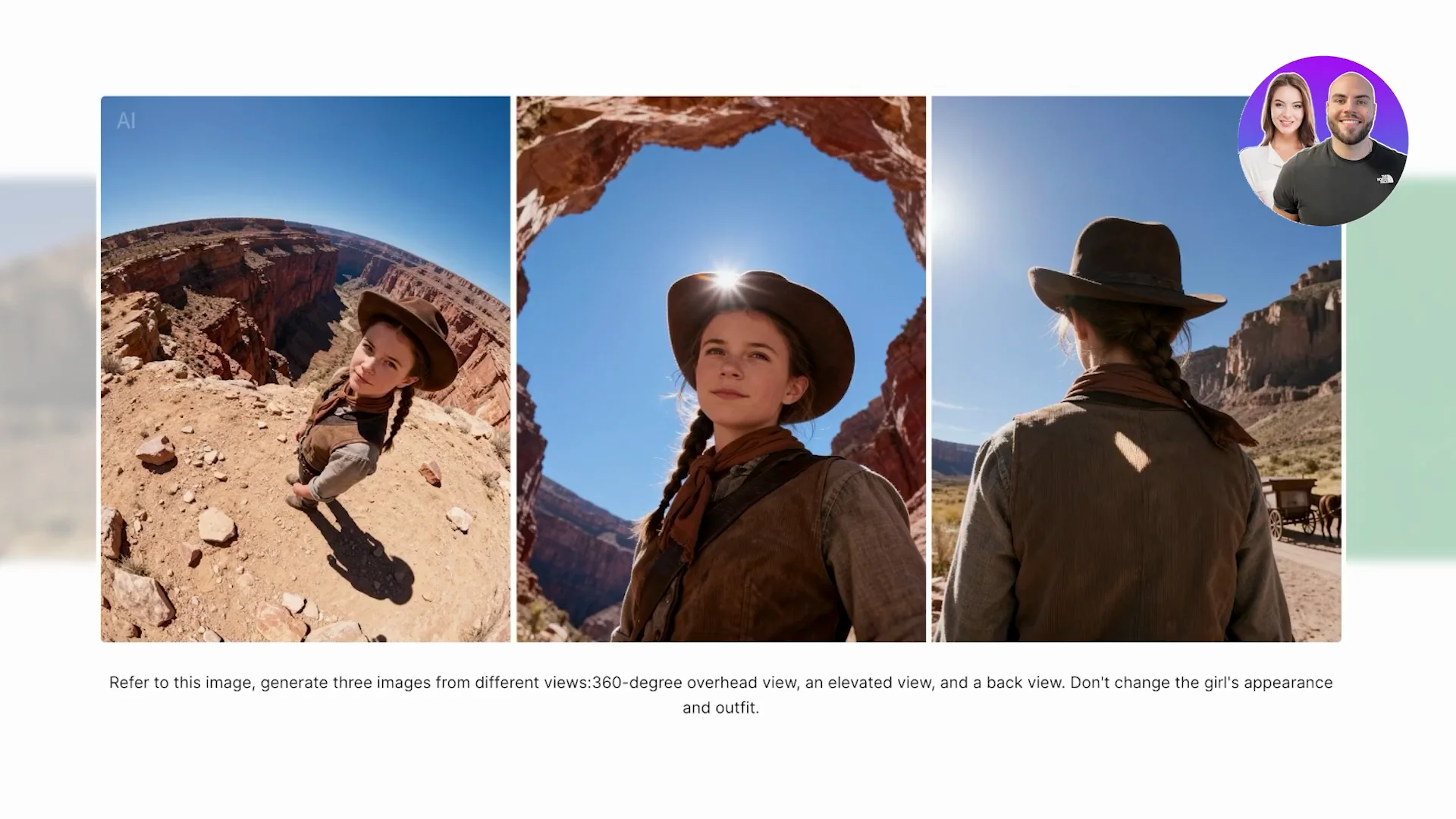
Seedream is doing something different. It can create hyper realistic images and it understands perception and different camera angles. It was able to generate different camera angles from the same image while keeping the character very consistent. This is where it becomes jaw-dropping in the realism, the lighting, the skin texture, and the fine details.
Speed and performance
Quality comes at a cost, and that cost is time. Seedream is relatively quick, but it usually takes longer to generate a single image because it's processing more details. If you want instant results, Nano Banana is superior. True to its name, it is lightning fast. You can generate a batch of images in seconds, which makes it perfect for quick iterations or if you're experimenting with a lot of ideas.
Prompt understanding
Nano Banana does a solid job and understands the basic concept of your image. It sometimes oversimplifies your prompt. If your prompt is really detailed, you might not get exactly what you envisioned on the first try. Seedream does a better job on detailed prompts. If you write something like a futuristic cyberpunk edit of this image or a night soaked street with neon reflections on the glass, it nails these types of details almost perfectly. For prompt artists who love crafting detailed inputs, Seedream 4.0 feels much more reliable.
Access and workflow
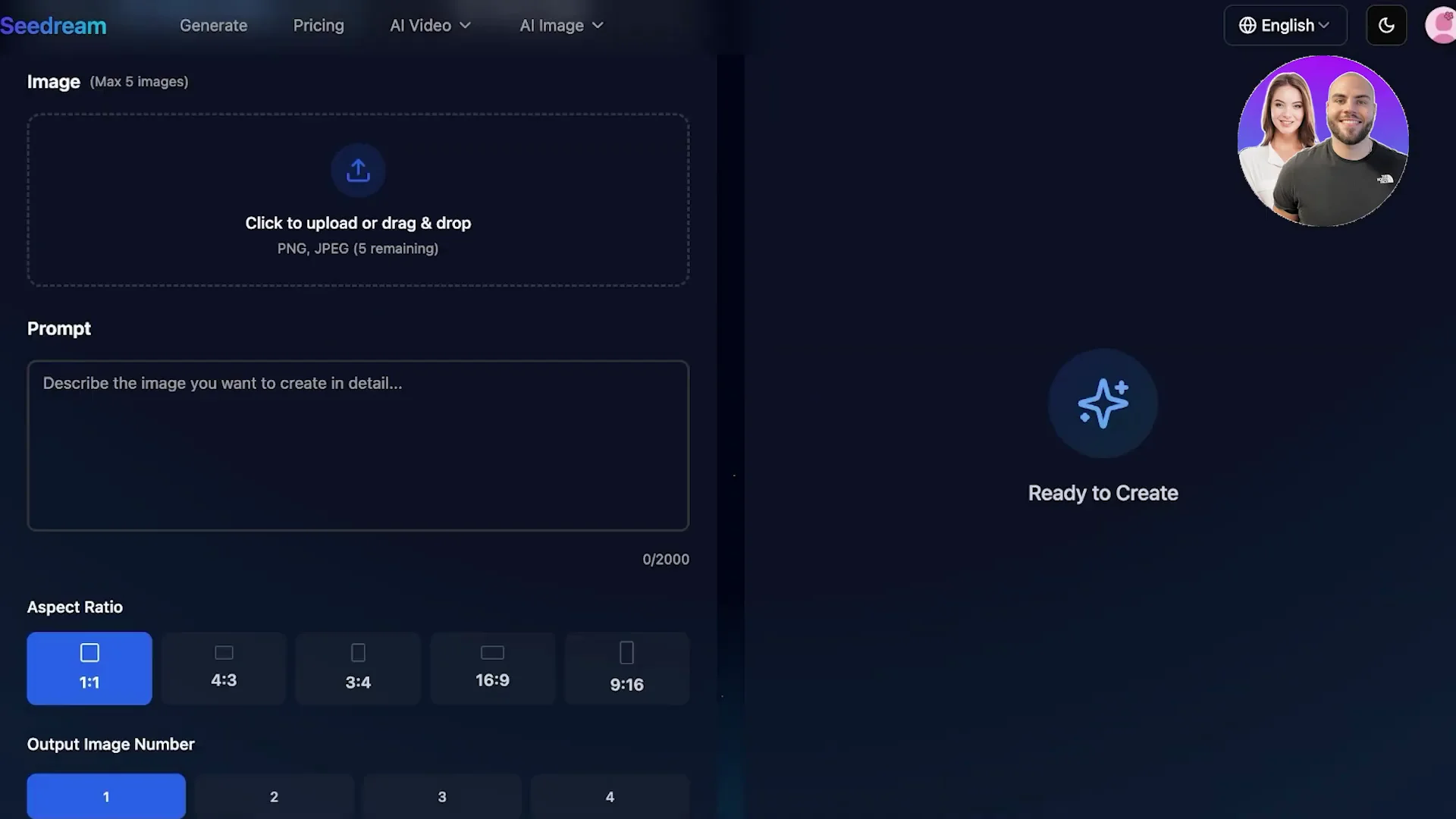
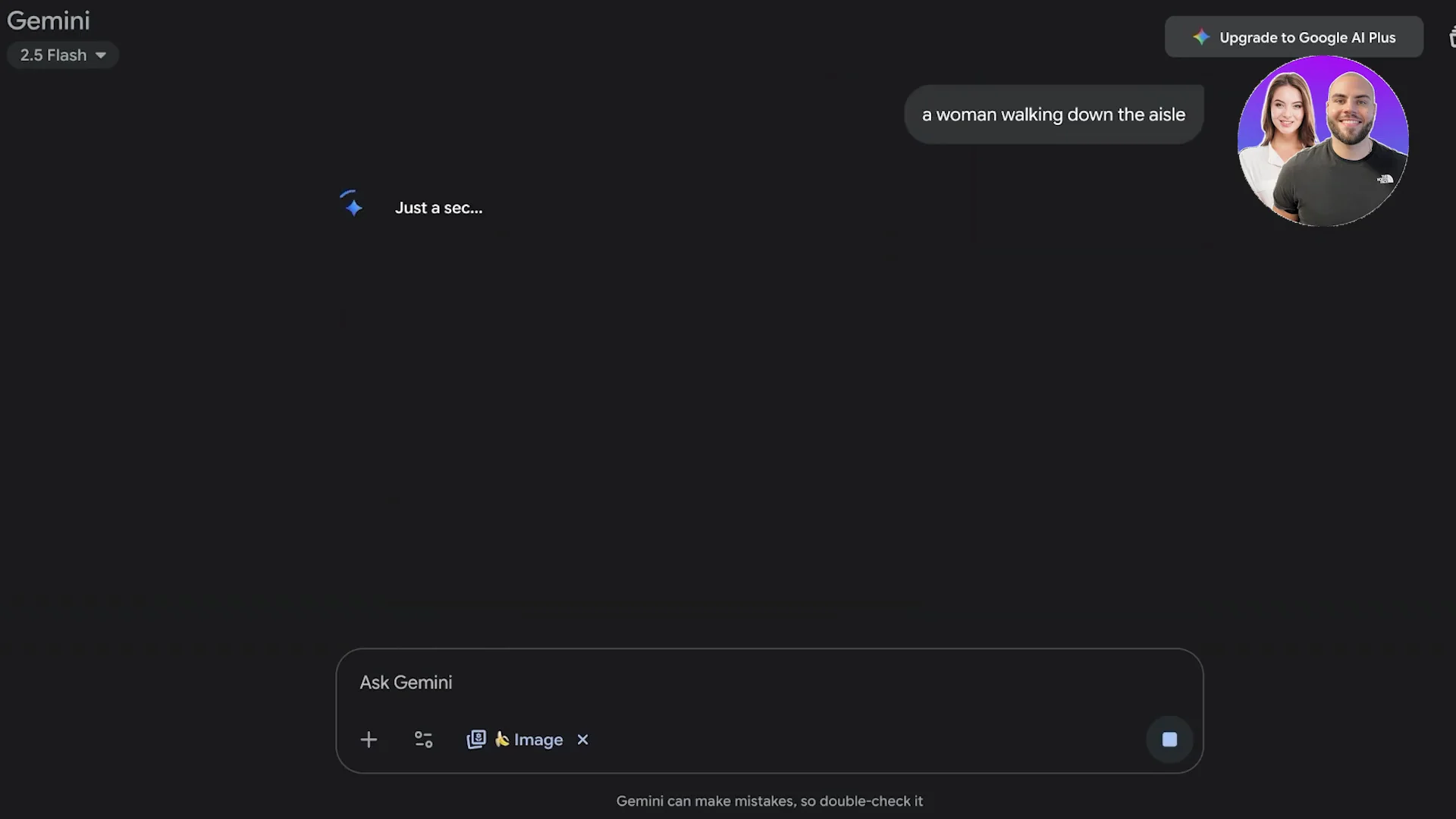
Seedream can be used through its API, Model Arena, Magic Arena or Flux AI. You have a few different options to use it. Nano Banana is directly available on Gemini. If you're using Google already, it's a very quick and easy way to access it.
Pricing and value
Nano Banana is very budget friendly and can be used for free in Gemini. Seedream has premium pricing for its hyper realistic results. On third-party platforms like Flux AI, expect around $10 to $15 for about 5,000 credits every month. You can also get the API directly by signing up for Bite Plus.
Nano Banana vs Seedream: Features Breakdown
Nano Banana features
- Focuses on speed and accessibility
- Fast for beginners yet still useful for advanced users
- Generates colorful, stylized, cartoon style, and concept-ready images
- Batch generation in seconds for quick iterations
- Direct access in Gemini
Seedream 4.0 features
- Hyper realism image rendering with depth, lighting, and skin texture
- Advanced prompt interpretation for nuanced, detailed prompts
- Maintains character consistency across different camera angles
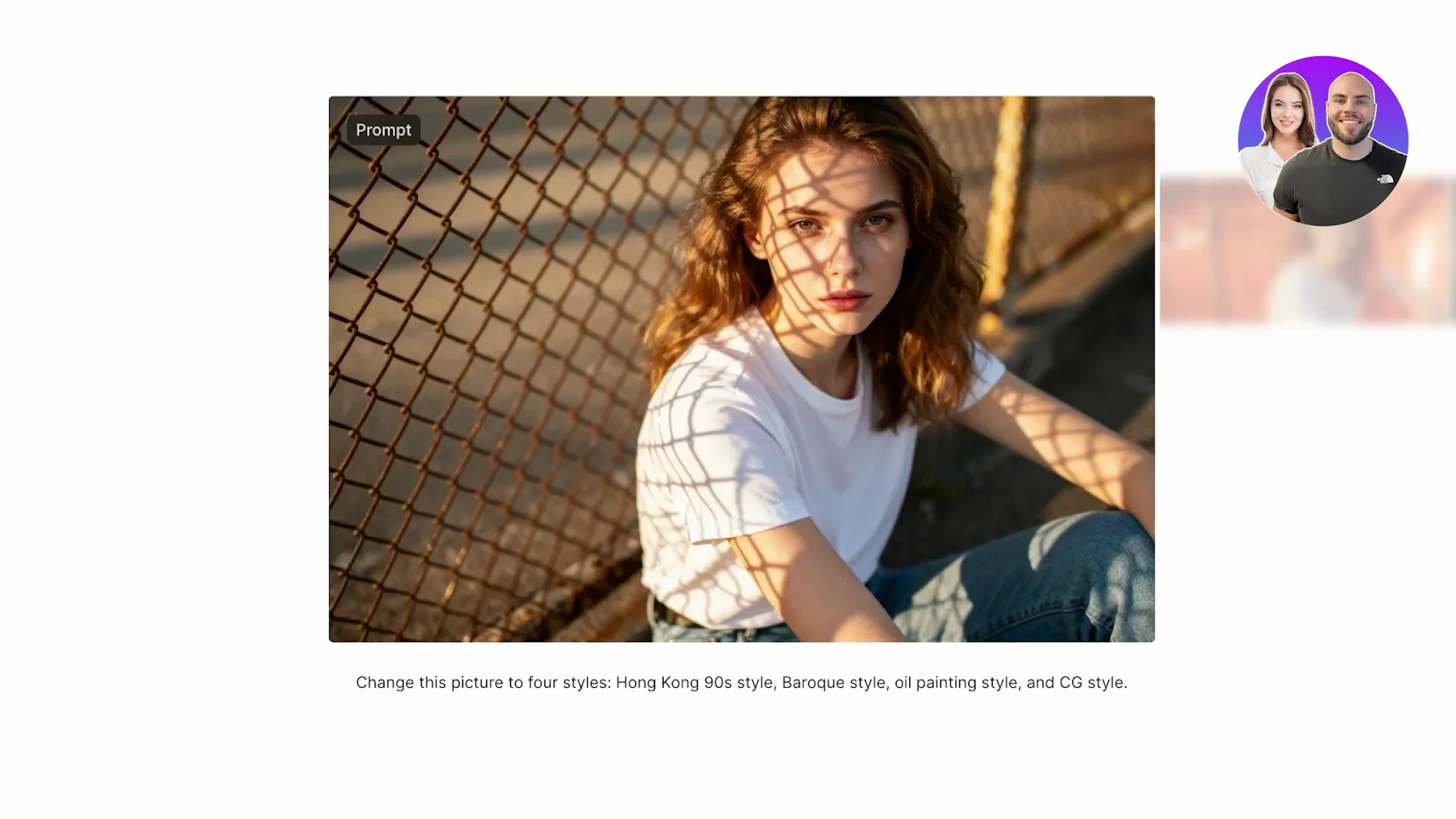
- Multiple styles including Hong Kong style, CG style, oil painting style
- Available via API, Model Arena, Magic Arena, Flux AI, and sedreamai.io
Nano Banana vs Seedream: Pros and Cons
Nano Banana Pros
- Lightning fast generation
- Simple and accessible for beginners
- Great for colorful, stylized, and concept art outputs
- Very budget friendly and can be free in Gemini
Nano Banana Cons
- Details can look rough when zoomed in
- Proportions and fingers can be off in hyper realistic scenes
- Can oversimplify complex, nuanced prompts
Seedream Pros
- Hyper realistic results with strong lighting and texture fidelity
- Excellent at following nuanced prompts
- Maintains character consistency across camera angles
- Multiple style presets for different looks
Seedream Cons
- Slower due to processing more details
- Premium pricing on third-party platforms or API
- More setup choices compared to a direct Gemini experience
Nano Banana vs Seedream: Best Use Cases
Where Nano Banana excels
- Quick iterations and fast idea exploration
- Stylized images, cartoon style outputs, and concept art
- Beginners experimenting with AI art inside the Google ecosystem
Where Seedream excels
- Professional artists and designers who need hyper realistic visuals
- Projects that demand nuanced prompt control and fine detail
- Consistent characters across multiple camera angles and scenes
Final Conclusion
Both tools have their own markets and target audiences. Seedream is for professionals, whereas Nano Banana is for people that are just exploring AI art. It depends on your priority. If realism and professional visuals are your priority, Seedream is the tool for you. If you are experimenting, then Gemini or Nano Banana is the tool for you.
Recent Posts
How to use Grok 2.0 Image Generator?
Learn how to access Grok 2.0’s AI image generator (Premium required), write better prompts, and avoid pitfalls like real people and brands. Step-by-step tips.
How to use Instagram AI Image Generator?
Use Meta AI in Instagram DMs to turn text into images—and even animate them. It’s free, fast, and built in. No external apps needed; create art right in chat.
Leonardo AI 2026 Beginner’s Guide: Create Stunning Images Fast
Learn Leonardo AI step by step—sign up, explore Home, and generate or enhance photos with free, powerful tools. A quick, clear starter for beginners.