How to use Grok 2.0 Image Generator?
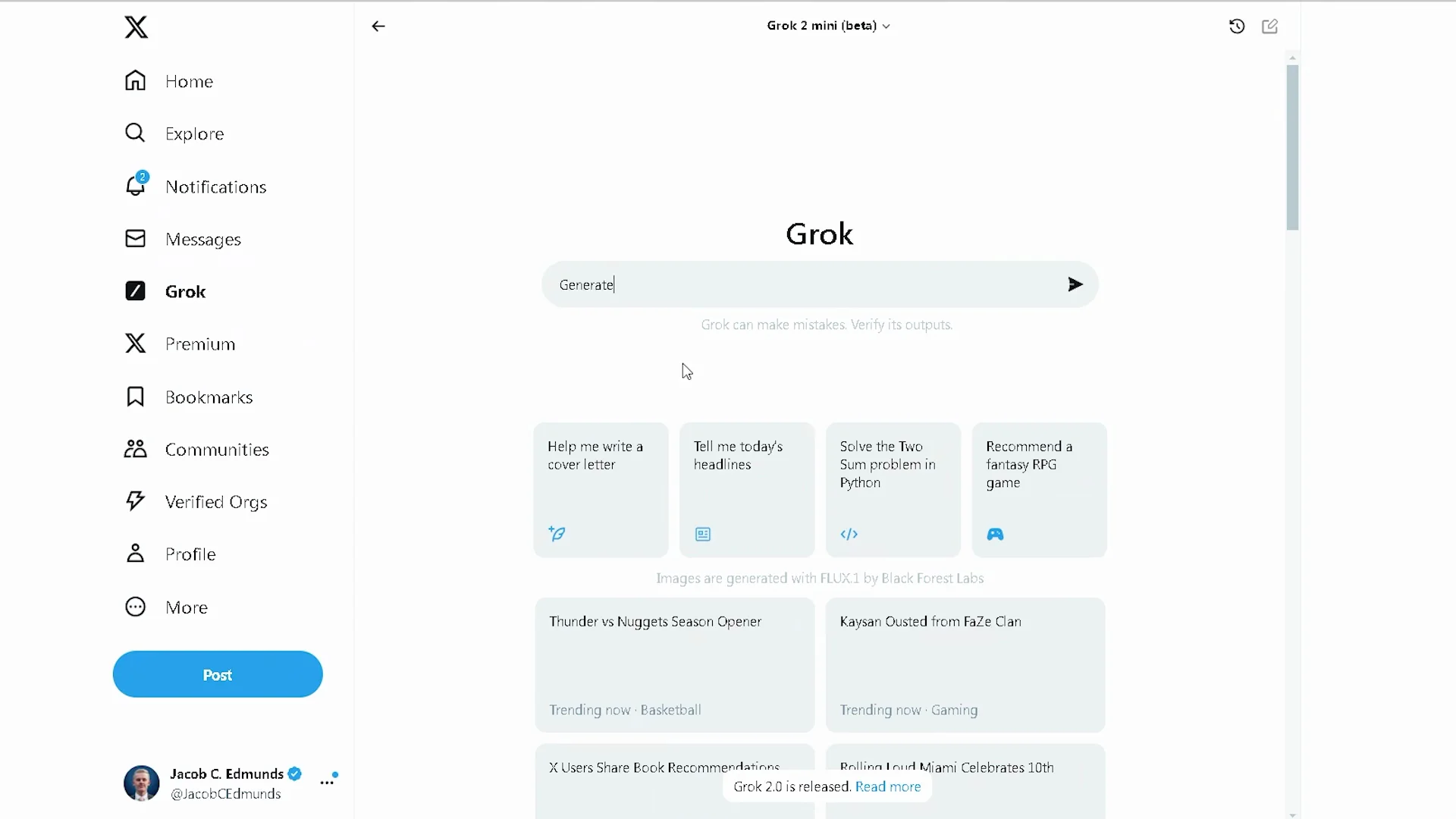
Here’s a quick tutorial on how to use Grok to create AI-generated images, along with a few tips for getting the best results. You will need a Premium or Premium Plus subscription to get access. Once you’re in, click on Grok and type in a prompt.
Getting Access to Grok 2.0 Image Generation
You will need a Premium or Premium Plus subscription to get access. Once you’re in, click on Grok and type in a prompt.
Prompting Tips for Grok 2.0 Image Generation
Real People and Branded Objects
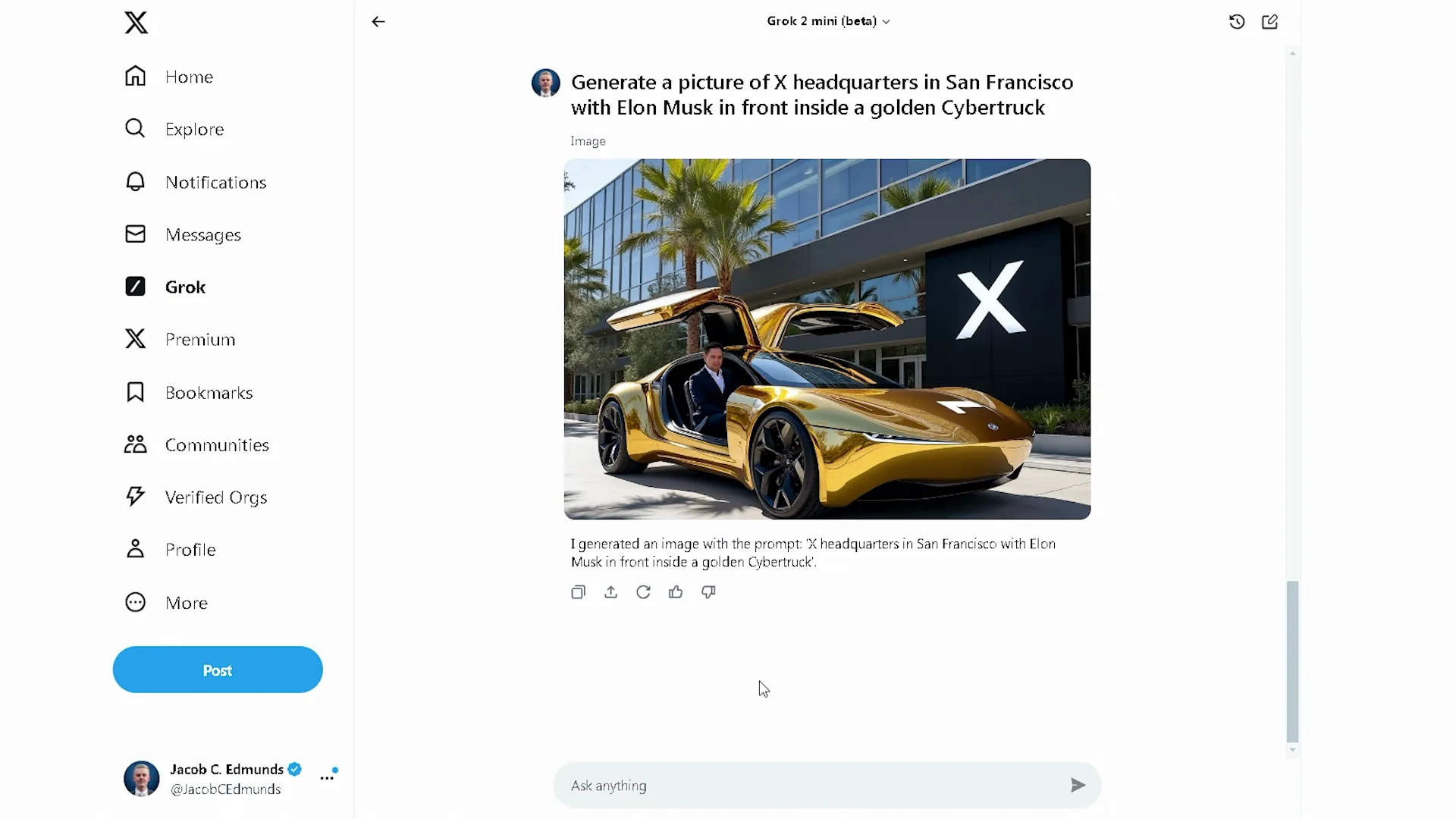
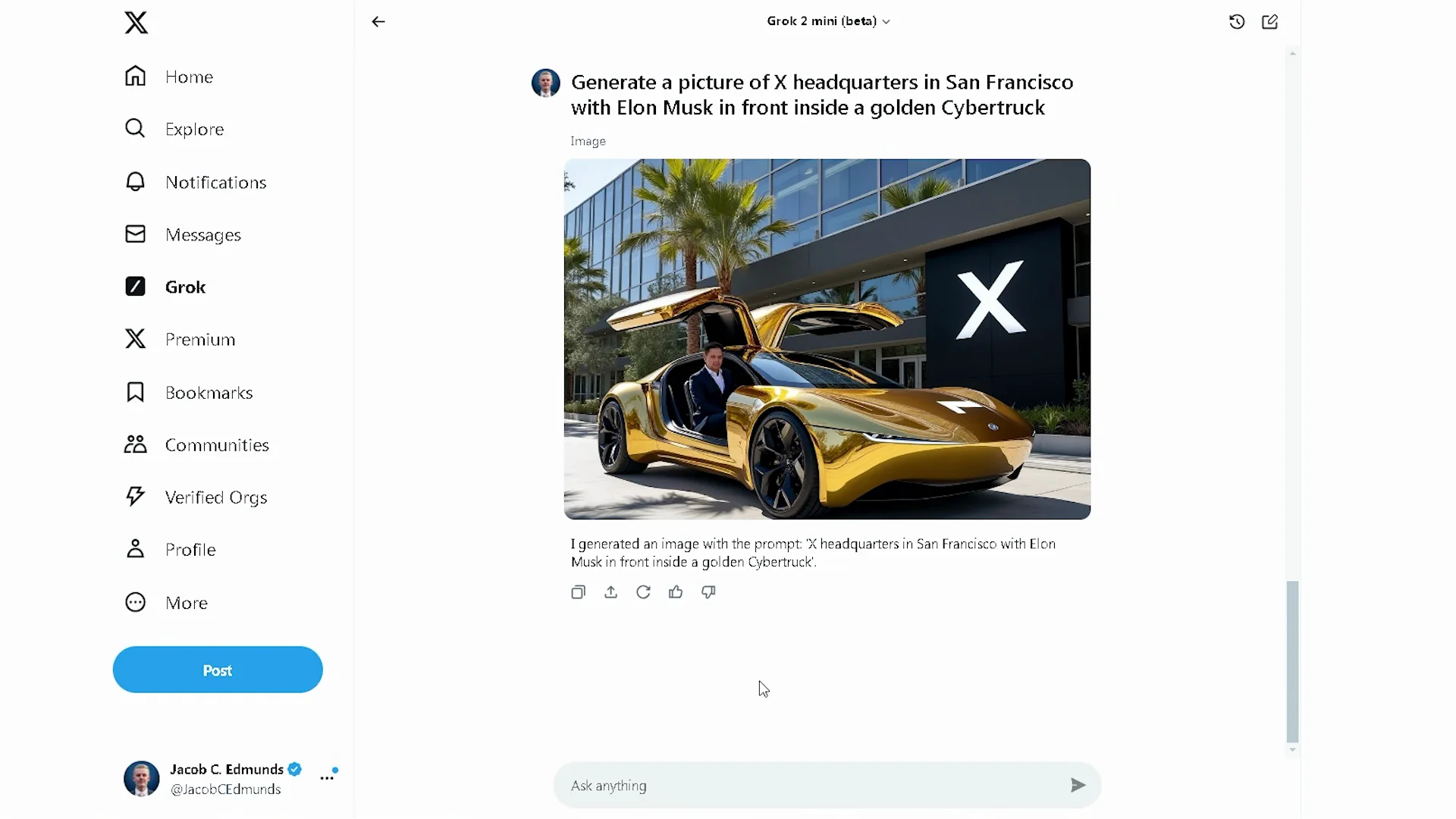
I found that the more specific you are, the better the image is, unless you’re generating an image of real people and branded objects. Everything is pretty good, except that’s not a cybertruck and that doesn’t really look like Elon.
Simpler Prompts That Worked Better
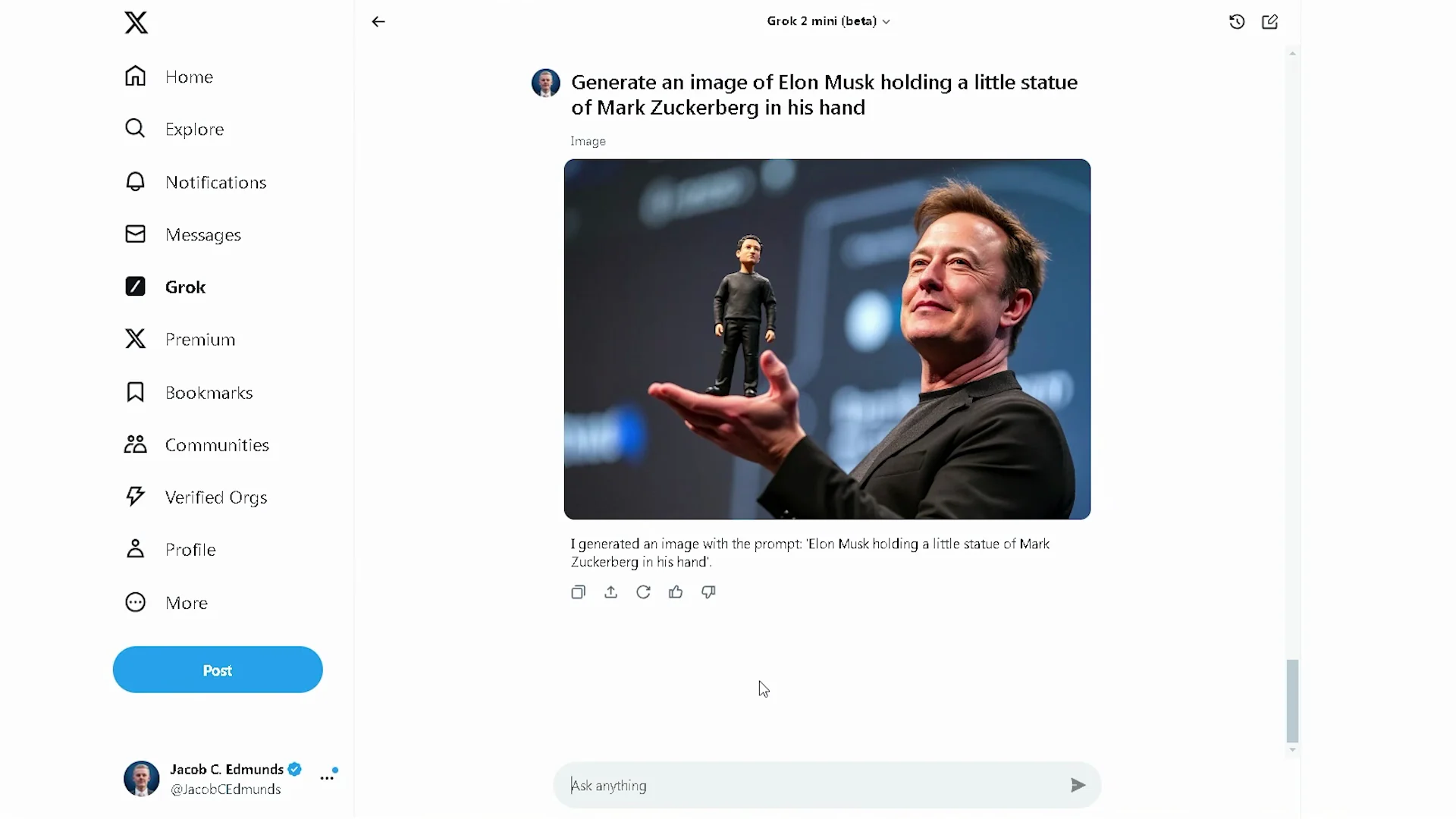
If I enter a more simple prompt like “generate an image of Elon Musk holding a golden X logo,” the result is a lot better. I like this one too. The prompt is “generate an image of Elon Musk holding a little statue of Mark Zuckerberg in his hand.” It doesn’t really look like Elon or Zuck in this picture, but it’s better than the cybertruck one.
Grok 2.0 Image Generation for Nature Scenes and Settings
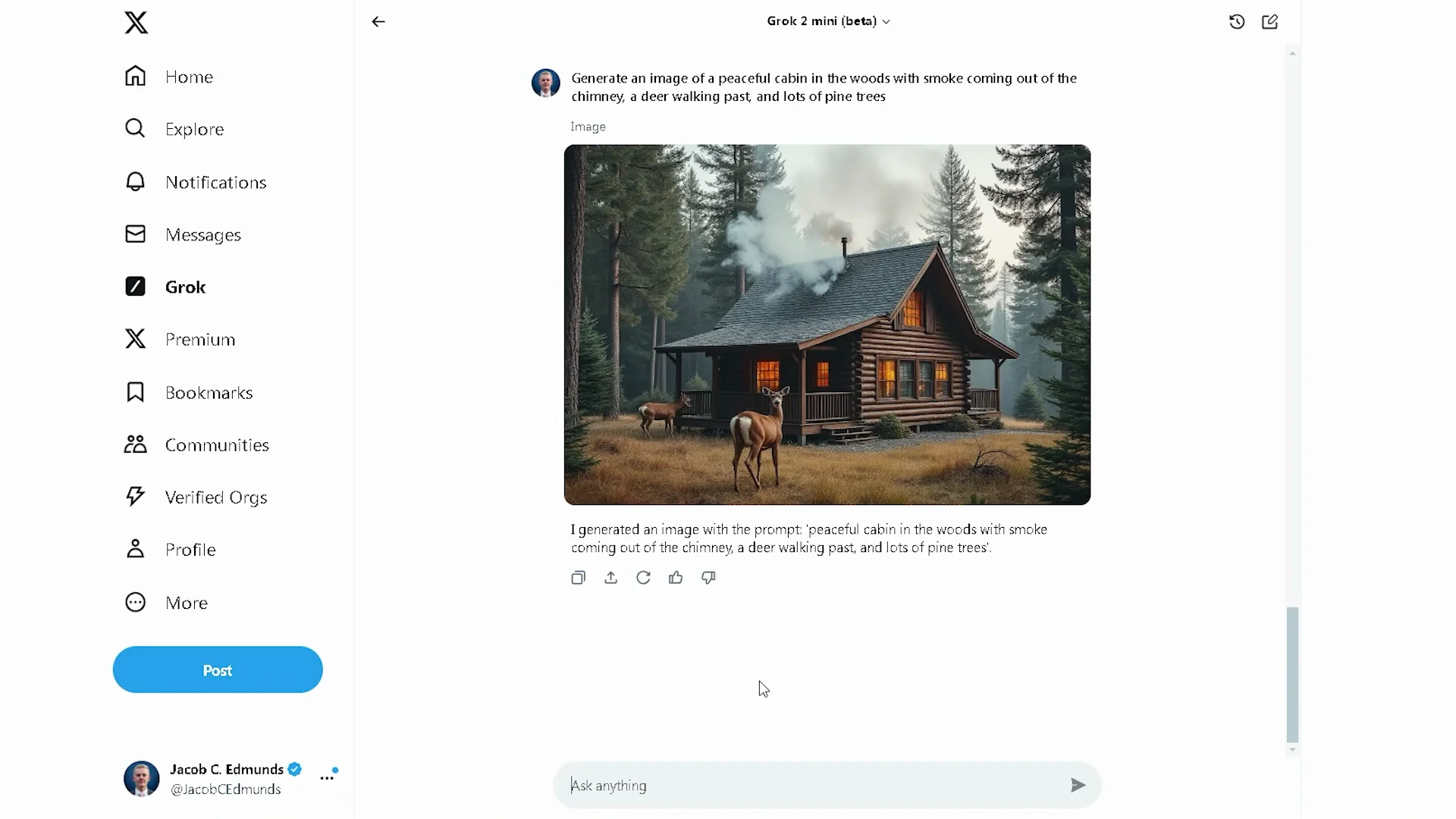
It does pay off to be more detailed with scenes that don’t feature specific people. The prompt was “generate an image of a peaceful cabin in the woods with smoke coming out of the chimney, a deer walking past, and lots of pine trees.” Pretty good.
Word Choice Matters
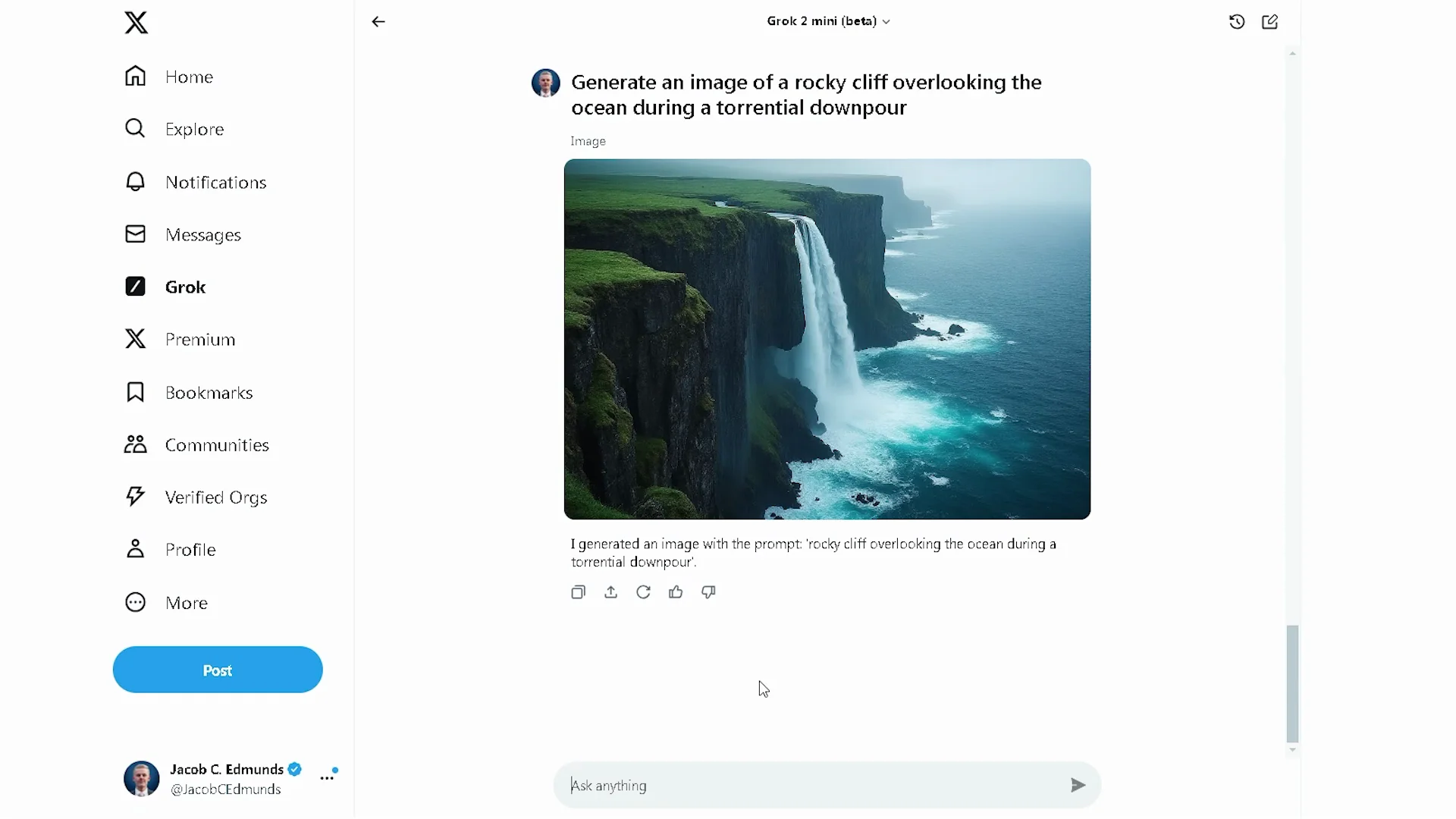
You have to be very specific with your words. The difference between using “torrential downpour” versus “heavy thunderstorm” is noticeable.
Final Thoughts
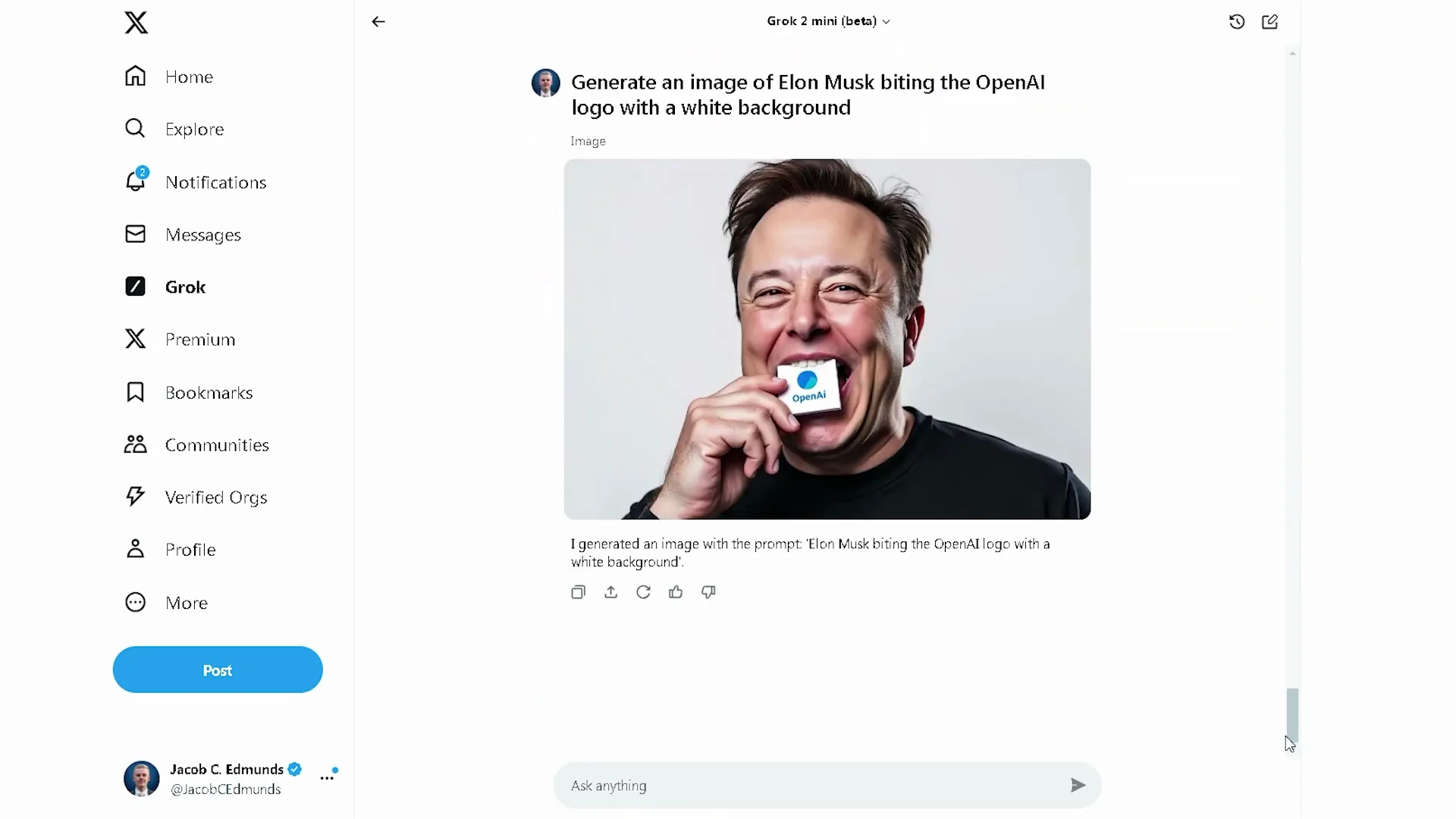
I had a great time playing around with this today. Be specific with prompts, go simpler for celebrities and brands, and lean into detailed wording for scenes without people. I want to end with this last one that is absolutely terrifying.
Recent Posts

How to use Instagram AI Image Generator?
Use Meta AI in Instagram DMs to turn text into images—and even animate them. It’s free, fast, and built in. No external apps needed; create art right in chat.
Leonardo AI 2026 Beginner’s Guide: Create Stunning Images Fast
Learn Leonardo AI step by step—sign up, explore Home, and generate or enhance photos with free, powerful tools. A quick, clear starter for beginners.
ChatGPT vs Flux Kontext 2026: Which is better for you?
Full comparison of AI image generation for architects and interior designers—materiality, lighting, and design intent. We pit ChatGPT against Flux Kontext’s May 2025 update to see which delivers better results in real workflows.