Nano Banana vs Flux Kontext Pro: Which is better for You?
I compared Nano Banana and Flux Context Pro inside Photoshop and ran them through the same source images and identical prompts. The goal was simple: see how each model handles the same tasks and where each one shines or struggles.
I tested a beach shack build, facial expression edits, text generation on a hillside, and a season change. I also noted output resolution, speed, and some recurring issues I saw in Photoshop.
| Category | Nano Banana | Flux Context Pro |
|---|---|---|
| Output resolution | 1K | 1K |
| Speed | About 10 to 15 seconds to generate | About 10 to 15 seconds to generate |
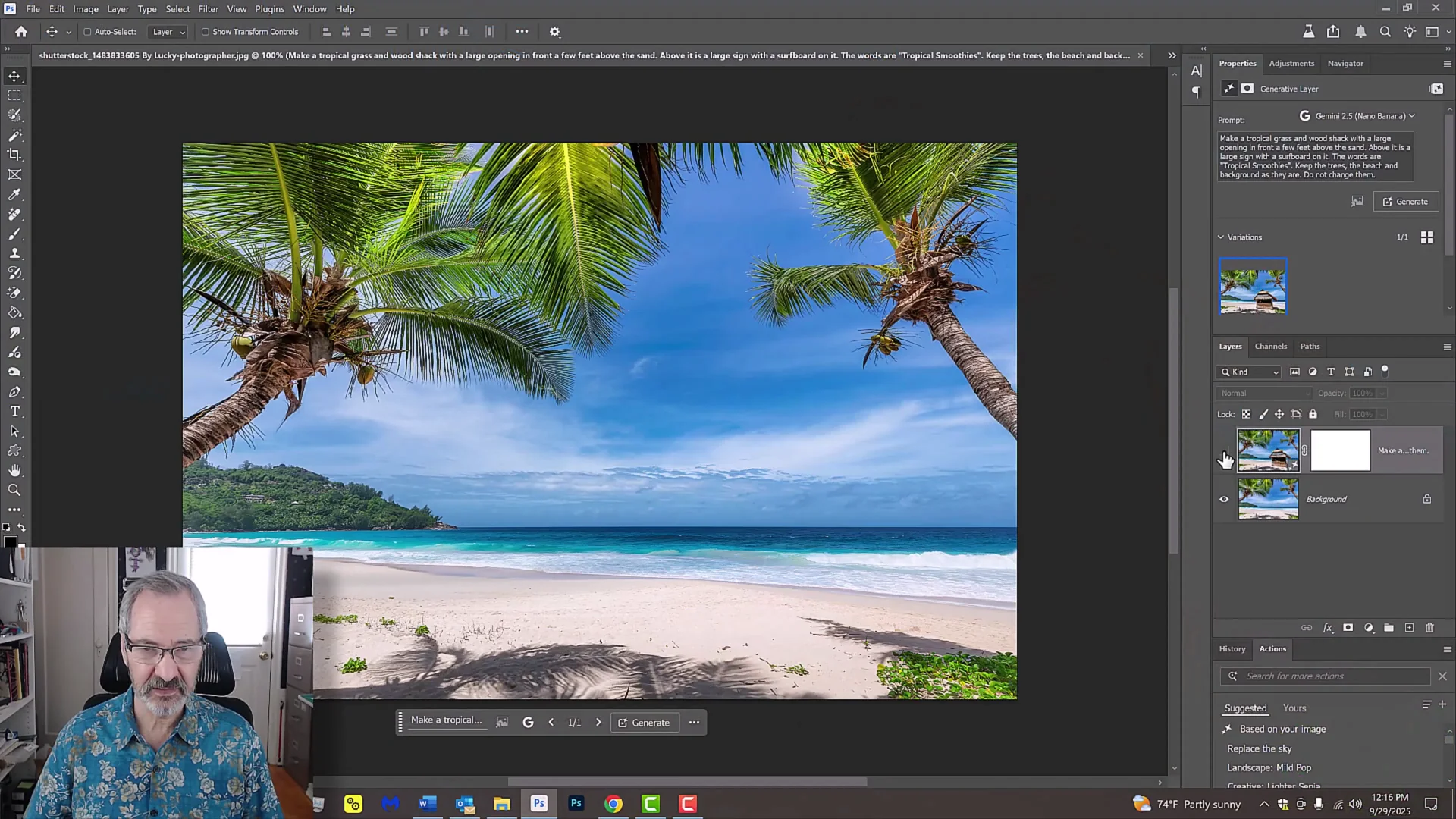
| Shack on beach - adherence to source | Kept the trees, beach, and sand in place while adding the shack | Changed the entire scene and did not use the source photo as instructed |
| Shack on beach - visual quality | Solid, materials respected, but I preferred the other shack visually | I like the shack Flux created, and both kept the surfboard sign and shack materials |
| Facial expression edit | Worked, but Flux looked better to me | My pick for the expression change result |
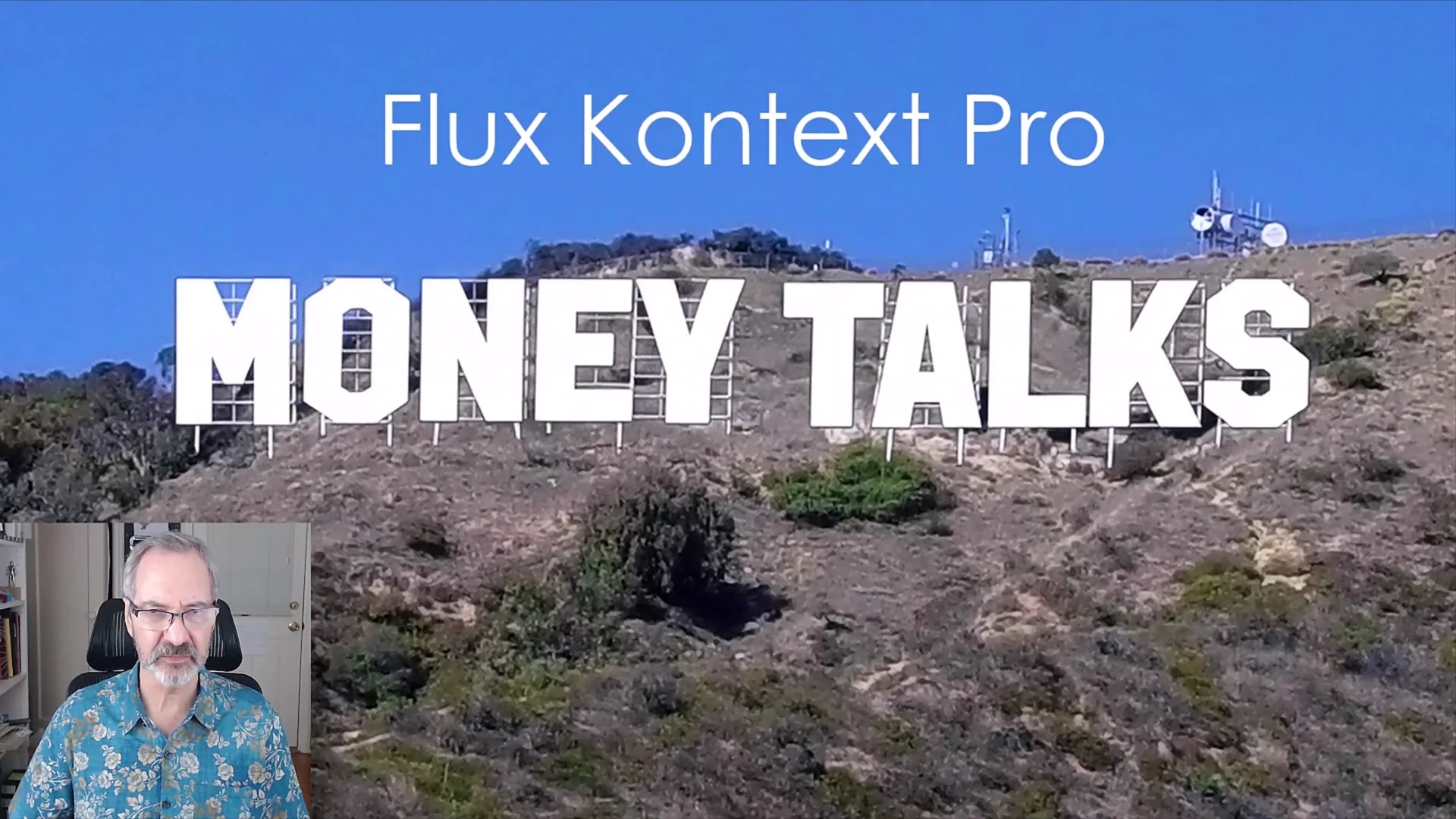
| Text on hillside | Wins. Cast shadows on each character and positioned letters along the hill’s lower ridge like the Hollywood sign | Did not cast character shadows or follow the ridge placement |
| Season change to summer | Wins. Kept everything in place, added leaves to the trees, created a worn dirt path, and kept the time of day | Added sand to the path, changed night to day, fewer leaves and a brownish look that felt off |
| Common issue in Photoshop | Final images can “slide” a bit. Softer brushes help hide it | Same sliding issue. Softer brushes help |
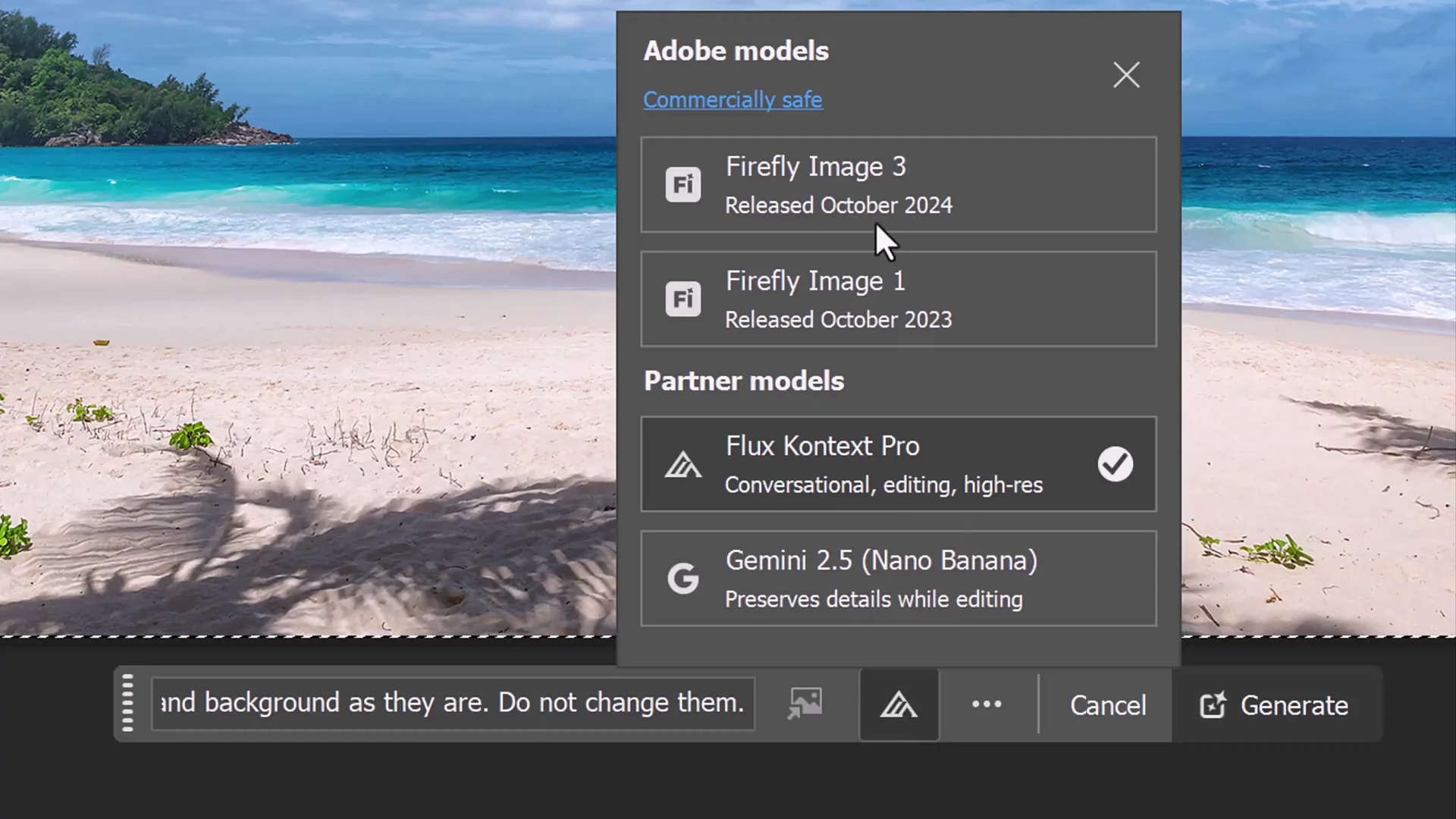
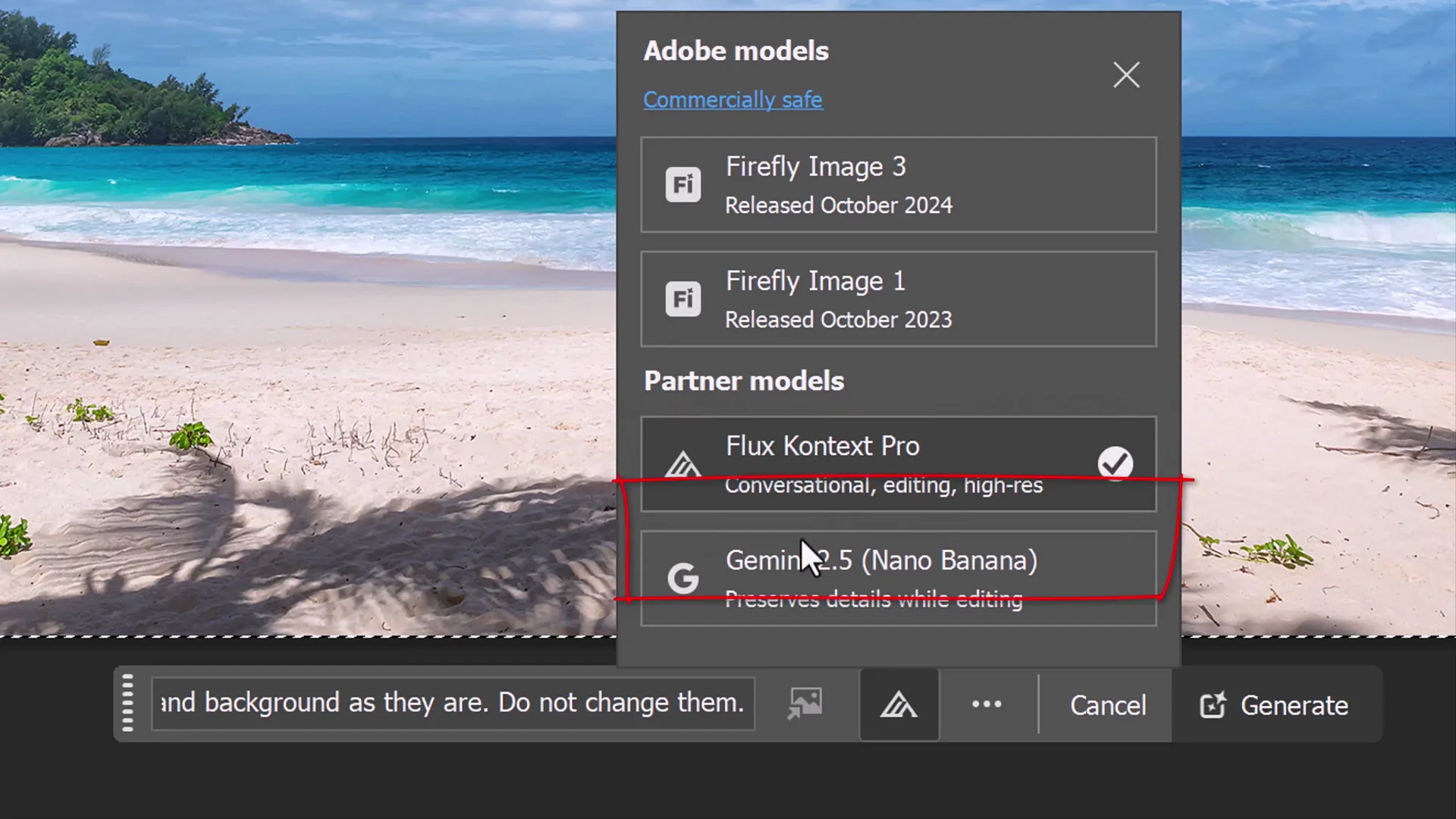
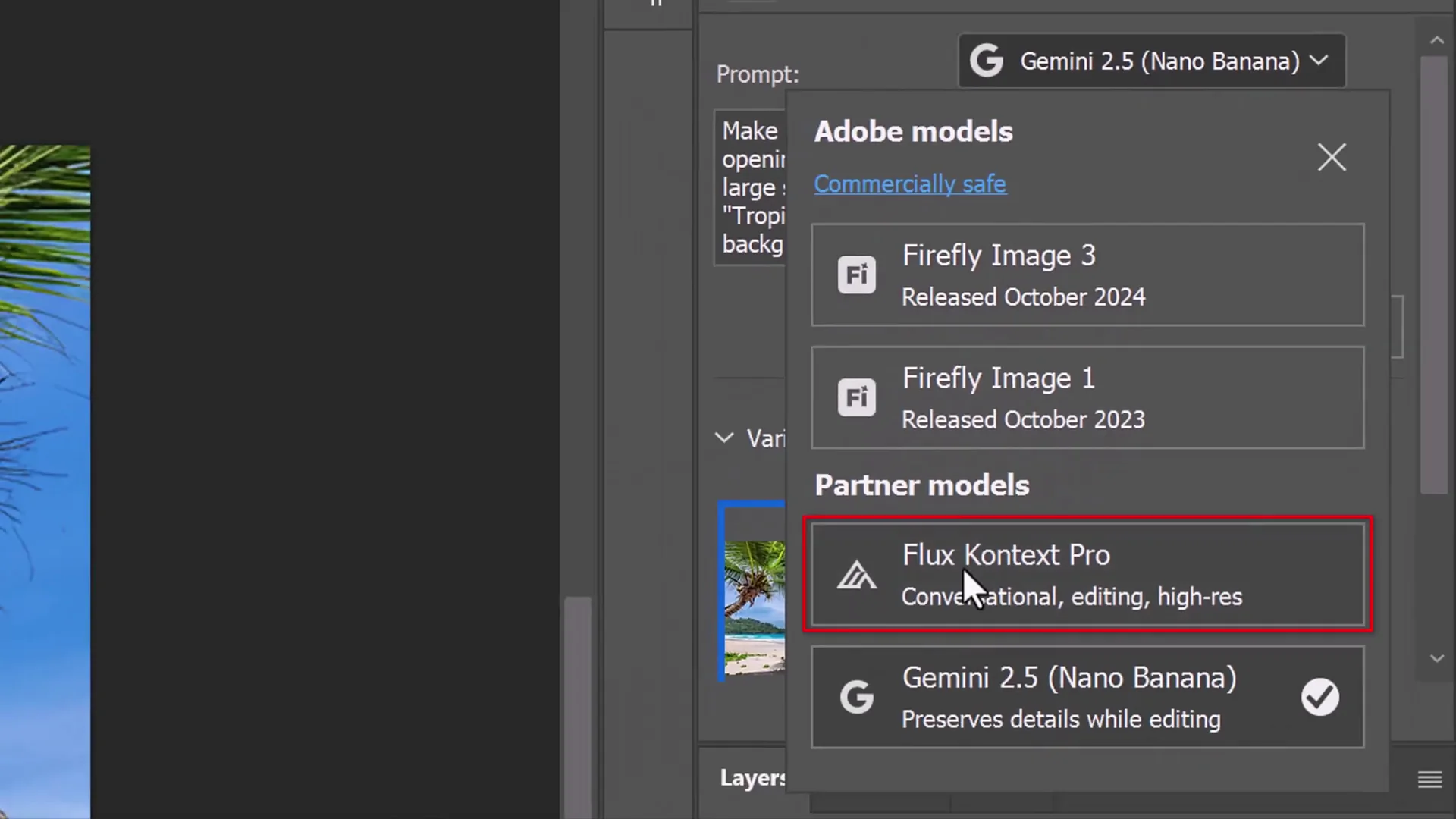
| Notes on models | Partner model listed as Gemini 2.5 Nano Banana | Partner model listed as Flux Context Pro |
| Higher-res option | Not available here. Adobe might add Cream 4.0, which is 4K | Not available here. Adobe might add Cream 4.0, which is 4K |
Nano Banana vs Flux Kontext Pro: Detailed Results by Test
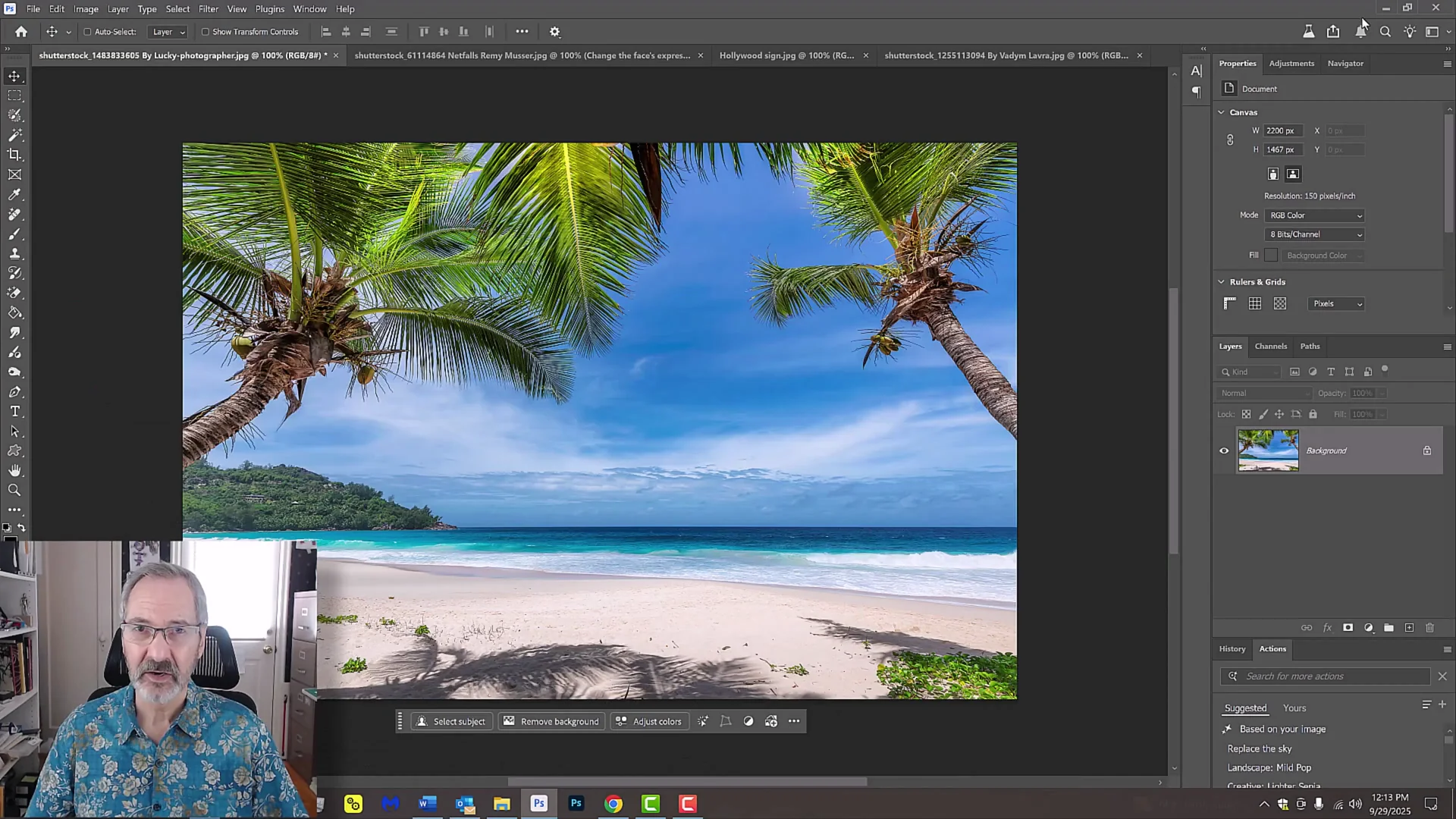
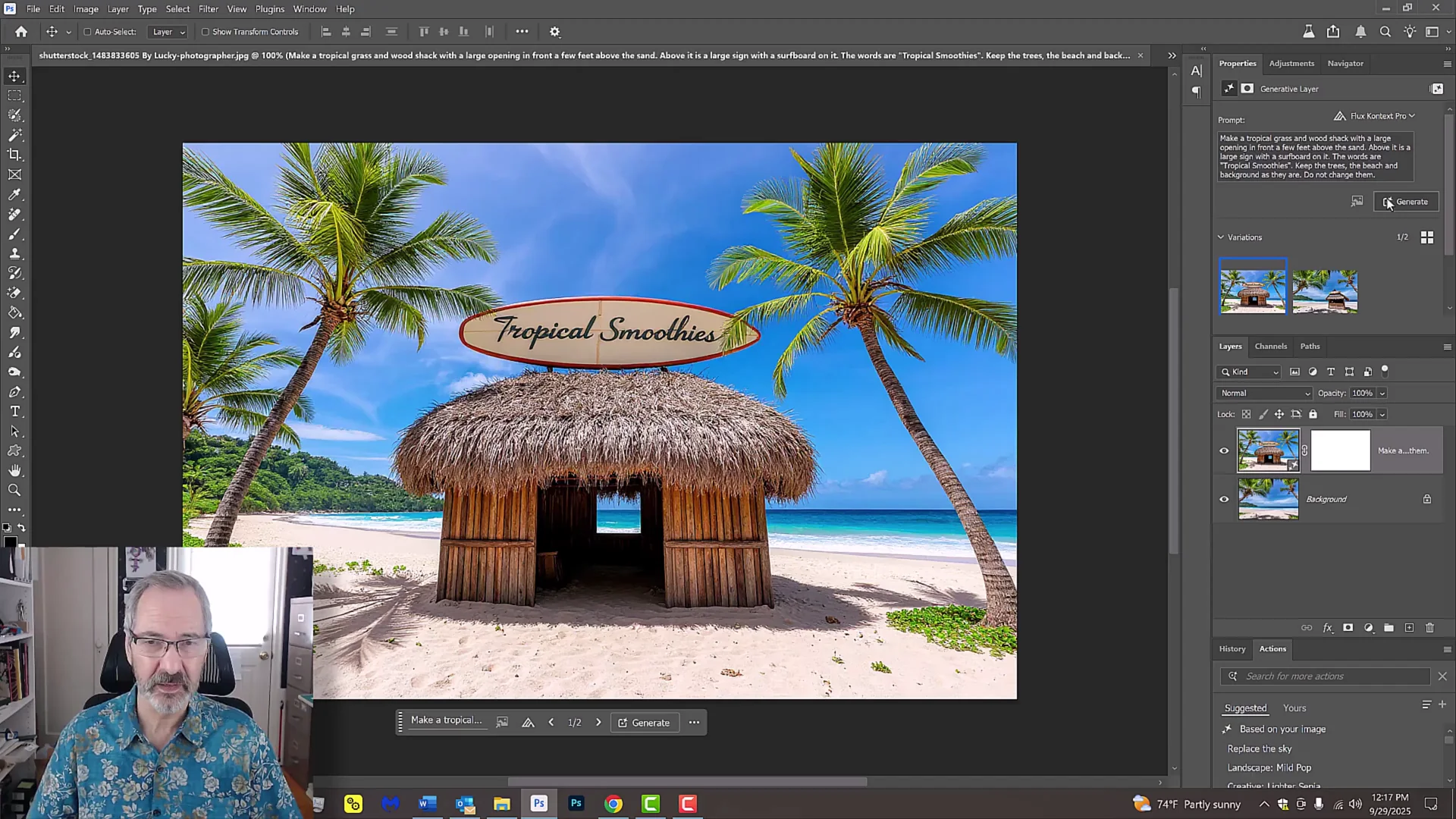
Beach Shack Build
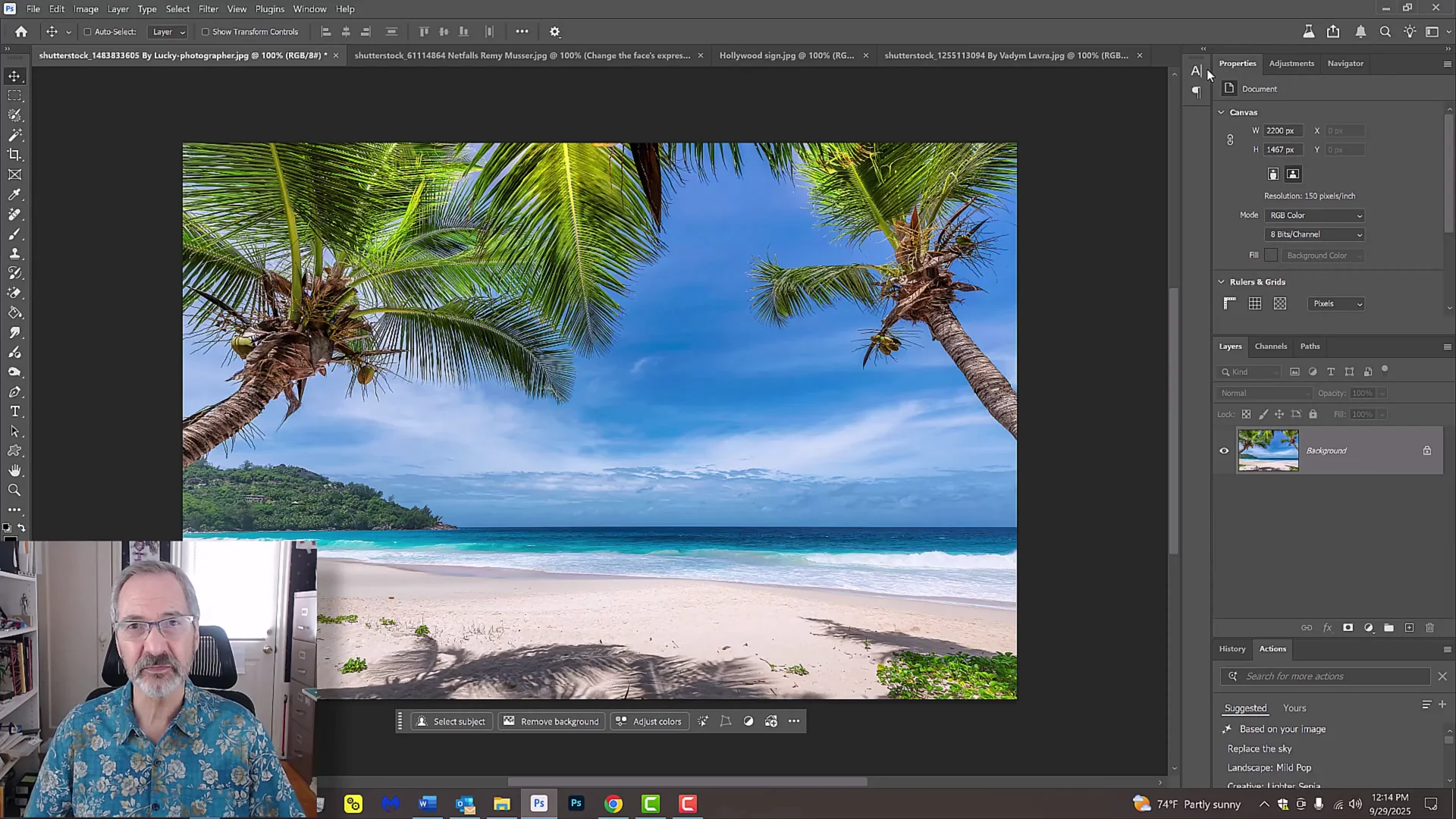
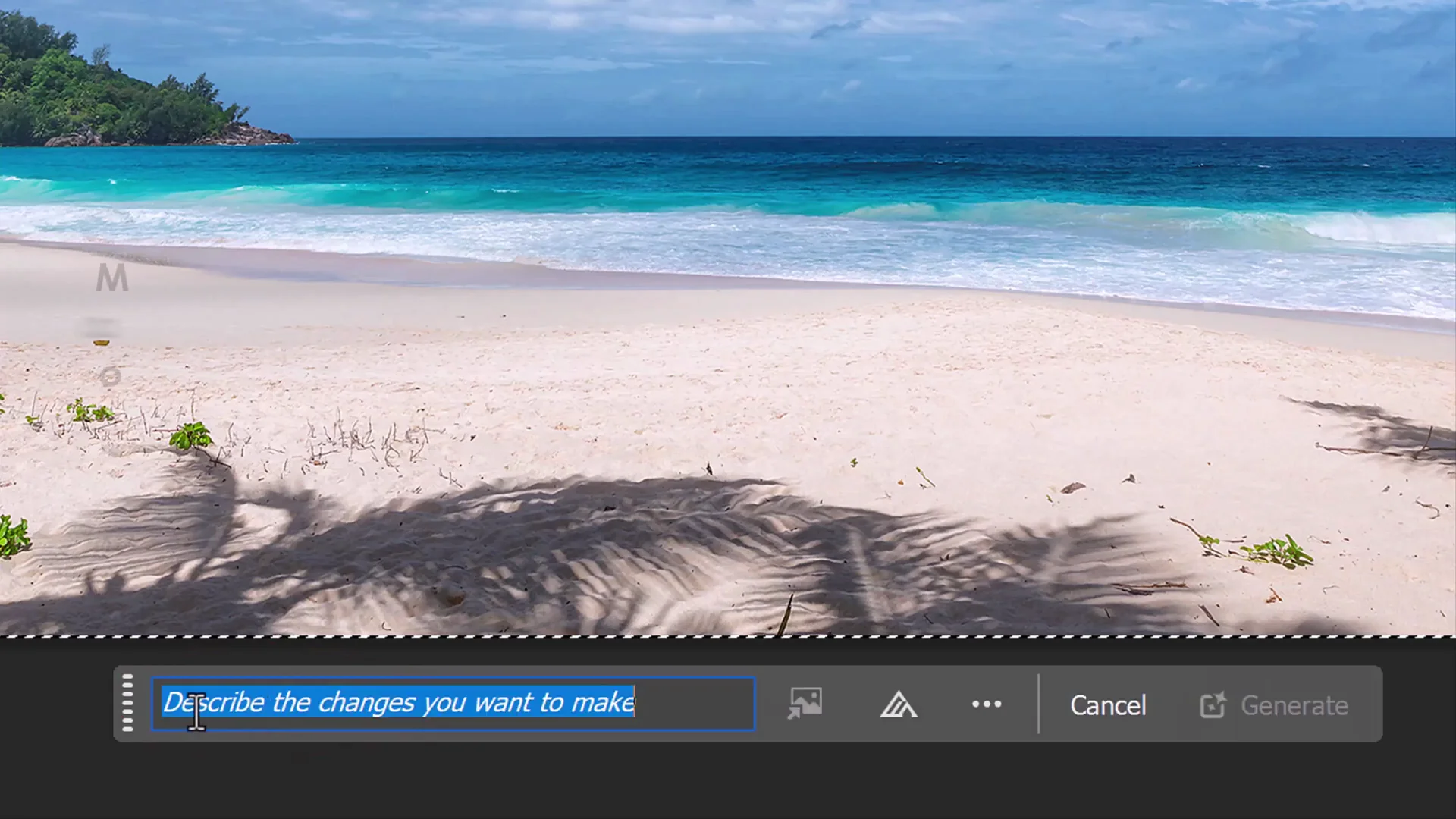
- Prompt used:
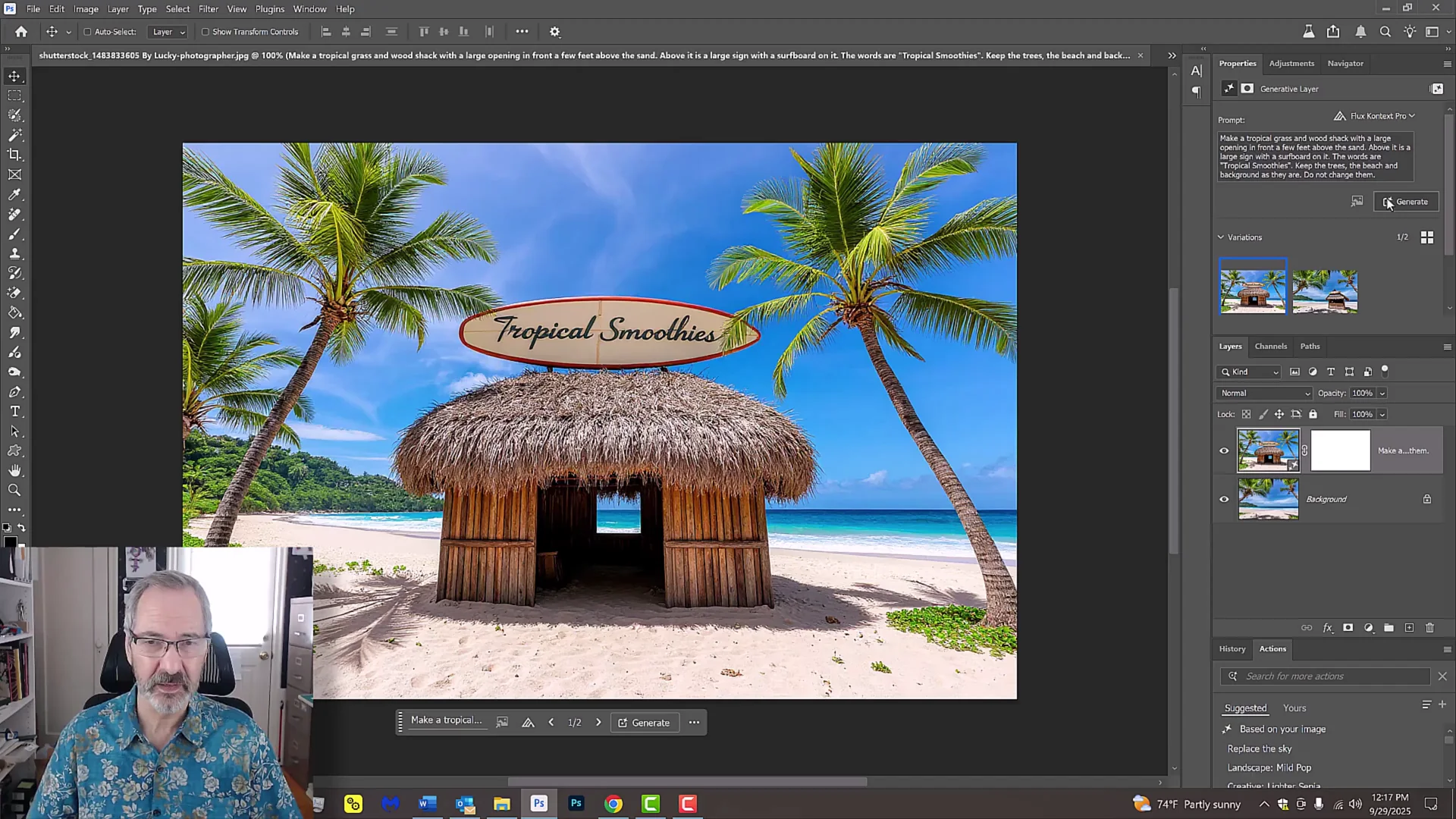
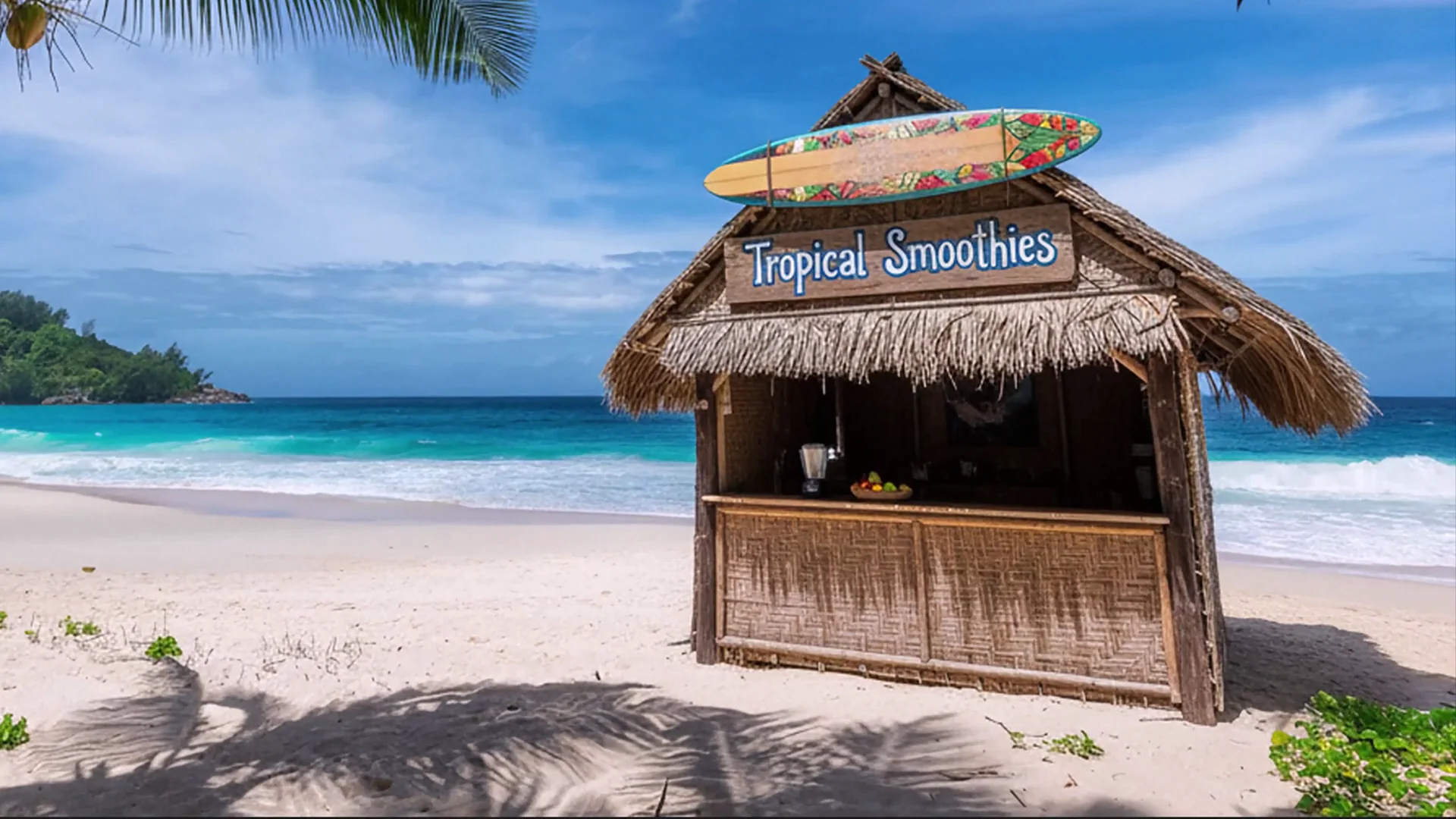
- "Make a tropical grass and wood shack with a large opening in front a few feet above the sand. Above it is a large sign with a surfboard on it. The words are tropical smoothies. Keep the trees, the beach, and the background as they are. Do not change them."
- Nano Banana:
- It did create the shack. It did keep the trees and the beach and the sand. Everything was in place.
- The downside to both models is that the images they produce are not high resolution.
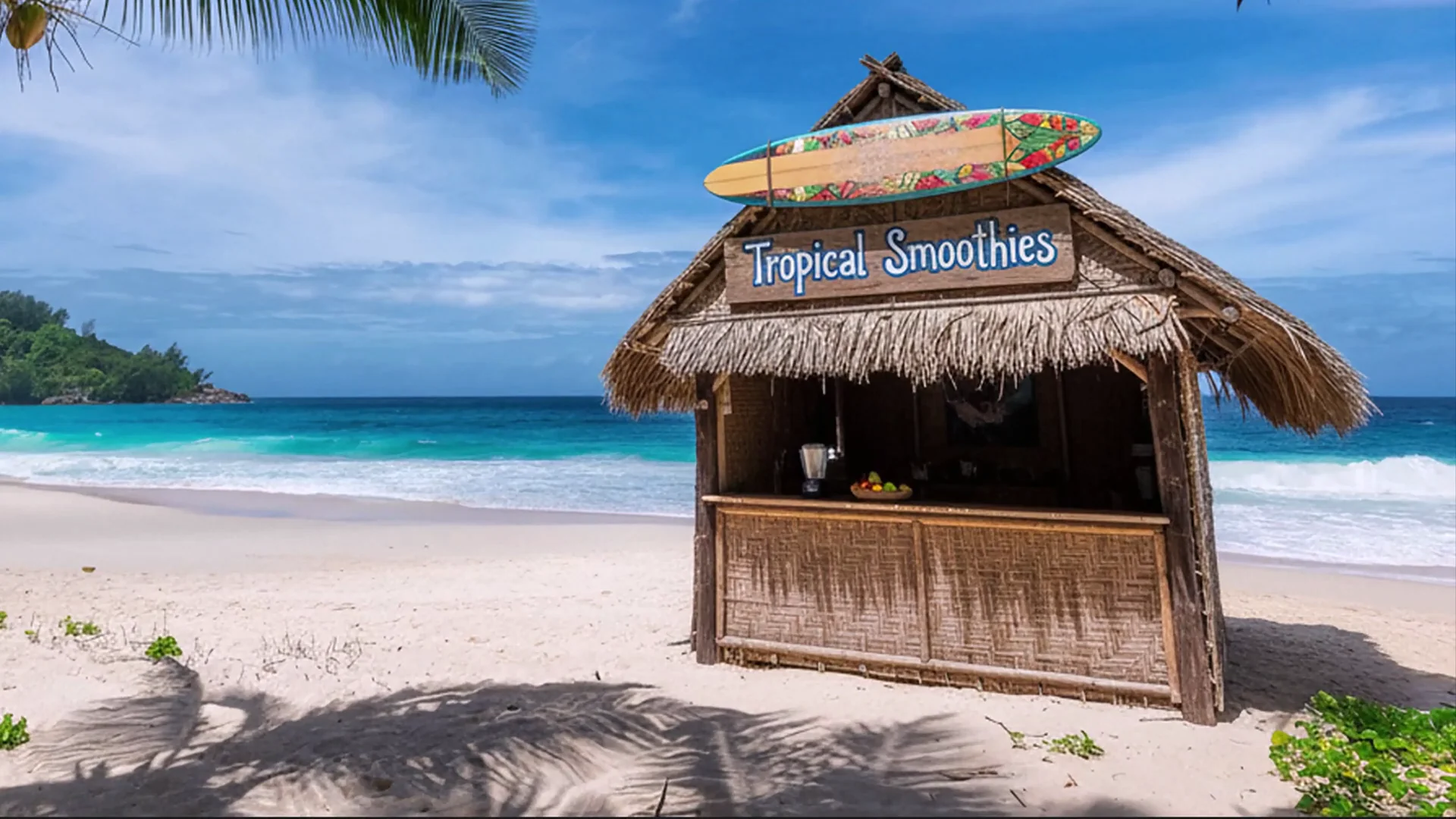
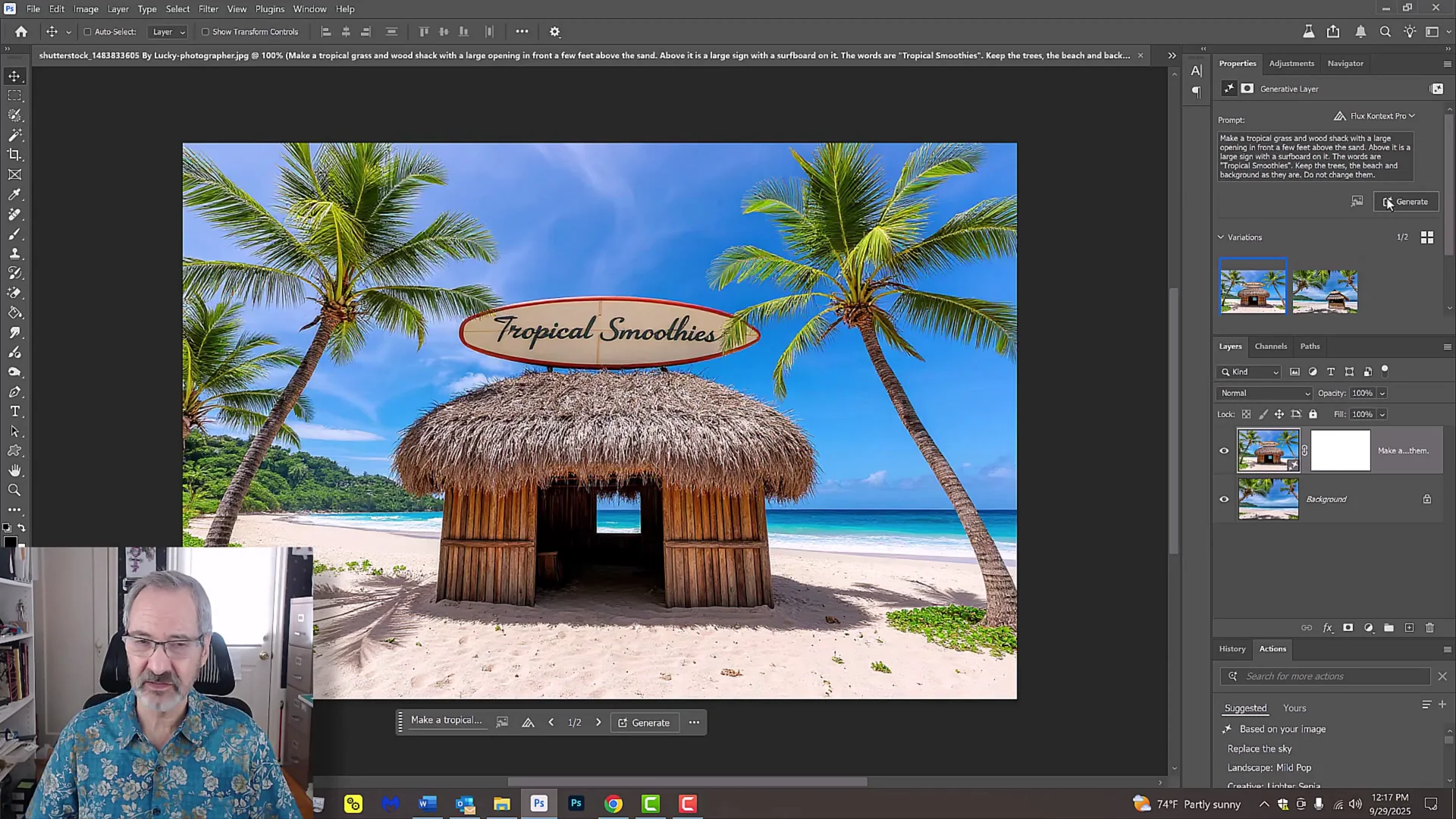
- Flux Context Pro:
- It basically changed the entire scene.
- I have to say that this looks a lot better than what Nano Banana did. Both kept the surfboard at the top and they both kept the shack materials.
- I like the shack that Flux created, but it didn't use the source photo that I instructed. However, Nano Banana did.
Facial Expression Edit
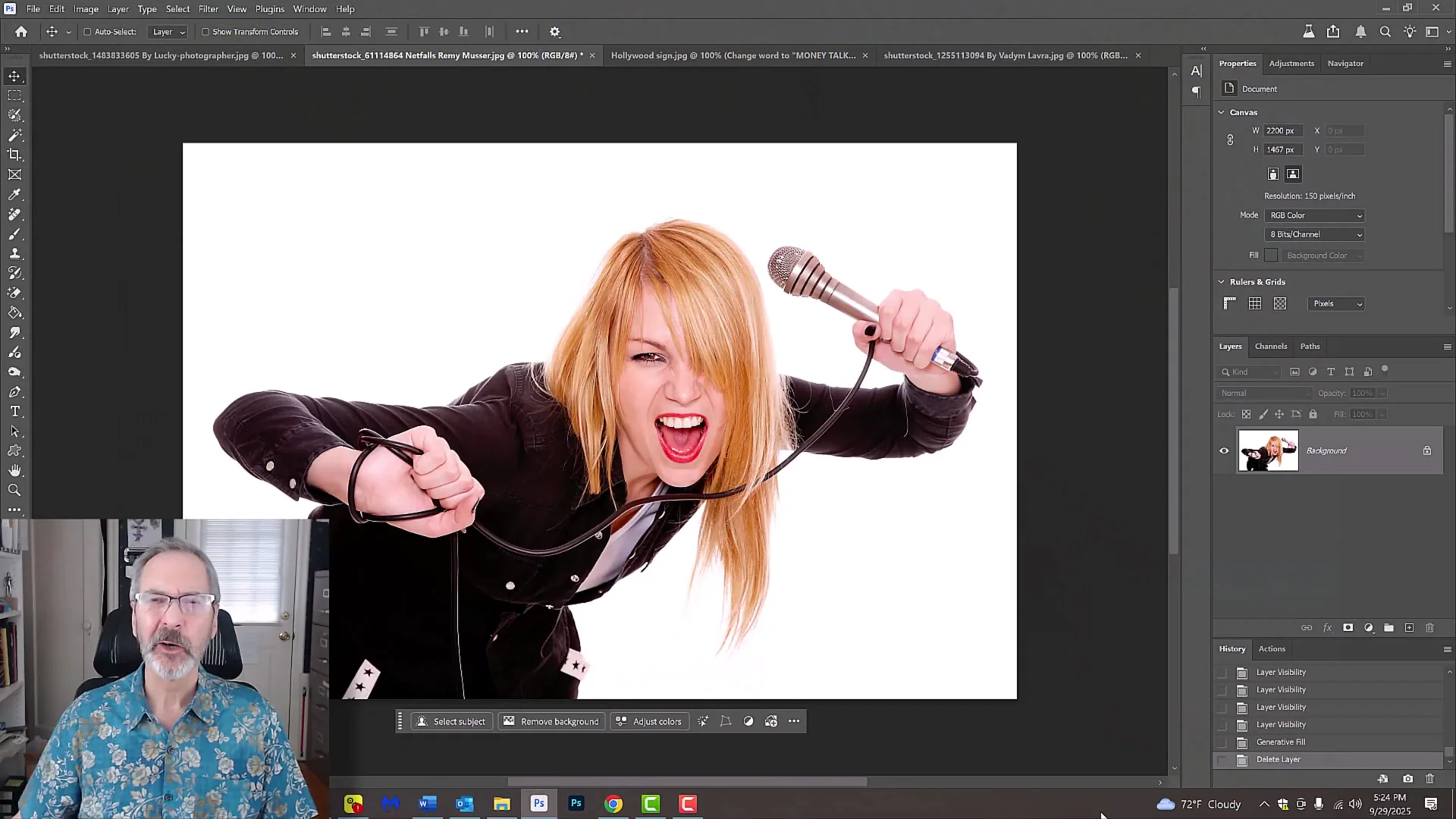
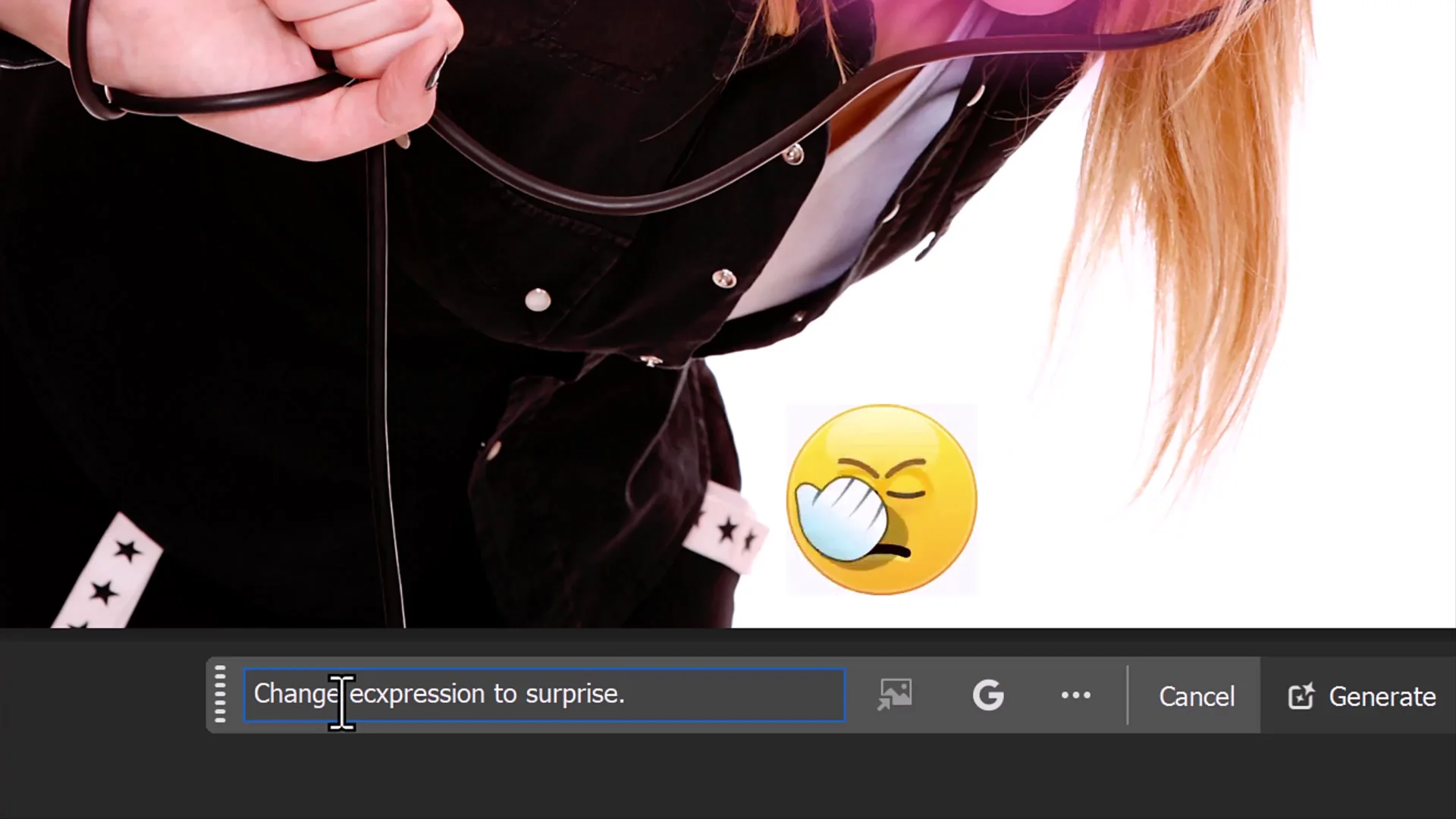
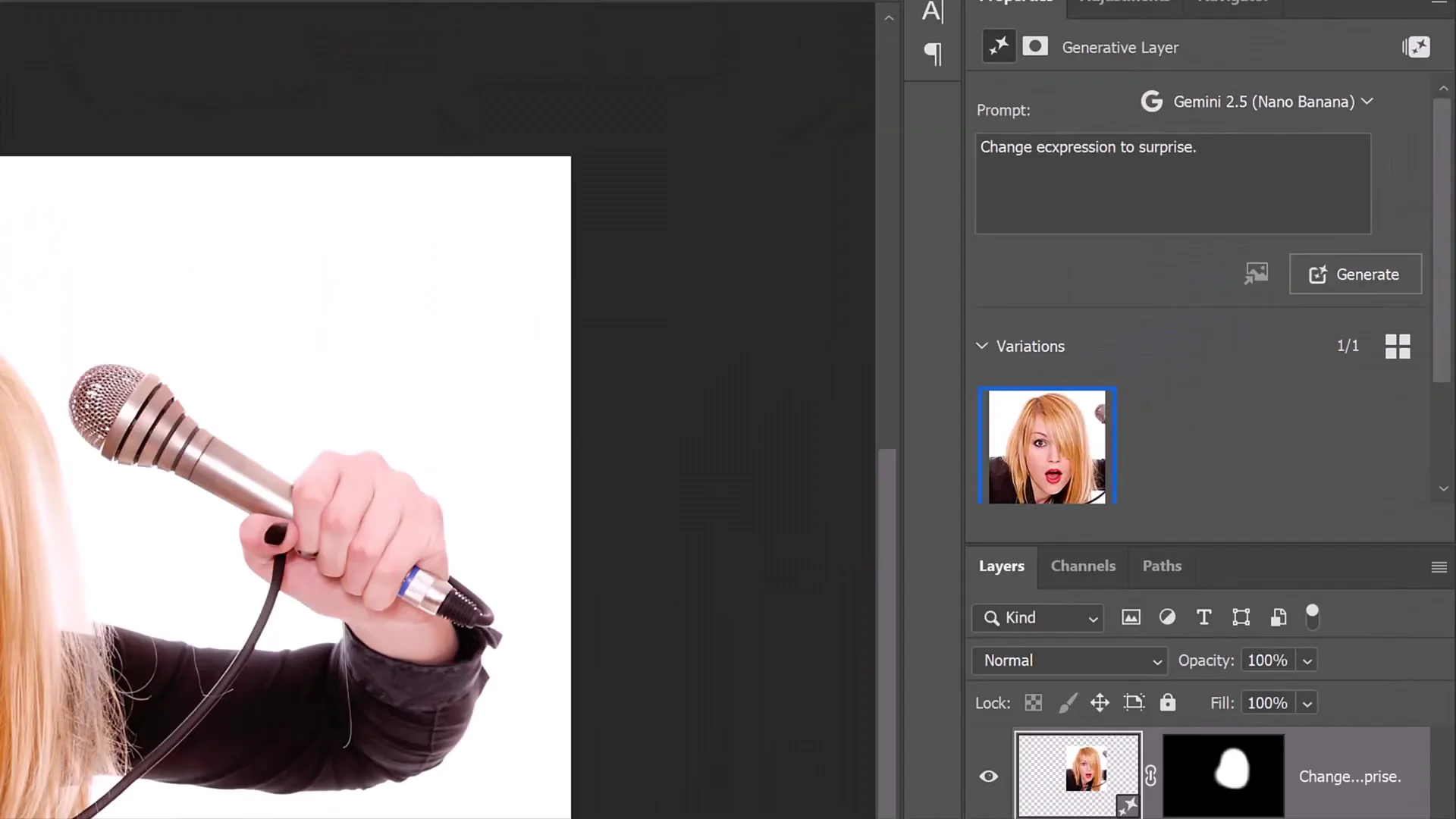
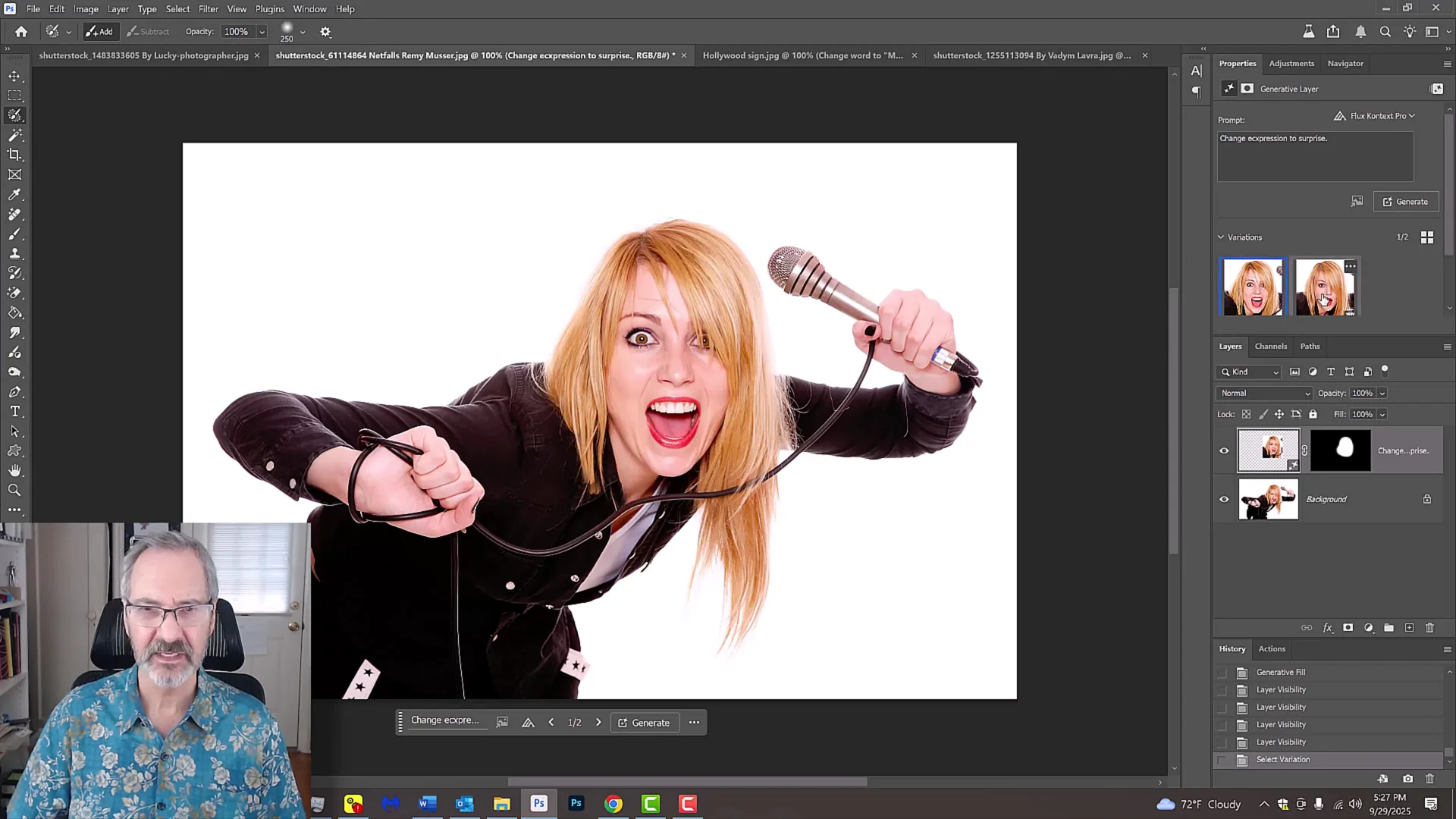
I used the selection brush tool and kept the brush softer. One of the glitches these two models have, at least in Photoshop, is that they tend to slide the final images a little. A softer brush hides a lot of that. I brushed over the face and typed "change expression to surprise." If you misspell any words, no worries. It knows what you mean.
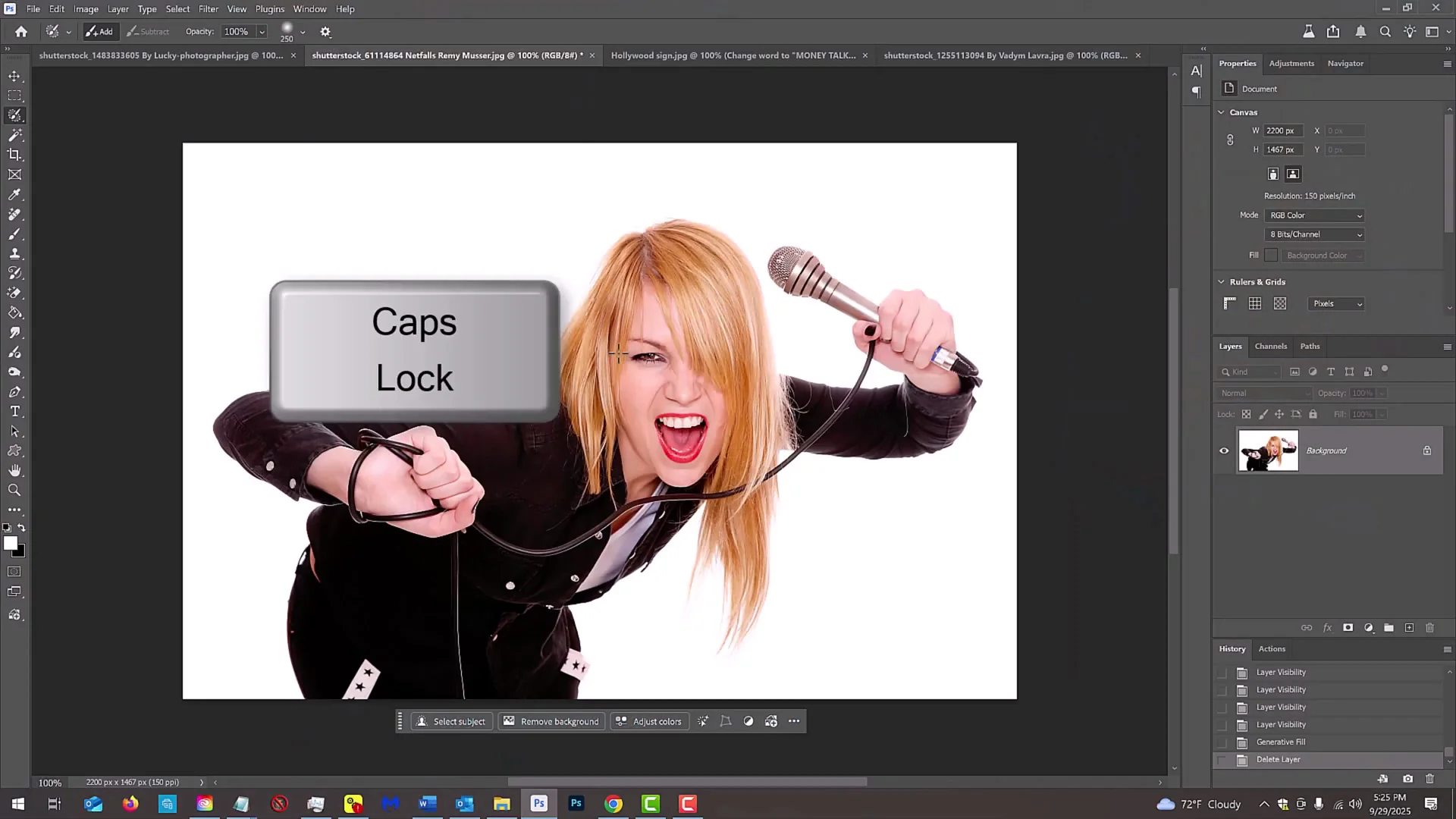
- Nano Banana:
- Generated the result with the prompt.
- Flux Context Pro:
- Keeping the same prompt, I switched the model to Flux and generated.
- In my opinion, I like Flux.
Text on a Hillside
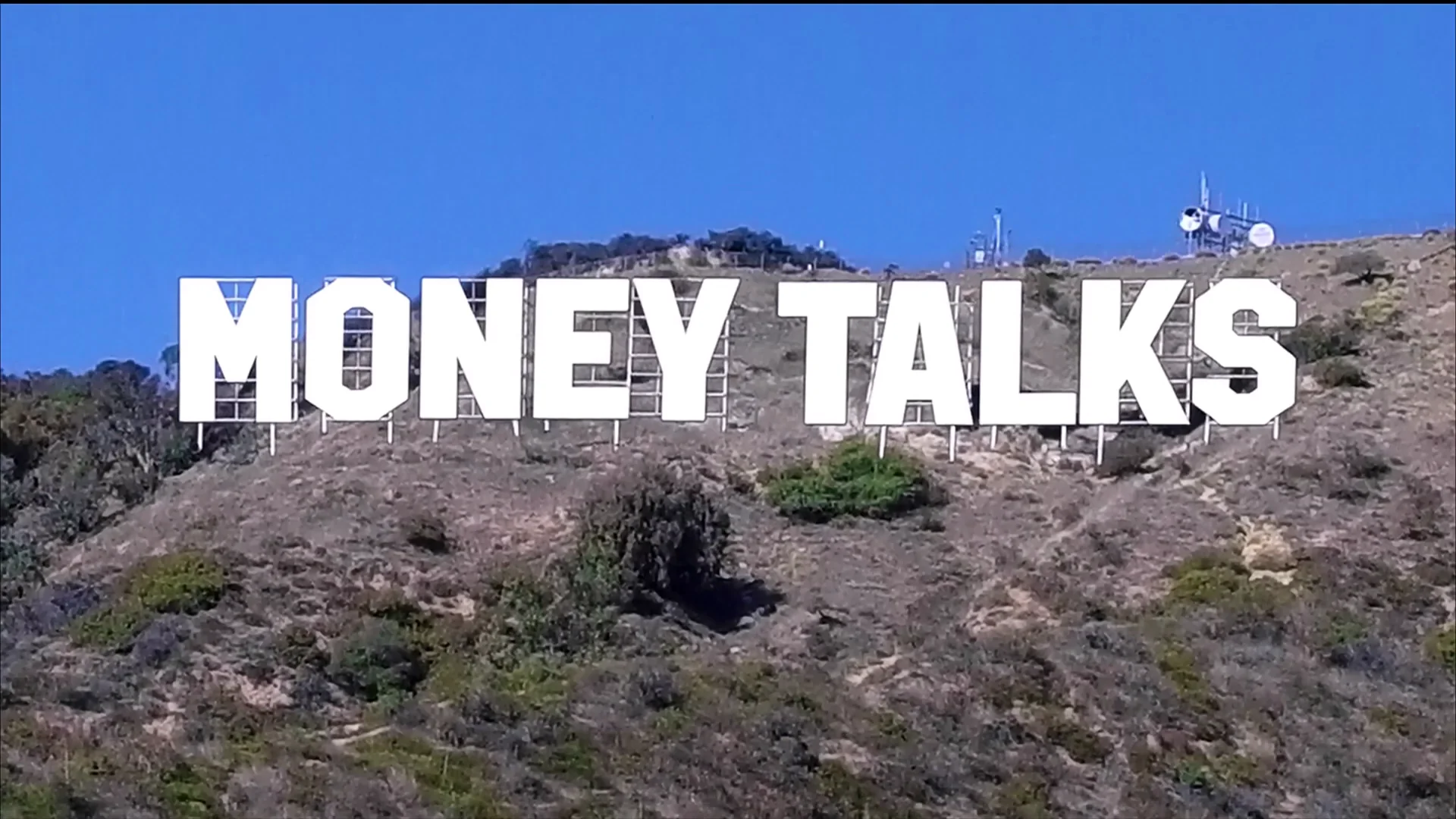
- Nano Banana:
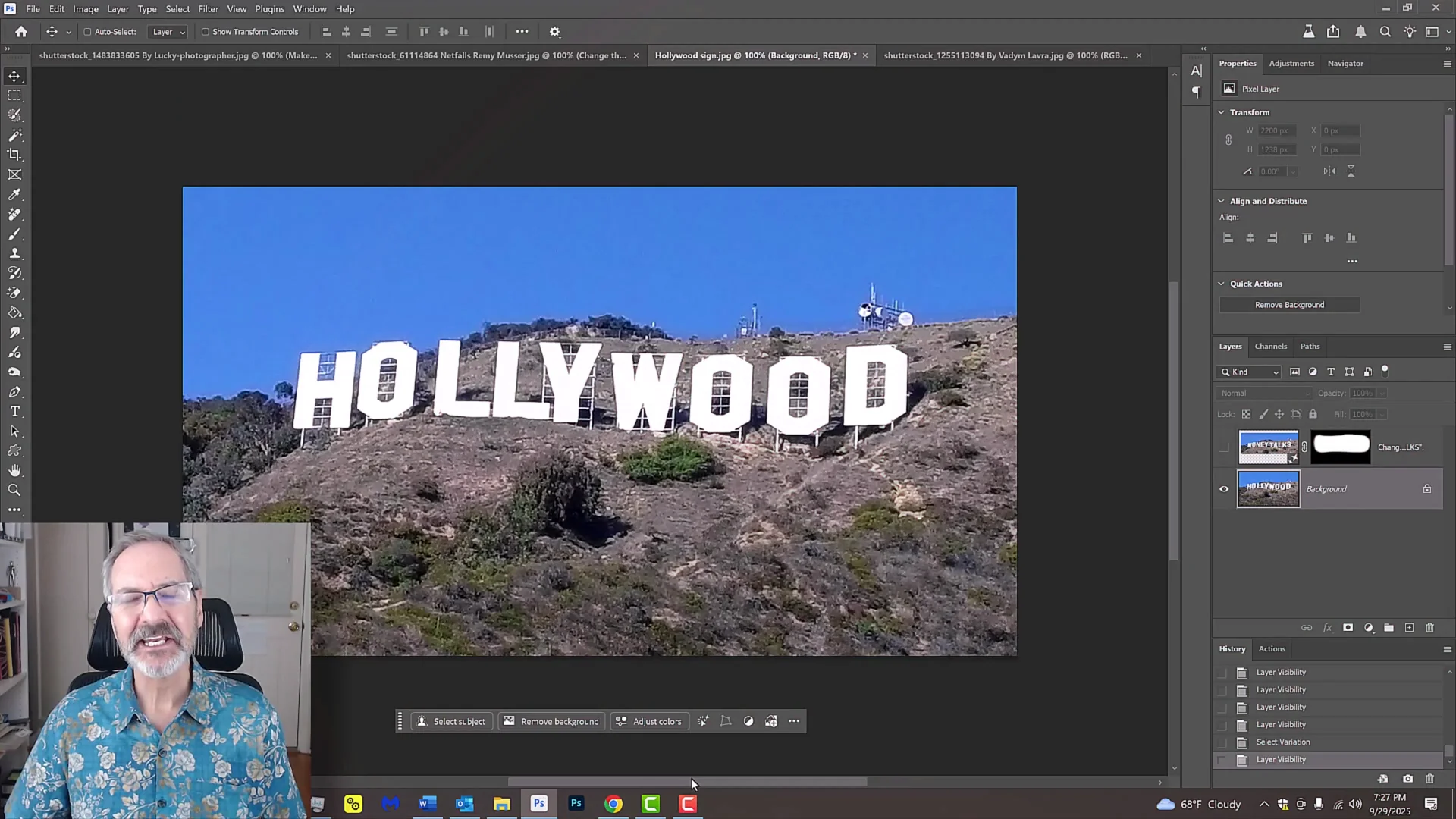
- Hands down, Nano Banana wins. It casted shadows of each character on the hill's contours as well as correctly positioning each character along the hill's lower ridge just like the Hollywood sign.

- Flux Context Pro:
- Flux didn't do either of those.
Season Change to Summer
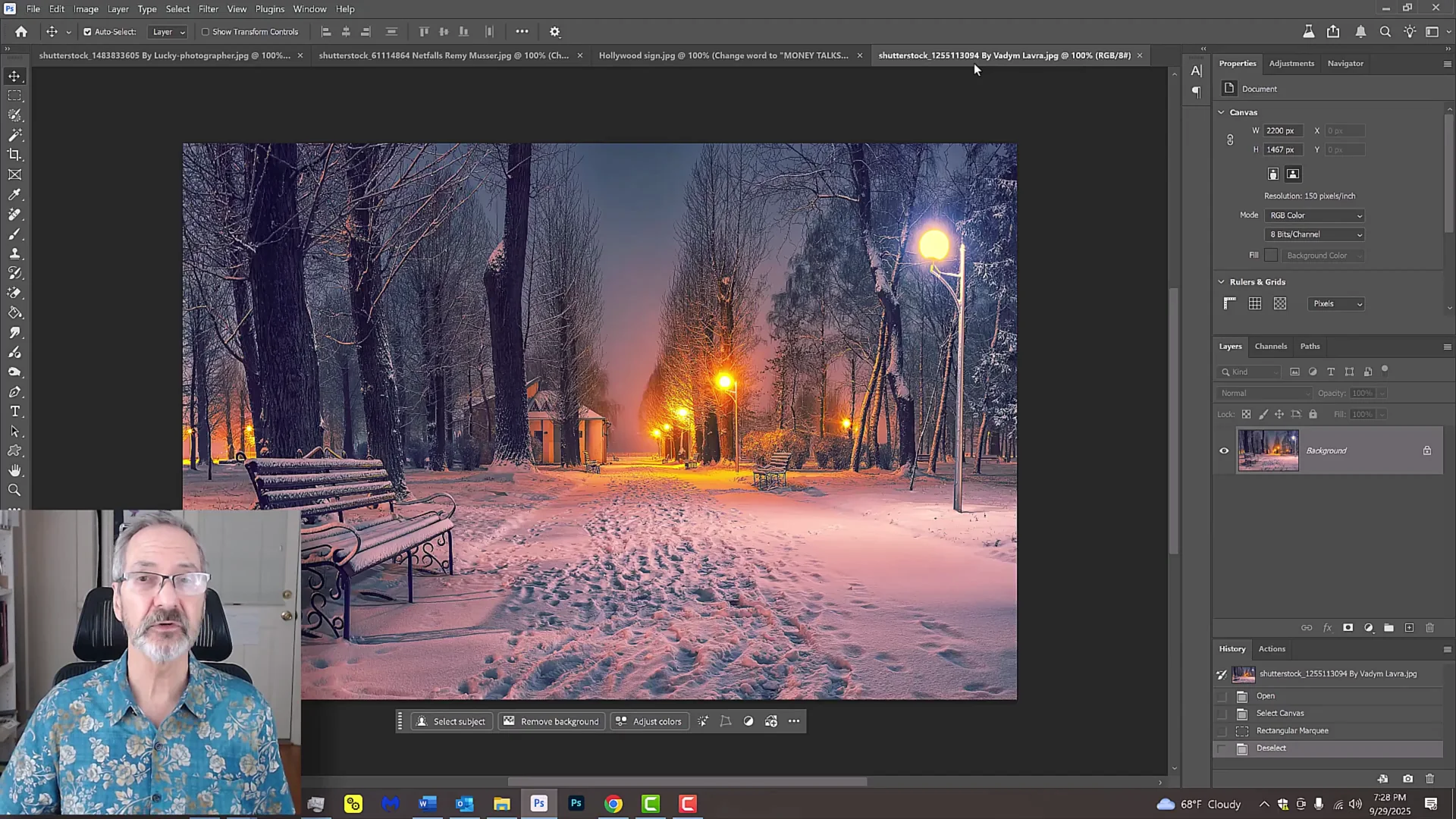
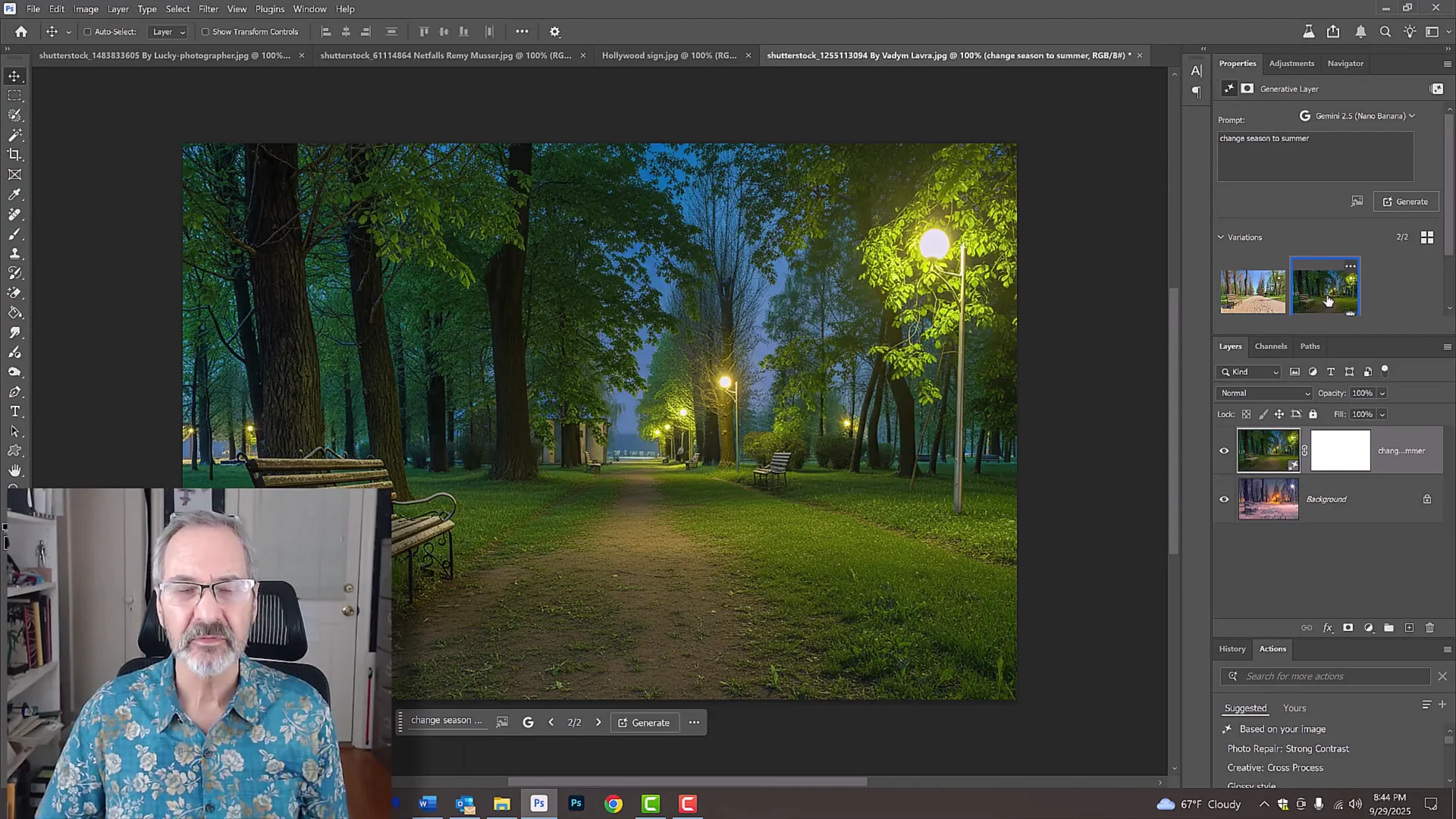
I selected the entire document and typed "change season to summer." Neural Filters does have a filter that can change the seasons, but I wanted to see how these two models deal with it.
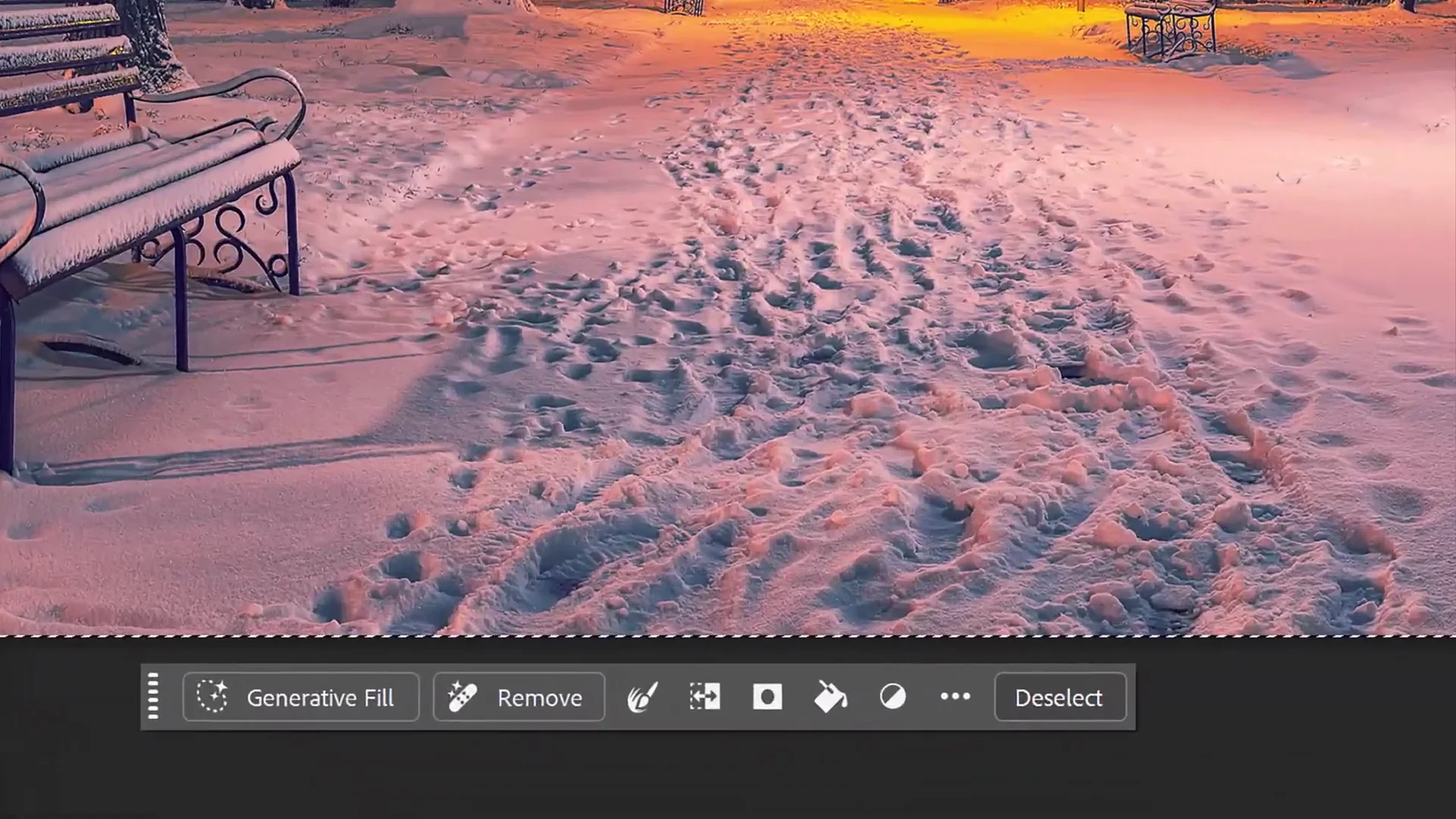
- Nano Banana:
- The first thing I notice is that it kept everything in their places down to the smallest tree.
- It placed leaves on all of them, created a worn dirt path, and it kept the time of day.
- I think the result is much better than the mixer in the neural filters.
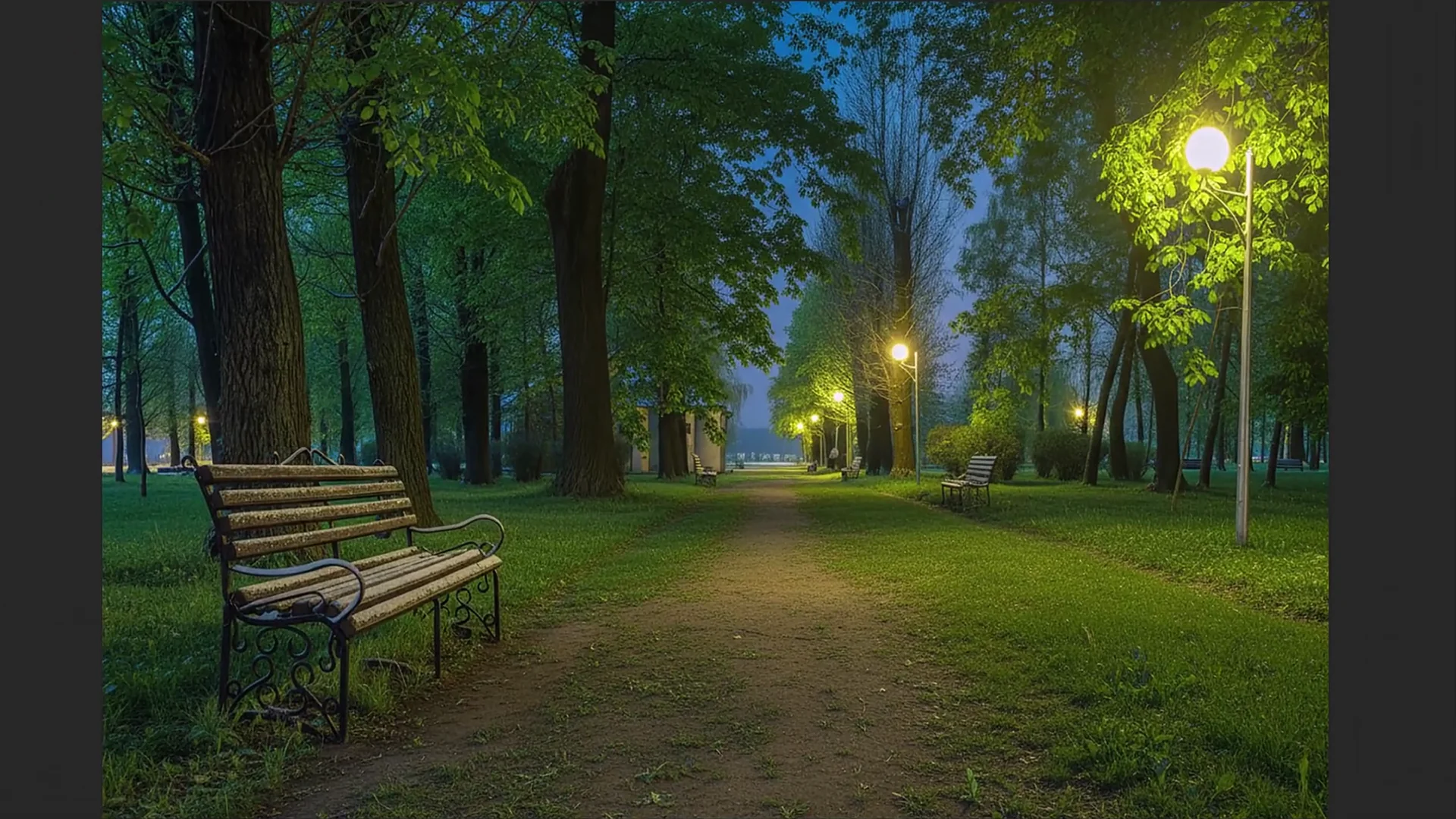
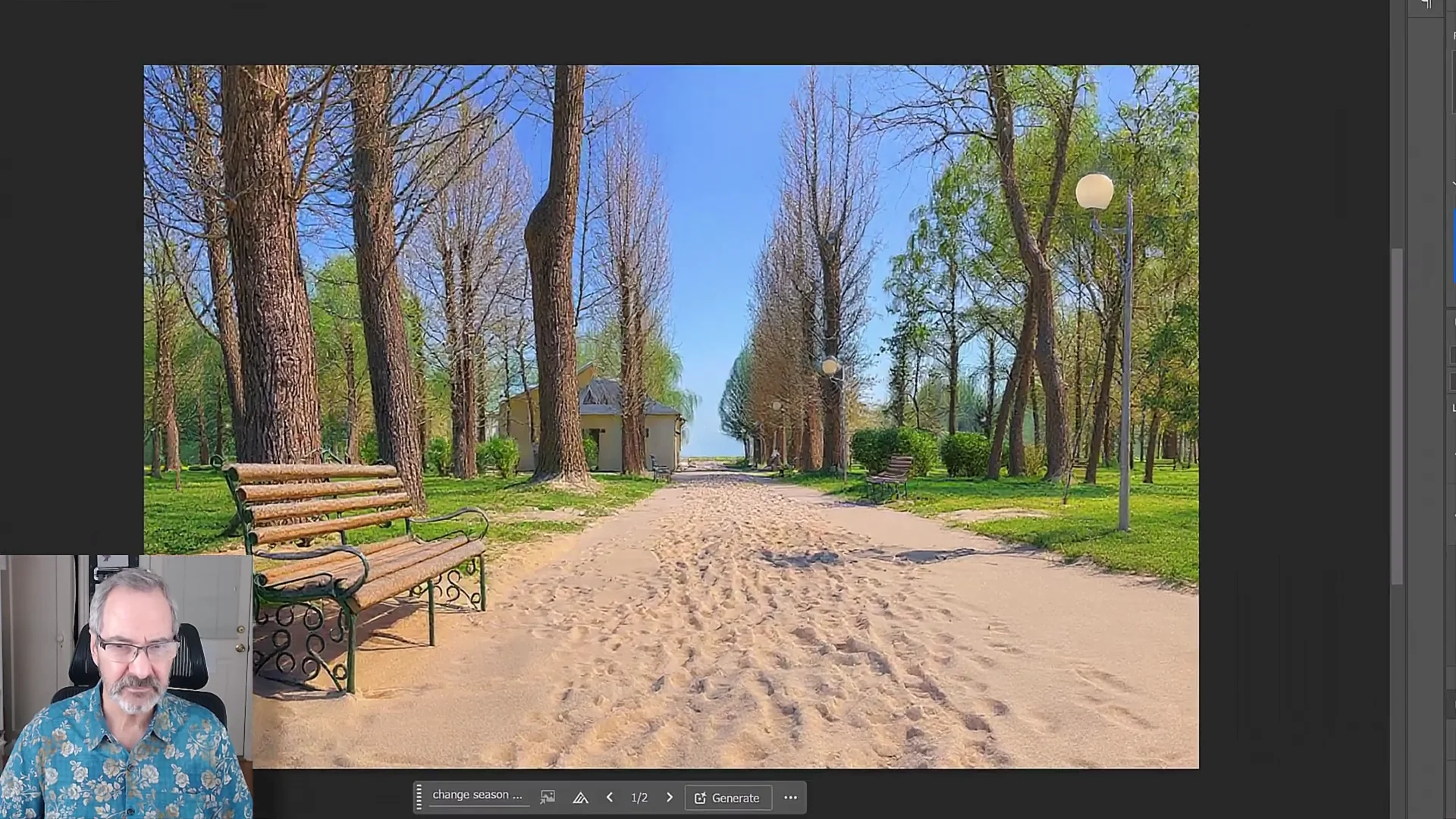
- Flux Context Pro:
- It added sand to the path. I have no idea why it did that.
- It changed the night to day. I didn't ask to do that. I just wanted to change it to summer.
- It doesn't have the leaves on many of the trees. They're kind of brownish, not too summery. It looks kind of weird looking here.
Nano Banana vs Flux Kontext Pro: Features Breakdown
Nano Banana
- Partner model listed in Photoshop as Gemini 2.5 Nano Banana.
- Keeps source elements intact when prompted to preserve them.
- Handles text layout on terrain well, including character shadows and placement along a ridge.
- Good at seasonal changes while maintaining time of day and scene structure.
- Output is currently 1K.
- About 10 to 15 seconds to generate a result.
- Can show a slight slide in Photoshop on final images. Softer brushes help hide it.
Flux Context Pro
- Partner model listed in Photoshop as Flux Context Pro.
- Builds visually appealing structures, but can replace the entire scene even when asked to preserve it.
- Strong facial expression edits. My pick in that test.
- Struggled with hillside text shadows and placement.
- Struggled on season change, altering time of day and adding elements that were not requested.
- Output is currently 1K.
- About 10 to 15 seconds to generate a result.
- Same slight slide issue in Photoshop. Softer brushes help.
Nano Banana vs Flux Kontext Pro: Pros and Cons
Nano Banana
- Pros:
- Keeps the original scene intact when asked.
- Excellent hillside text rendering with shadows and ridge alignment.
- Strong, believable season-to-summer change that maintains time of day and details.
- Cons:
- Shack result worked, but I preferred Flux visually.
- 1K output.
- Occasional slide in Photoshop that benefits from soft-brush masking.
Flux Context Pro
- Pros:
- I preferred the facial expression change result.
- The shack it created looked good. Materials and surfboard sign were respected.
- Cons:
- Replaced the entire beach scene instead of using the source photo.
- Weak hillside text result without proper shadows and ridge placement.
- Seasonal change added sand, shifted time of day, and left trees looking brownish.
- 1K output and the same slide issue.
Nano Banana vs Flux Kontext Pro: Best Use Cases
Nano Banana
- When you need to preserve the original composition and keep trees, sand, and other elements exactly where they are.
- When accurate hillside text with proper shadows and ridge alignment matters.
- When changing seasons while maintaining the existing time of day and scene layout is important.
Flux Context Pro
- When you want a more appealing facial expression edit.
- When you want a good-looking structure and do not mind if the model reimagines or replaces the background.
Final Conclusion
They both have their pros and cons. In some cases, Flux wins, like with the expression of the model. Nano Banana wins with the Hollywood sign. With the beach scene, I like the Flux shack, but it didn't keep the original photo behind it. It created its own. It replaced the trees, the palm trees, the beach, the sand, the whole thing.
Both are 1K right now. Adobe might add Cream 4.0, which is 4K. If you need strict adherence to the source photo, clean text on a hillside, and a solid season-to-summer conversion, go with Nano Banana. If your priority is a stronger facial expression change or a more visually appealing structure and you can accept scene changes, Flux Context Pro is the pick. I hope this comparison shows what each can do.
Recent Posts

How to use Grok 2.0 Image Generator?
Learn how to access Grok 2.0’s AI image generator (Premium required), write better prompts, and avoid pitfalls like real people and brands. Step-by-step tips.
How to use Instagram AI Image Generator?
Use Meta AI in Instagram DMs to turn text into images—and even animate them. It’s free, fast, and built in. No external apps needed; create art right in chat.
Leonardo AI 2026 Beginner’s Guide: Create Stunning Images Fast
Learn Leonardo AI step by step—sign up, explore Home, and generate or enhance photos with free, powerful tools. A quick, clear starter for beginners.