Gemini 2.5 Flash vs Copilot: Free AI Image Editing Test 2026
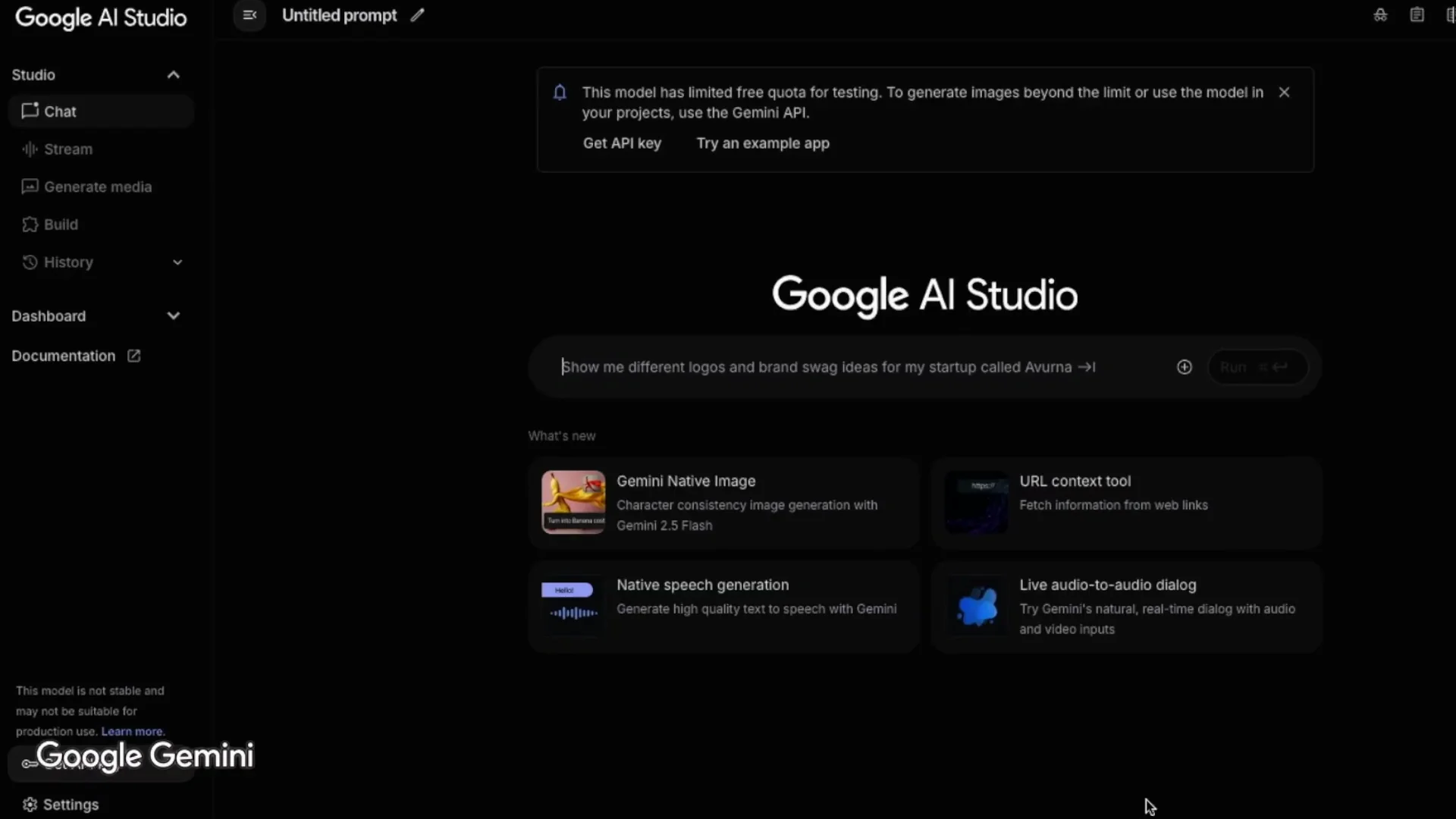
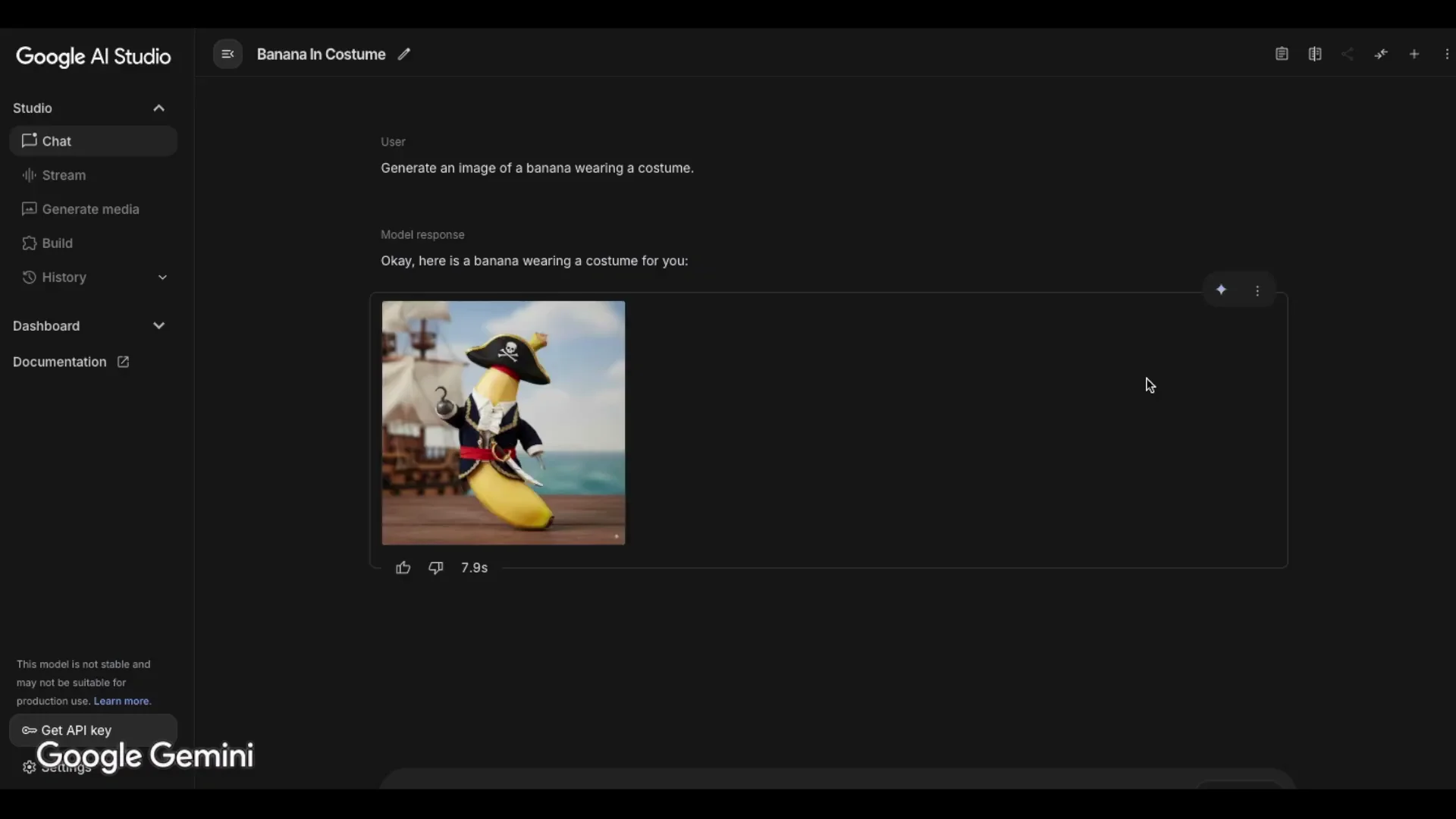
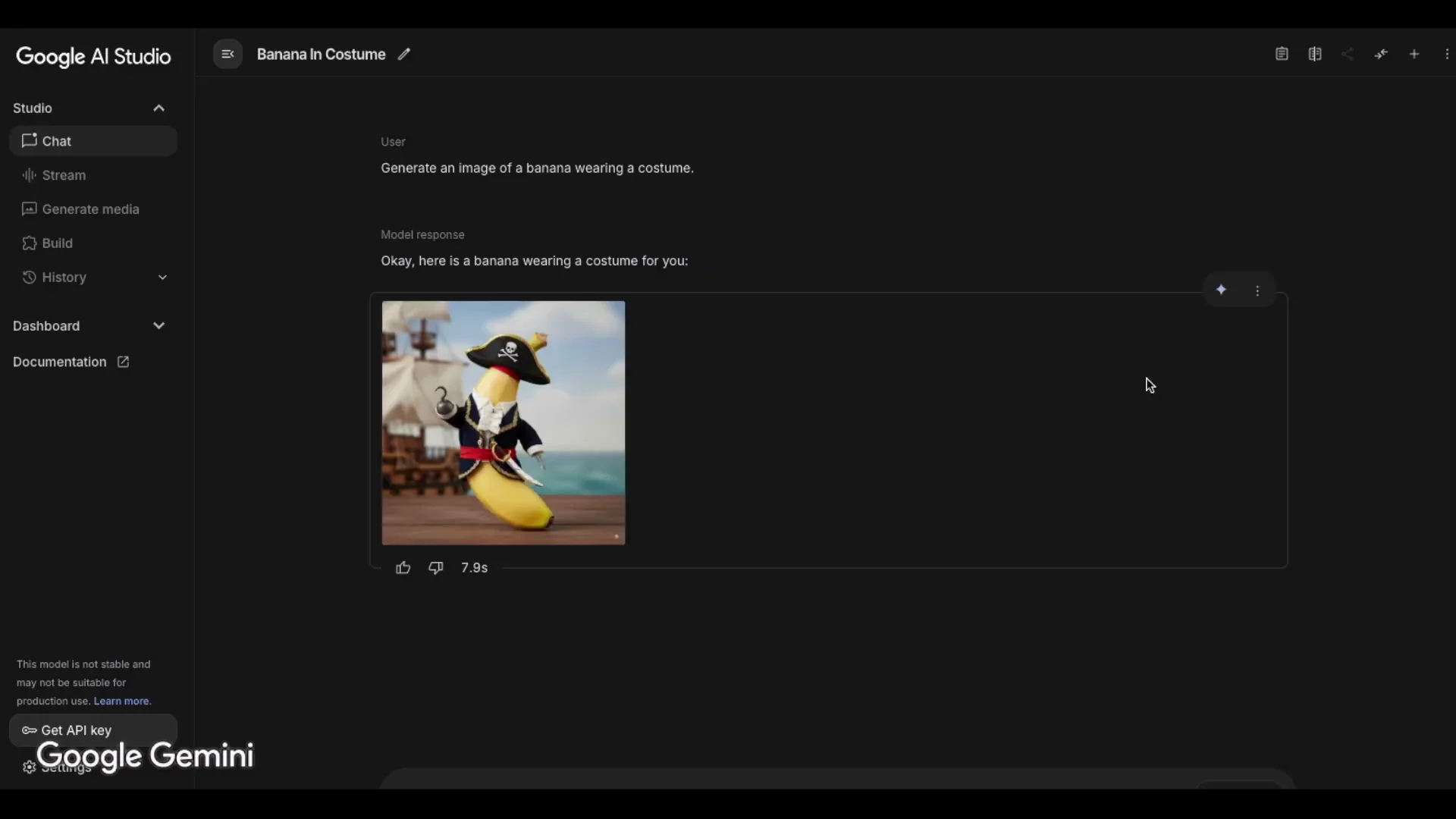
I heard great things about Gemini 2.5 Flash's image editing abilities and wanted to see how it performs compared to Microsoft Copilot. In Google AI Studio, I saw a Blade for Gemini Native Image - Character consistency image generation with Gemini 2.5 Flash, with a banana image next to it. I clicked it and got a banana dressed as a pirate. The result is great and could be really useful when creating a long video from just a few images of the same character, changing backgrounds, clothes, and perspectives.
I used Copilot built into the Edge browser and logged in with my Microsoft account, though other login options are available. I created several base images with Google Whisk, then ran the same edits in both tools. Across multiple tests, Gemini was usually much faster and more consistent, while Copilot sometimes produced results I preferred for specific requests.
| Comparison Point | Gemini 2.5 Flash | Microsoft Copilot |
|---|---|---|
| Typical generation time | Often under 10 seconds, with an on-screen elapsed timer | Often 1 to 2 minutes, no elapsed timer |
| Aspect ratio handling | Frequently kept 16:9 from the original | Often switched to 4:3 or 3:4 |
| Character consistency across edits | Very consistent - the same exact woman across changes | The woman changes a little bit in each image |
| Combining two images - style treatment | Preserves original styles, plushies stayed plushies | Transforms elements to match the main image style |
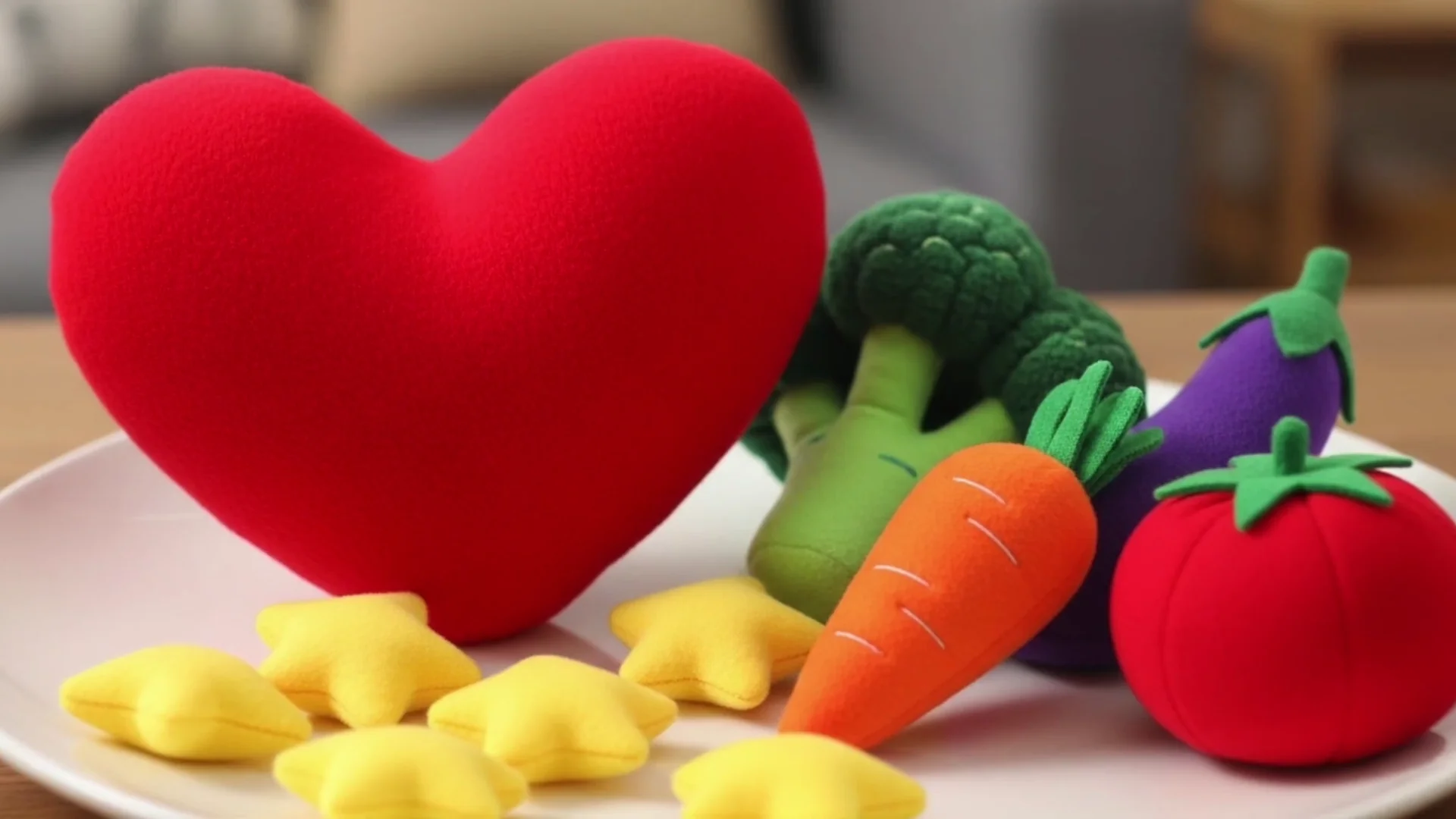
| Object replacement - plushy heart to cucumber | Very good and quick | Very good, slower |
| Focus on face request | Gave a front-facing, closer look as a good interpretation | Face more focused but kept the side angle |
| Background change to classroom | Worked and kept 16:9 | Worked but switched to 4:3 and took longer |
| Replace flowers with a book | Book appeared but stems remained until I explicitly told it not to include stems | Same stems issue; later removed sunglasses and one book so the result matched what I wanted |
| Sunglasses removal | Worked perfectly | Worked and also reduced two books to one when asked |
| Red dress change | Worked but the bag disappeared unexpectedly | Worked and she kept the bag |
| Uploading images | Drag and drop or plus icon in chat, easy | Works the same way |
| Starting generation | Pressing Enter moves to a new line, need to click Run | Pressing Enter starts generation |
| Explanatory text after generation | Shows the result without extra text | Adds a lot of explanation text after generation |
| Pattern transfer - ladybug to dress | Dotted pattern worked; stayed cropped waist up | Good result; 3:4 showed full figure on a standing subject |
| No-instruction behavior with two images | Offers a suggested prompt if instructions are missing | Asks what I want to do with the images |
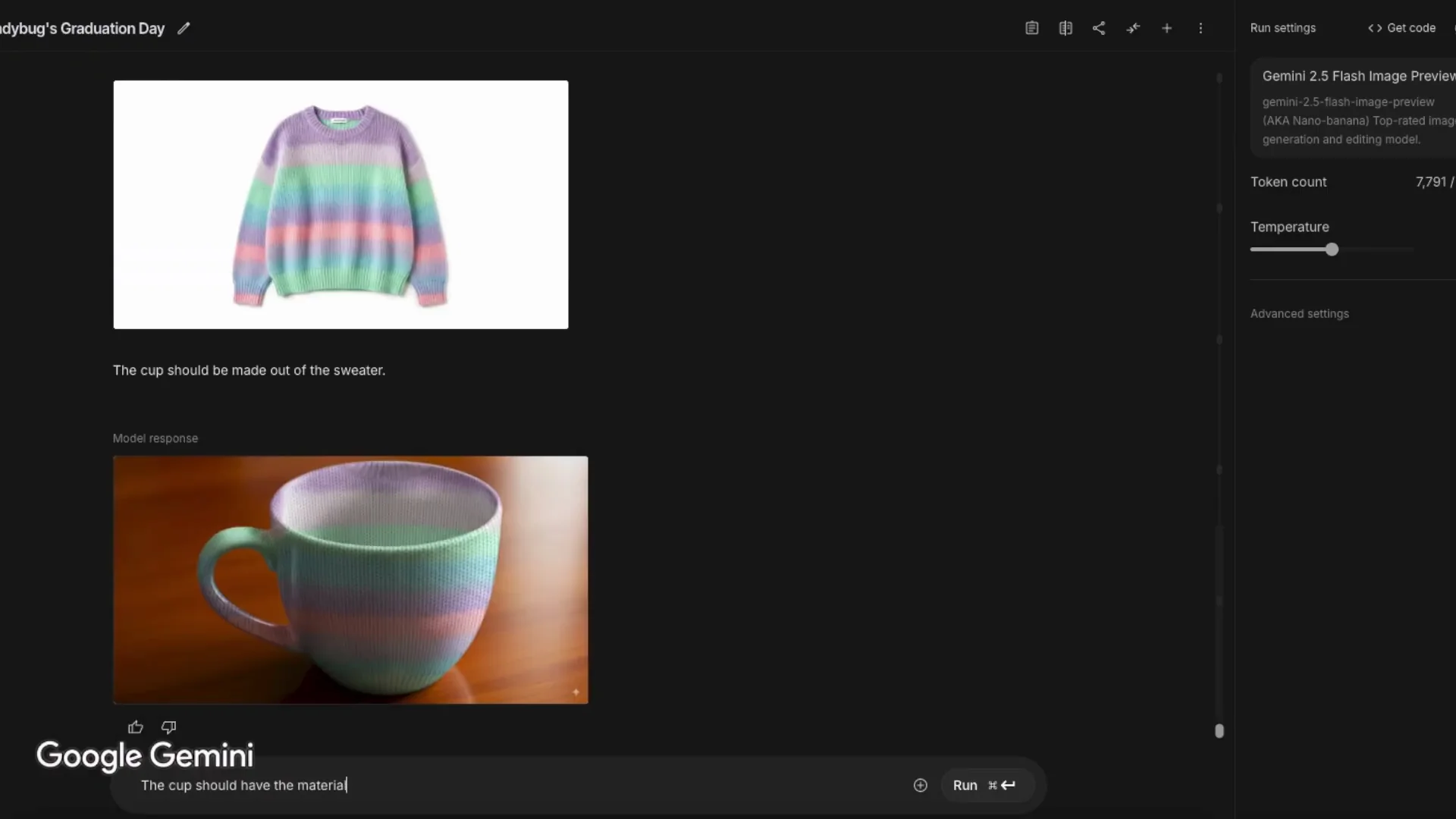
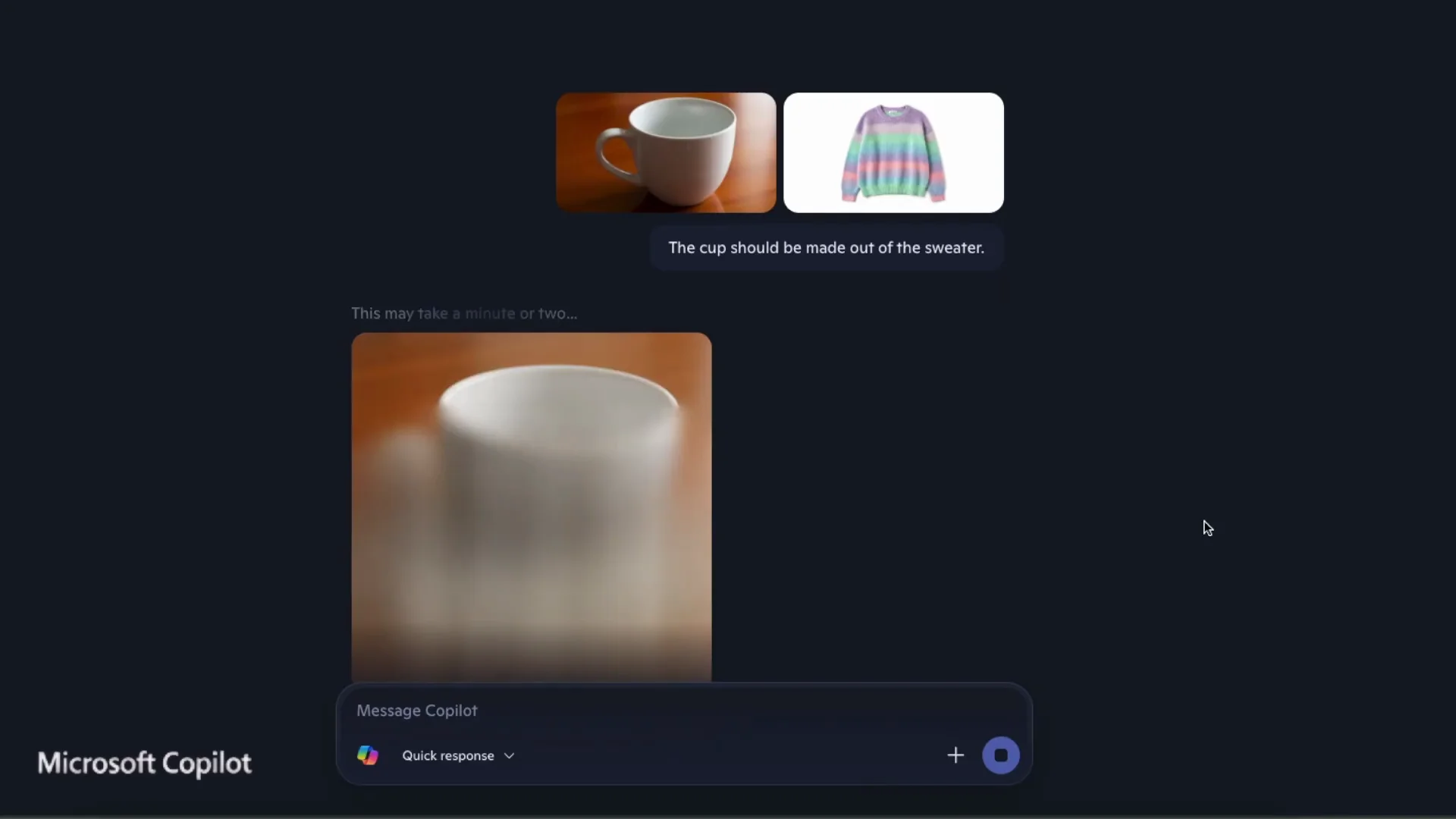
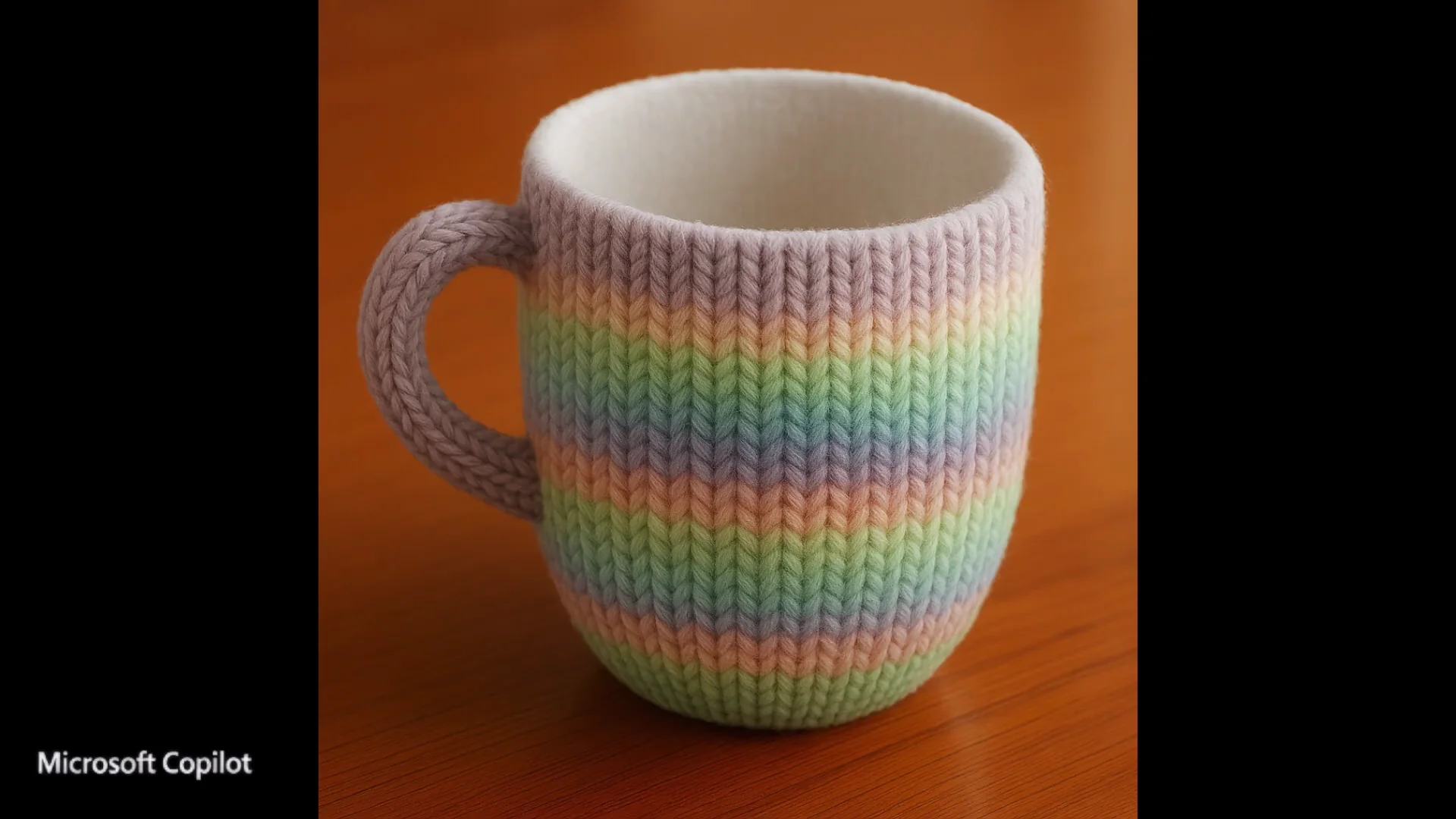
| Texture transfer - cup and sweater | Applied pattern inside and outside but texture lacked material feel | Closer to what I wanted; texture looked more sweaterlike and inside stayed true to the original |
| Overall speed and usability | Much faster; I like seeing elapsed time while generating | Slower; Enter-to-start is convenient |
| Best for | High consistency and fast iteration | Certain edits where its interpretation and framing look better |
Nano Banana vs Copilot: Detailed Comparison of Gemini 2.5 Flash and Microsoft Copilot
Speed, Interaction, and Workflow
In Gemini, if you hover over the model's response while it's generating, you can see the elapsed time. I like that and it isn't available in Copilot. This time it took 22.7 seconds, which is much faster than Copilot's 2 minutes.
Pressing Enter in Gemini just moves to the next line in the chat box. I have to explicitly click the Run button to generate the image. In Copilot, pressing Enter starts the image generation, which is easier for me unless I want to add another line to the request.
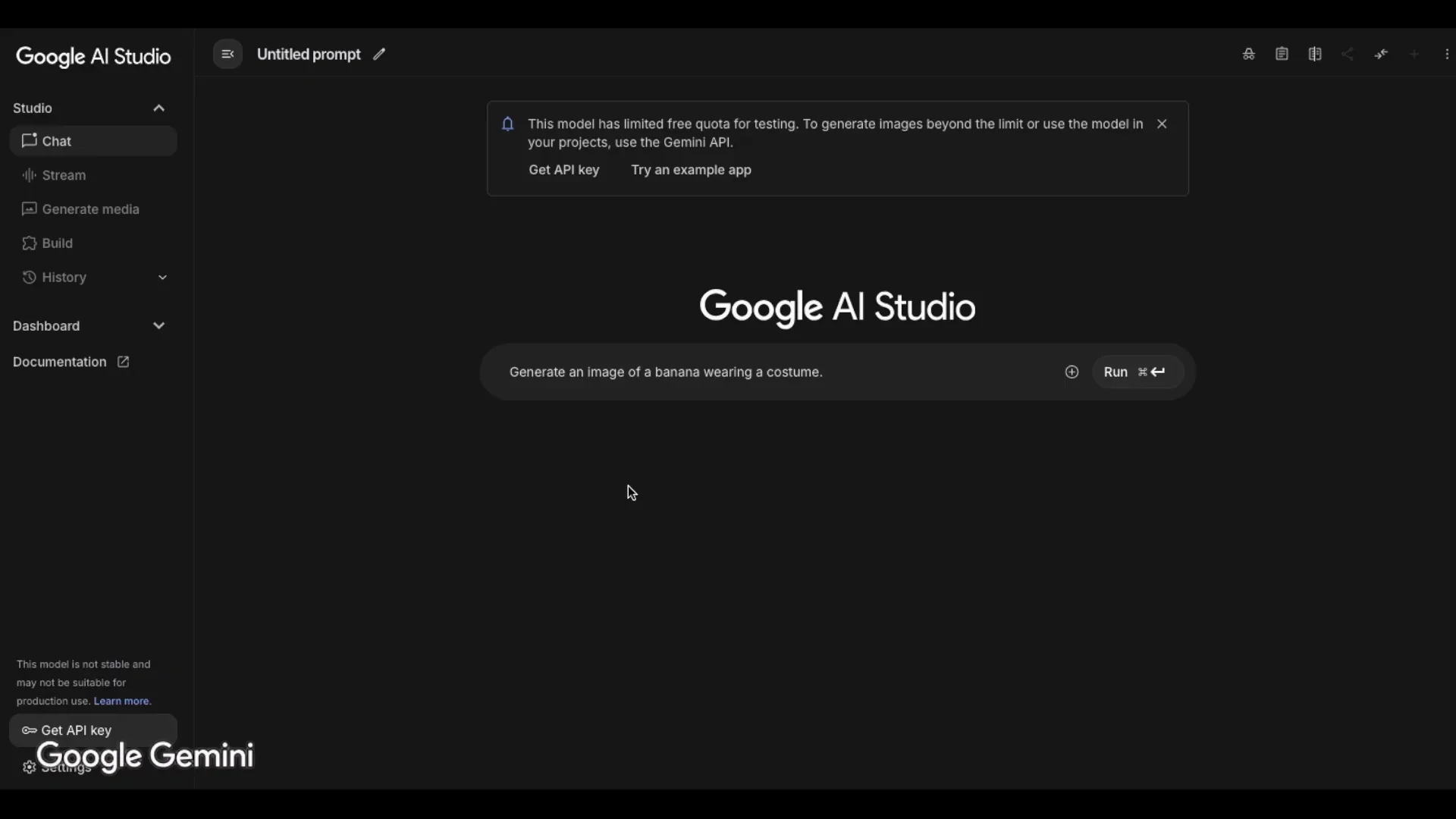
Uploading the images to the chat is easy. I can drag and drop them directly into the chat box or click the plus icon to upload. It works the same way in Copilot.
Character Consistency and Style Preservation
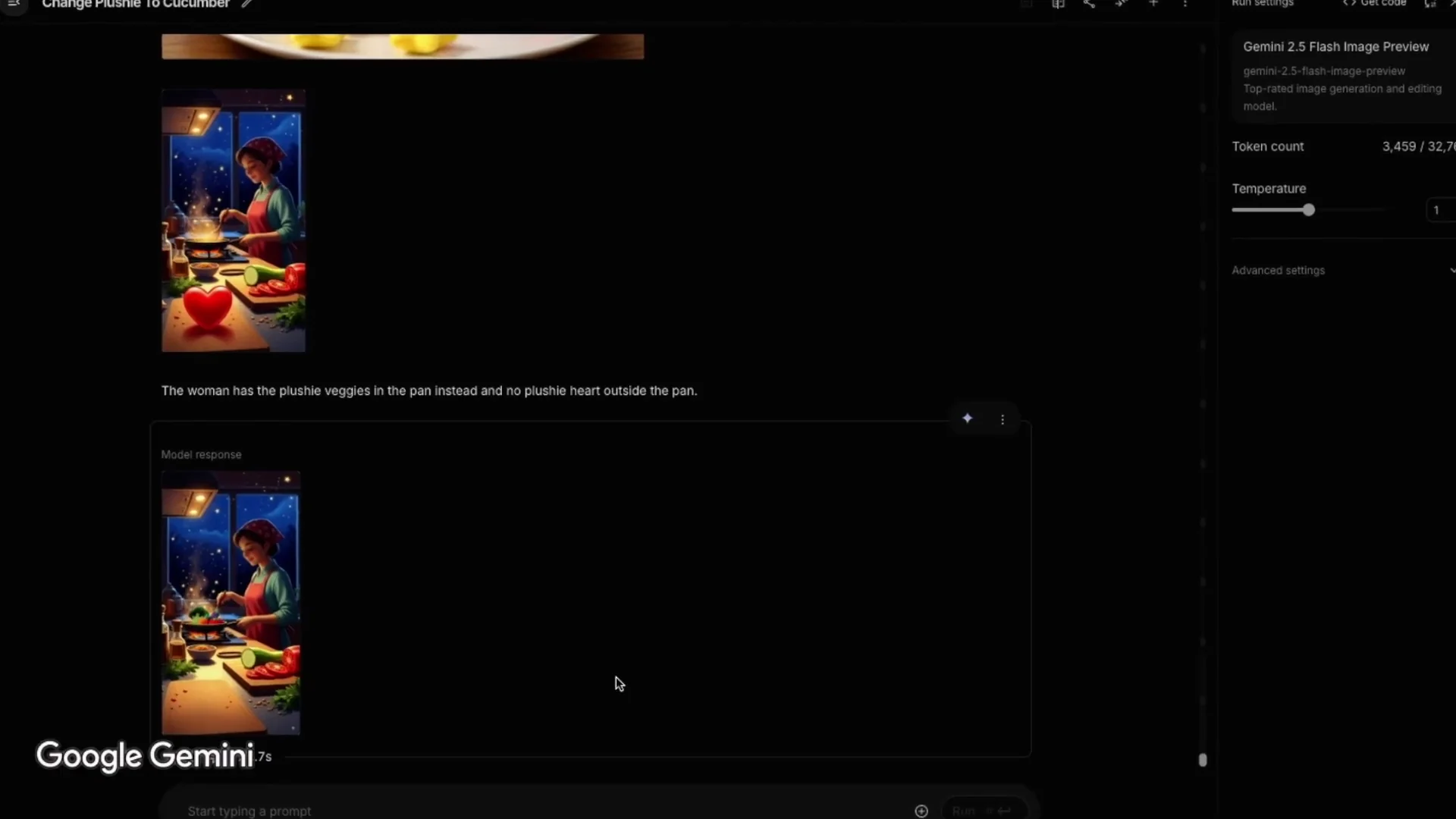
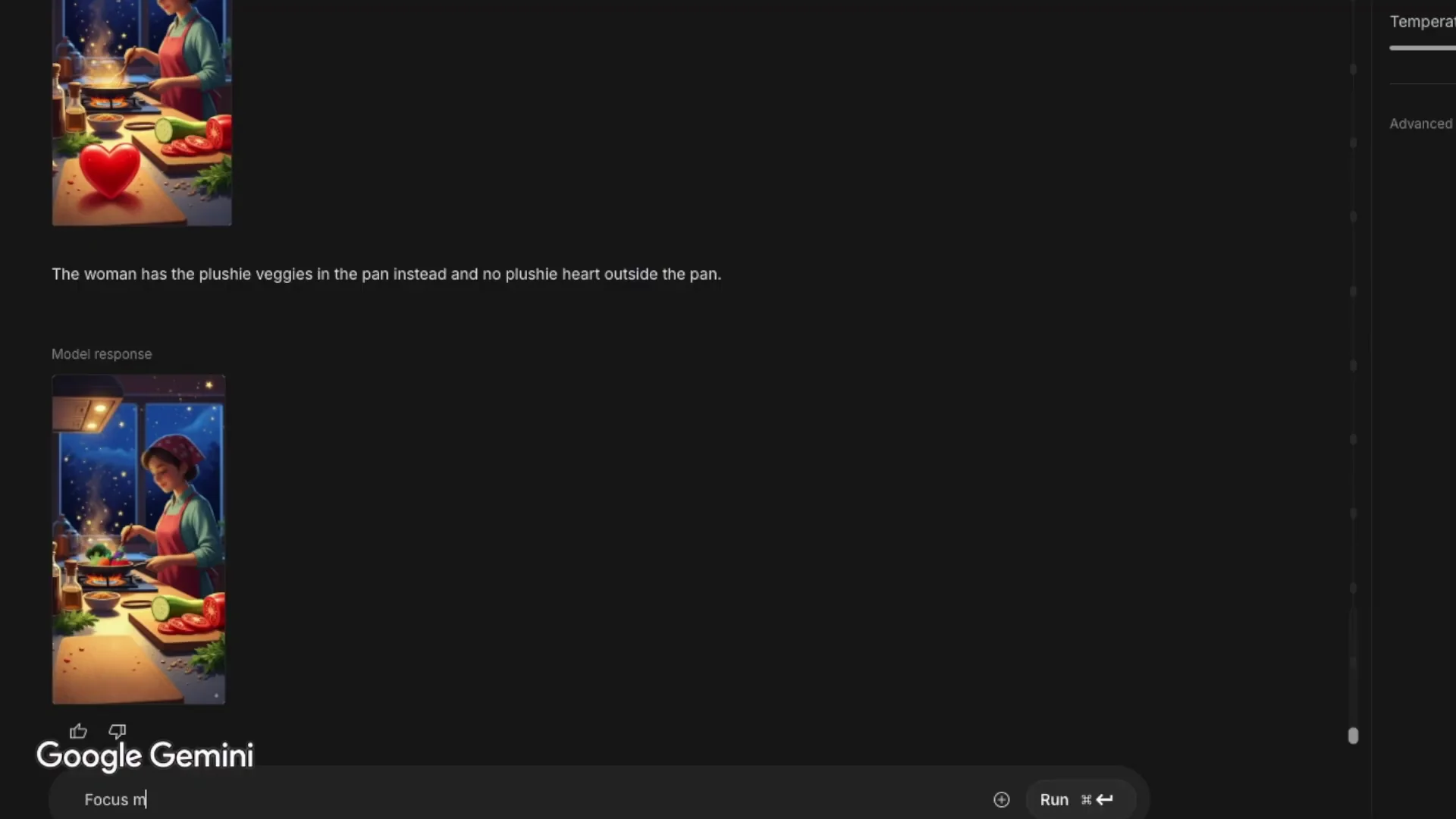
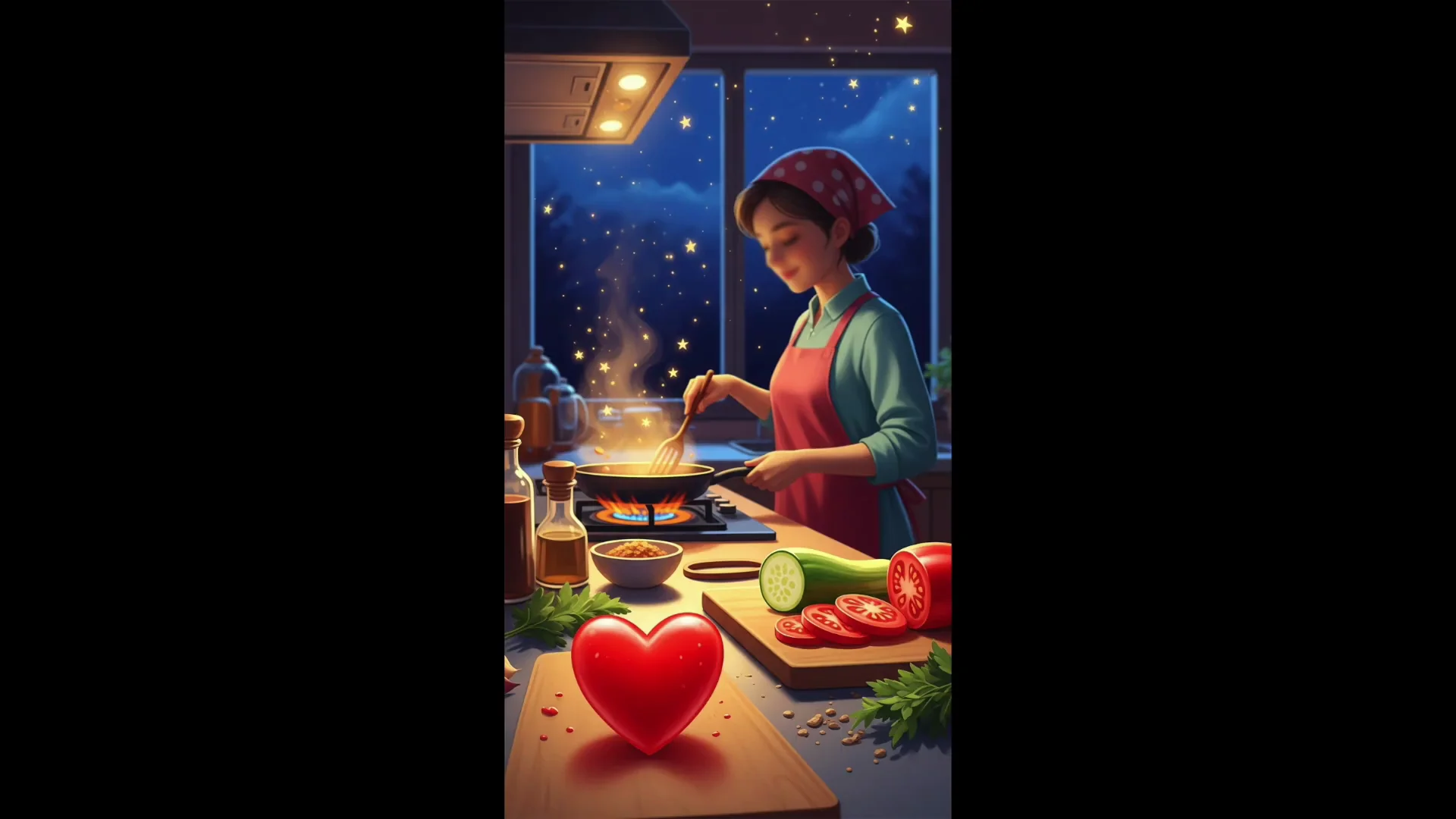
The banana dressed as a pirate is a great example of character consistency and is useful for creating a long video from just a few images of the same character. Combining the woman-cooking image with the plushy veggies in Gemini was very good and consistent. The woman is exactly the same as in the original image with the unfocused face and the veggies are still plushies even though the woman's image has a different style.
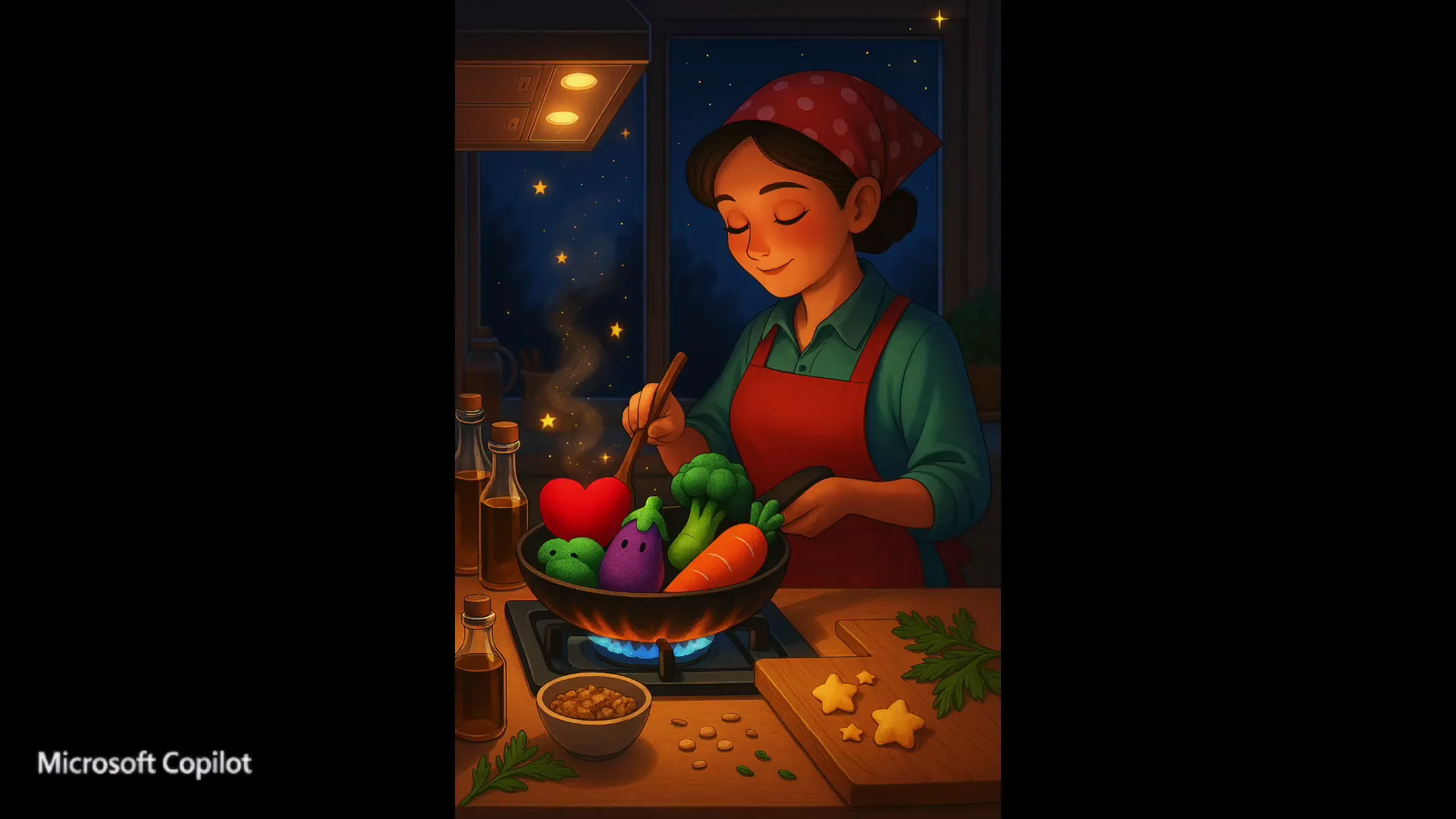
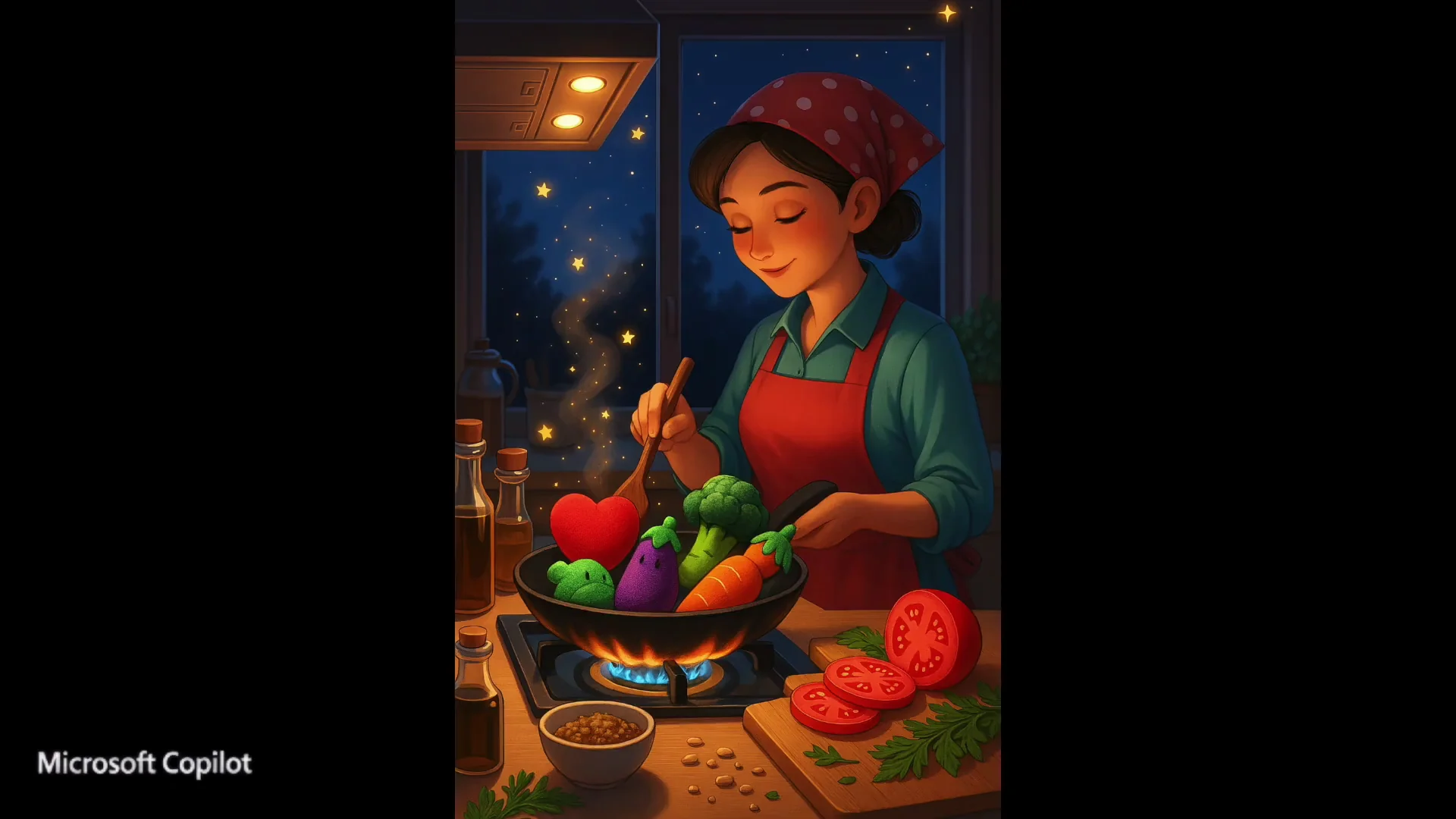
In Copilot, the veggies transformed to match the style of the woman's image and didn't remain plushies. Which is better depends on what you need, stylistic consistency or preserving original styles.
Object Replacements, Focus, and Background Changes
I asked Copilot to replace the heart plushy in the plushy veggie dish with a cucumber. It took about 1 to 2 minutes and the result was very good. The aspect ratio changed from 16:9 to 4:3. I tried the same edit with Gemini and the result was also very good, and it took less than 10 seconds.
With a woman cooking image, I asked Copilot to focus on her face instead of the heart plushy and to make her dress white. It took a full 2 minutes. The result was good. Gemini gave me a front-facing image with a closer look at the woman's face, which is a good interpretation of my request. In Copilot, the face was more focused, but the side angle remained.
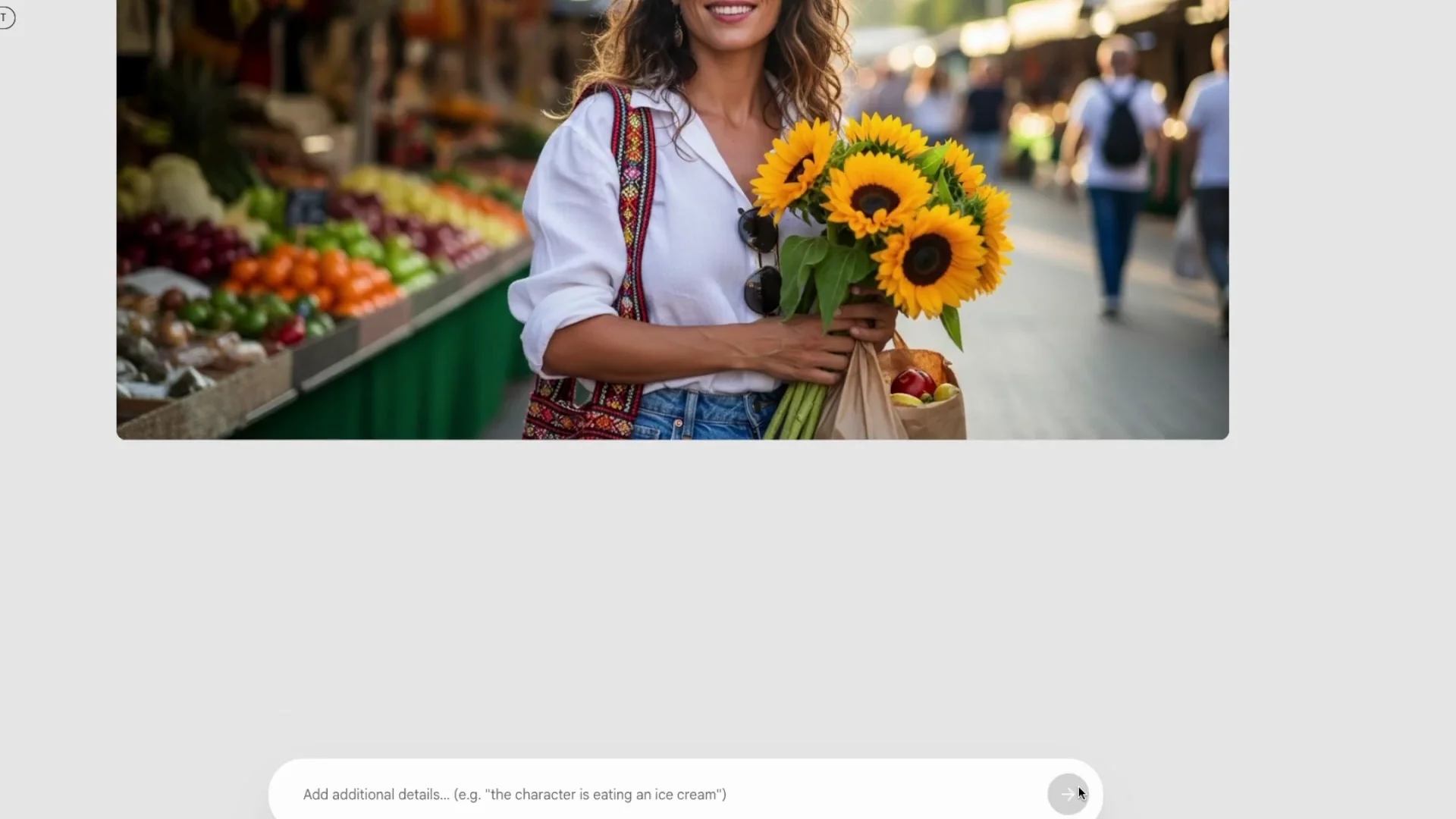
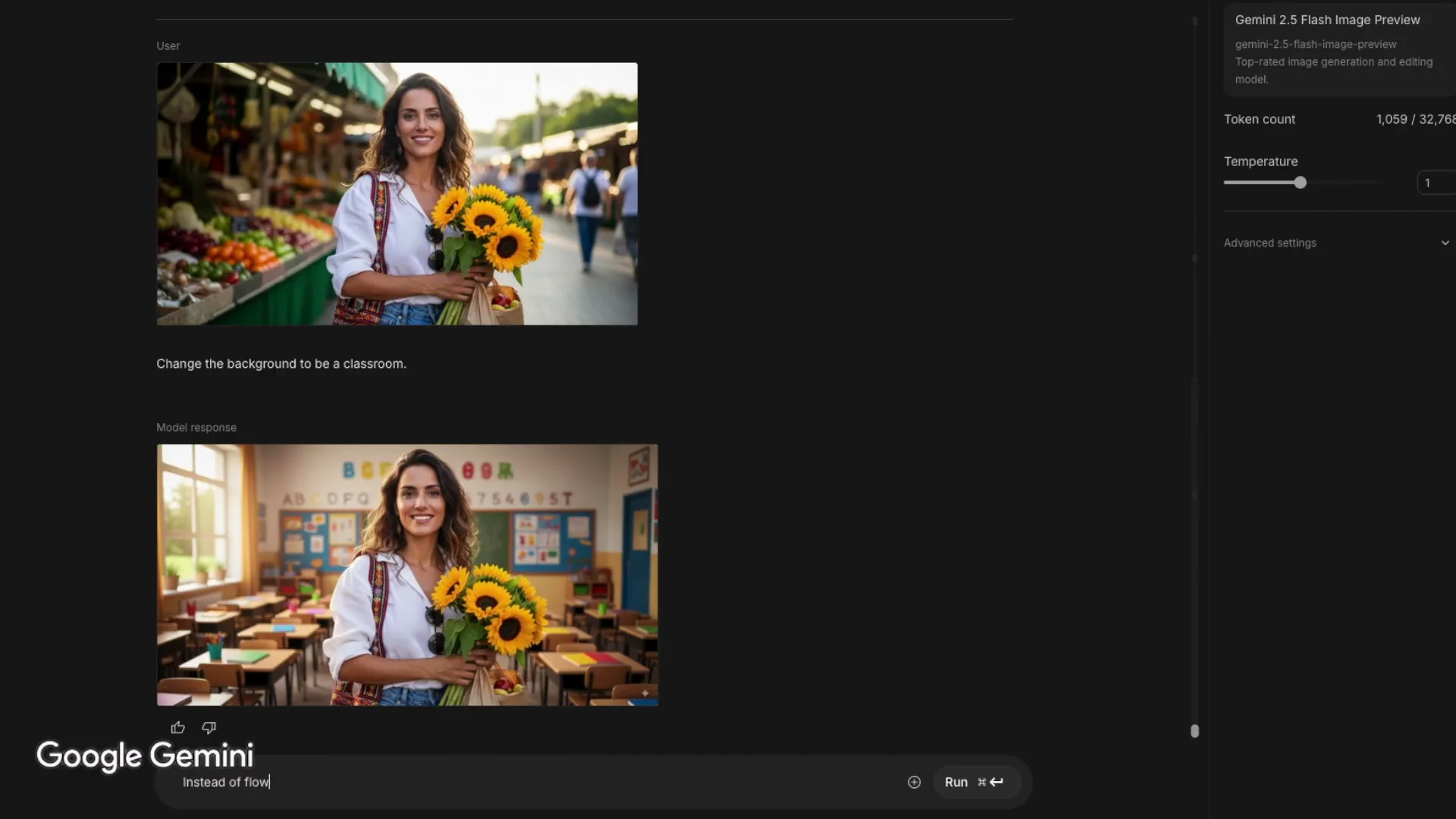
Trying to change the background to a classroom directly in Whisk, I got an oops message. That used to work, but lately it seems to always fail. I tried again with Gemini and the same exact woman appeared with a classroom background. The aspect ratio stayed 16:9. In Copilot, the woman looks very similar, but not exactly the same. The aspect ratio is 4:3 and it takes a couple of minutes to generate. Compared to Gemini, it's not quite as good, but still a solid result.
Edits on Props, Clothing, and Accessories
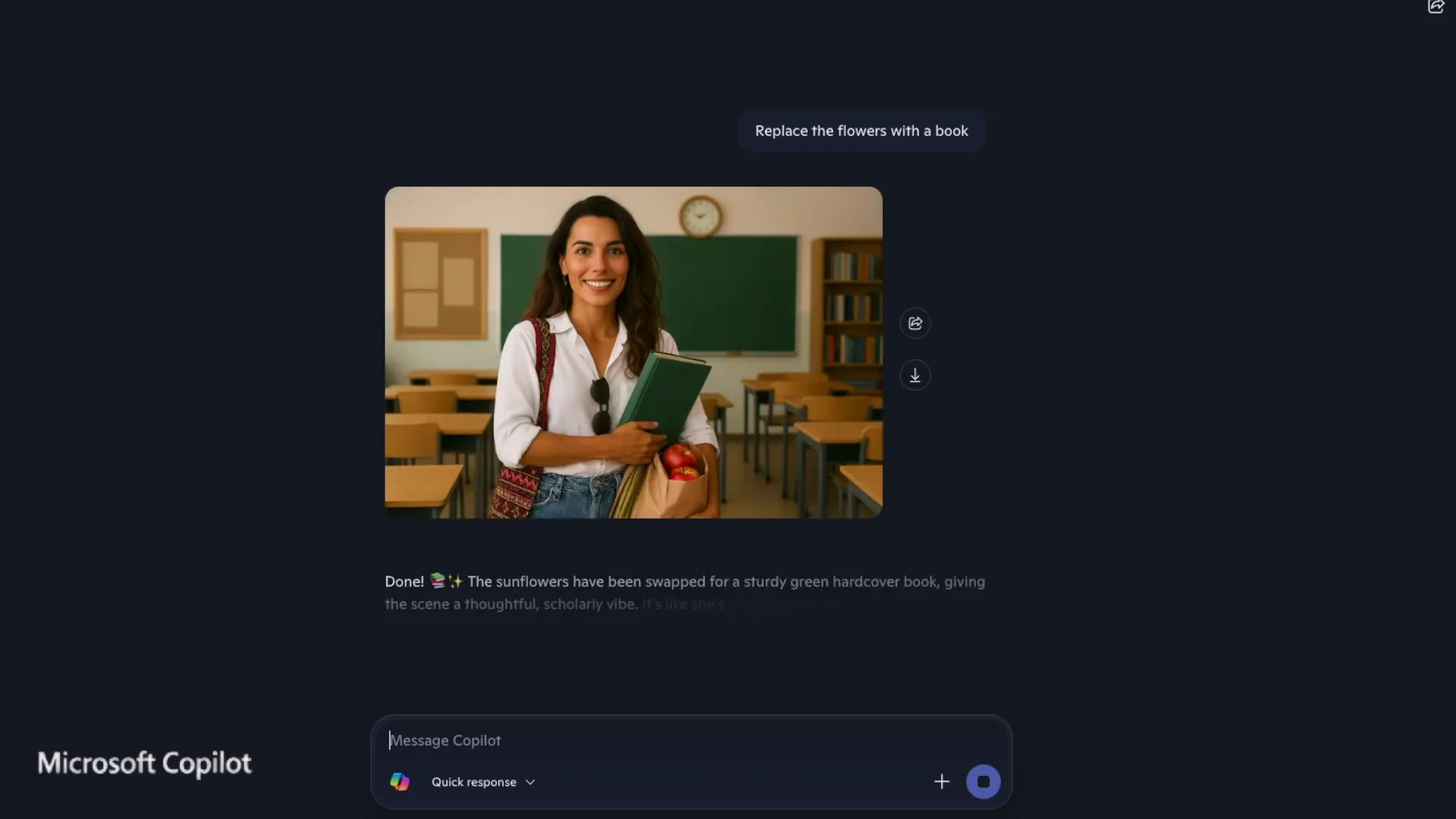
I asked to replace the flowers in her hands with a book. In Gemini a book appeared, but the flower stems were still visible underneath. I tried saying she has nothing in her hands except for a book, but that didn't work. The result was the same. I asked specifically not to have flower stems under her hands and that worked. I asked to remove her sunglasses and that worked perfectly. I asked for a red dress instead of what she was wearing and that worked too, but she lost her bag which I didn't ask for. Asking where is the bag, I got the same result again without the bag and no explanation. Even though it was tricky to remove the flower stems and the bag disappeared unexpectedly, overall the images were very similar with just one change in each. That's exactly what I want when I'm aiming for consistency.
In Copilot, replacing the flowers with a book had the same stems issue. Saying she has only a book in her hands resulted in her having two books, one in each hand. Copilot gives a lot of explanation after generating the image, unlike Gemini, which just shows the result. I don't usually read Copilot's text, but others might find it helpful. I asked to remove the sunglasses and Copilot removed them and also one of the books, so now she has only one book just as I wanted. I asked for a red dress and she got one, and bonus, she kept the bag too. Looking at the images one after the other, the woman changes a little bit in each one, but overall the results are good. If you're looking for high consistency, Gemini is the better choice.
Pattern and Texture Transfers
Ladybug Dots to Dress
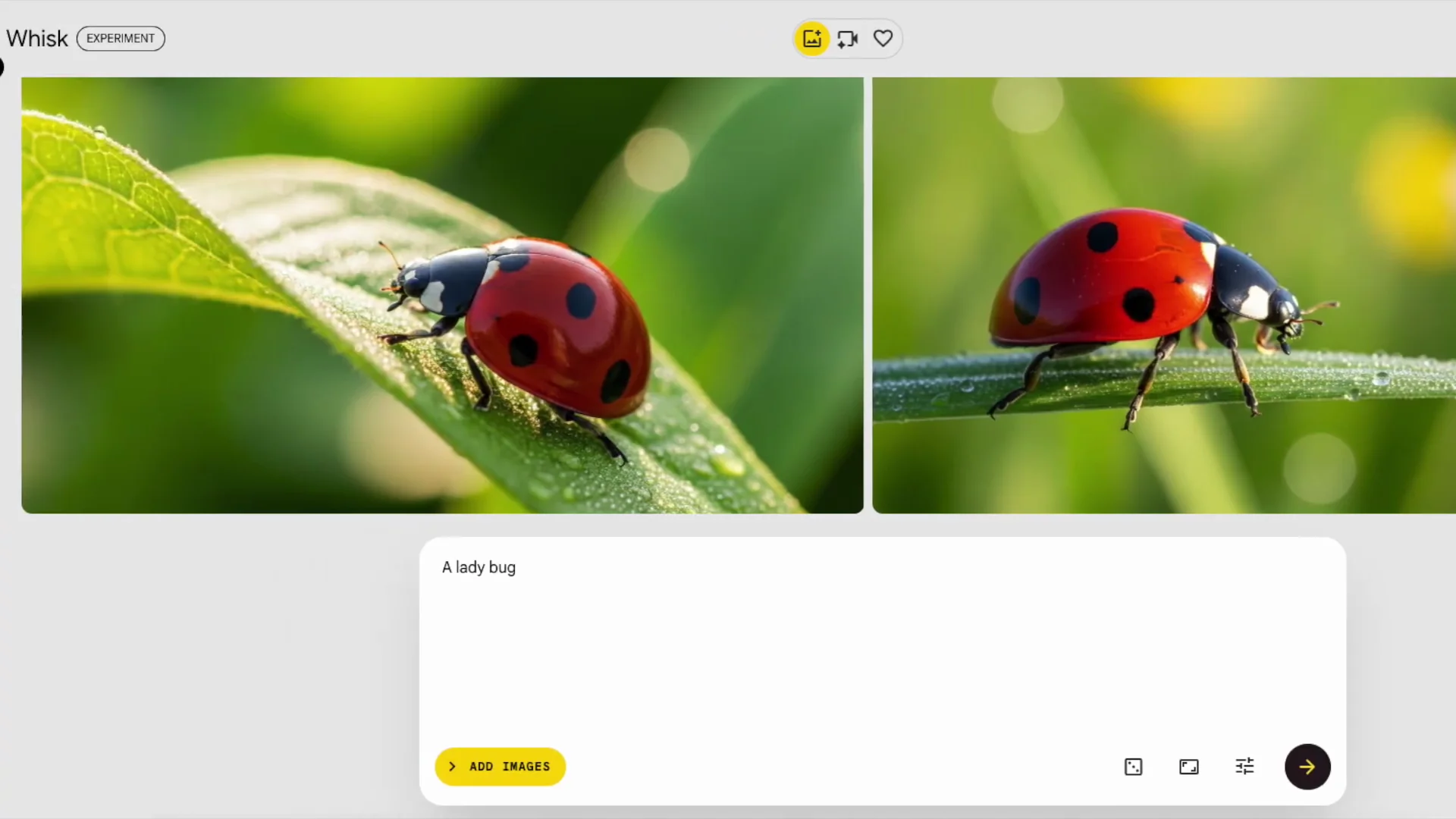
I wanted to see how a pattern from one image could be transferred to another. I used the same woman and another image of a ladybug. Combining them resulted in a woman with a dotted pattern on her dress, but I had to specify how I wanted the images combined. When I didn't give instructions, Gemini offered a prompt instead. It interpreted the book it had created earlier as diploma and suggested combining a ladybug with a diploma. I tried that prompt and the result was nice.
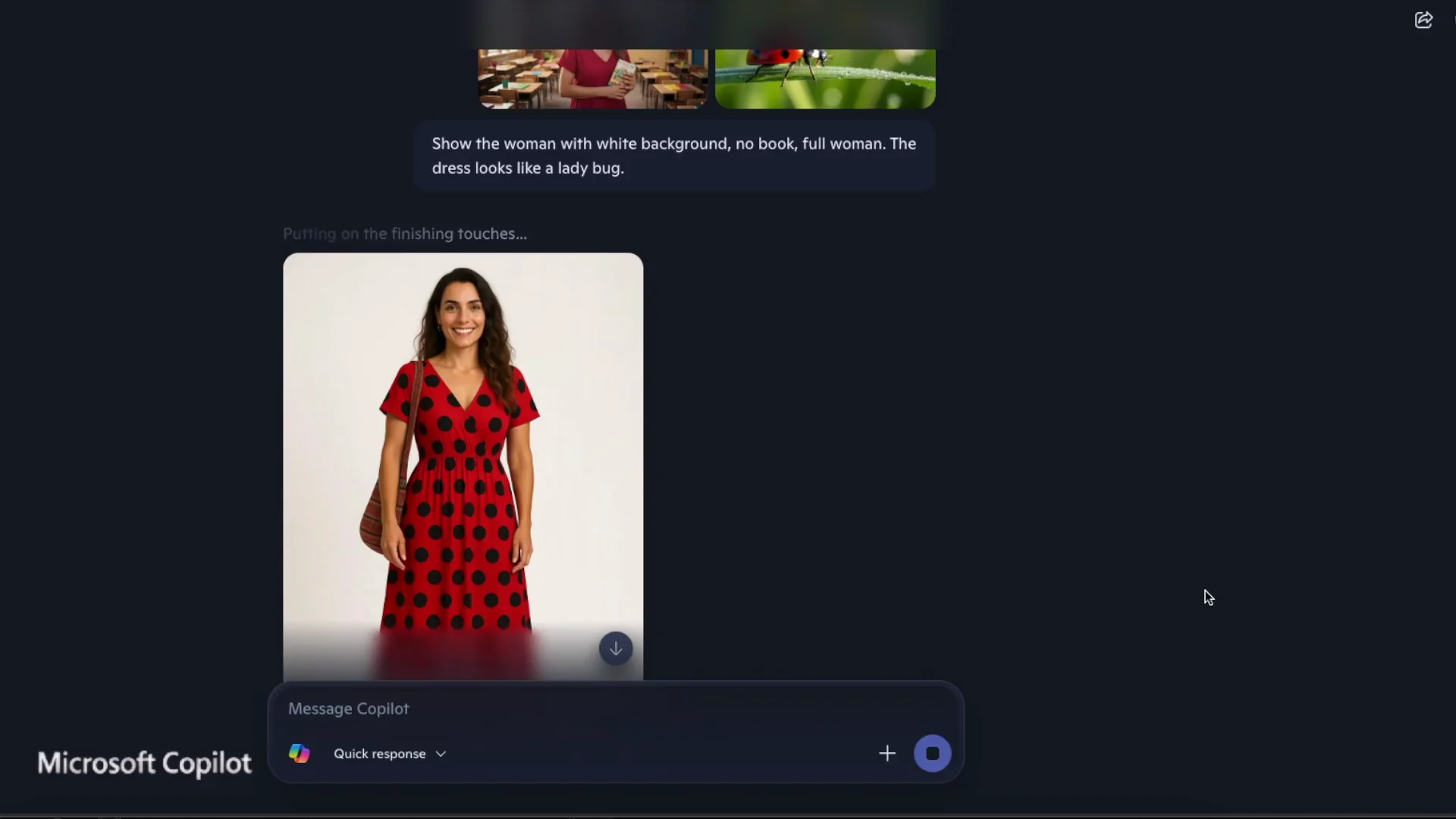
Trying the same with Copilot, the result of the woman with the dotted dress was good, too. I like that the aspect ratio was 3:4. Since the woman is standing, it shows her full figure. In Gemini, it kept the woman cropped from the waist up as in the original image. I preferred Copilot's interpretation here. When I gave the two images without instructions, Copilot didn't combine them. It asked me what I wanted to do with them.
Cup and Sweater Texture
Next, I tried combining textures, a cup and a sweater. With Gemini, I got the cup with the sweater pattern on the inside and outside, but I wanted the texture, too. I asked specifically for the material and texture of the sweater, but the result was exactly the same as before.
In Copilot, I got a result that was closer to what I wanted. The texture looked more sweaterlike, while the inside of the cup stayed true to the original. I asked for the material and the texture here, too. At first glance, I thought it was the same result, but on closer inspection, I saw that the inside of the cup had a more sweater-like material. That was the better result in my opinion for this request.
Nano Banana vs Copilot: Features Breakdown for Gemini 2.5 Flash
- Very fast image generation, often under 10 seconds
- Elapsed time visible while generating
- Drag and drop or plus icon upload flow
- Strong character consistency across edits
- Preserves original styles when combining images
- Keeps original aspect ratio like 16:9 in many cases
- Good interpretations like front-facing refocus when asked
- Requires explicit prompts for tricky object removal like flower stems
- Enter key adds a new line instead of starting generation
- Shows the result without extra explanatory text
Nano Banana vs Copilot: Features Breakdown for Microsoft Copilot
- Strong edit quality across object replacements and refocus
- Enter key starts generation
- Detailed explanatory text after generation
- Sometimes changes aspect ratios to 4:3 or 3:4
- Transforms combined elements to match the primary image style
- Good at texture transfers like sweater material onto a cup
- Can maintain accessories like a bag while changing clothing
- Asks for clarification when given multiple images without instructions
- Slower generation, often 1 to 2 minutes
Nano Banana vs Copilot: Pros and Cons
Gemini 2.5 Flash - Pros
- Much faster generation
- High consistency of the main subject across edits
- Preserves original styles when combining images
- Keeps 16:9 framing that matches many source images
- Visible elapsed timer during generation
Gemini 2.5 Flash - Cons
- Enter does not start generation
- Needs very explicit instructions for certain removals like stems
- Occasionally drops accessories like a bag without explanation
Microsoft Copilot - Pros
- Strong results for texture-focused requests
- Enter-to-start workflow feels convenient
- Helpful textual explanations after each result
- 3:4 framing can better show full figures for standing subjects
- Sometimes keeps desired accessories when changing outfits
Microsoft Copilot - Cons
- Slower generation times
- Aspect ratio shifts from 16:9 to 4:3 or 3:4
- Subject consistency varies slightly across sequential edits
- Tends to restyle combined elements instead of preserving their original look
Nano Banana vs Copilot: Use Cases Where Each Option Excels
Gemini 2.5 Flash
- Projects that demand high subject consistency across many edits
- Quick iteration where faster responses matter
- Combining images while preserving the original look of each element
- Keeping 16:9 framing consistent with the source
Microsoft Copilot
- Edits where a slightly different framing like 3:4 improves the result
- Texture and material transfers, like sweater fabric on an object
- Cases where style matching to a primary image is desired
- Users who prefer Enter-to-start and appreciate explanatory text
Final Conclusion
Both tools are amazing. Gemini is faster and more consistent, but some of the results were better in Copilot. For consistent character work, preserving original styles when combining images, and fast iteration, Gemini stands out. For certain creative interpretations like texture transfers and framing a standing subject at 3:4, I preferred Copilot.
If I had to choose only one, I'd go with Gemini. I prefer using both to complement each other.
Recent Posts

How to use Grok 2.0 Image Generator?
Learn how to access Grok 2.0’s AI image generator (Premium required), write better prompts, and avoid pitfalls like real people and brands. Step-by-step tips.
How to use Instagram AI Image Generator?
Use Meta AI in Instagram DMs to turn text into images—and even animate them. It’s free, fast, and built in. No external apps needed; create art right in chat.
Leonardo AI 2026 Beginner’s Guide: Create Stunning Images Fast
Learn Leonardo AI step by step—sign up, explore Home, and generate or enhance photos with free, powerful tools. A quick, clear starter for beginners.