Adobe Firefly vs Nano Banana: Photoshop AI Put to the Test
When Nano Banana came out, I was blown away. I thought this is the future of AI and it knocks everything else out of the park. The things people have done with Nano Banana are incredible. This is what AI is about.
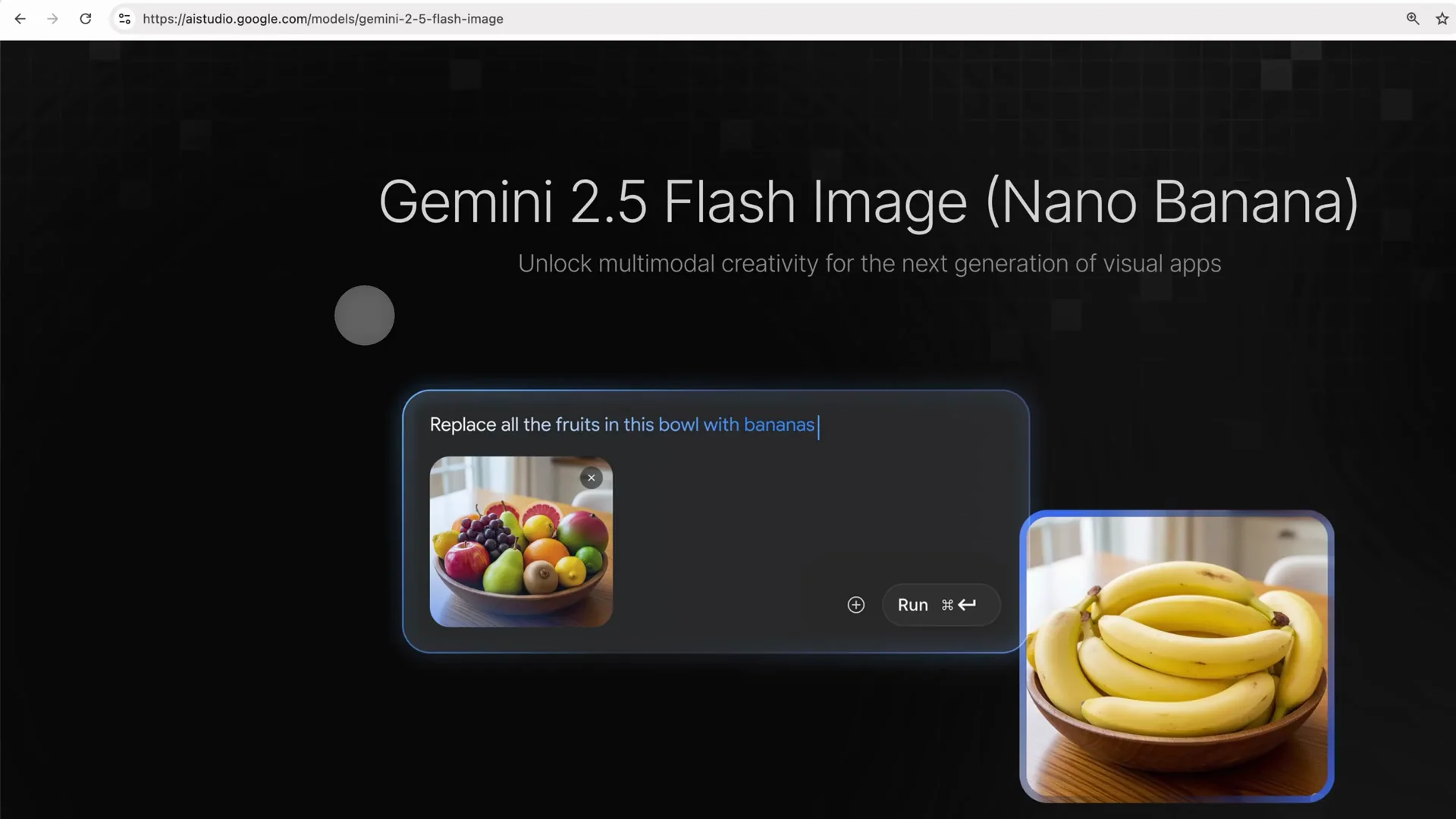
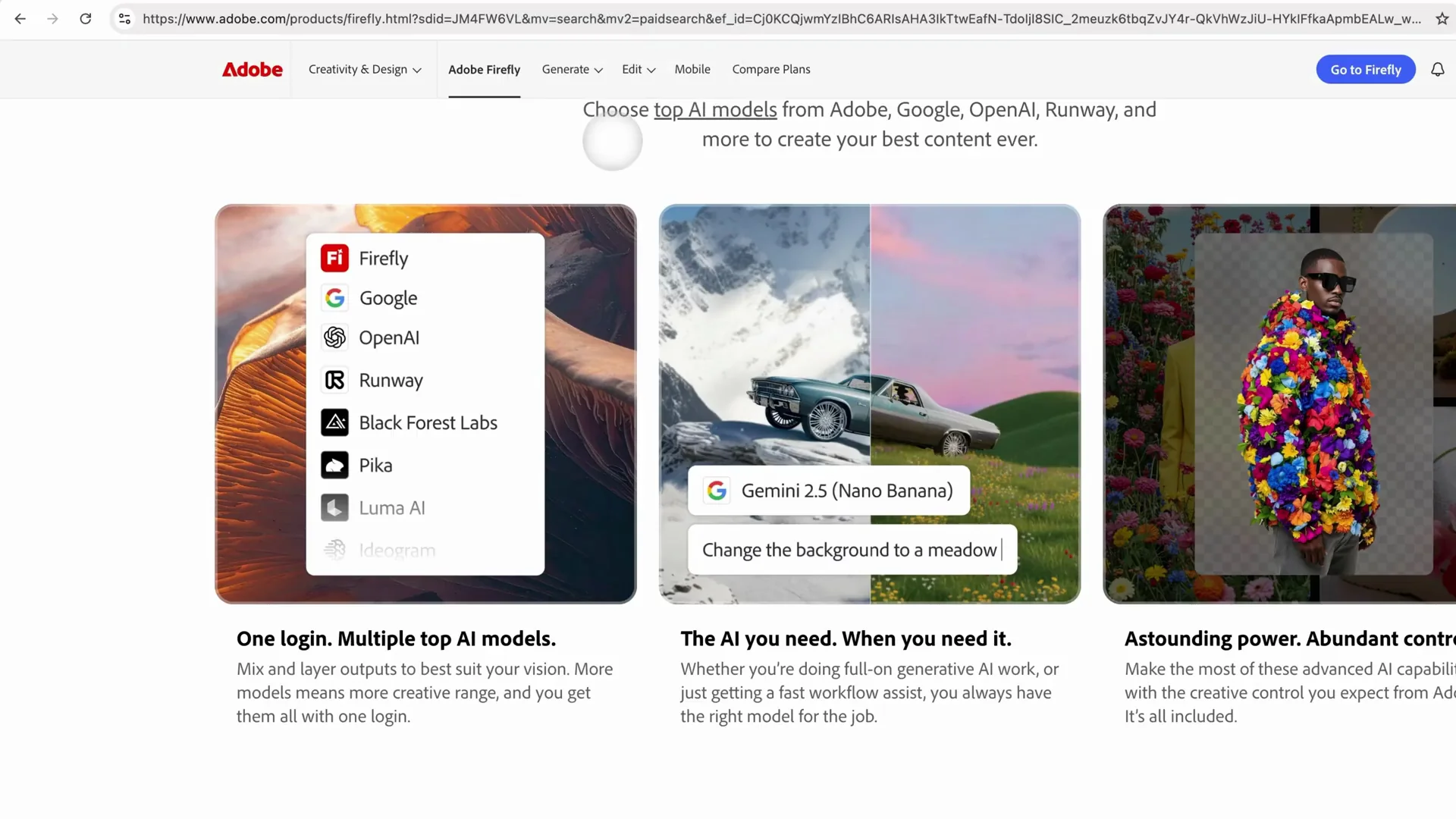
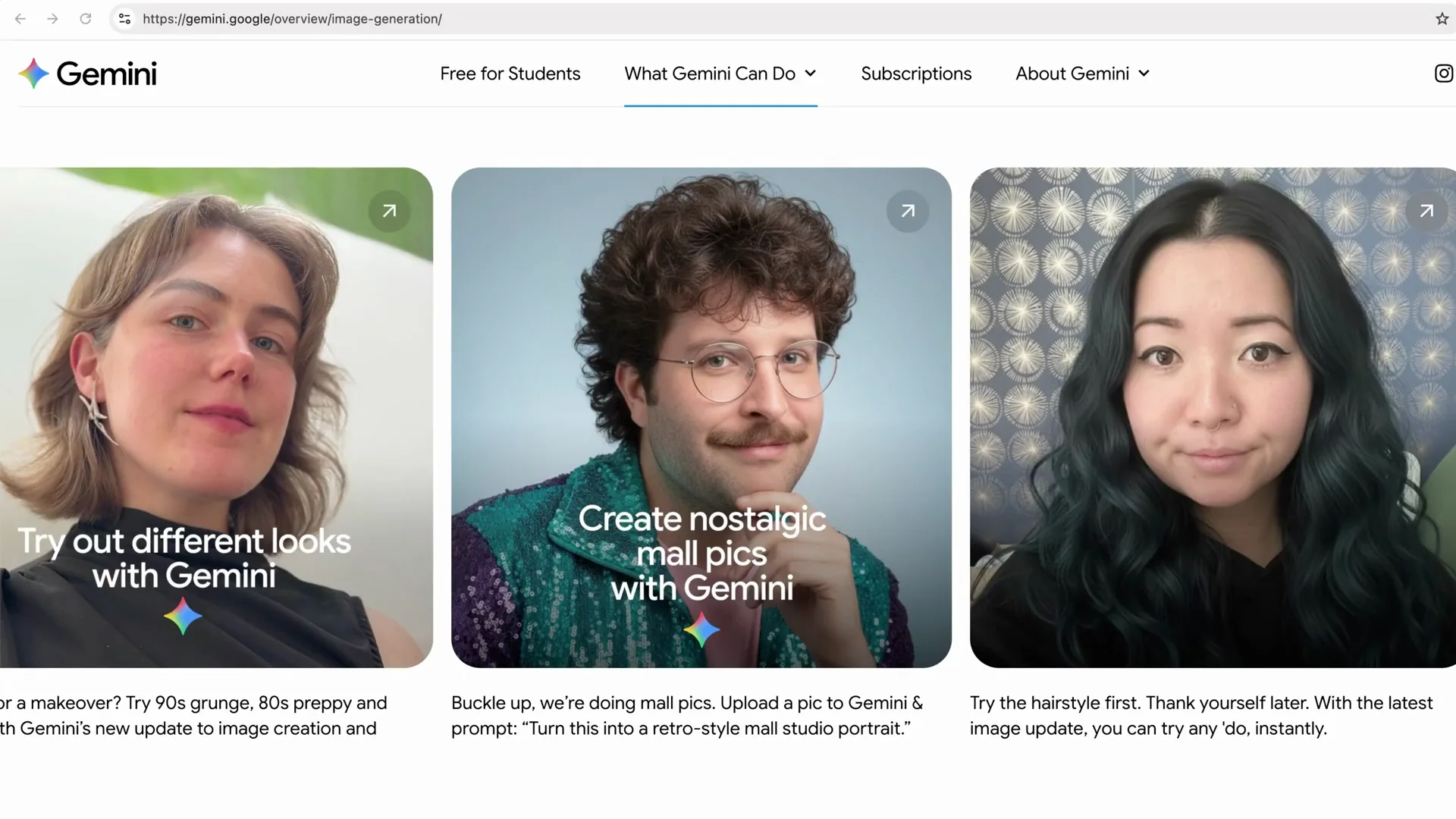
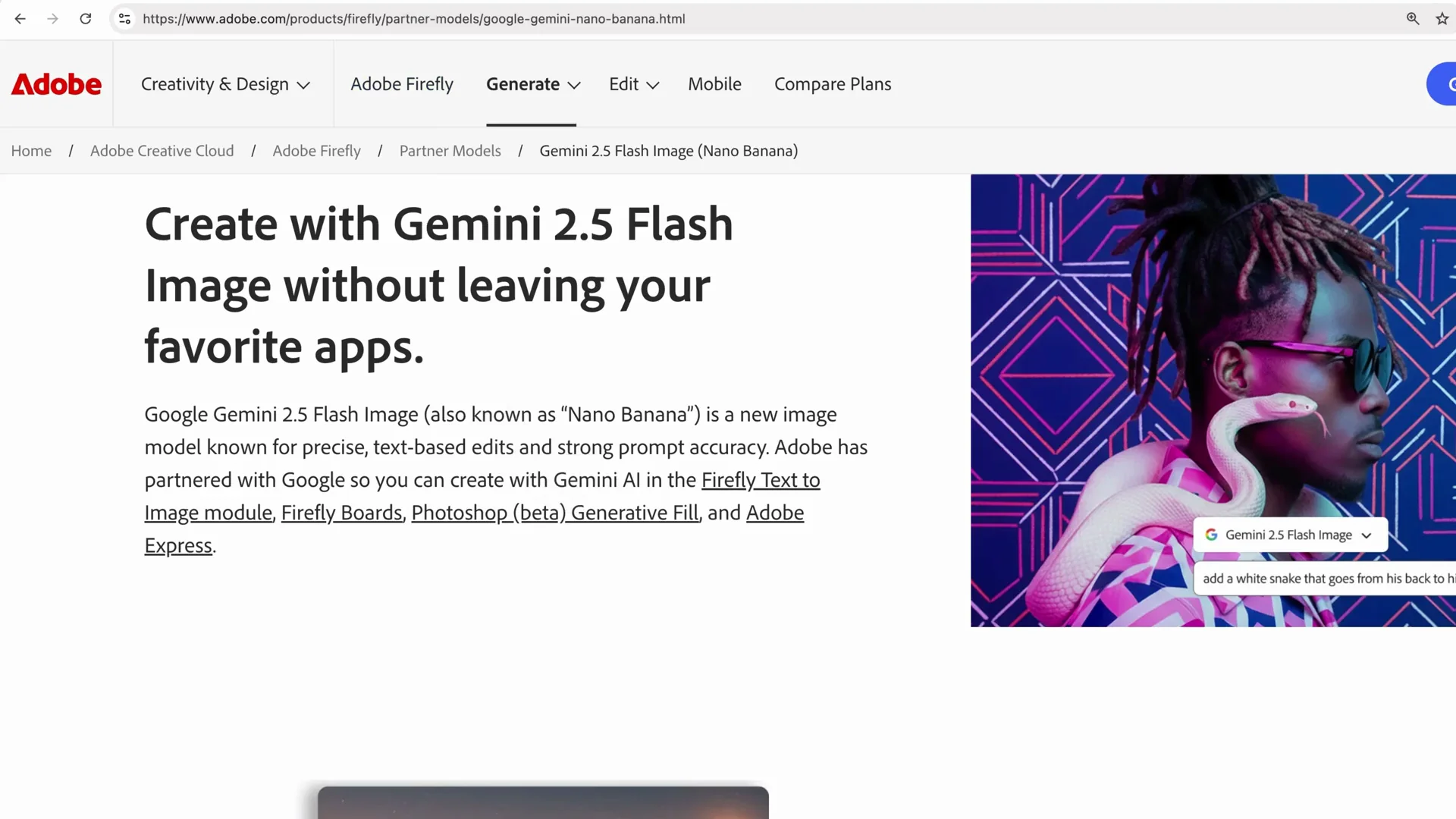
I also have an Adobe Creative Cloud subscription. I am loyal to my way of working and I love Photoshop, InDesign, and Firefly, the new AI tool. A few of my students mentioned that the AI generative tools in Adobe are all right, but Nano Banana knocks it out of the park. I agreed. Some of the AI tools in Adobe lacked that full power that Nano Banana had. I was stressed about changing my whole way of working. Then Adobe announced at Adobe Max that Nano Banana, alongside other AI partner models, is now available in Adobe Firefly and other Adobe apps. You can use that high quality AI tool right inside Photoshop and Firefly. You get the best of both worlds. I get to do it all in one place. You do not have to download anything externally. It is built in. You just choose which model you want to use.
Comparison overview
| Option | Best for | Available in | Output variations | Safety note | Subscription note | Quick take |
|---|---|---|---|---|---|---|
| Nano Banana in Adobe | Portraits, people, animals, keeping characters consistent | Photoshop, Firefly (image) | Single image per generation | Partner model - Adobe does not control partner policies | Partner models are available in premium subscription | High quality results that knock it out of the park |
| Adobe Firefly models | General image generation | Photoshop, Firefly (image) | Three image variations per prompt | Commercially safe per Adobe | Included with Adobe, no external download | Fine results, though it lacked the power I saw with Nano Banana in my tests |
| Topaz Labs Upscaler in Adobe | AI upscaling, detail, denoise, sharpen | Photoshop (AI upscaler), Firefly | N/A | Partner model | Premium | Takes small, lower quality pictures and increases resolution and quality with strong detail and cleanup |
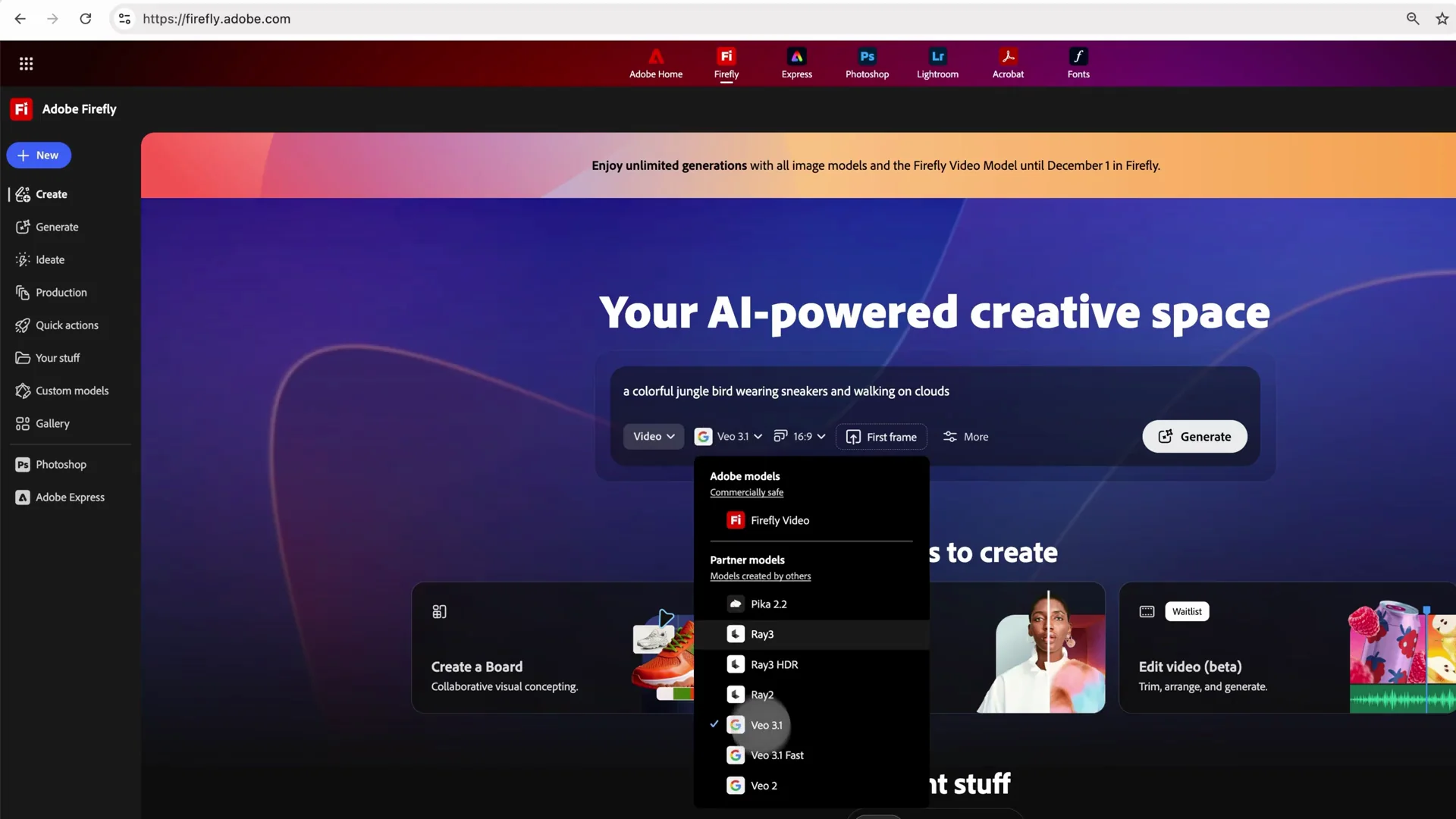
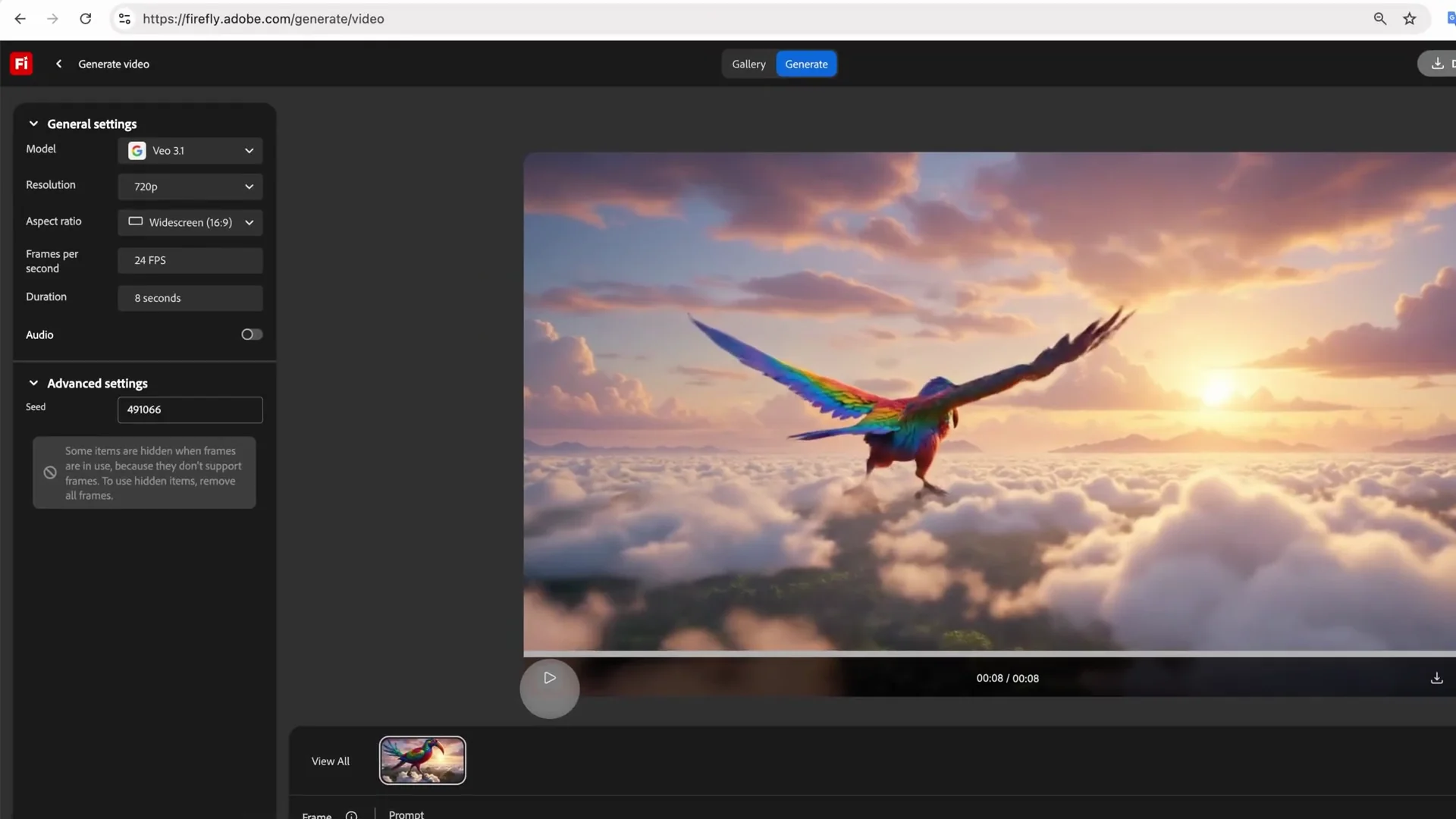
| VEO video model in Adobe | Video generation | Firefly (video) | N/A | Partner model with an 18+ and responsibility notice | Premium | Excellent for videos - I saw clouds move toward camera and feathers flicker |
| Flux Context Pro in Adobe | Additional partner image model choice | Photoshop, Firefly | Single image per generation | Partner model | Premium | Another partner model option inside Adobe |
Nano Banana in Adobe Firefly and Photoshop
Why Nano Banana grabbed me
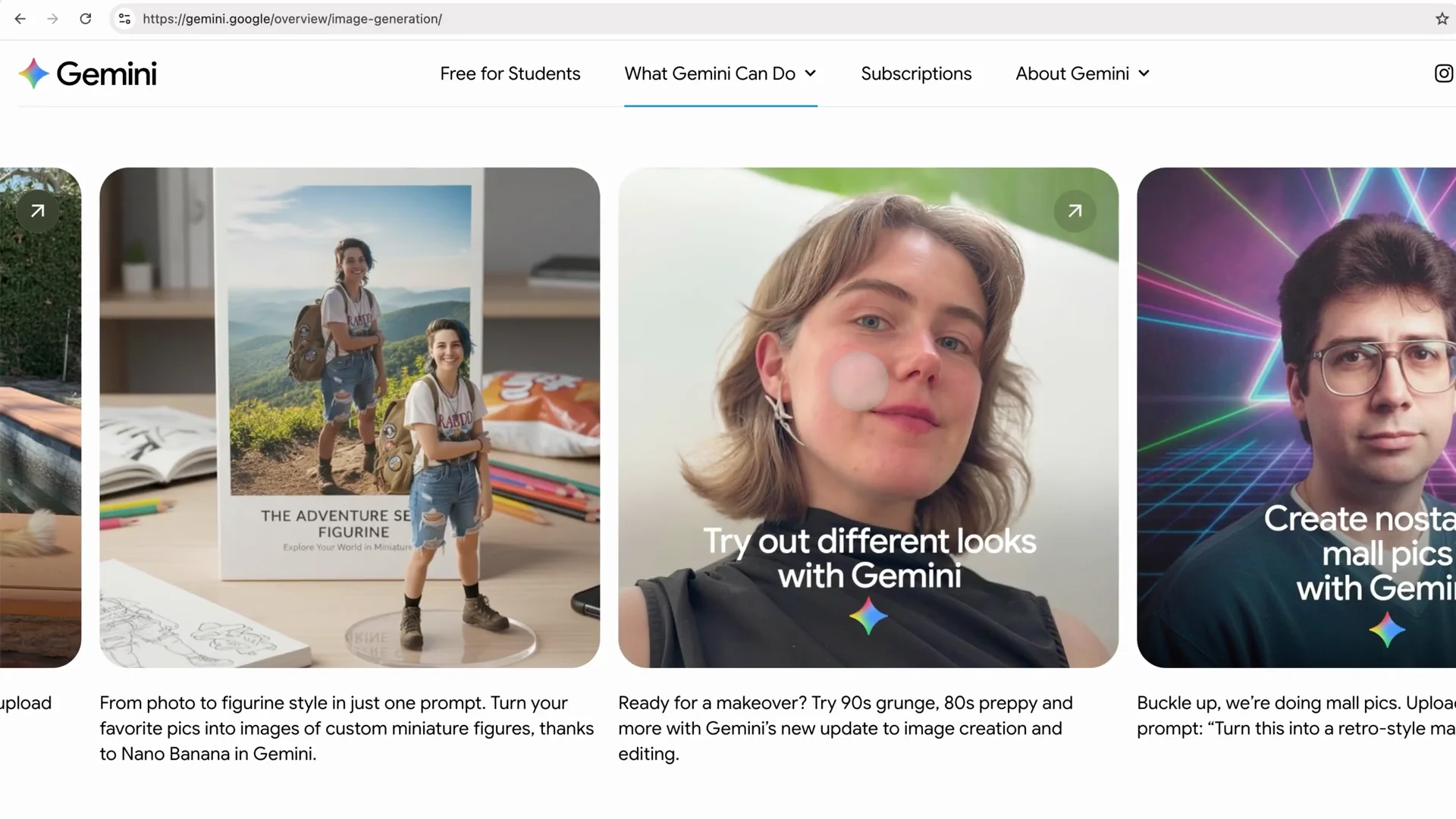
Nano Banana knocks it out of the park. For portraits, people, animals, and mainly for keeping characters consistent, it is the best. A lot of AI tools will generate a person or an animal and every time it is another person. Nano Banana is consistent with the characters, which is so useful.
In-app model choice and variations
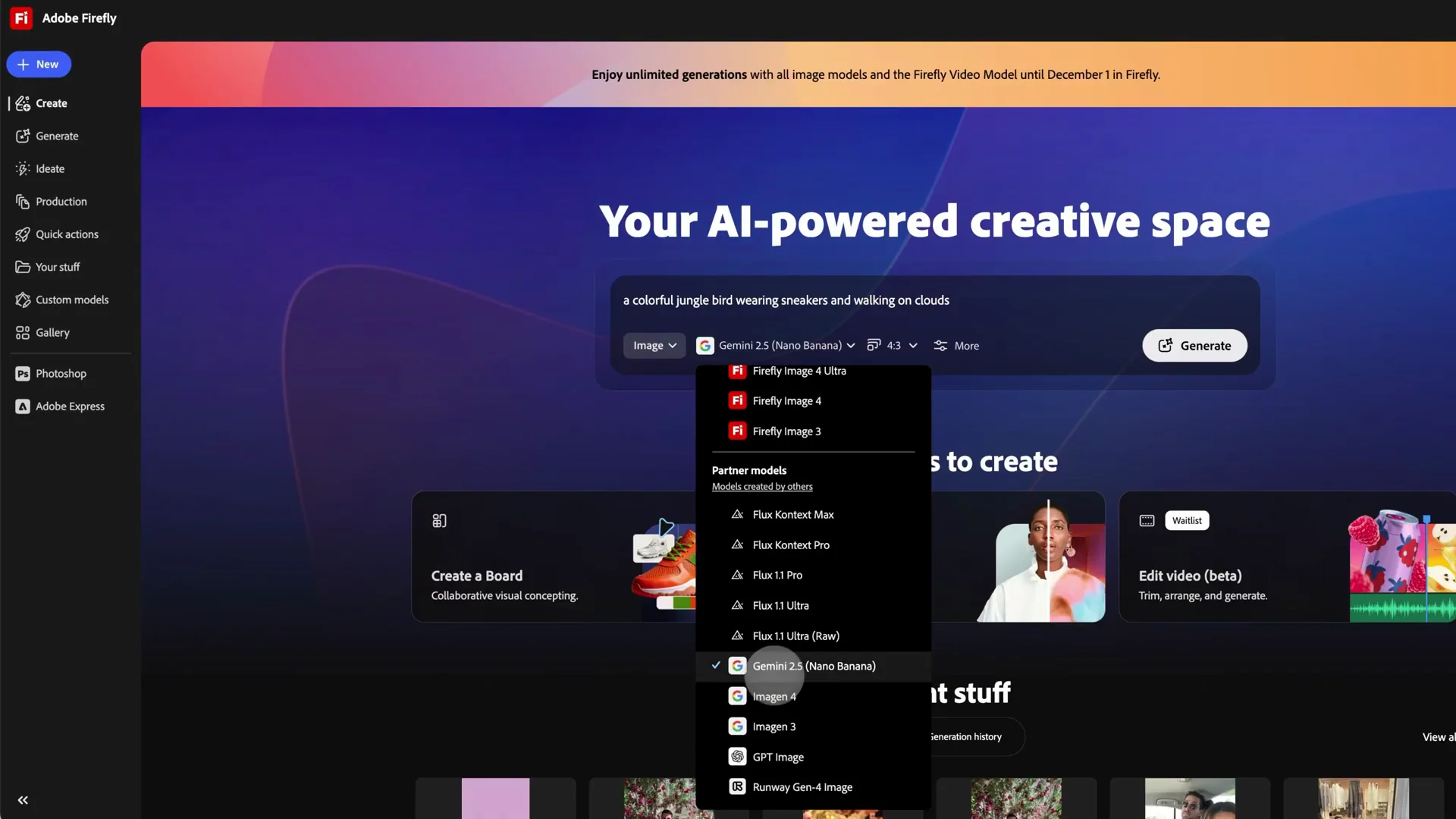
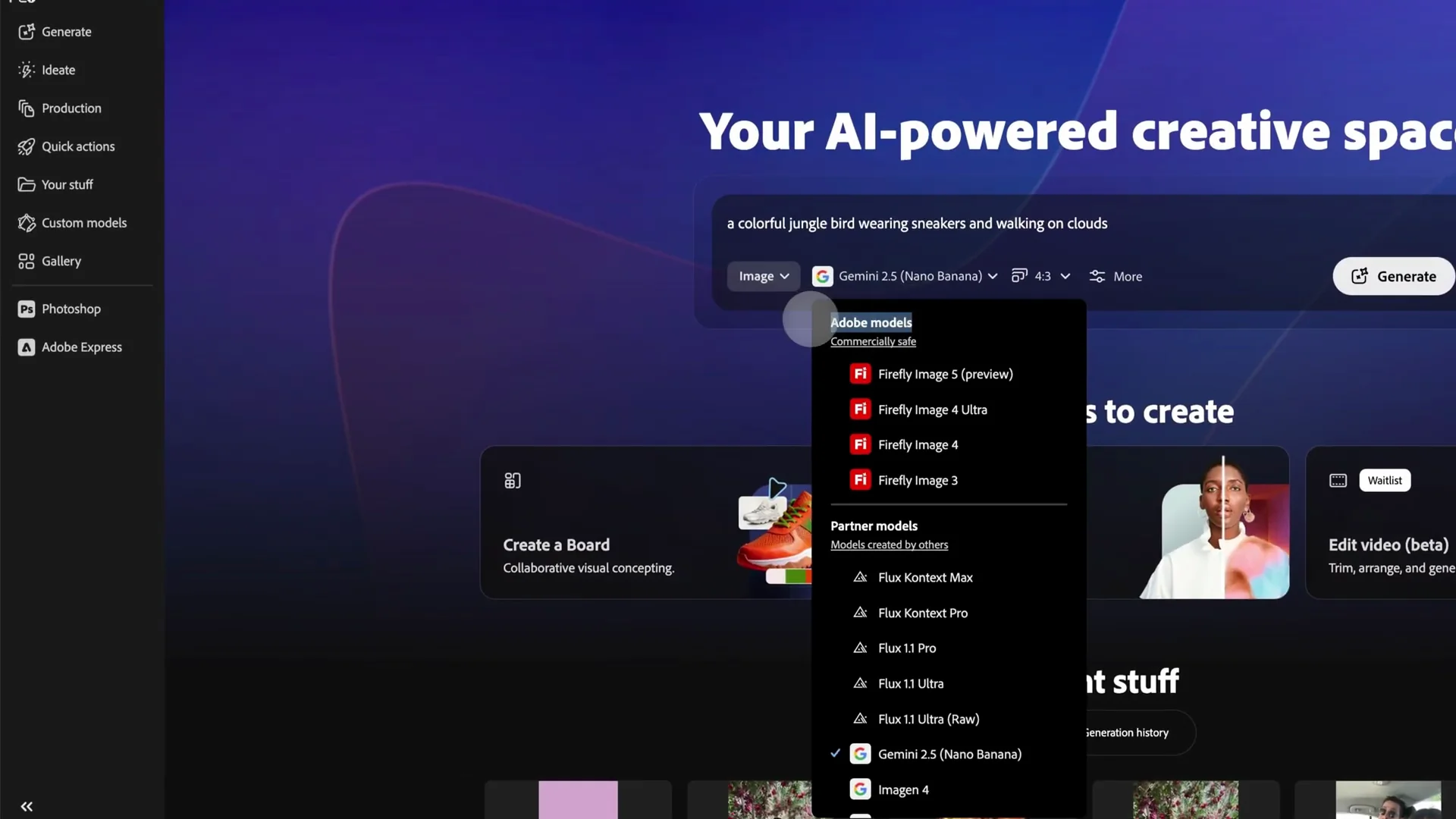
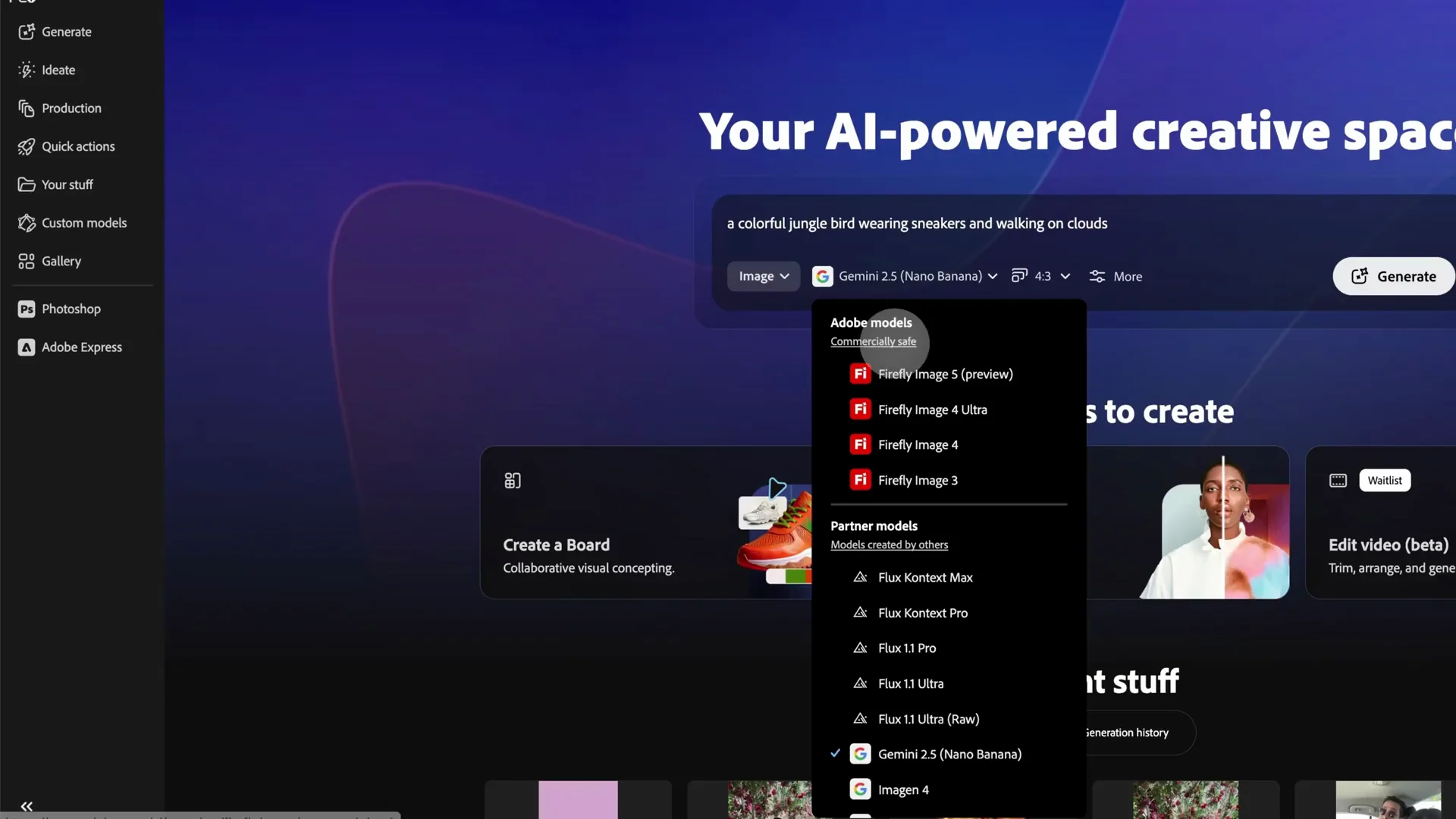
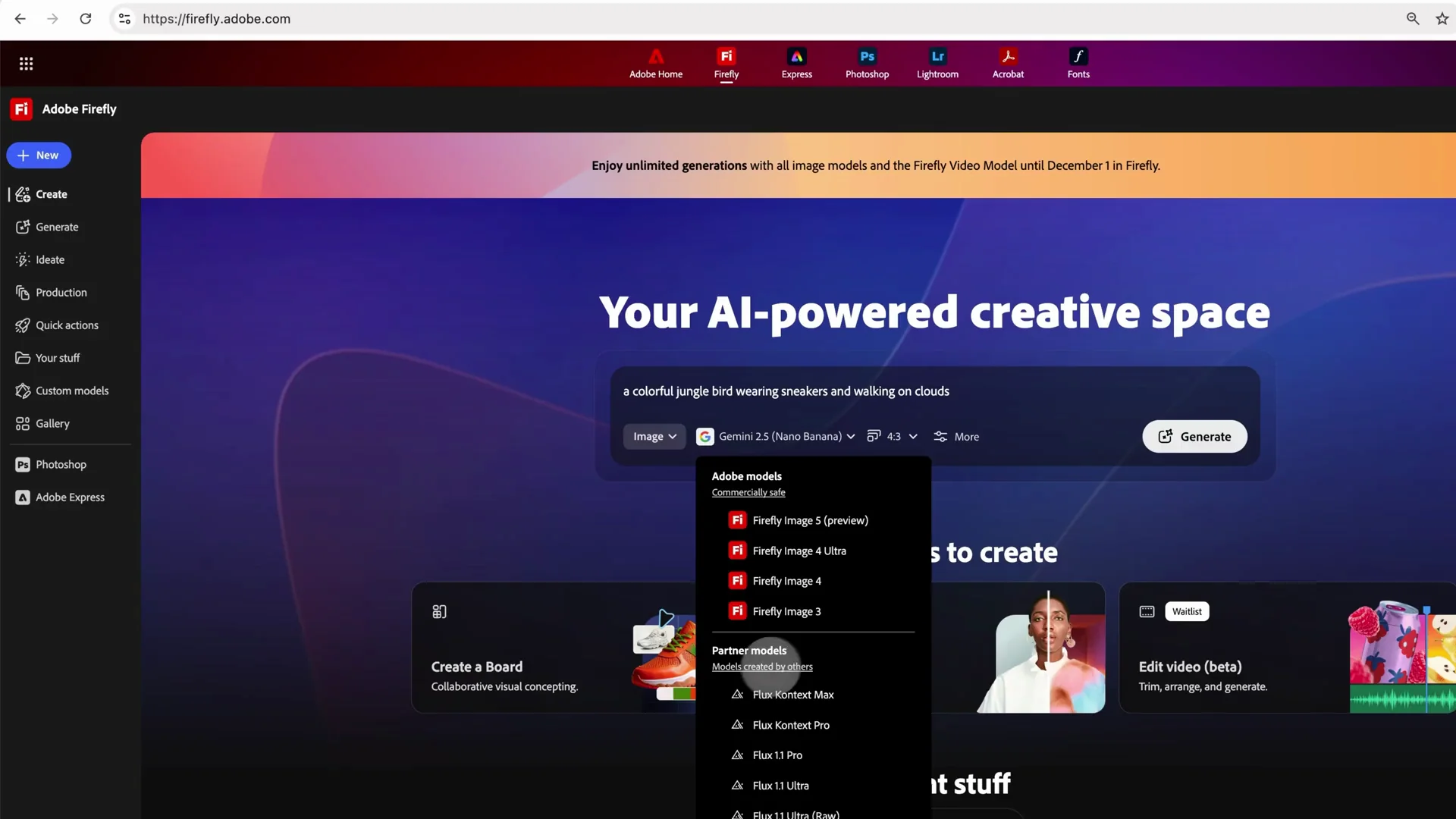
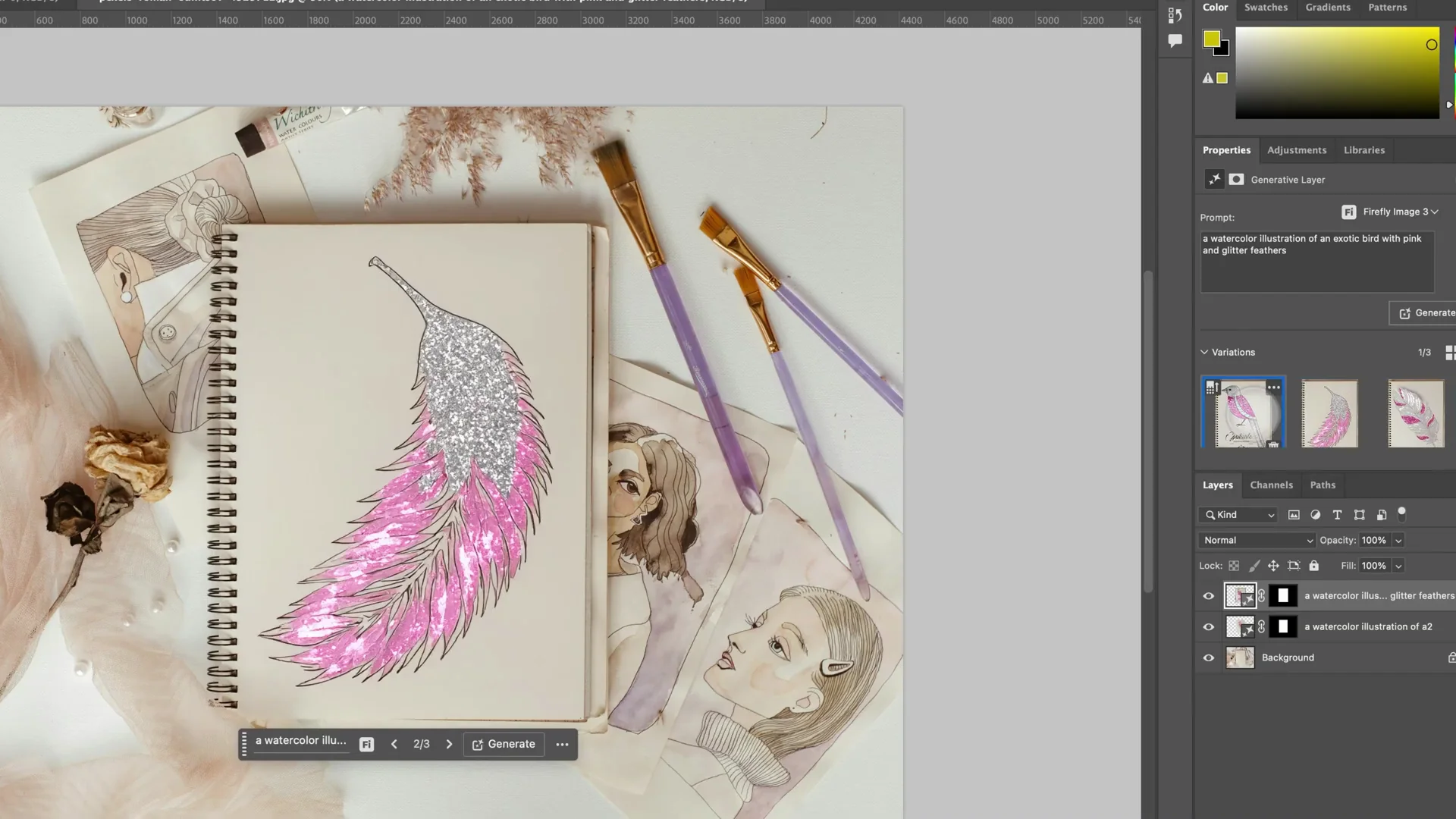
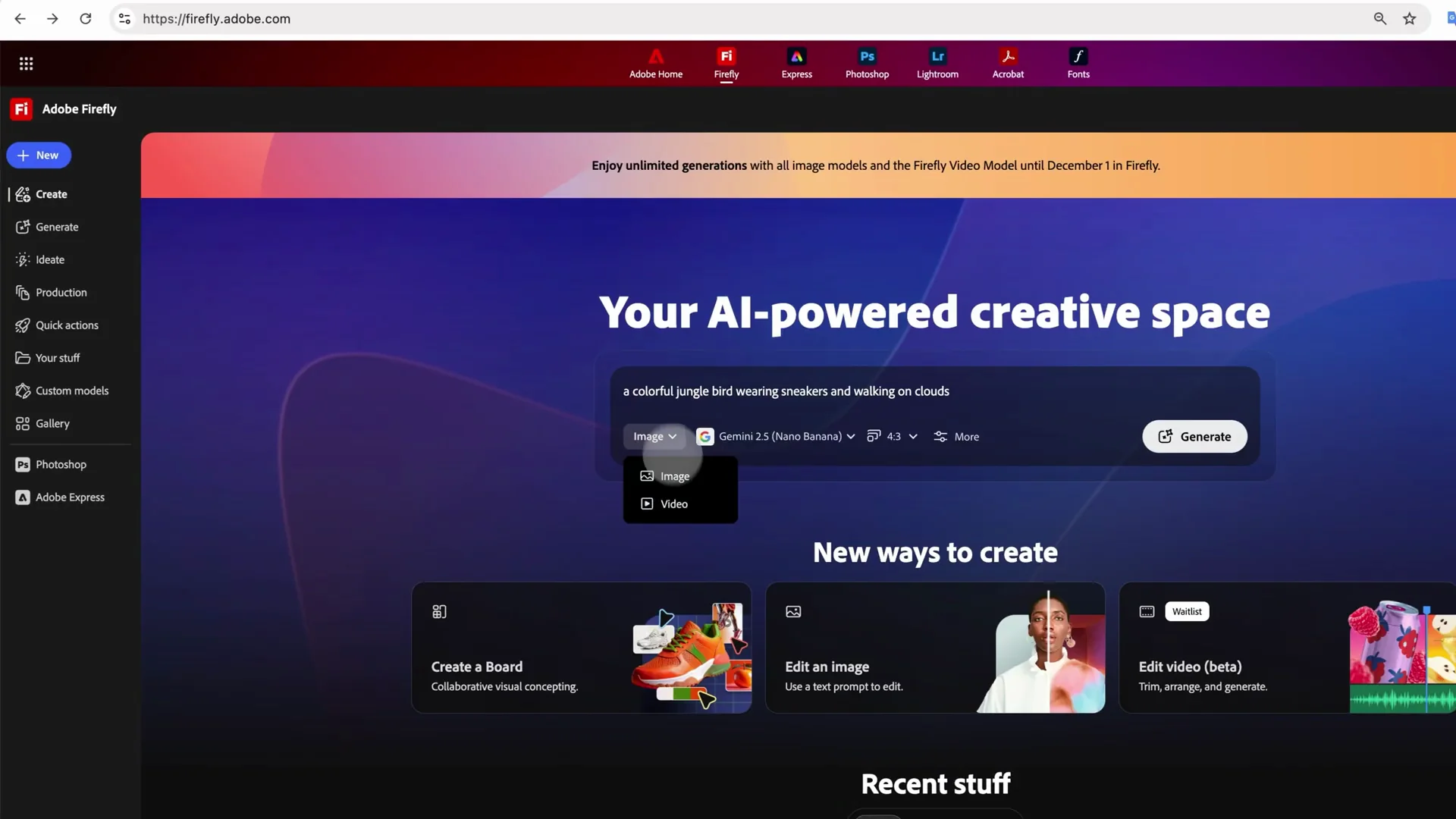
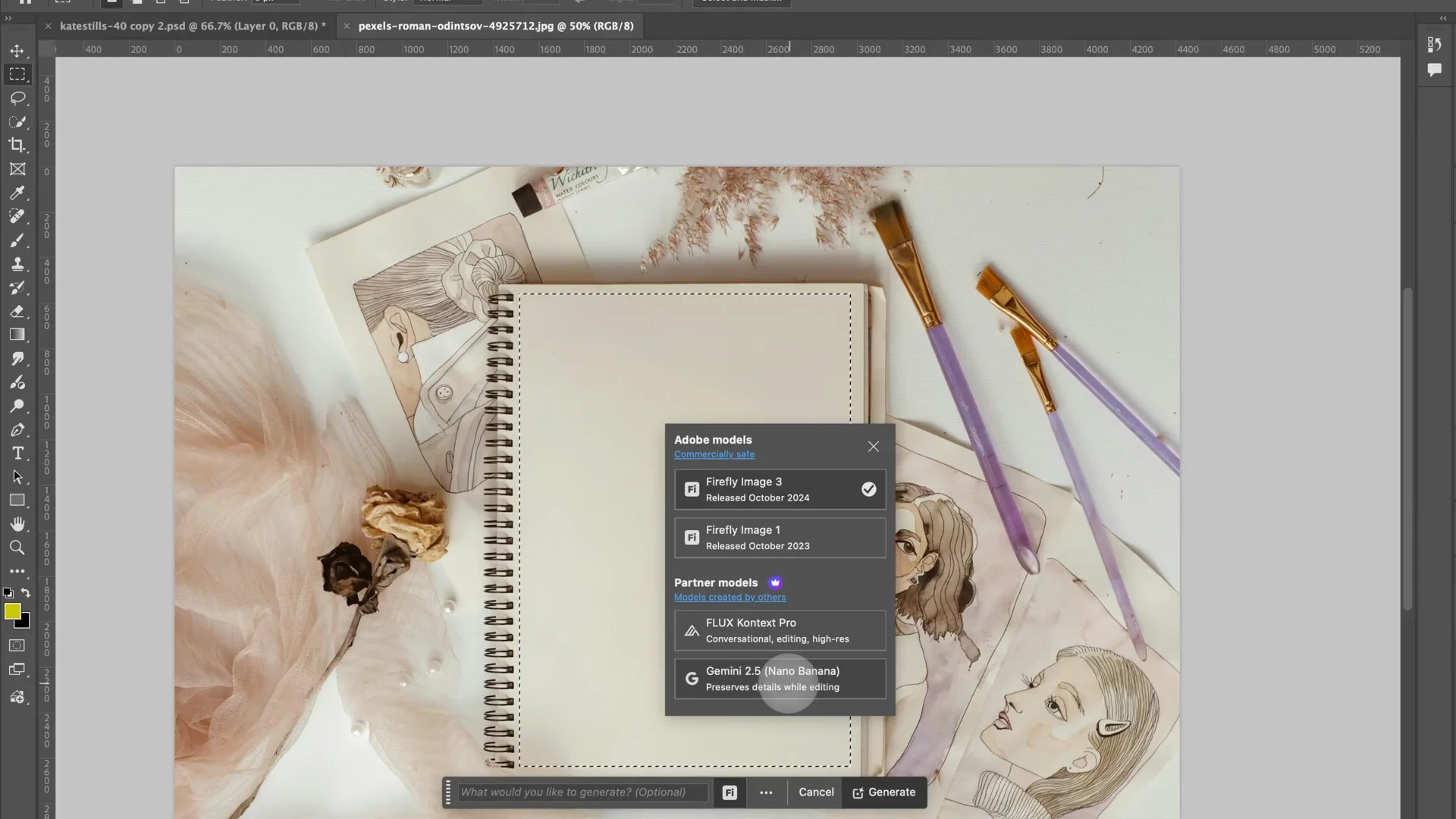
Inside Photoshop, Generative Fill appears when you make a selection. In the Firefly model picker, you can choose Adobe models or partner models. Nano Banana is right there, and so is Flux Context Pro. You can still choose Firefly if you want. AI partner models generate a single image, while Adobe Firefly generates three variations. That is cool.
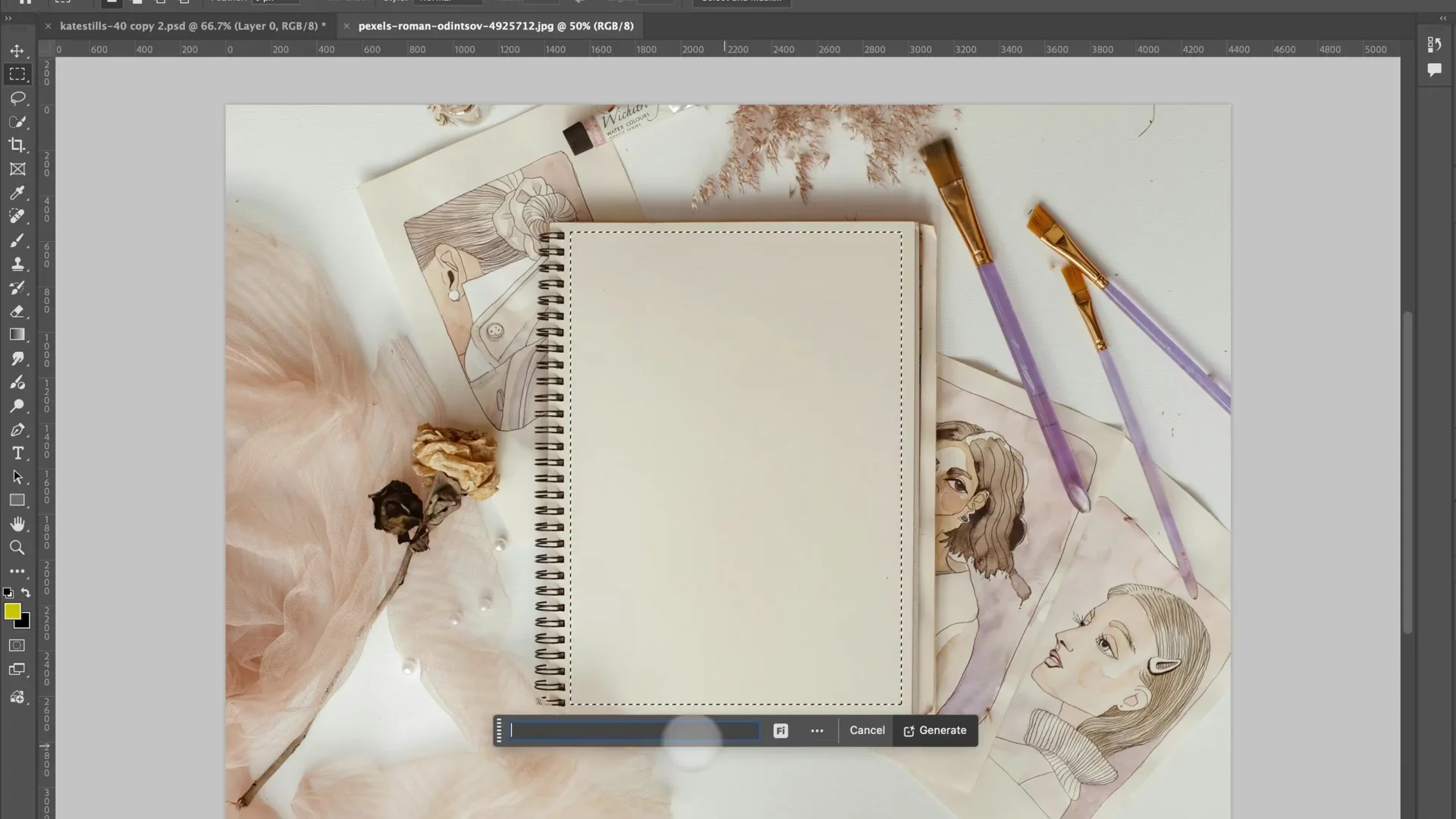
Prompt results I saw
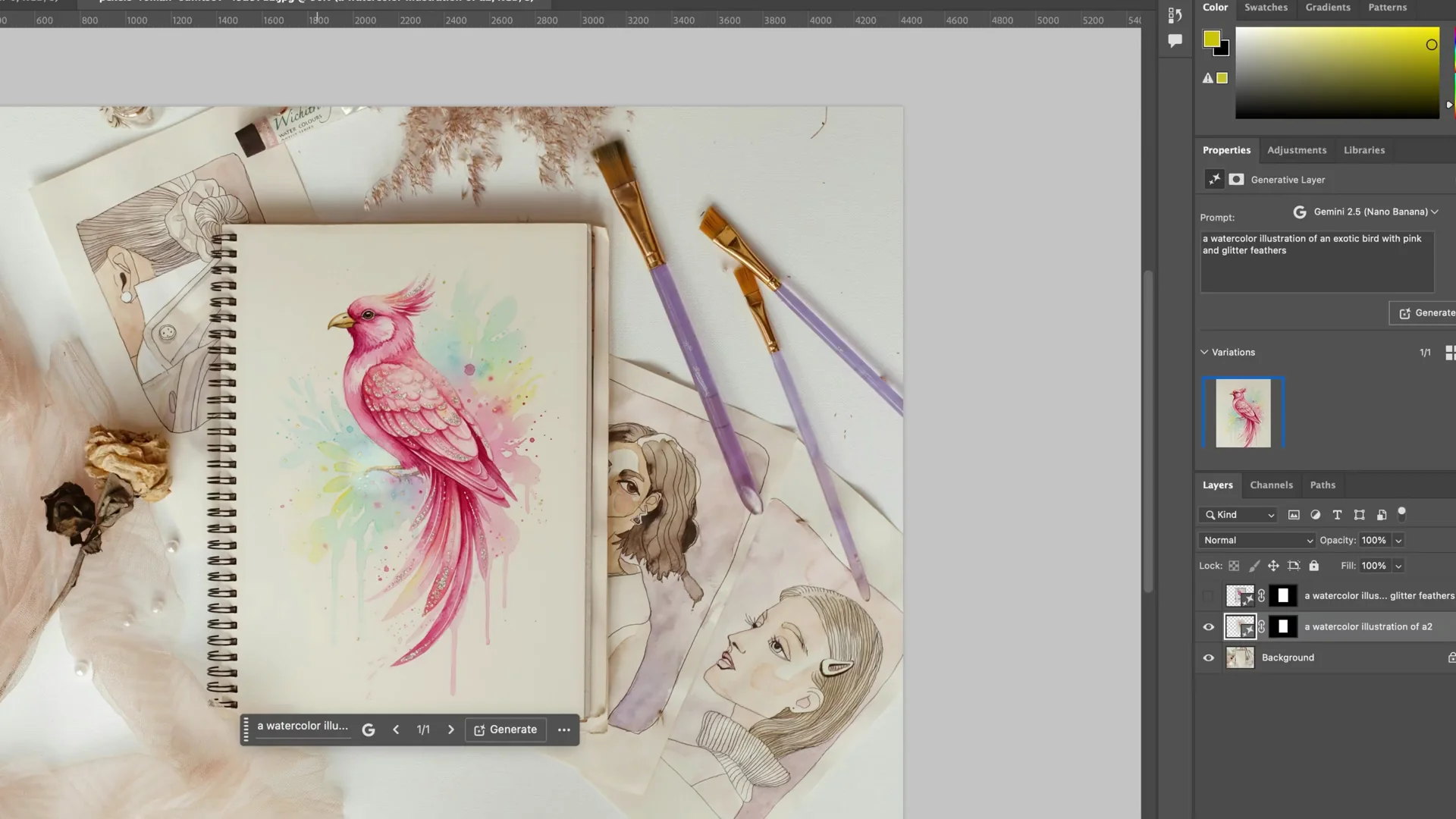
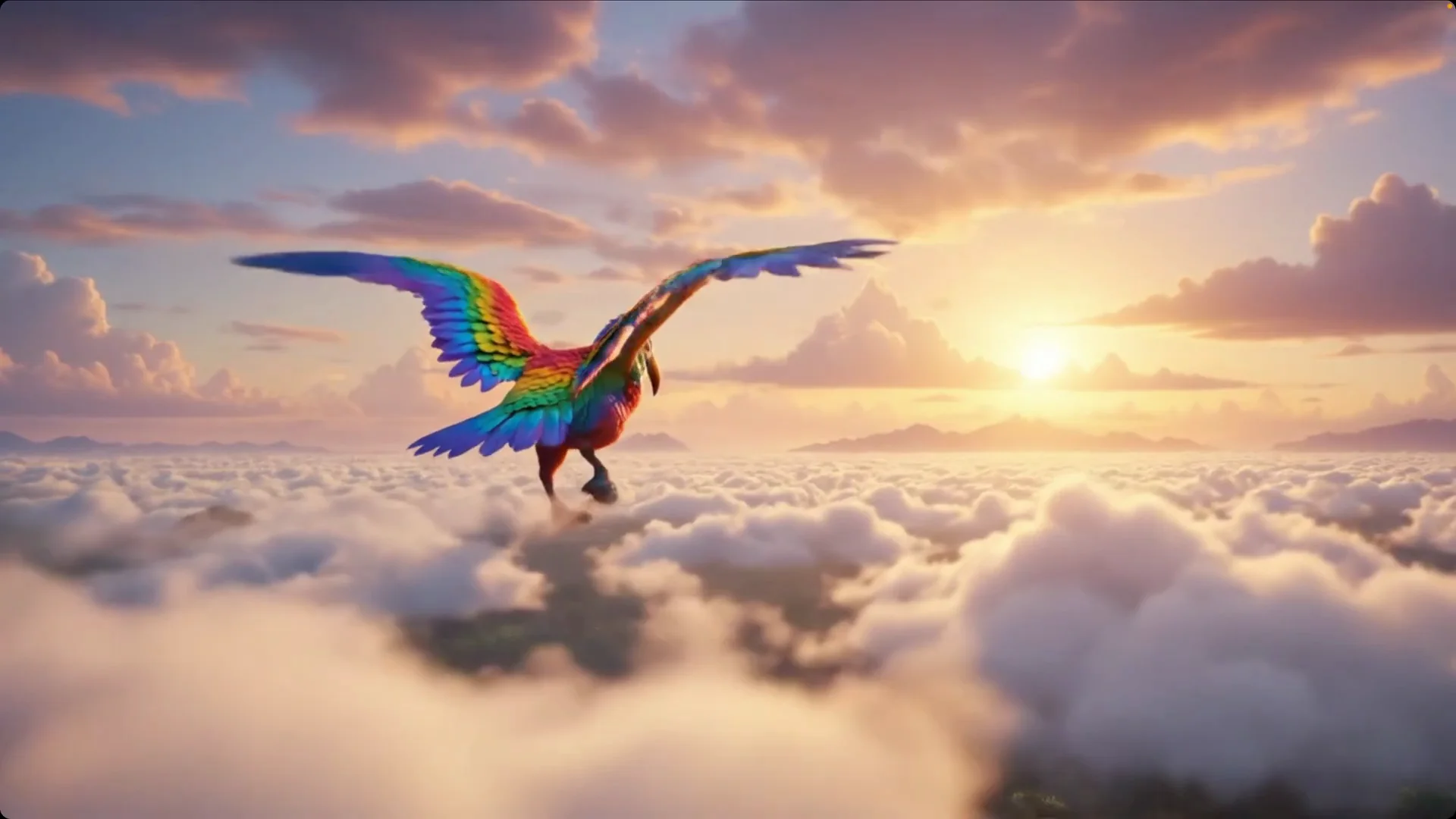
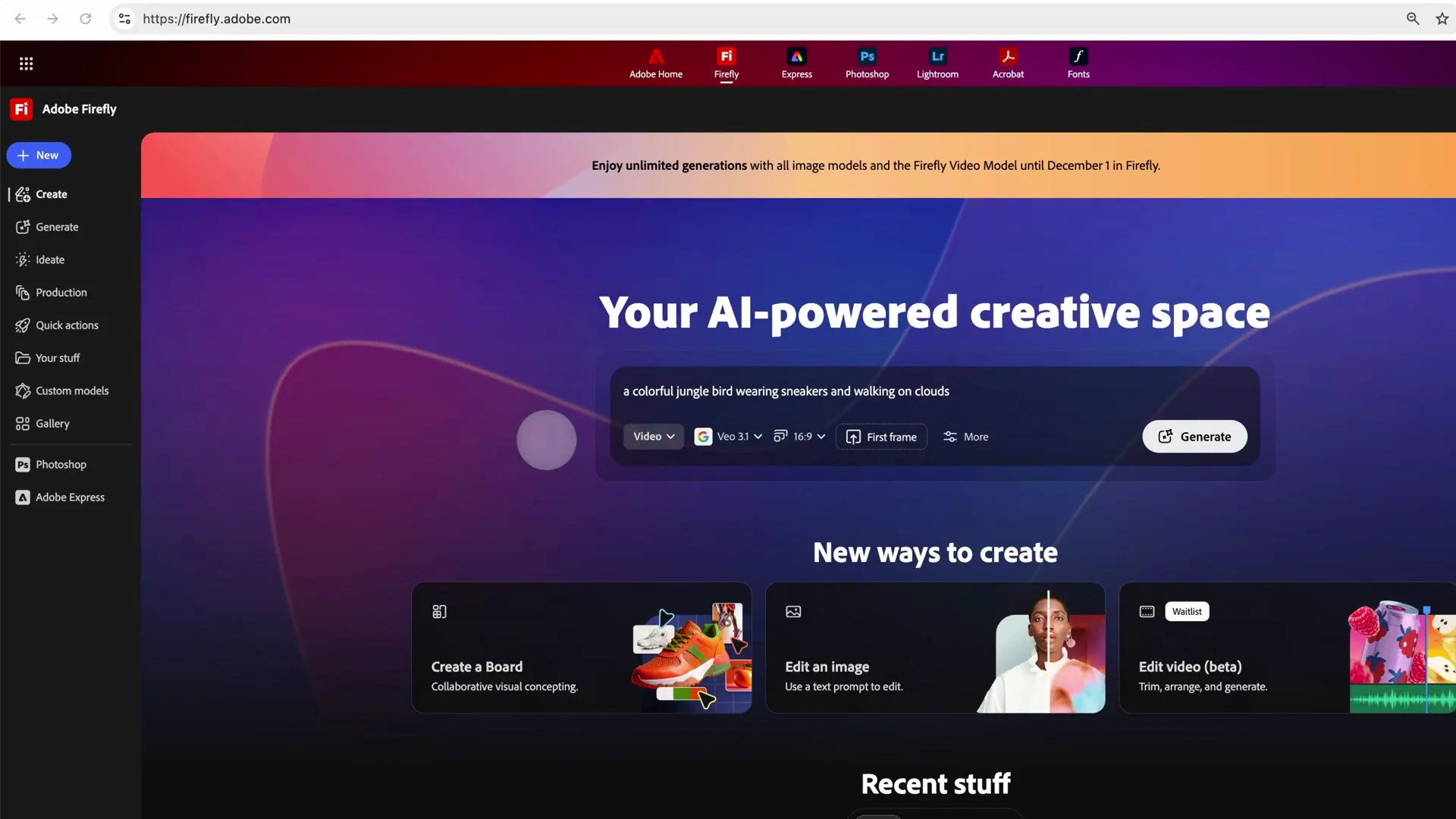
I tried a watercolor illustration of an exotic bird with pink and glitter feathers. With Firefly, the results were interesting but did not really catch the glitter and watercolor feel. With Nano Banana, the same prompt produced a much better result. It caught the watercolor, the detail, the pink, and the glitter. I also tried a colorful jungle bird wearing sneakers and walking on clouds. The detail was simply gorgeous.
Topaz Labs Upscaler in Adobe
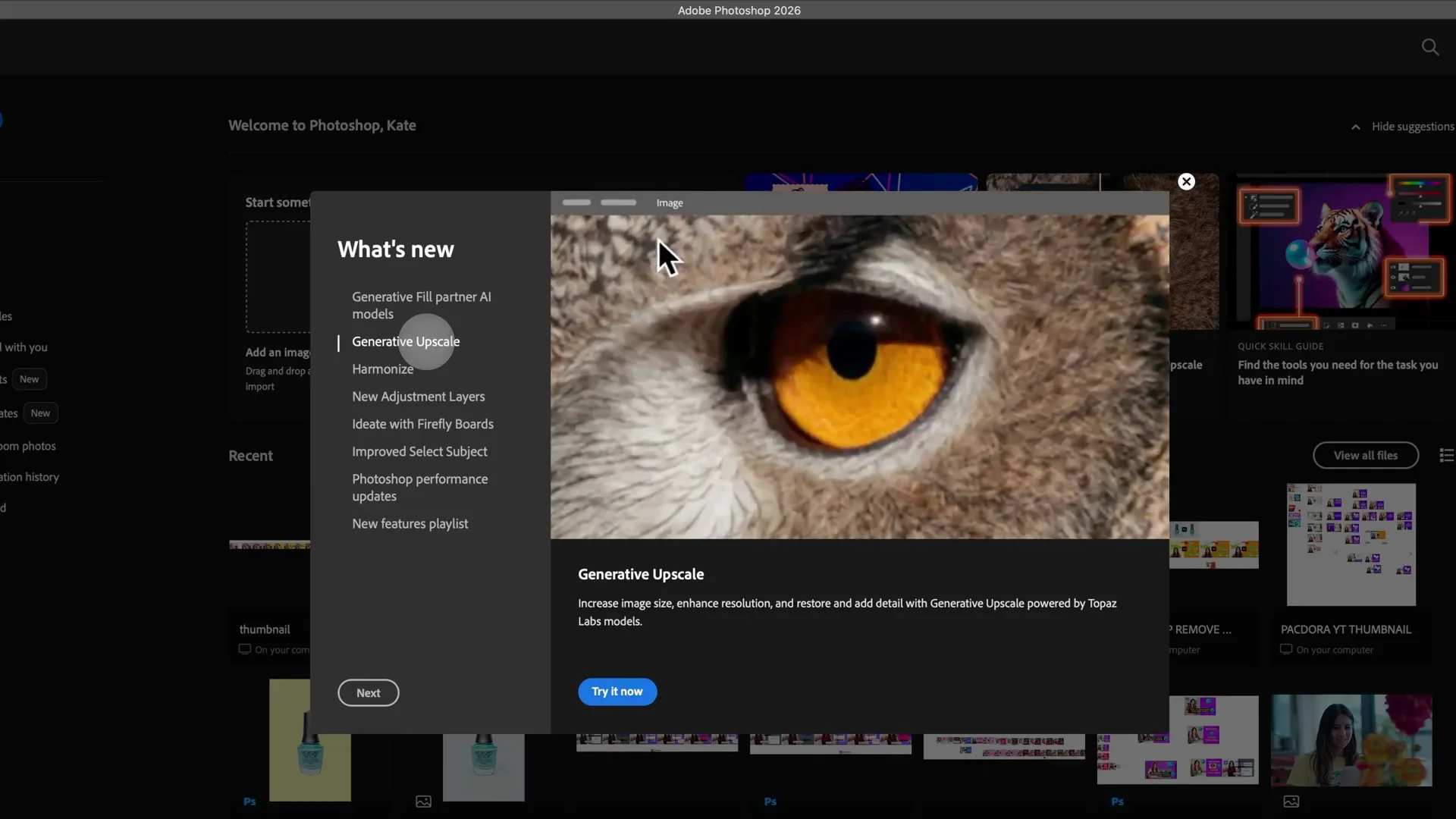
What it does
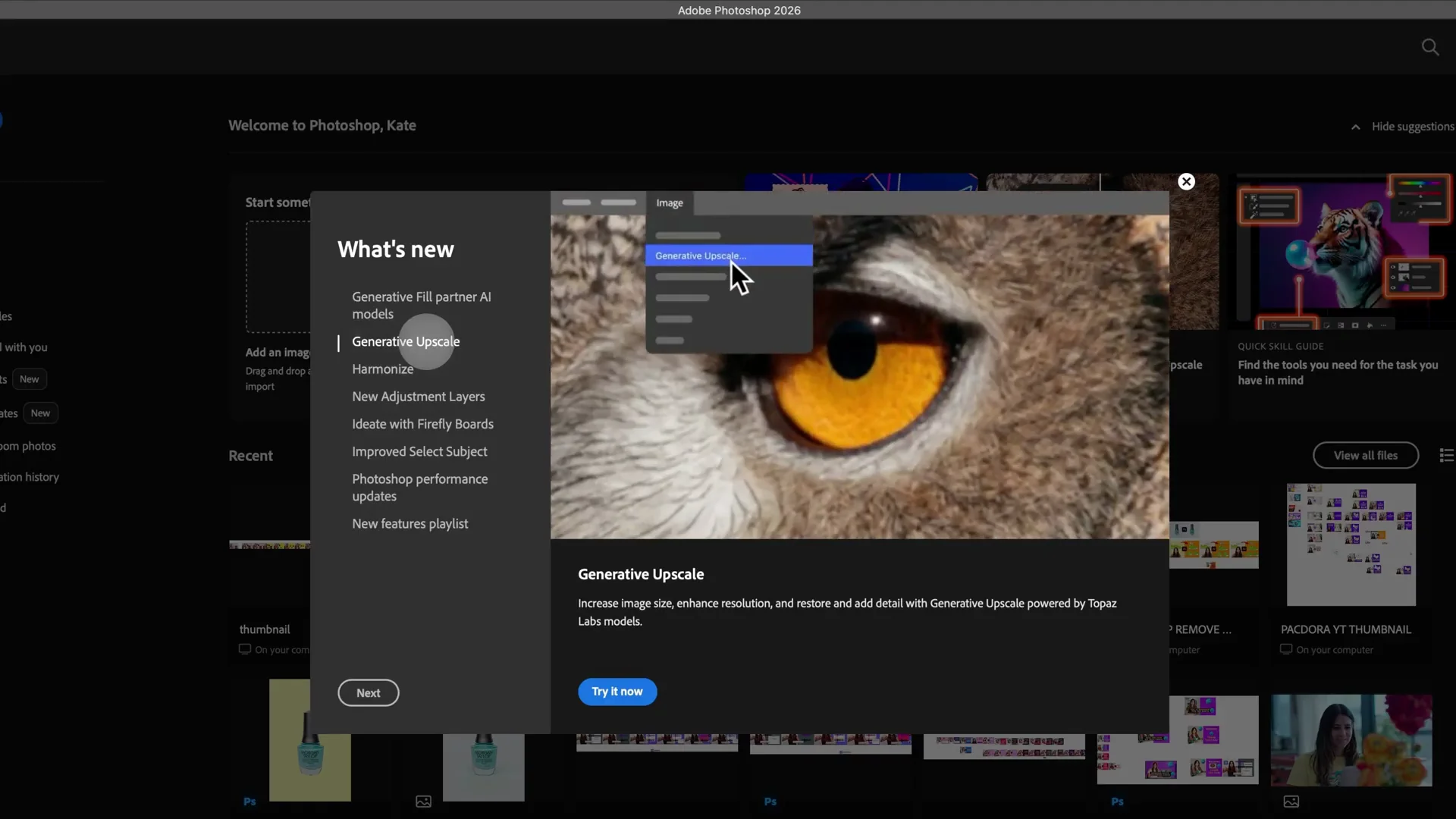
Topaz Labs is incredible for AI upscaling. Adobe Photoshop has an AI upscaler tool that takes little pictures that are not high quality and increases the resolution or the quality of that image using the Topaz AI model. Topaz is great for details. Topaz Denoise and Sharpen both increase quality, sharpen images, and remove the noise.
VEO video model in Adobe
What it does and the example
VEO is excellent for videos. In Adobe Firefly video, I chose a first frame using the colorful bird image, then wrote clouds moving towards camera, flickering feathers, during sunset. The partner model notice explains that partner models are not created by Adobe, you need to be 18 or over, and your content will not be used to train generative AI models. The result was amazing. The clouds moved toward the camera, the feathers flickered, and the lighting felt like sunset. I do not think Firefly was doing this level, this quality.
Other models available with Nano Banana in Adobe
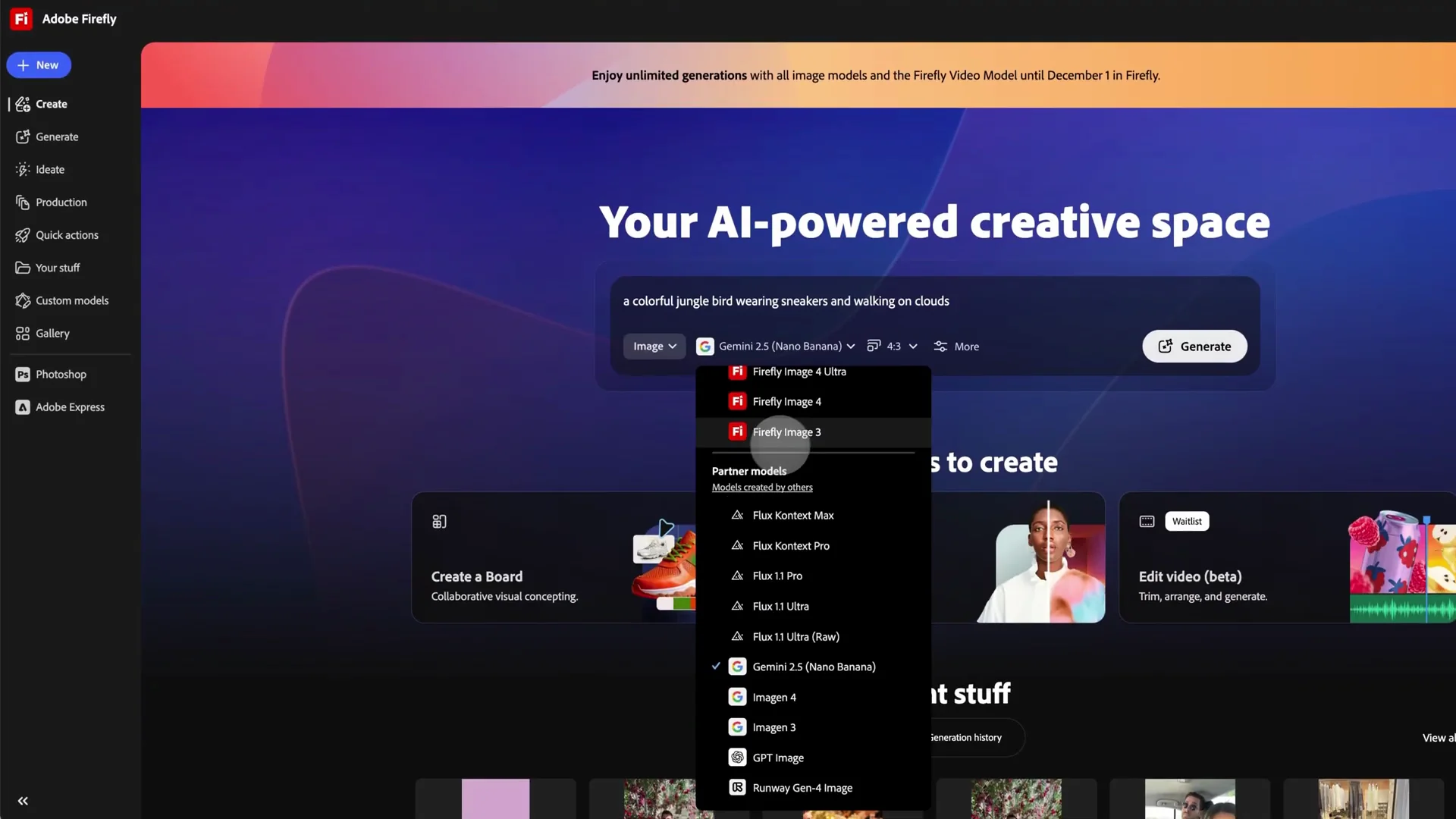
Image models you can pick
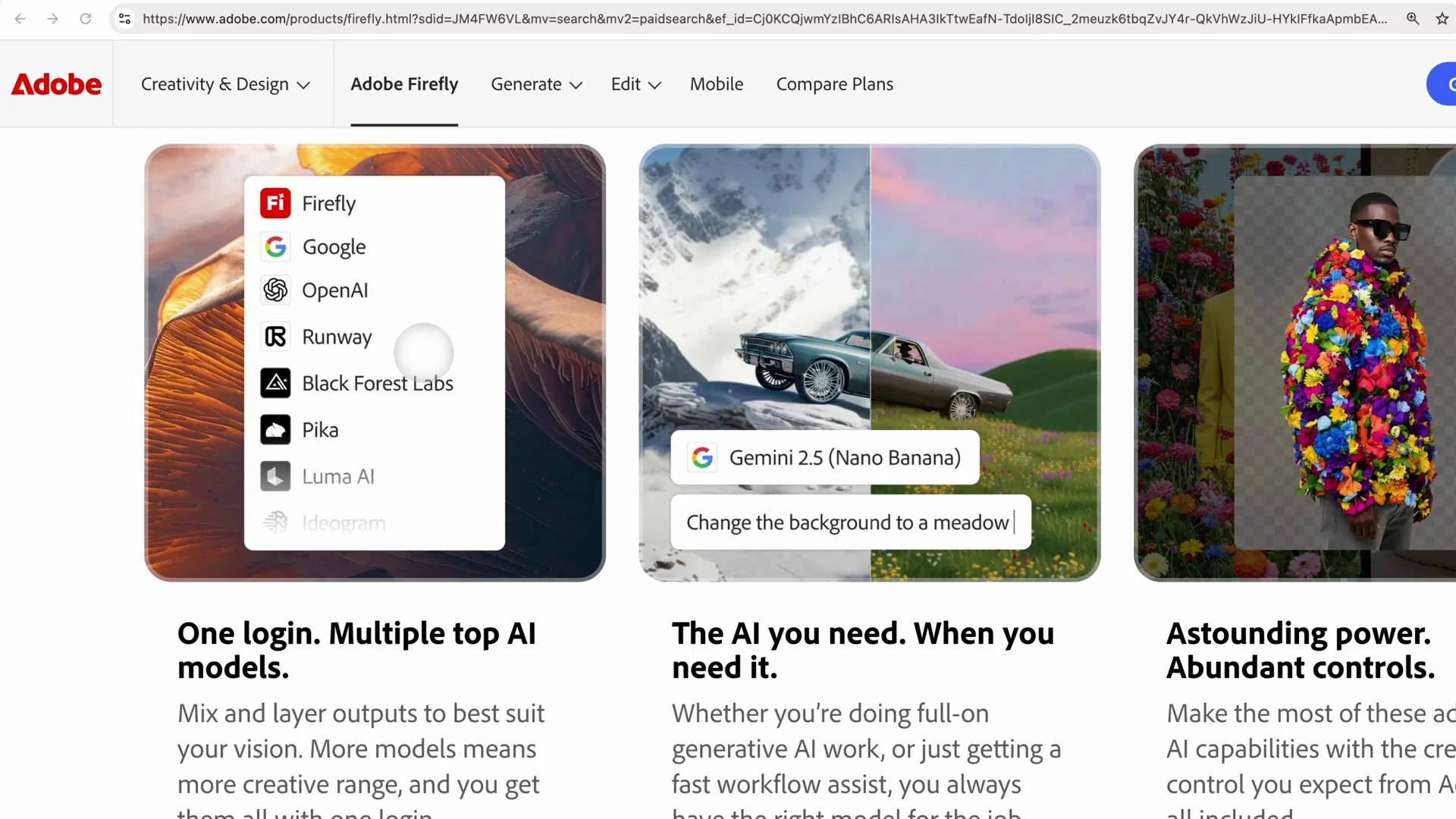
For image, you can choose Nano Banana or Gemini, which are great for humans, portraits, animals, faces, characters. You also have Imagin, GPT from OpenAI, and Runway.
Video models you can pick
For video, you can choose PA, VEO, and Ray. I suggest you test them all out.
Safety and subscription notes with Nano Banana in Adobe
Commercially safe Adobe models
Adobe models are commercially safe. They are not going to train on your artwork, copy your artwork, or resell your artwork. Your artwork is safe. They do not claim ownership of your artwork or your content. This is great for non-disclosure, delicate company information, or unreleased content.
Partner models and premium access
For models created by others, Adobe does not have control over what these models decide to do with your content. Partner models are available in premium subscription. I have the full Creative Cloud subscription, all the AI, all the Adobe apps, and it is available. You get the benefits of Adobe with the accuracy, detail, and amazing characters and portraits you can do with partner models like Nano Banana.
Features breakdown
Nano Banana in Adobe
- Consistent characters across images
- Strong for portraits, people, animals, faces
- High detail and stylistic fidelity for prompts like watercolor and glitter
- Integrated inside Photoshop and Firefly as a partner option
Adobe Firefly models
- Integrated across Photoshop and Firefly
- Three image variations per prompt
- Commercially safe training and usage terms
Topaz Labs Upscaler in Adobe
- AI upscaling for low resolution images
- Detail enhancement, denoise, and sharpen
- Integrated in Photoshop’s AI upscaler flow
VEO video model in Adobe
- Video generation with strong motion and detail
- Works with a first frame and a written prompt
- Produced clear motion like clouds moving to camera and feather flicker
Flux Context Pro in Adobe
- Available as a partner model choice alongside Nano Banana
- Selectable in the same picker in Photoshop and Firefly
Pros and Cons
Nano Banana in Adobe
- Pros:
- Excellent for portraits, people, animals
- Keeps characters consistent
- Beautiful detail and style adherence
- Lives inside Adobe apps
- Cons:
- Generates a single image per prompt
- Partner model policies are outside Adobe’s control
- Available with premium
Adobe Firefly models
- Pros:
- Commercially safe
- Three image variations per prompt
- Built in across Adobe apps
- Cons:
- In my tests, it lacked the power I saw with Nano Banana on certain artistic prompts
Topaz Labs Upscaler in Adobe
- Pros:
- Increases resolution and quality of small images
- Great for detail, denoise, and sharpen
- Integrated in Photoshop
- Cons:
- Focused on upscaling rather than full image generation
- Partner model and premium
VEO video model in Adobe
- Pros:
- Excellent video results
- Strong motion and detail from simple prompts
- Cons:
- Partner model with an 18+ notice
- Premium access required
Flux Context Pro in Adobe
- Pros:
- Another integrated partner option to try
- Cons:
- Partner model and premium
Best use cases
Nano Banana in Adobe
- Portraits, people, animals
- Character-driven series that must stay consistent
- Artistic styles that need strong detail, like watercolor with glitter
Adobe Firefly models
- General image exploration with three variations per prompt
- Projects that require commercially safe terms
Topaz Labs Upscaler in Adobe
- Improving older or small images for print or higher resolution delivery
- Cleaning noise and sharpening detail
VEO video model in Adobe
- Short video clips driven by a first frame and a descriptive prompt
- Motion like clouds moving to camera and subtle detail like feather flicker
Flux Context Pro in Adobe
- Alternative partner model choice when you want another look
Final Conclusion
Nano Banana in Adobe Firefly and Photoshop gives me the best of both worlds. I keep my Creative Cloud workflow and I get Nano Banana’s quality for portraits, animals, and character consistency. Adobe Firefly models are commercially safe and provide three variations, but in my tests Nano Banana produced stronger artistic results. Topaz inside Photoshop is excellent for upscaling, denoise, and sharpen. VEO for video delivered motion and detail I did not see before in Firefly.
If you want consistent characters and high quality portrait or animal work, pick Nano Banana in Adobe. If you need commercially safe terms and multiple variations per prompt, start with Adobe Firefly models. For low resolution images that need a boost, use Topaz Upscaler. For video, use VEO. I am excited to keep creating with AI partner models in Adobe, especially Nano Banana. It is all about prompting and creative ideas, and I am still learning how to delegate and craft scenes the way I saw at Adobe Max.
Recent Posts

How to use Grok 2.0 Image Generator?
Learn how to access Grok 2.0’s AI image generator (Premium required), write better prompts, and avoid pitfalls like real people and brands. Step-by-step tips.
How to use Instagram AI Image Generator?
Use Meta AI in Instagram DMs to turn text into images—and even animate them. It’s free, fast, and built in. No external apps needed; create art right in chat.
Leonardo AI 2026 Beginner’s Guide: Create Stunning Images Fast
Learn Leonardo AI step by step—sign up, explore Home, and generate or enhance photos with free, powerful tools. A quick, clear starter for beginners.