How to Create AI Images with Google Gemini (+ Free Alternatives)
I’m going to show you how to use Google Gemini’s AI text-to-image generator, answer if it’s any good, and point out free alternatives you can use.
Getting to Google Gemini AI
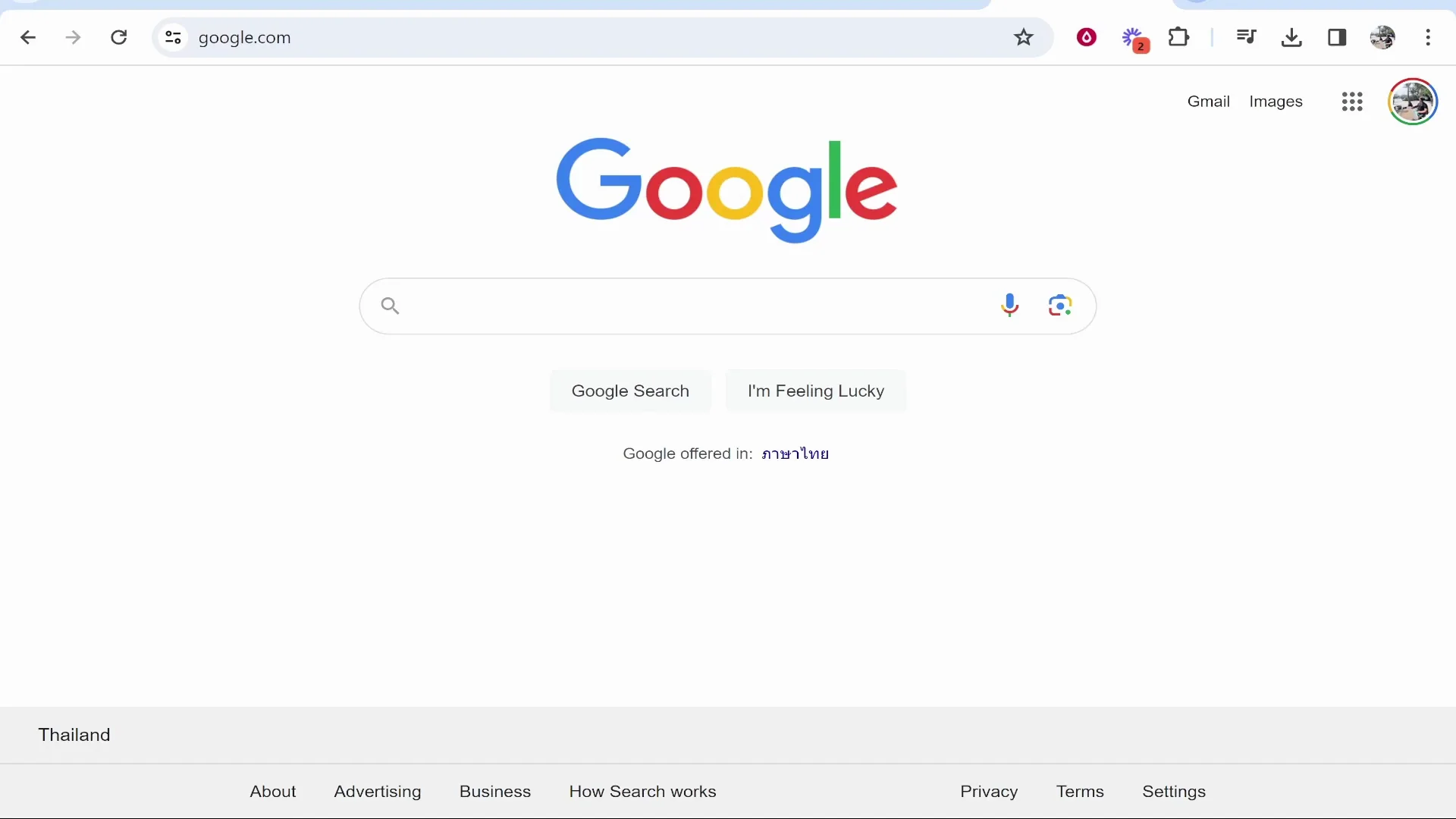
Google Gemini used to be called Google Bard. Go to Google, type in Google Gemini, and open the first result to get into Gemini.
How to Generate Images with Google Gemini AI
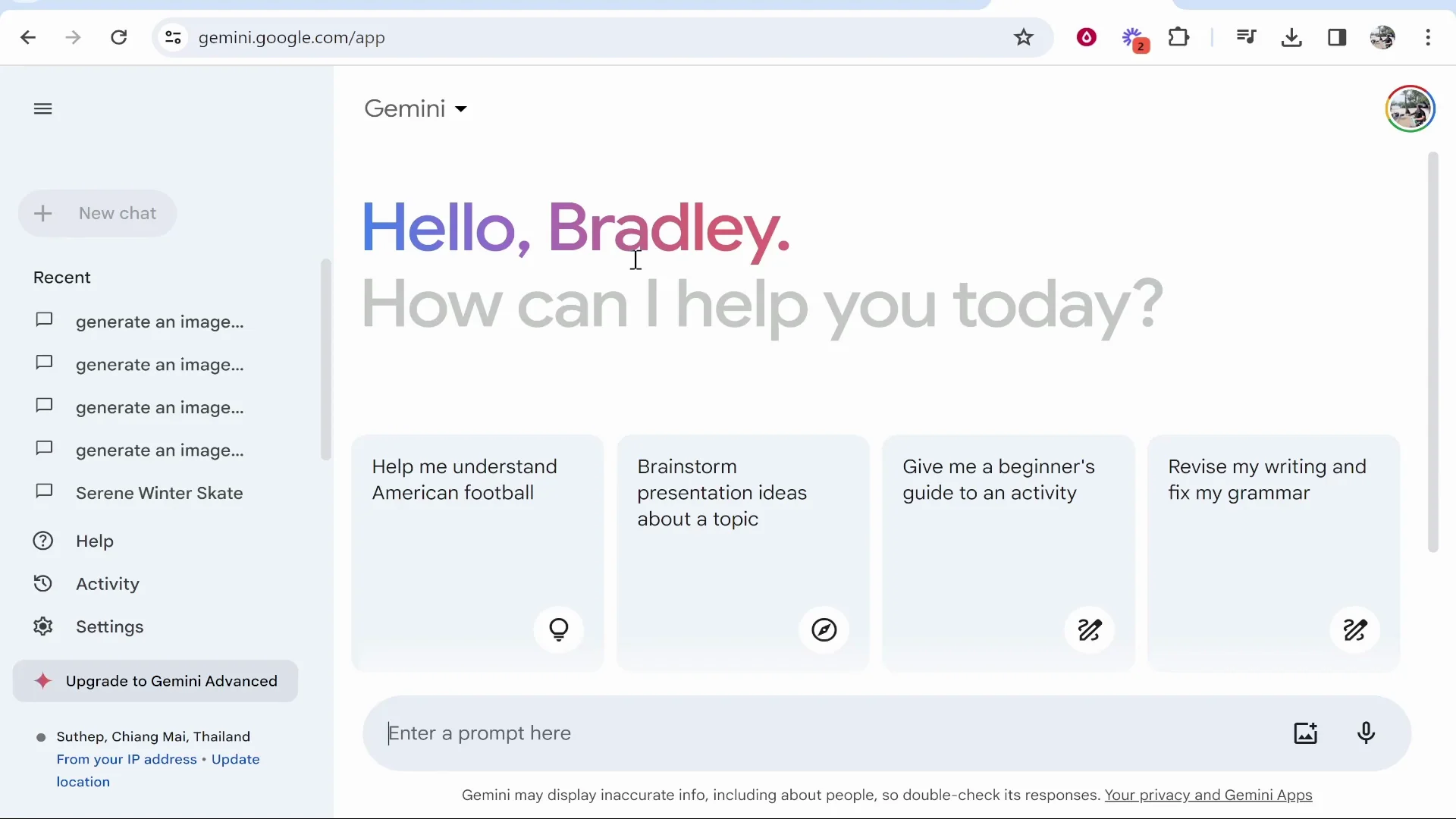
Google Gemini is in beta and it doesn’t always give you the prompt you’re asking for. To generate an image, say generate an image and then give your prompt. You can give a detailed prompt and sometimes it will give you a really good image, and sometimes the image won’t be that good at all.
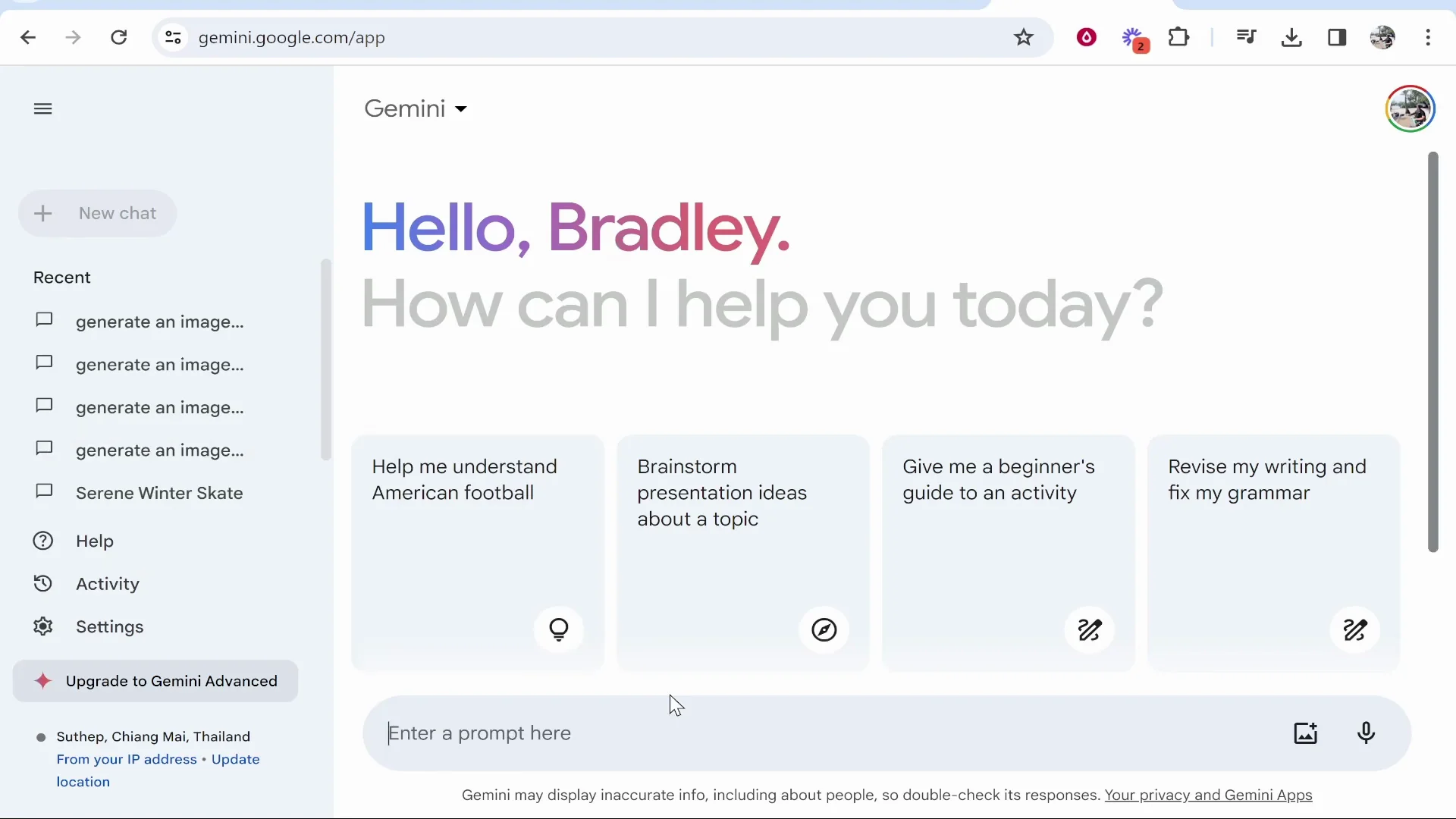
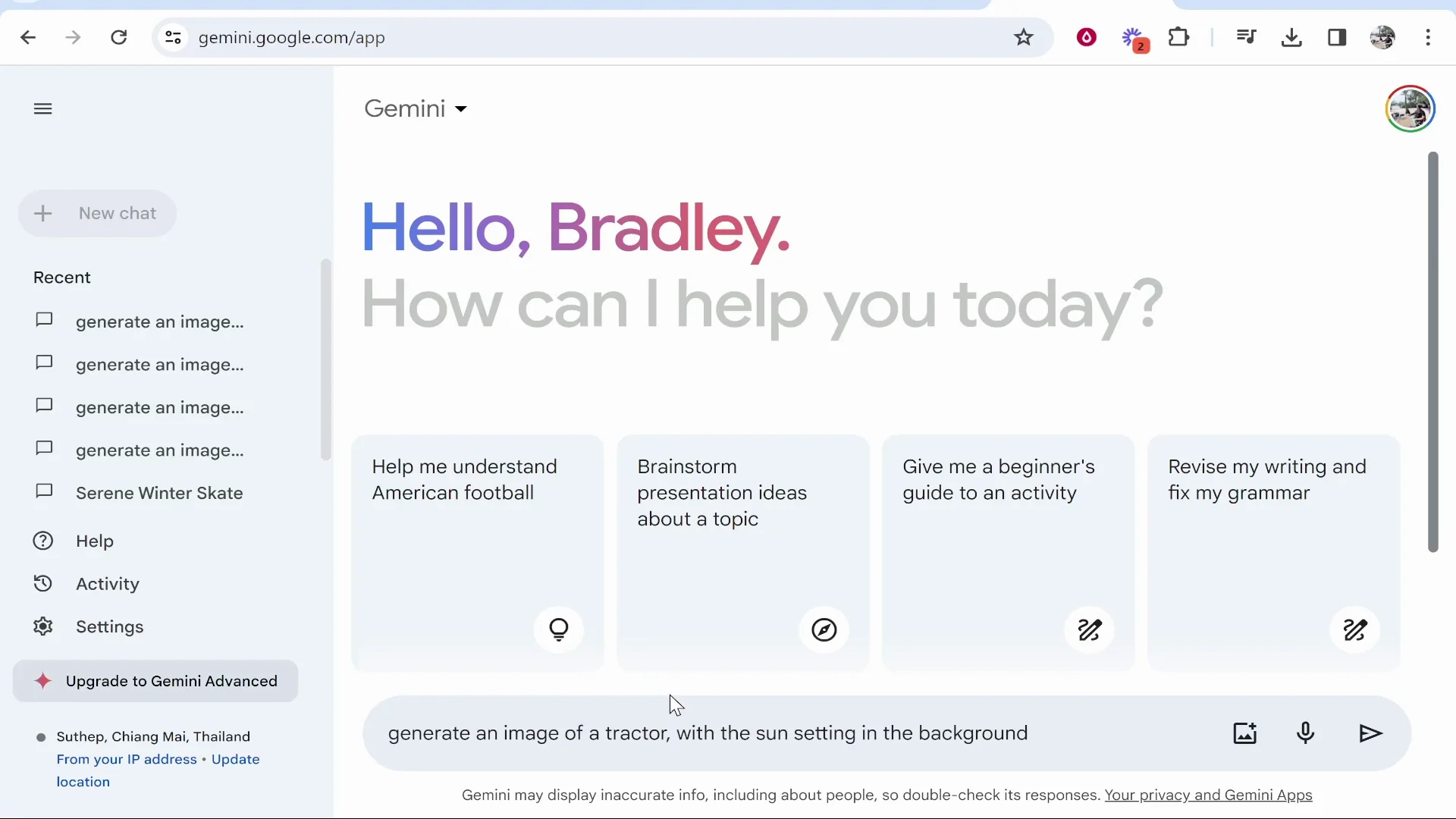
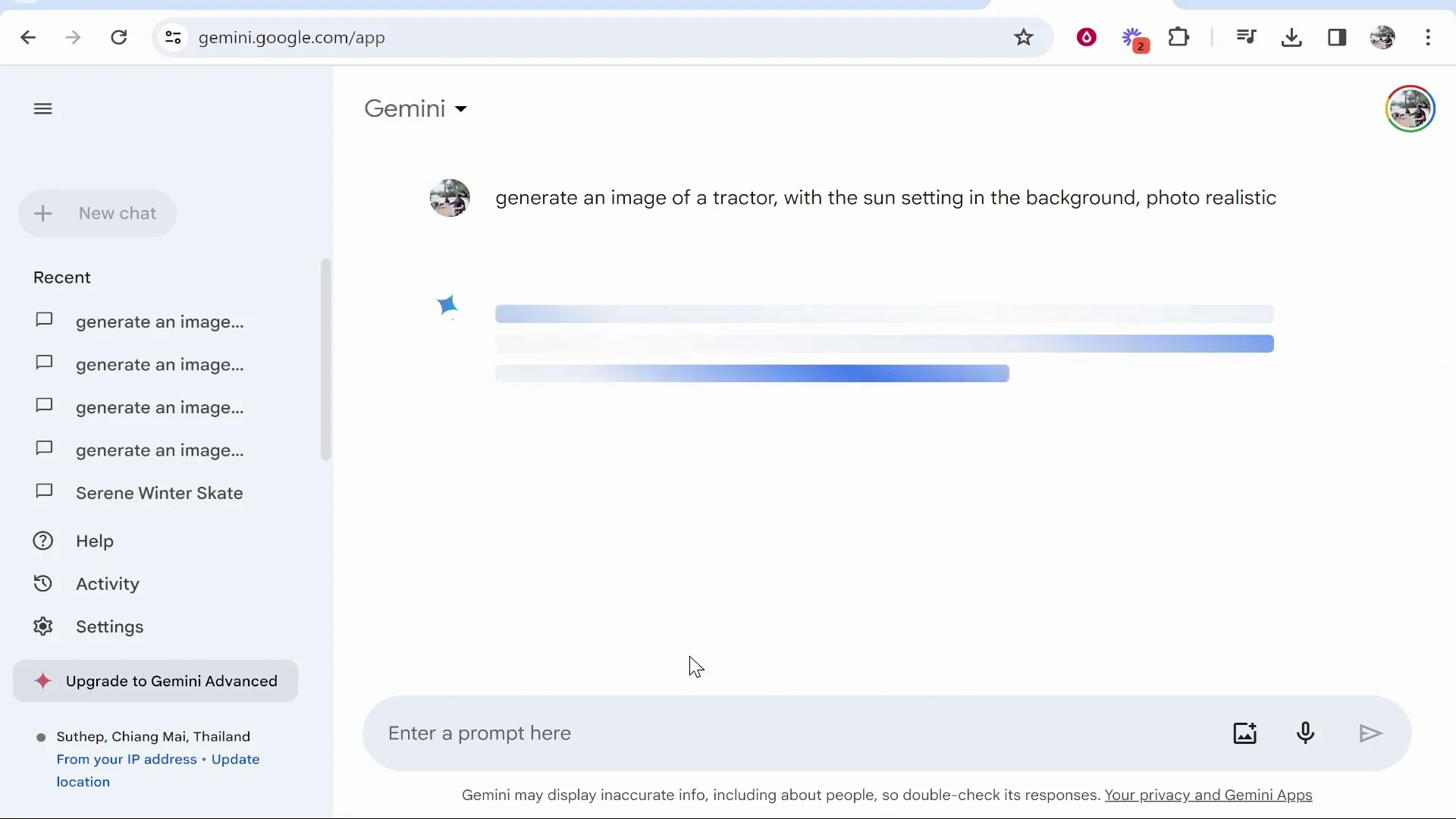
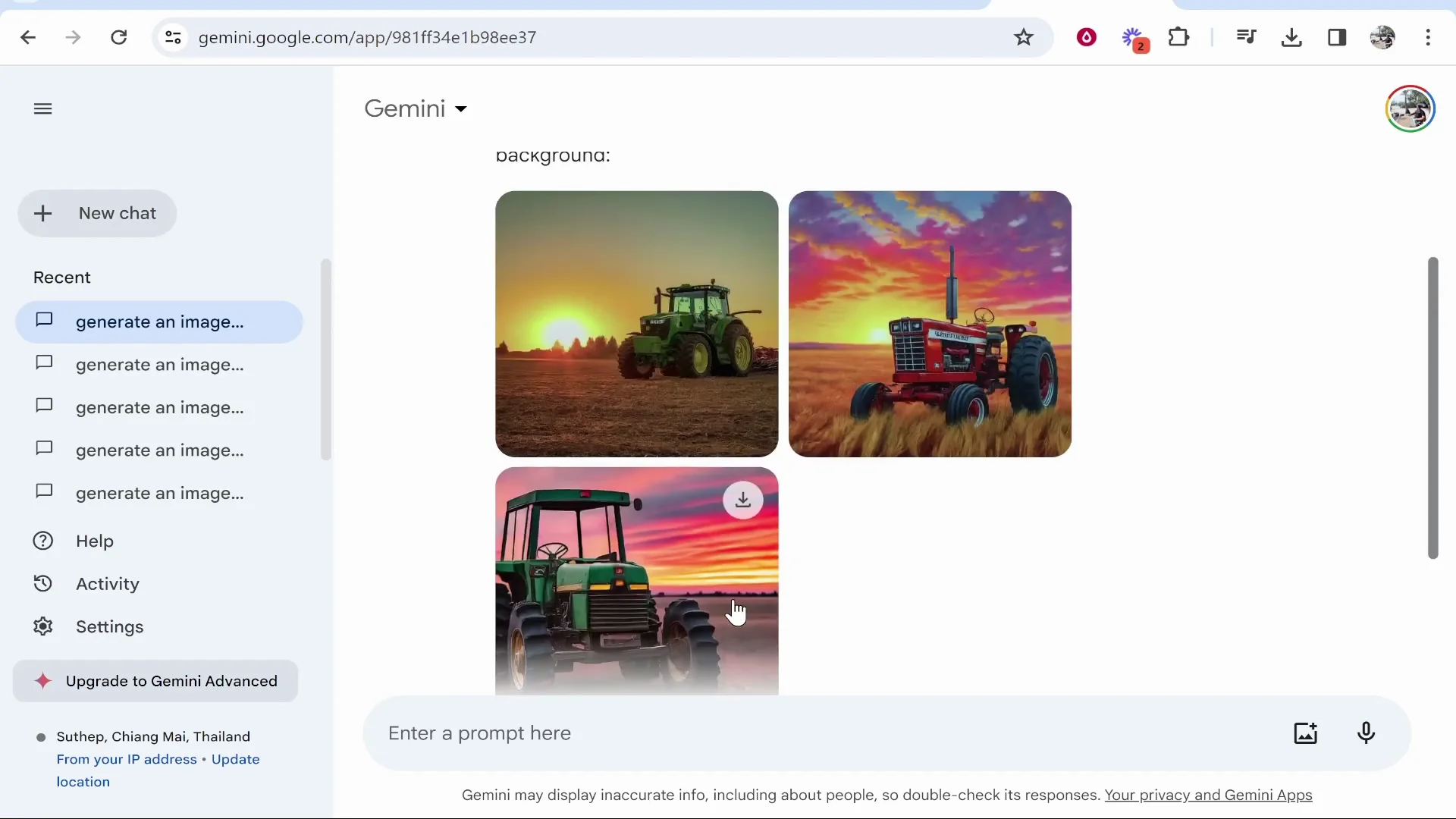
I entered: generate an image of a tractor with the sun setting in the background, photorealistic, and pressed Enter to see if it could generate the image. Sometimes it gives you a good image and sometimes it doesn’t. It’s still in beta.
Google Gemini AI Image Quality: Real Prompts and Results
Photorealistic tractor at sunset
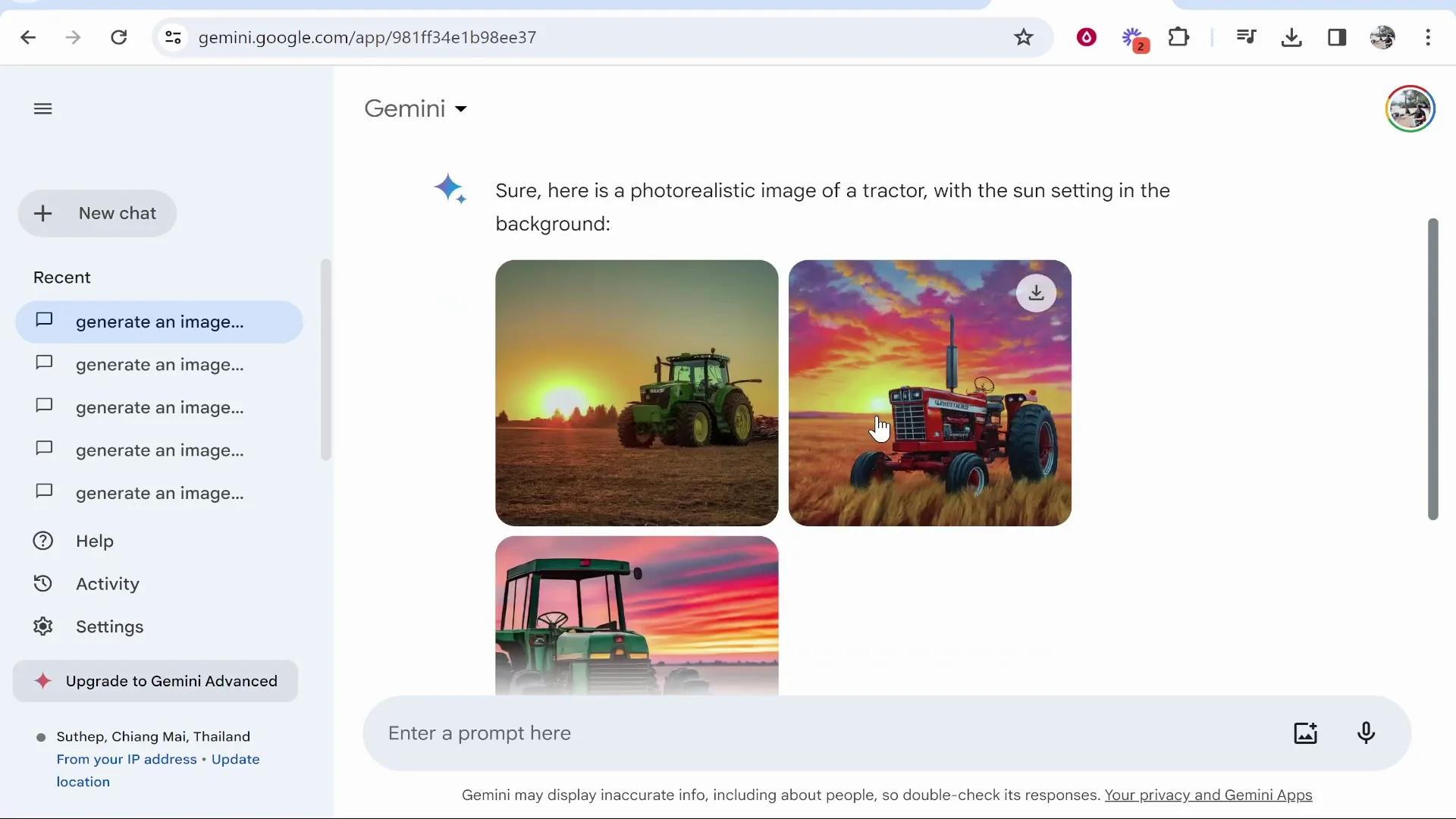
One image was actually quite good, though you can tell it’s AI. One was terrible, and another was also pretty bad. For photorealistic images, Google Gemini is not that great.
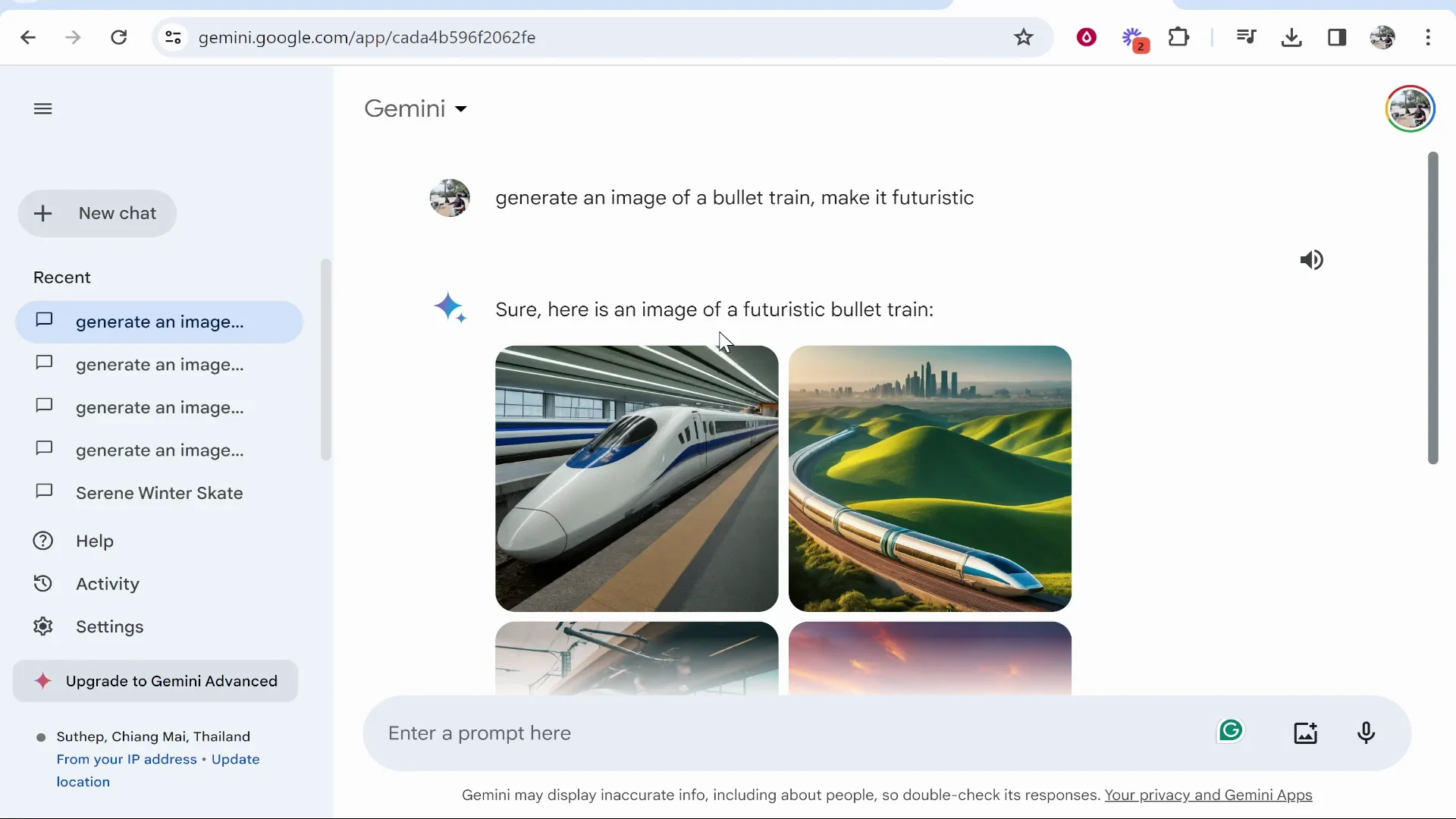
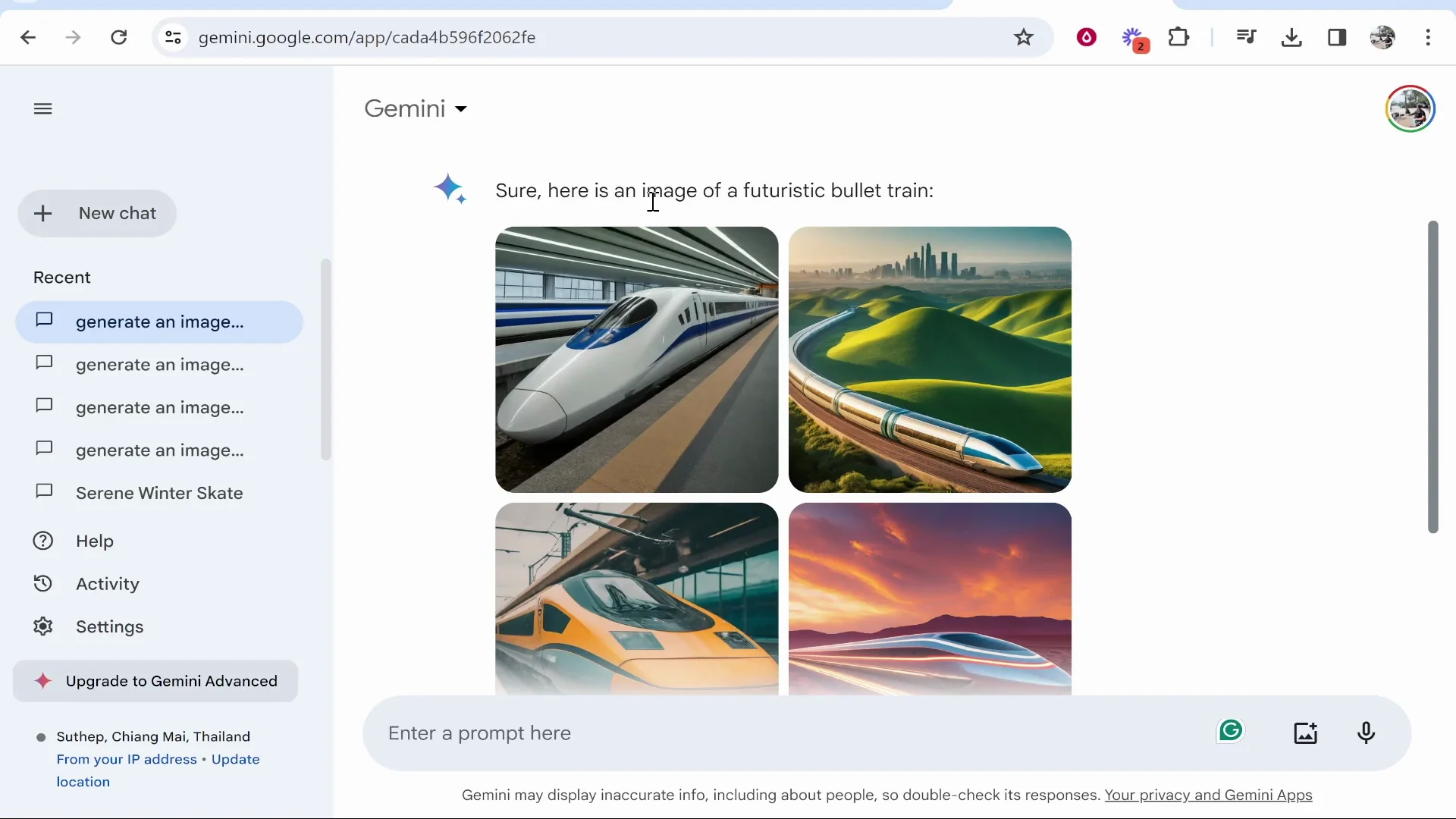
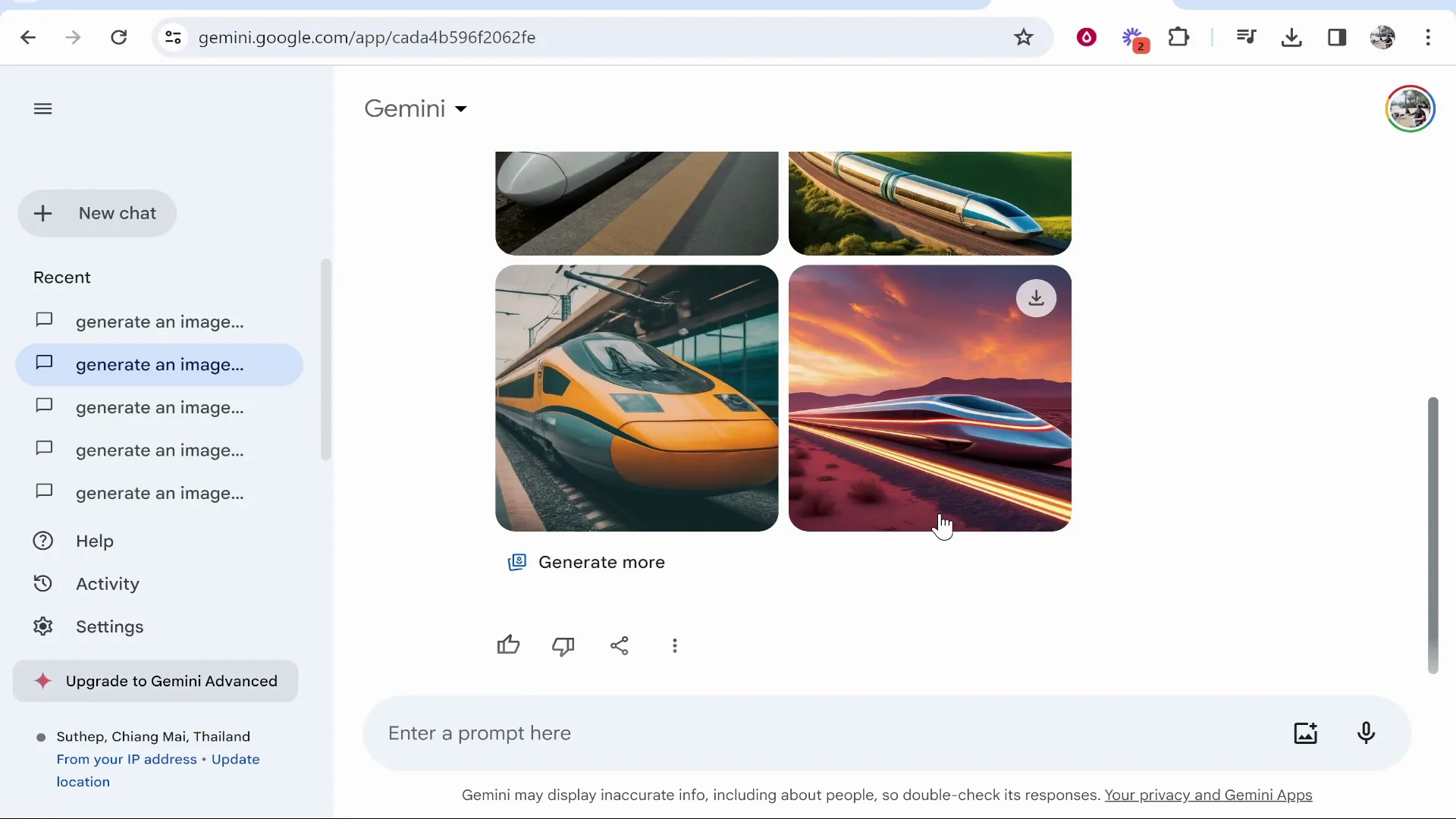
Futuristic bullet train
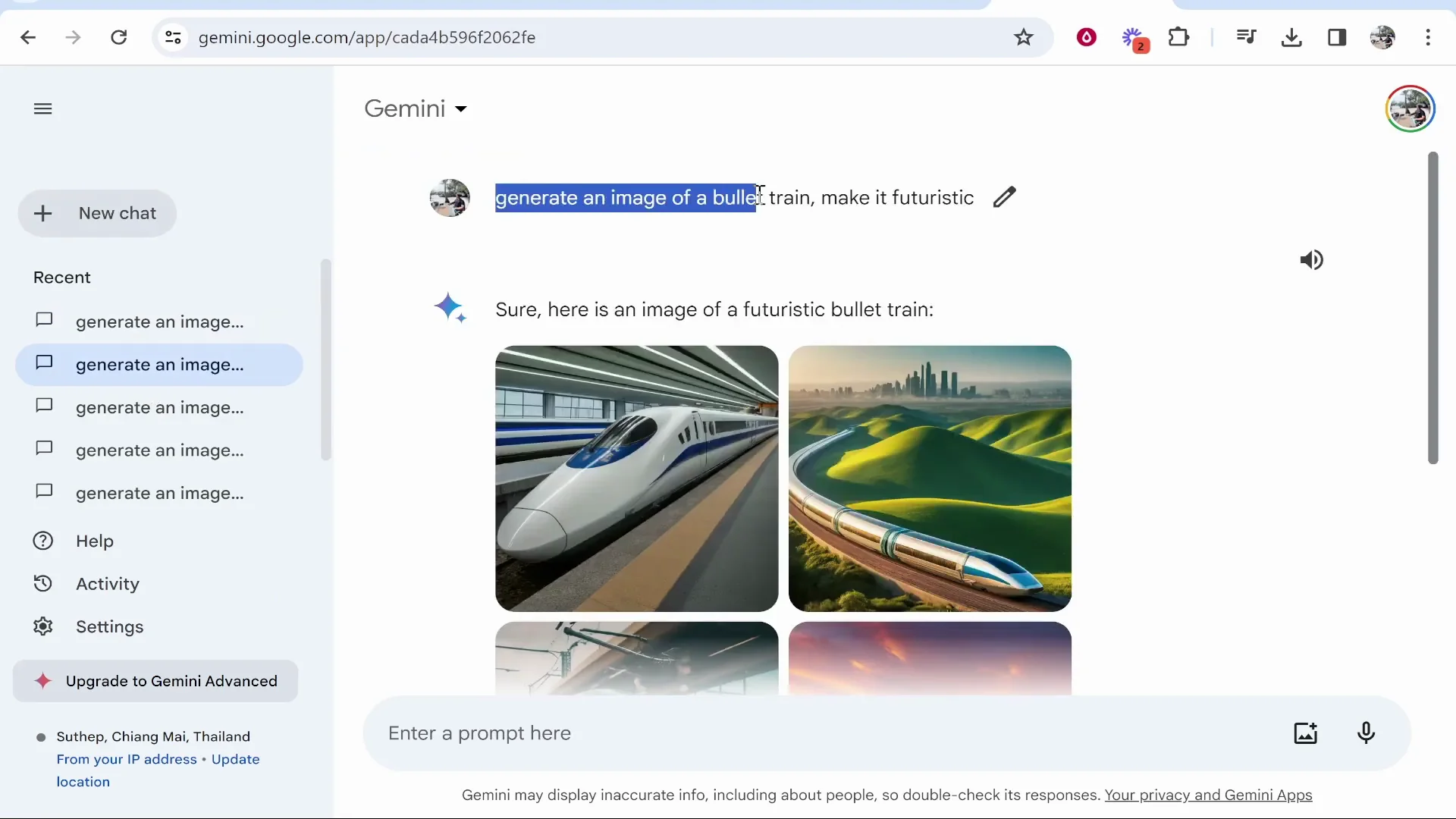
I asked it earlier to generate an image of a bullet train and make it futuristic. We got some decent results.
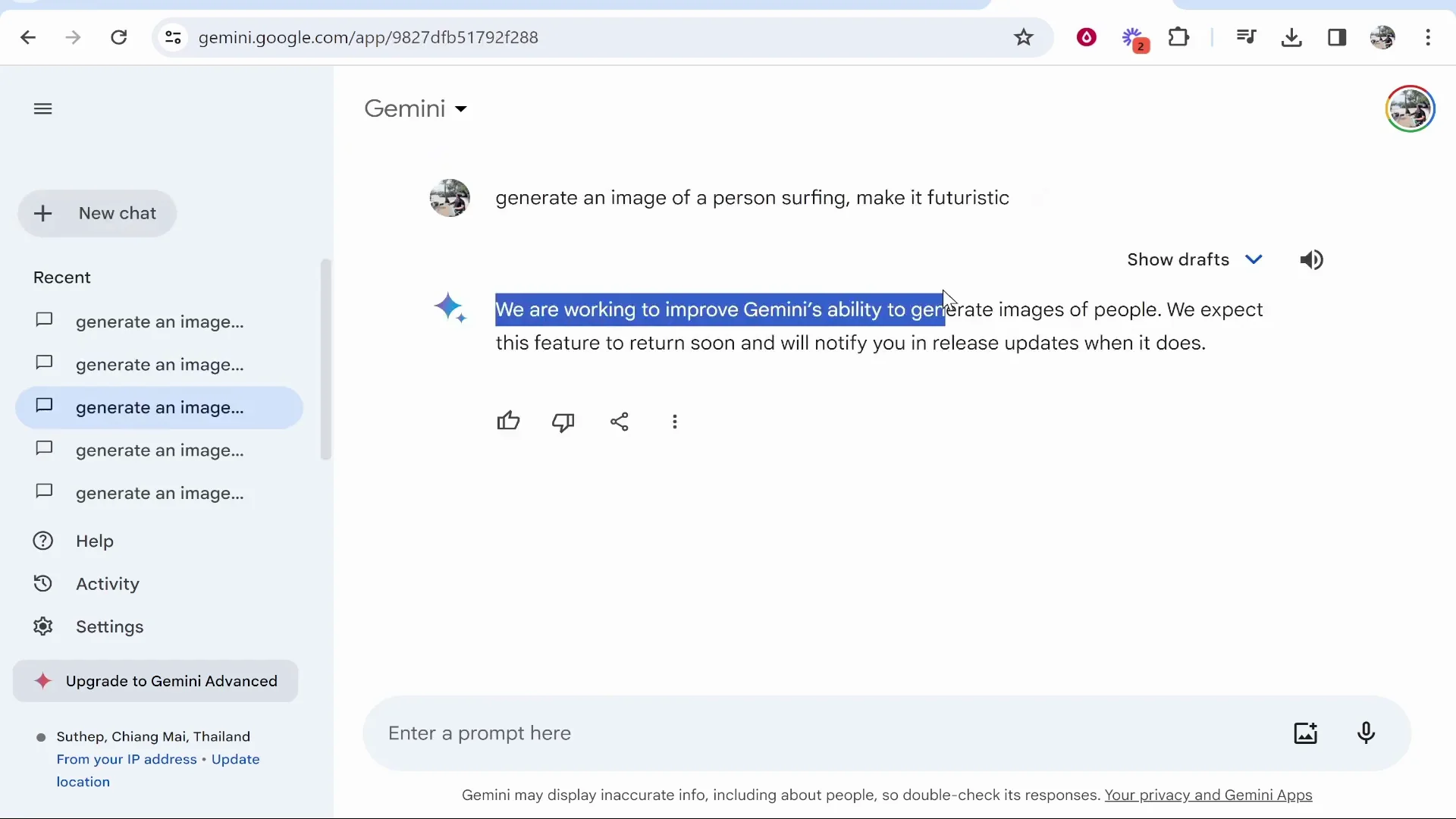
Person surfing
I said generate an image of a person surfing and it didn’t give me an image at all.
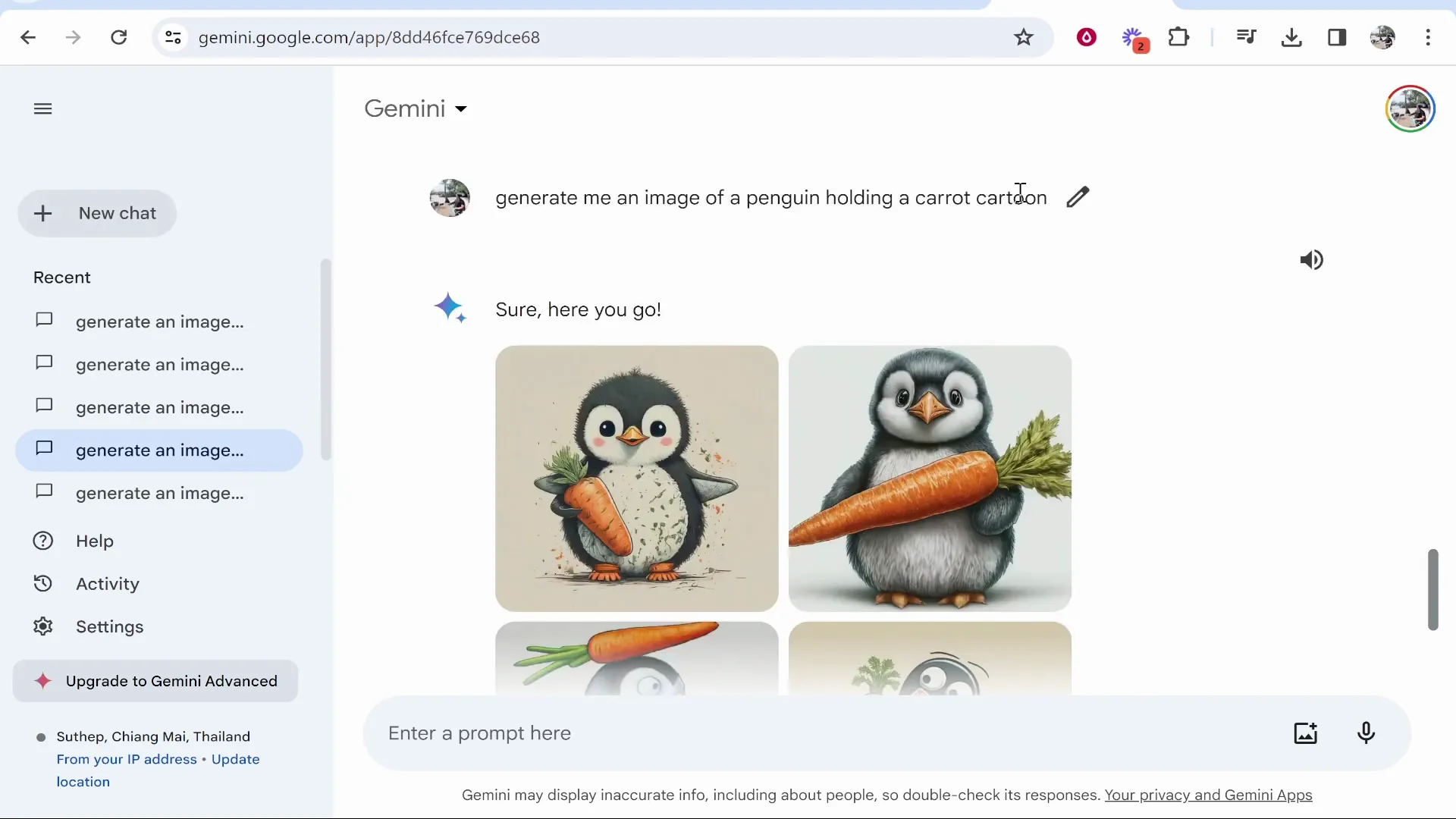
Penguin holding a carrot, cartoon
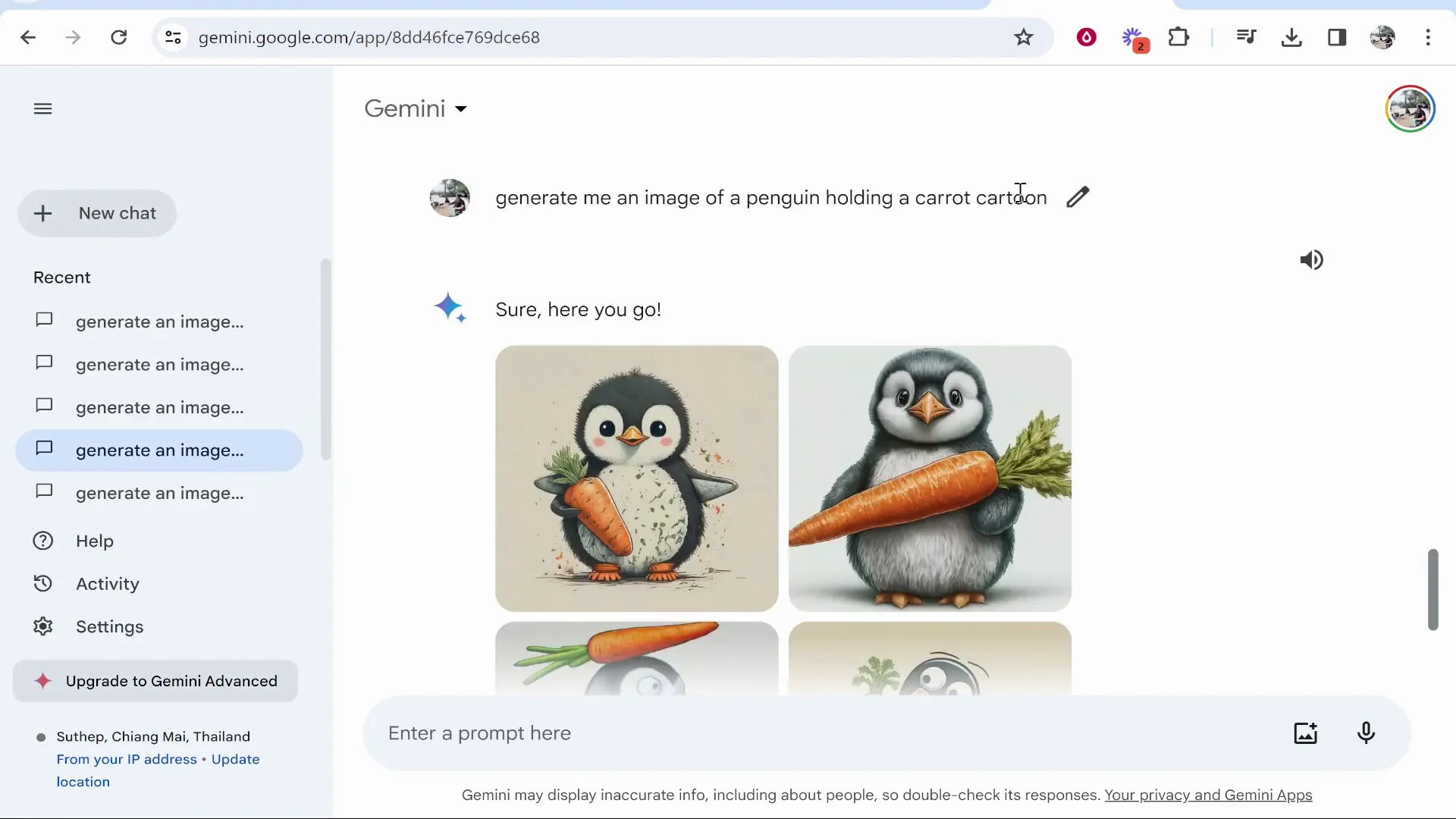
I said give me an image of a penguin holding a carrot, cartoon. We got some images that kind of match the prompt.
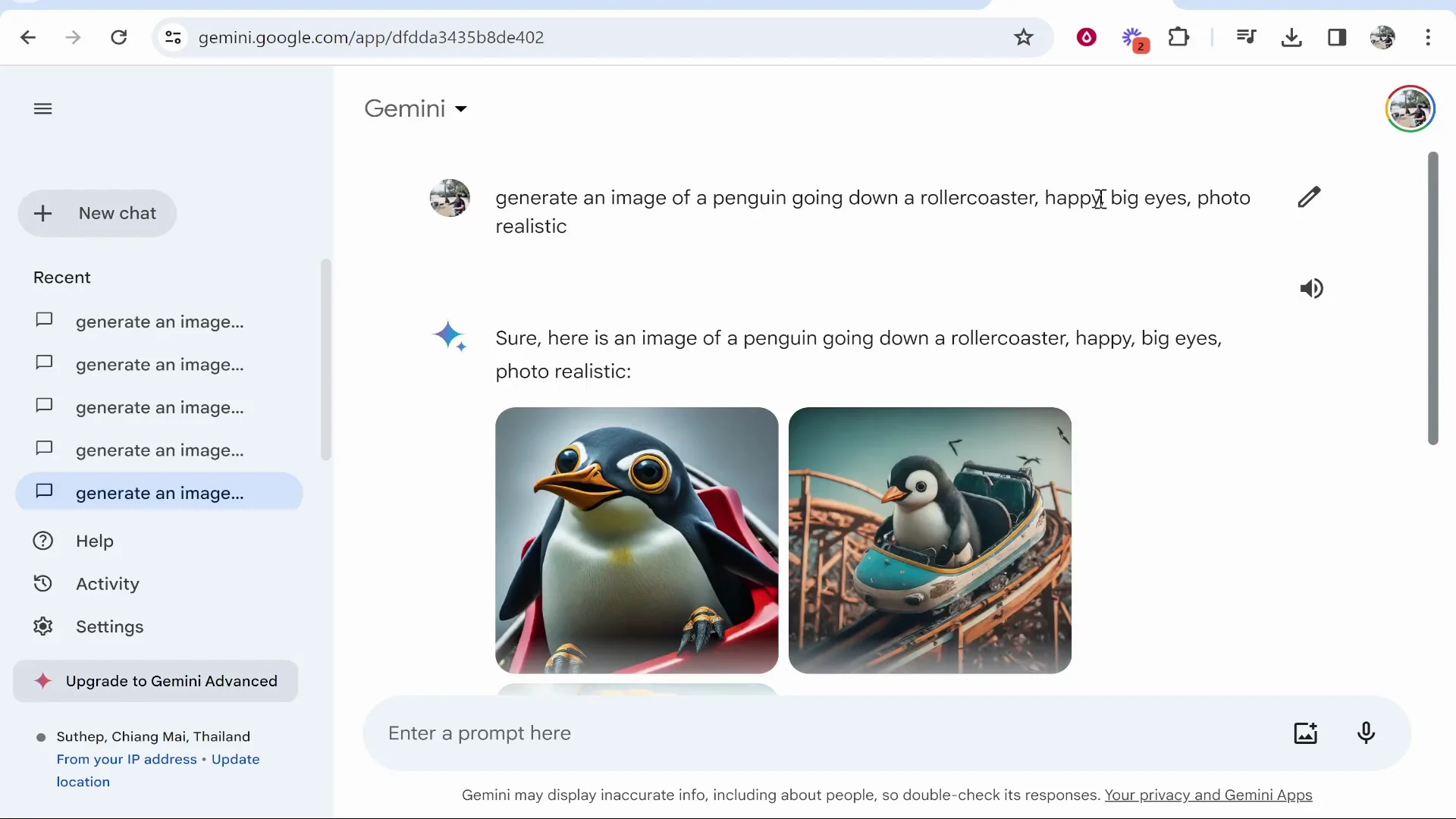
Penguin on a roller coaster
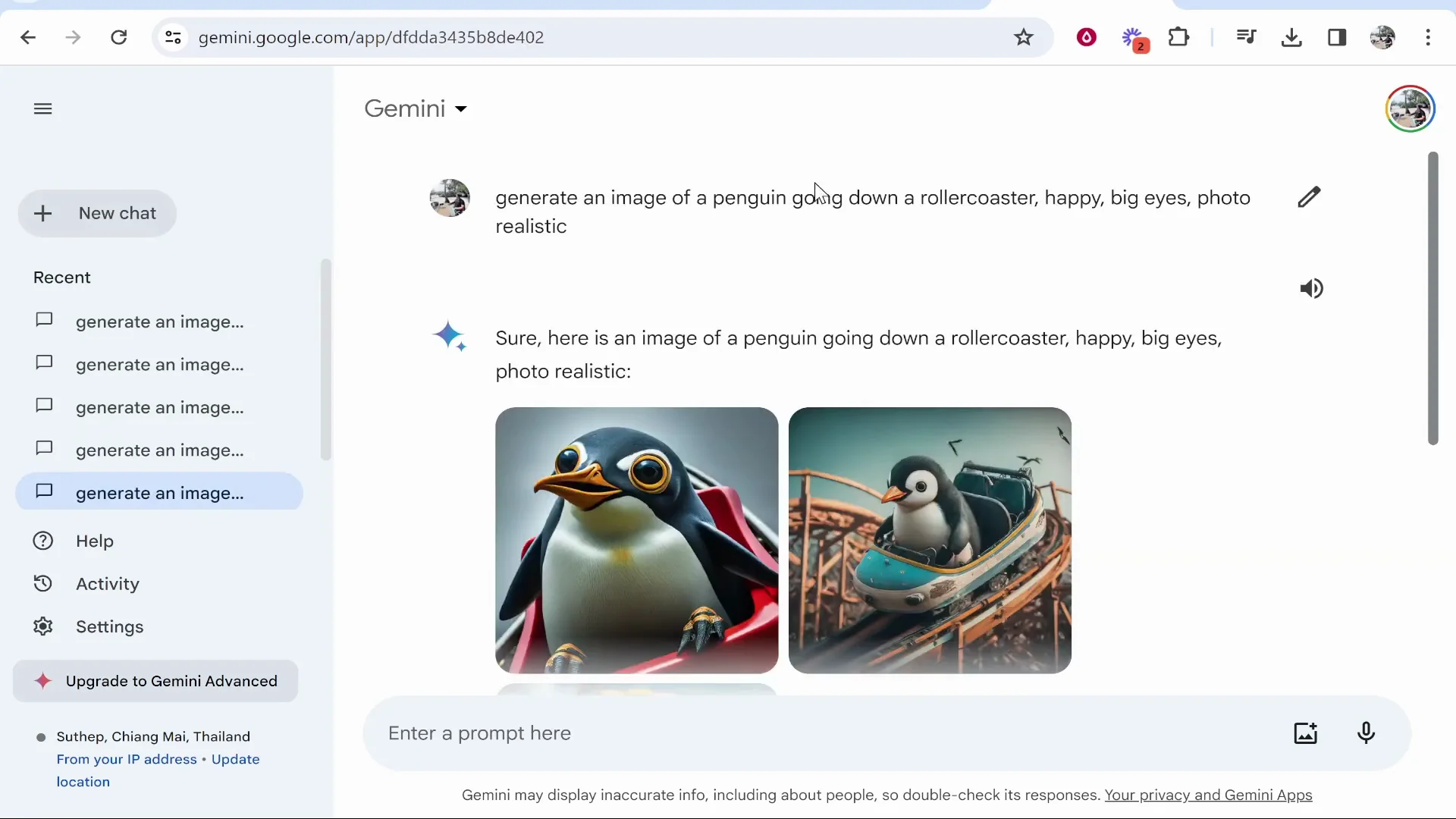
I said generate an image of a penguin going down a roller coaster, happy, big eyes. We got images that are all right and get the job done.
Generating more variations
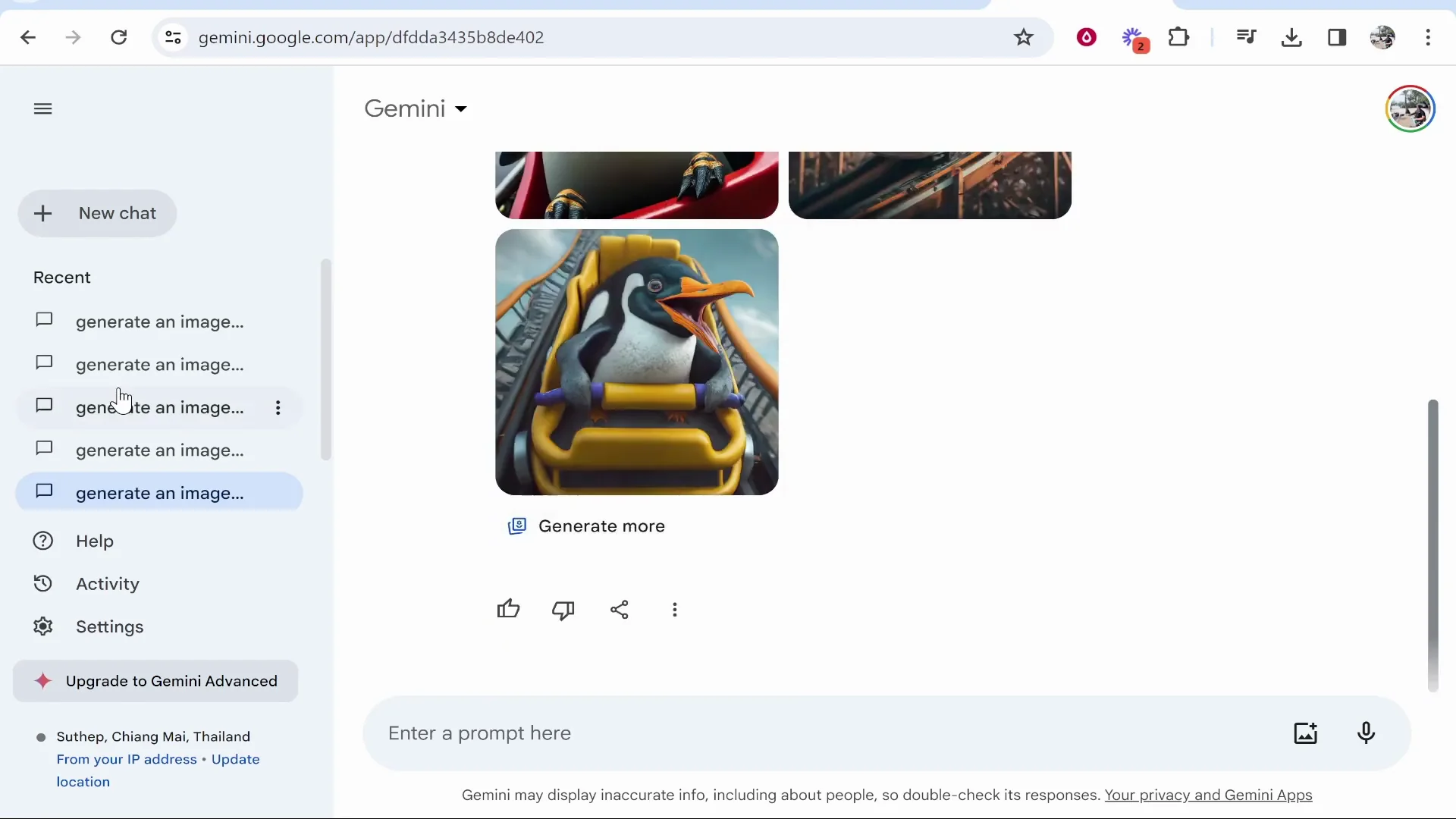
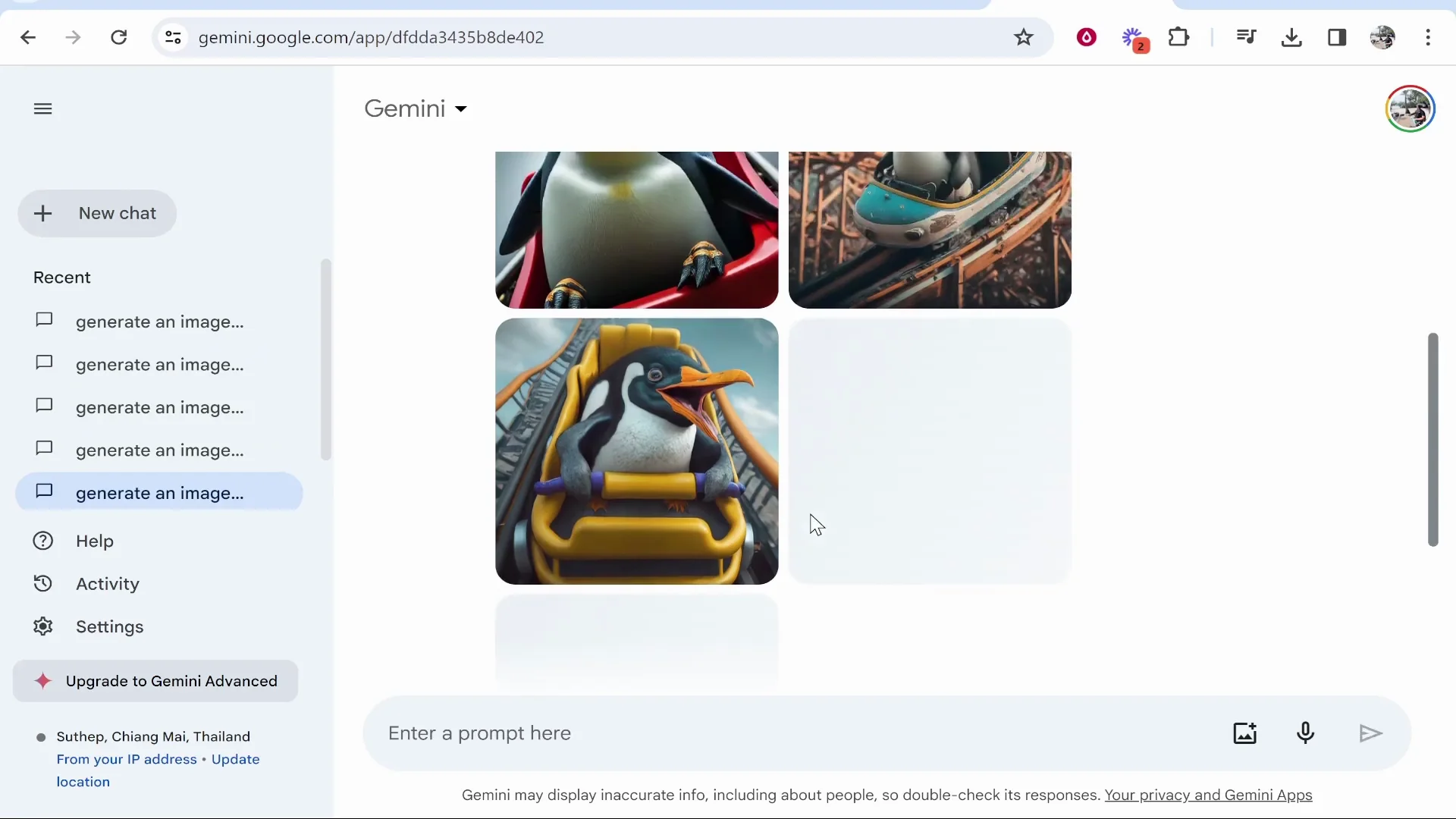
If you want to generate more images from the prompt, click Generate more and it will give you more images. This is why I wouldn’t recommend Gemini. The more accurate the prompt you give Gemini, ideally the better image it creates, but sometimes it just struggles. I have no idea what is going on in some of the outputs.
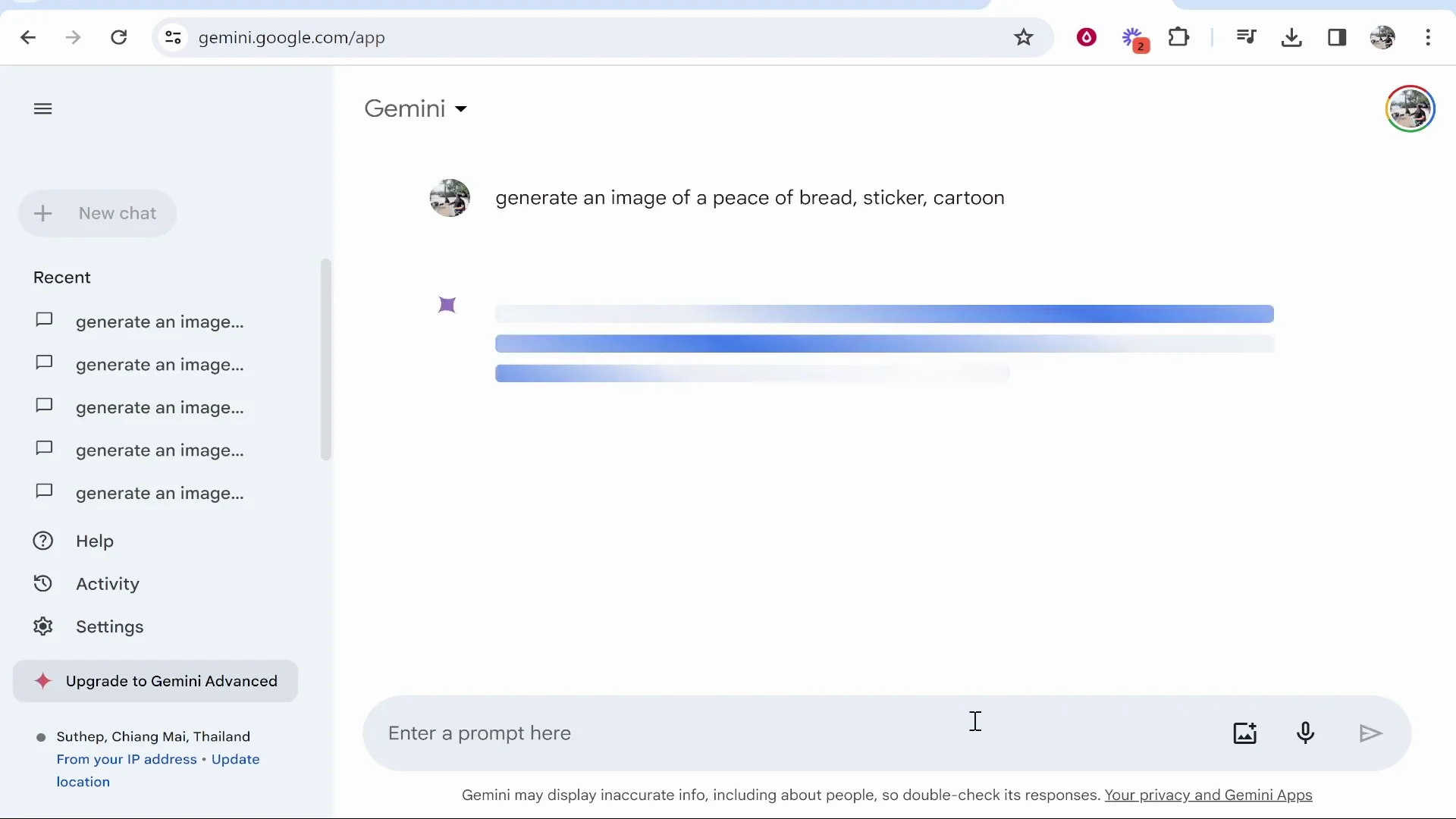
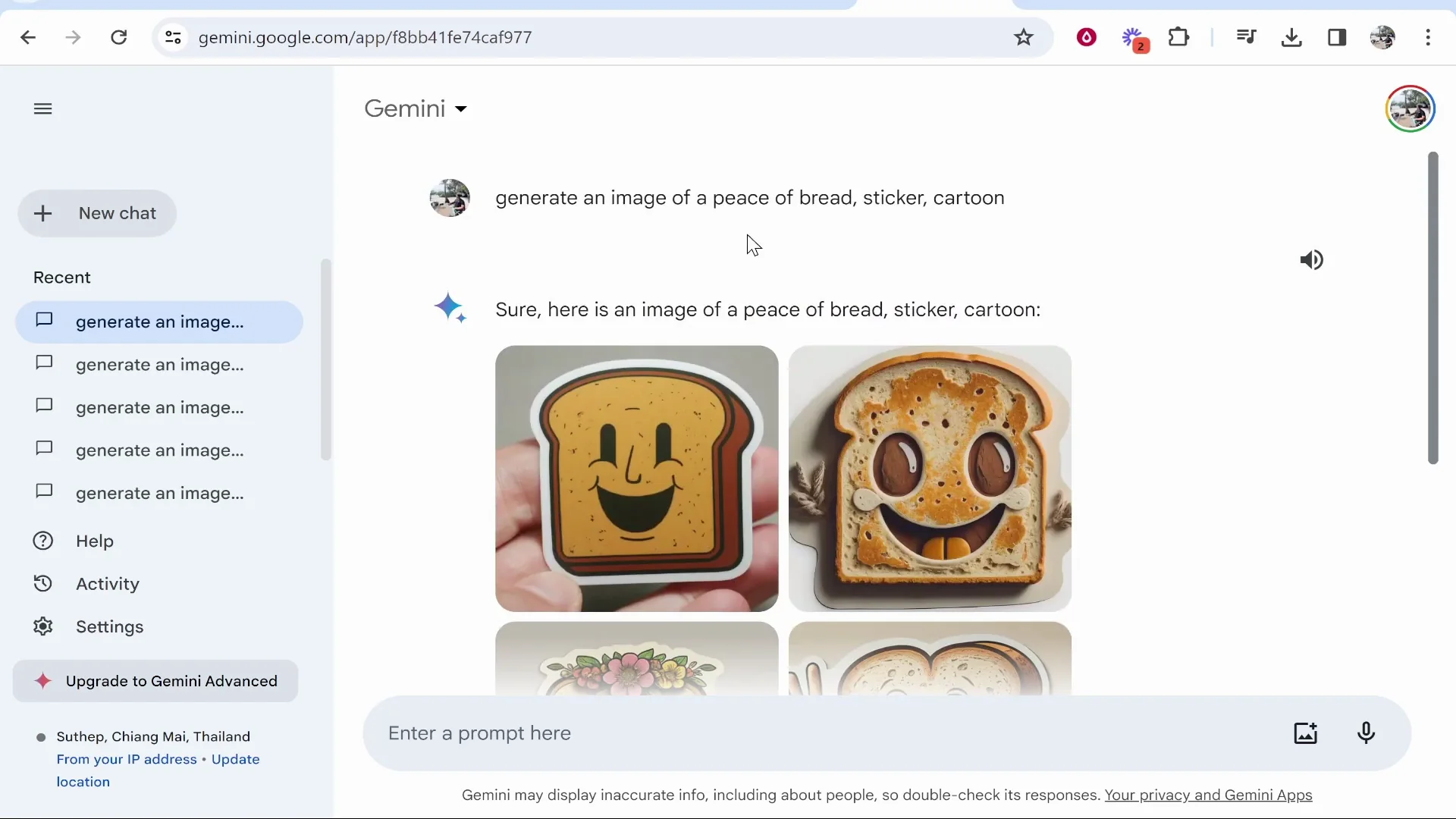
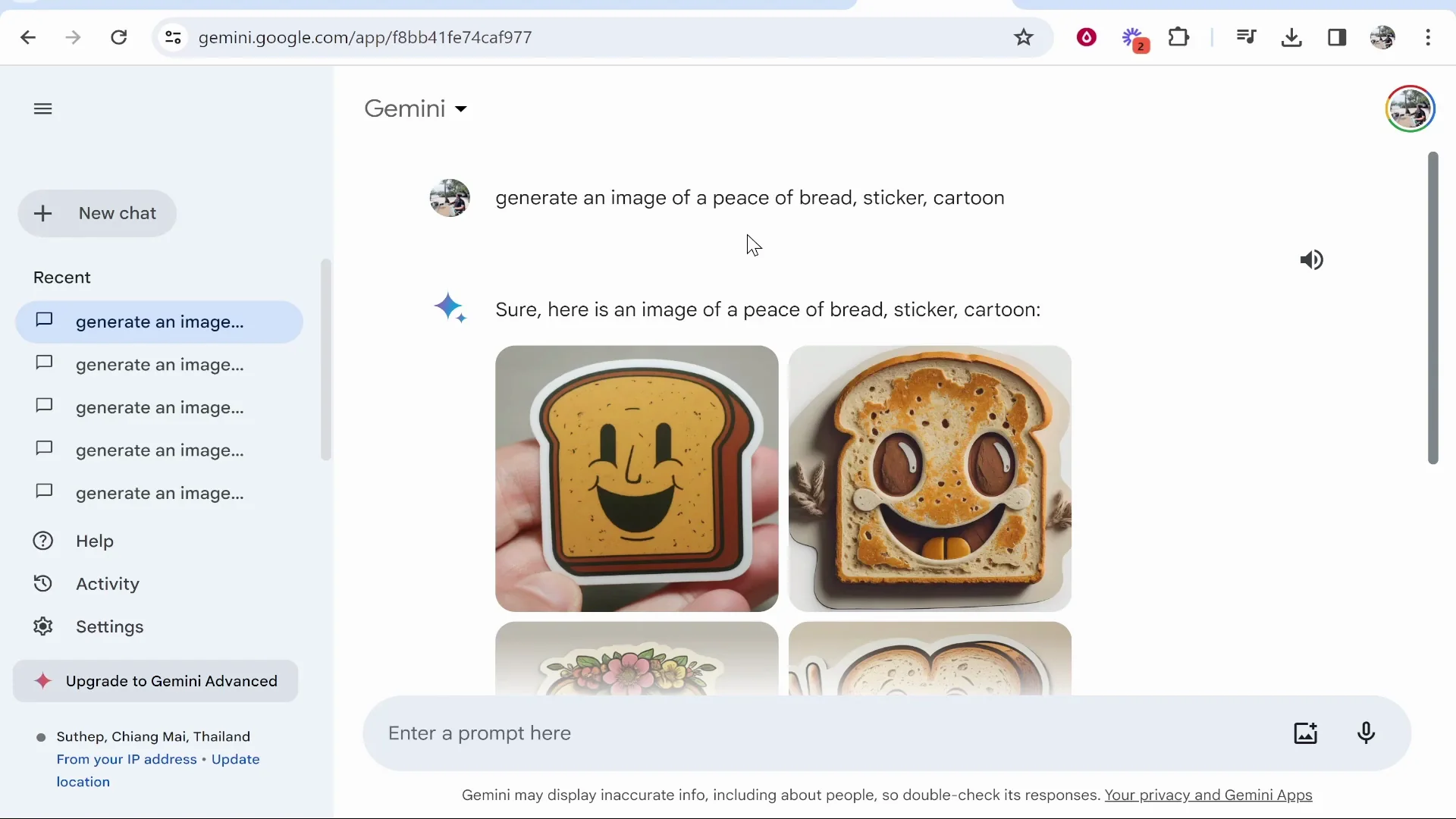
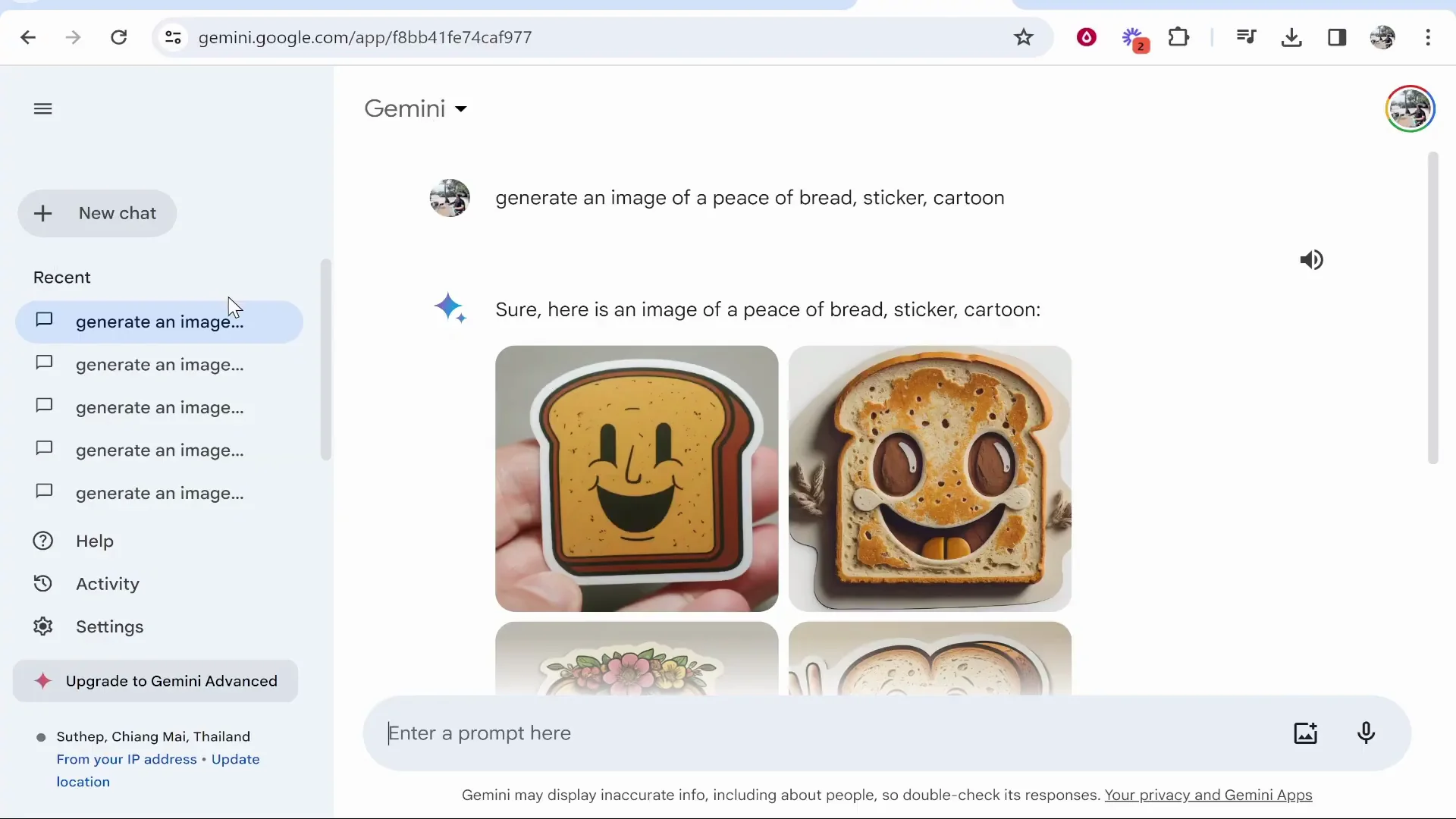
Bread sticker, cartoon format
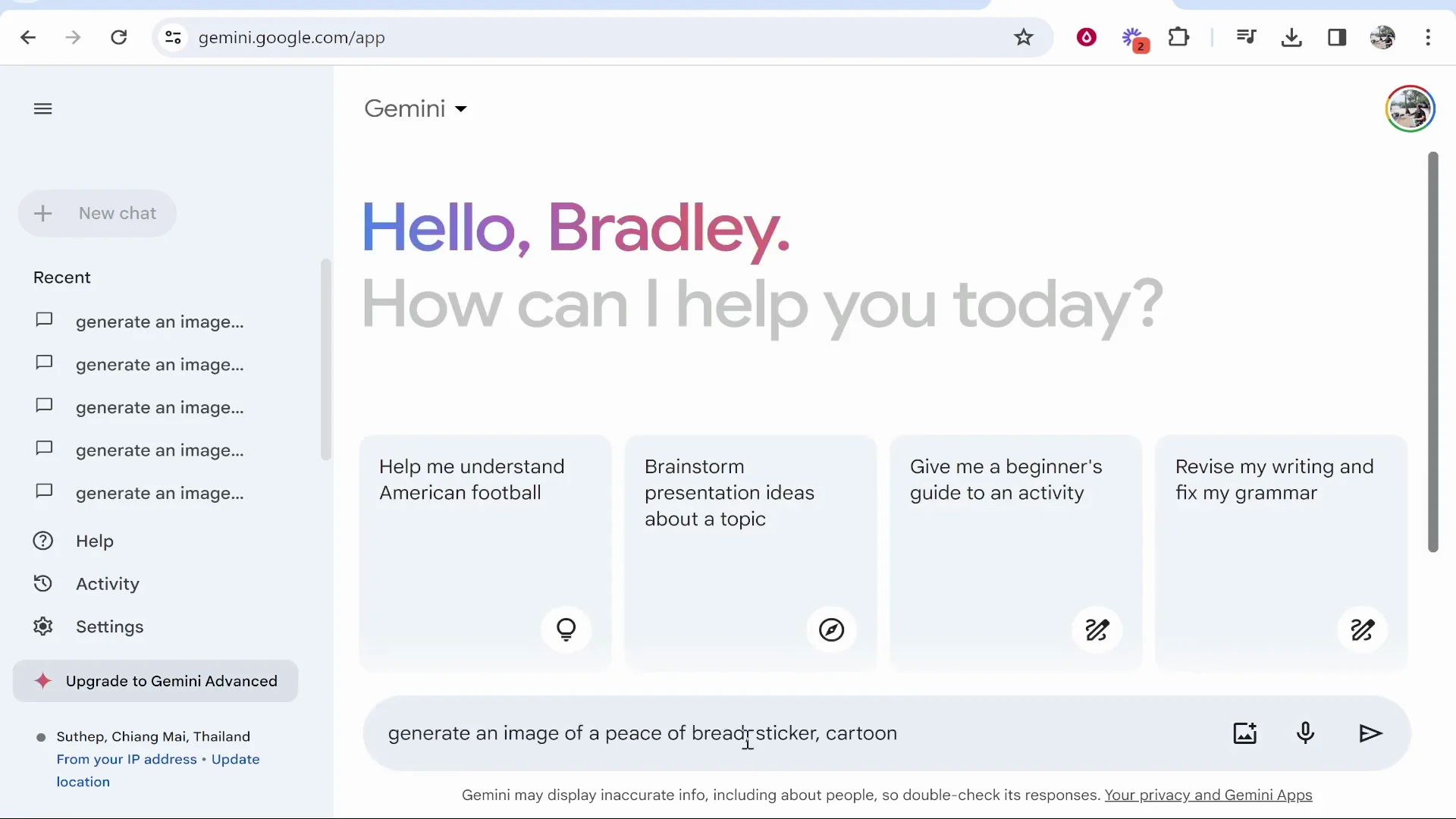
I said generate me an image of a piece of bread as a sticker in a cartoon format. The images kind of look okay.
Recommendation and Alternatives to Google Gemini AI
Would I use Google Gemini if I wanted to use their AI image generator? No. I would use Bing’s AI image generator, which is free and can generate much more advanced and high quality images.
Maybe Google Gemini AI will get updated in the future, but for now I would stick to chat prompts because it can’t really generate great images. That’s how to use it.
Final Thoughts
Google Gemini AI can generate images, but it’s hit or miss, especially for photorealistic results. Some prompts produce decent outputs, others return nothing or off-target images, and even more-accurate prompts can still confuse it. For better free results, Bing’s AI image generator is the way to go right now.
Recent Posts
How to use Grok 2.0 Image Generator?
Learn how to access Grok 2.0’s AI image generator (Premium required), write better prompts, and avoid pitfalls like real people and brands. Step-by-step tips.
How to use Instagram AI Image Generator?
Use Meta AI in Instagram DMs to turn text into images—and even animate them. It’s free, fast, and built in. No external apps needed; create art right in chat.
Leonardo AI 2026 Beginner’s Guide: Create Stunning Images Fast
Learn Leonardo AI step by step—sign up, explore Home, and generate or enhance photos with free, powerful tools. A quick, clear starter for beginners.