Freepik AI Image Generator: Beginner’s Guide for Designers
I’m sharing a site meant for graphic designers to download resources. It is full of tremendous and awesome pictures to make use of. If you are a graphic artist and you have not come across this site, you are truly missing out. They have been operating for a while, and since the existence of AI they have embedded AI into their site.
The AI they embedded is very useful and very unique. Apart from sourcing images and resources to download as-is, you can now maneuver your image, recreate it right there, and even trace it. You can see the usefulness of it, and it is really awesome.
Getting Started with the Freepik AI Image Generator
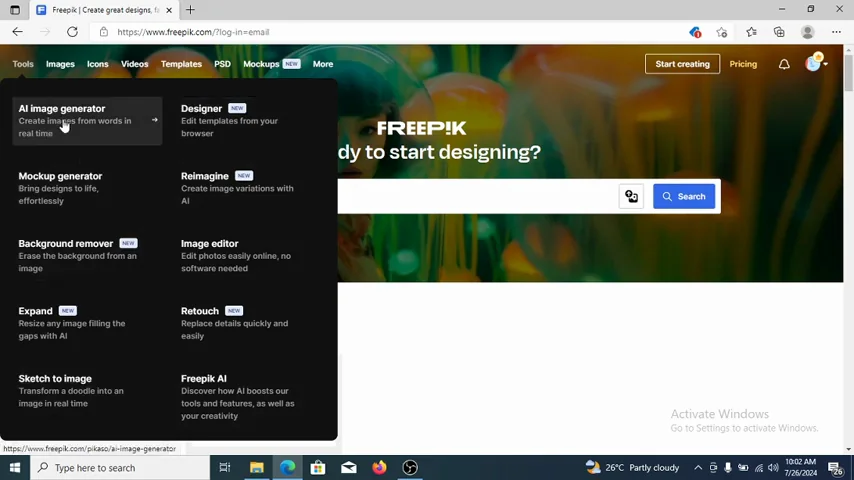
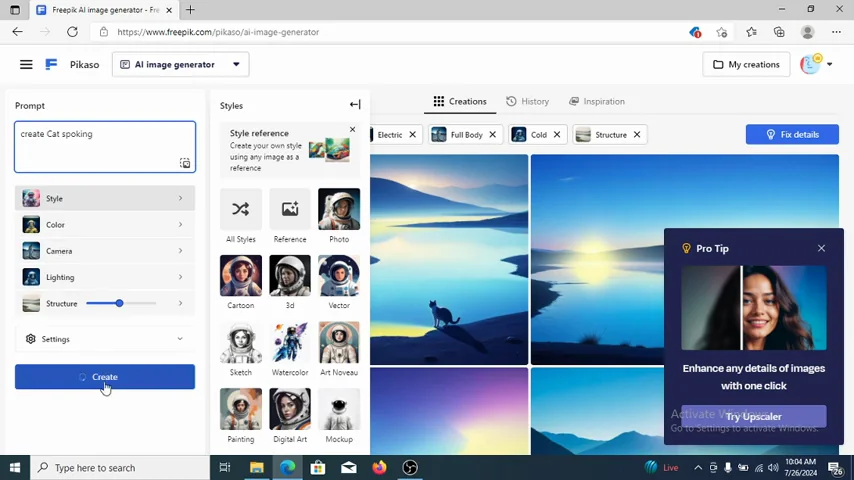
You can type in anything and create it with the AI image generator. For example, if you want a cat smoking, you can most definitely create it right here.
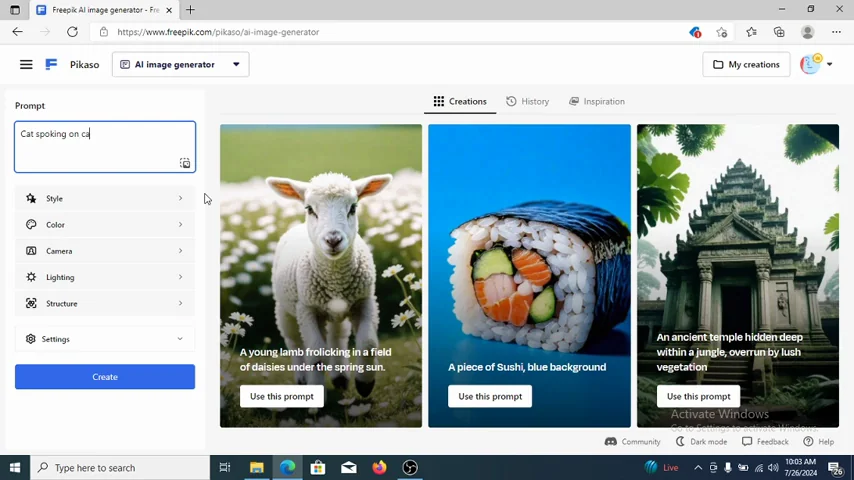
Set Up Your Prompt and Style
- Type your prompt - for example: cat smoking, or cat smoking on a car.
- Choose a style - cartoon, real, or sketch.
- Choose color.
- Set camera.
- Set lighting.
- Set structure.
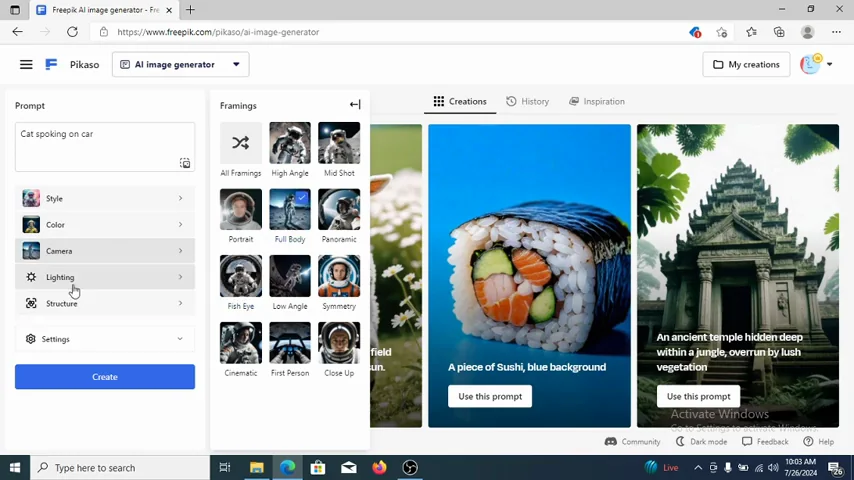
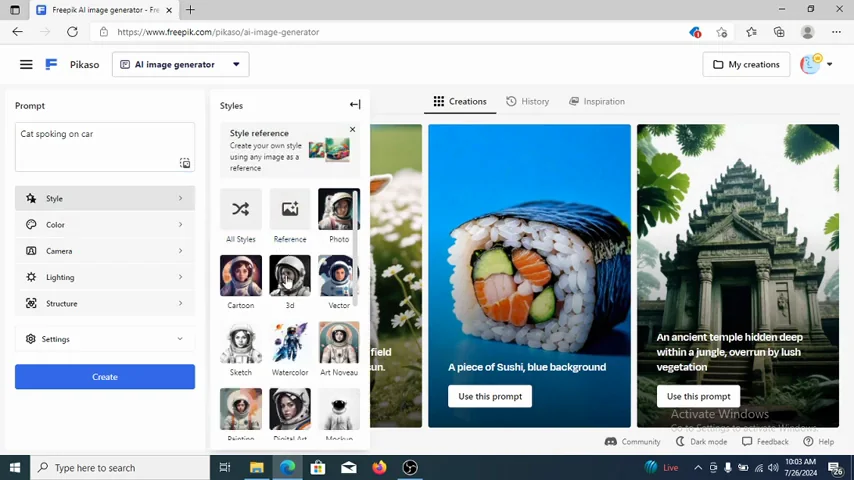
Click Create and wait for the result. If you are not pleased with it, go again and try another style or tweak your prompt.
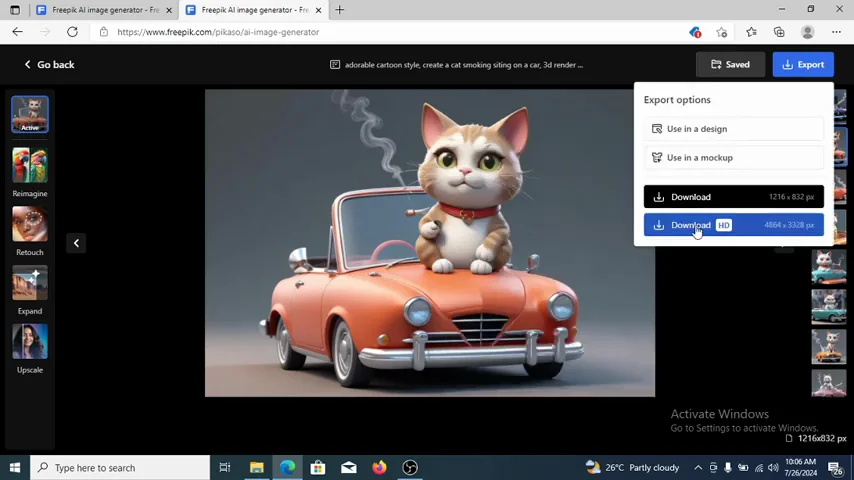
When you are okay with the result, you can save or download. The image is clear and sharp - high resolution. You can use it for anything you want to use it for, a wall, a carpet, whatsoever you need.
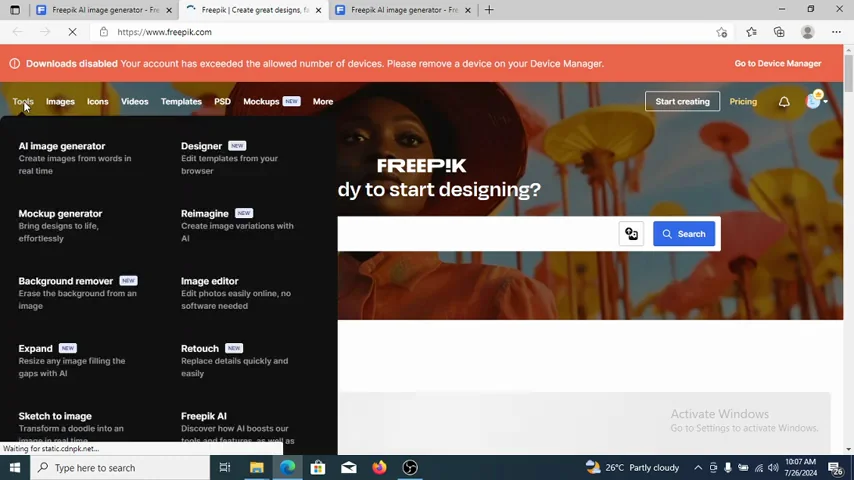
Freepik Mockup Generator
You can decide to use a mockup generator. You can mark anything up right from here.
Quick Steps
- Open the mockup generator.
- Choose a mockup category.
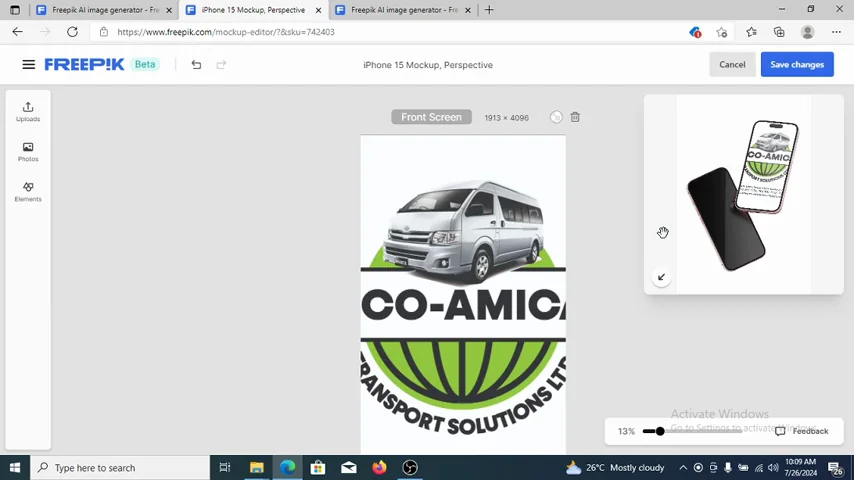
- Upload your image or logo.
- Place it and confirm.
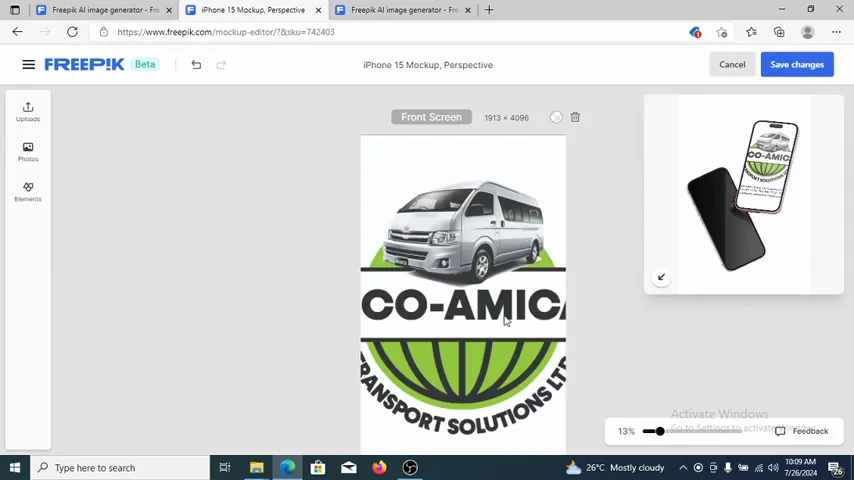
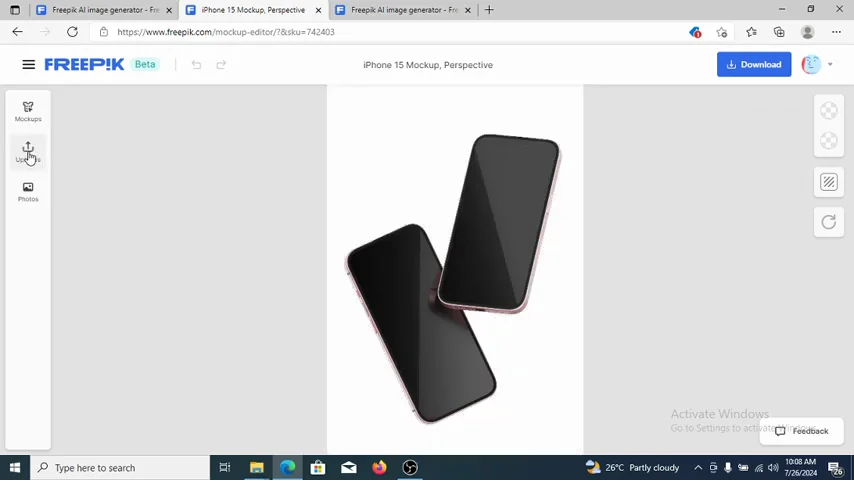
It is going to create your mockup for you. Anything you want to mock up, you can easily mark it out right here with their amazing tool, then download.
Instant Auto Trace on Freepik Downloads
They embedded a task that enables you to trace your image instantly right from the platform. You can trim your image automatically, then download it and go use it in your CorelDraw or Illustrator.
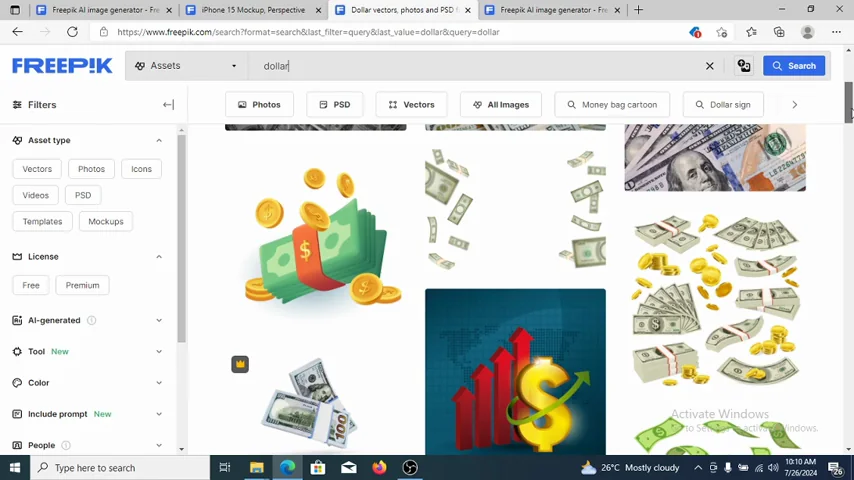
How to Auto-Trace
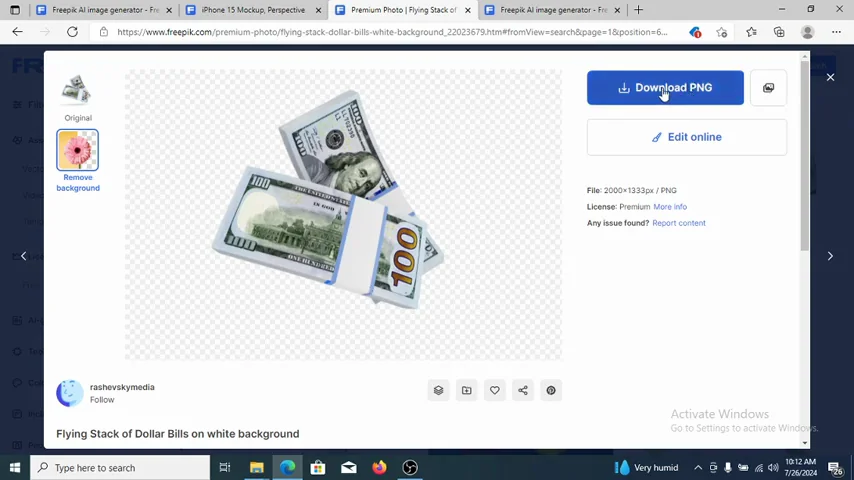
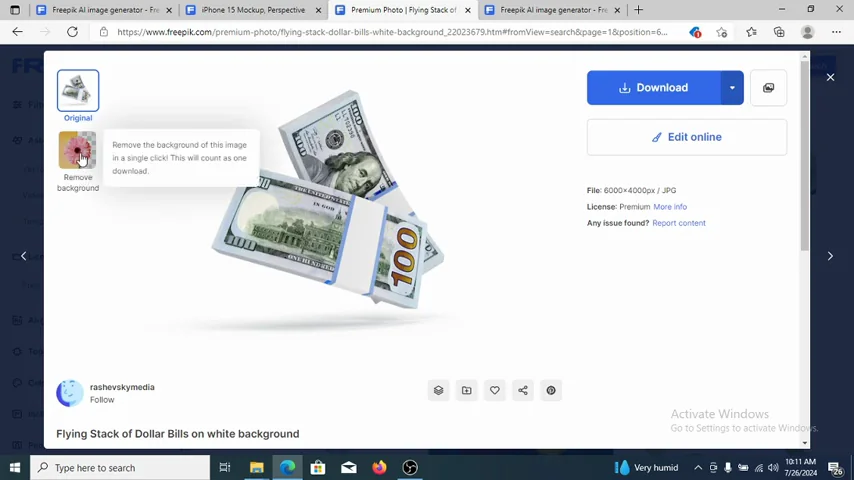
- Search and open an image.
- On the image page, look for the trace option.
- Hit the option to trace the picture.
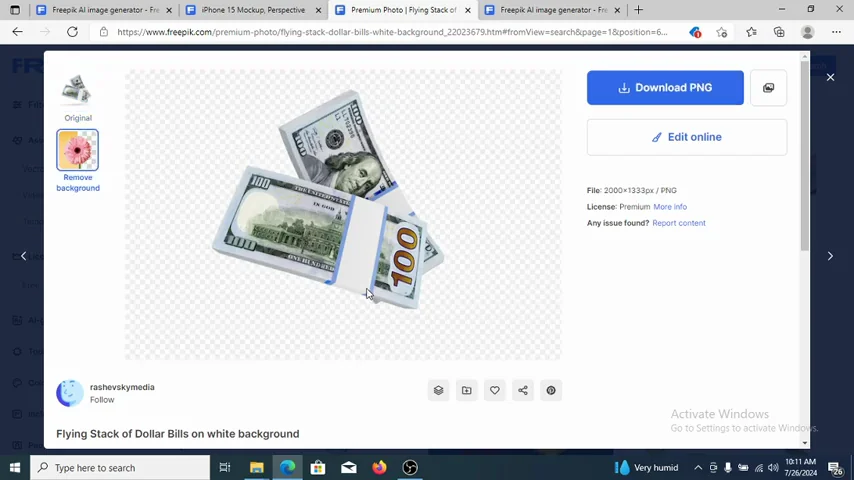
- Wait for the result, then compare with the main picture.
- Download the trimmed result and use it in your package.
It gets trimmed instantly. Most definitely it is perfectly traced, and you can go ahead and download.
Final Thoughts
Freepik gives you ready-to-download images and resources, and with AI you can recreate, trace, and generate exactly what you need. The AI Image Generator lets you prompt, style, and produce sharp results you can use anywhere. The mockup generator makes quick work of branding visuals, and the instant trace tool trims images right on the platform. Go create what you need and most definitely you will get solid results.
Recent Posts

How to use Grok 2.0 Image Generator?
Learn how to access Grok 2.0’s AI image generator (Premium required), write better prompts, and avoid pitfalls like real people and brands. Step-by-step tips.
How to use Instagram AI Image Generator?
Use Meta AI in Instagram DMs to turn text into images—and even animate them. It’s free, fast, and built in. No external apps needed; create art right in chat.
Leonardo AI 2026 Beginner’s Guide: Create Stunning Images Fast
Learn Leonardo AI step by step—sign up, explore Home, and generate or enhance photos with free, powerful tools. A quick, clear starter for beginners.