How to Generate AI Images on Facebook with Meta AI (Free Guide)
You can create AI images right from Facebook. If you want to create AI images from Facebook, here is what you need to do to create these images from your Facebook for free. This is free. Remember: this is not Facebook Lite. This is the main Facebook.
Facebook AI Image Generation: Access Meta AI in the App
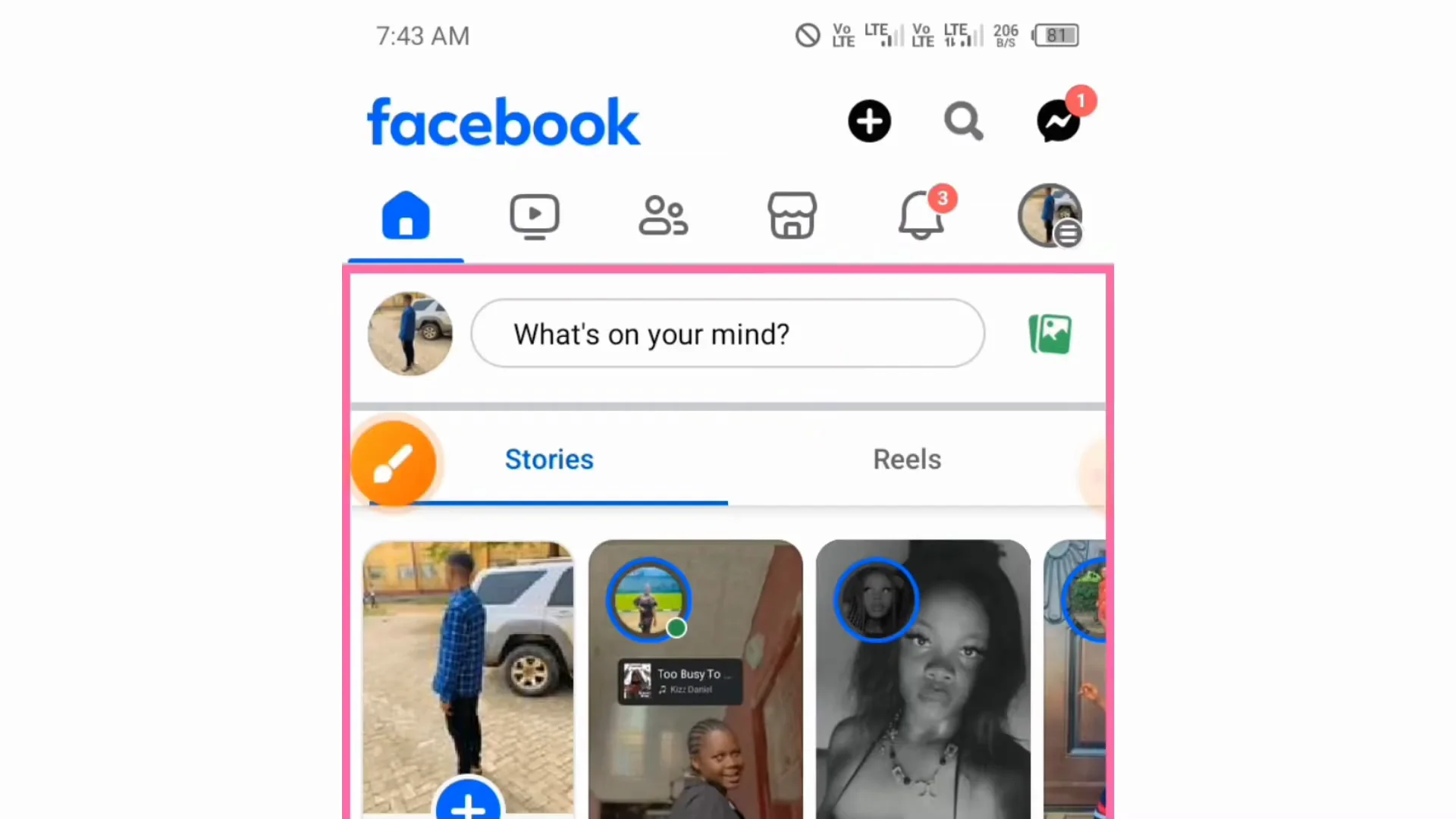
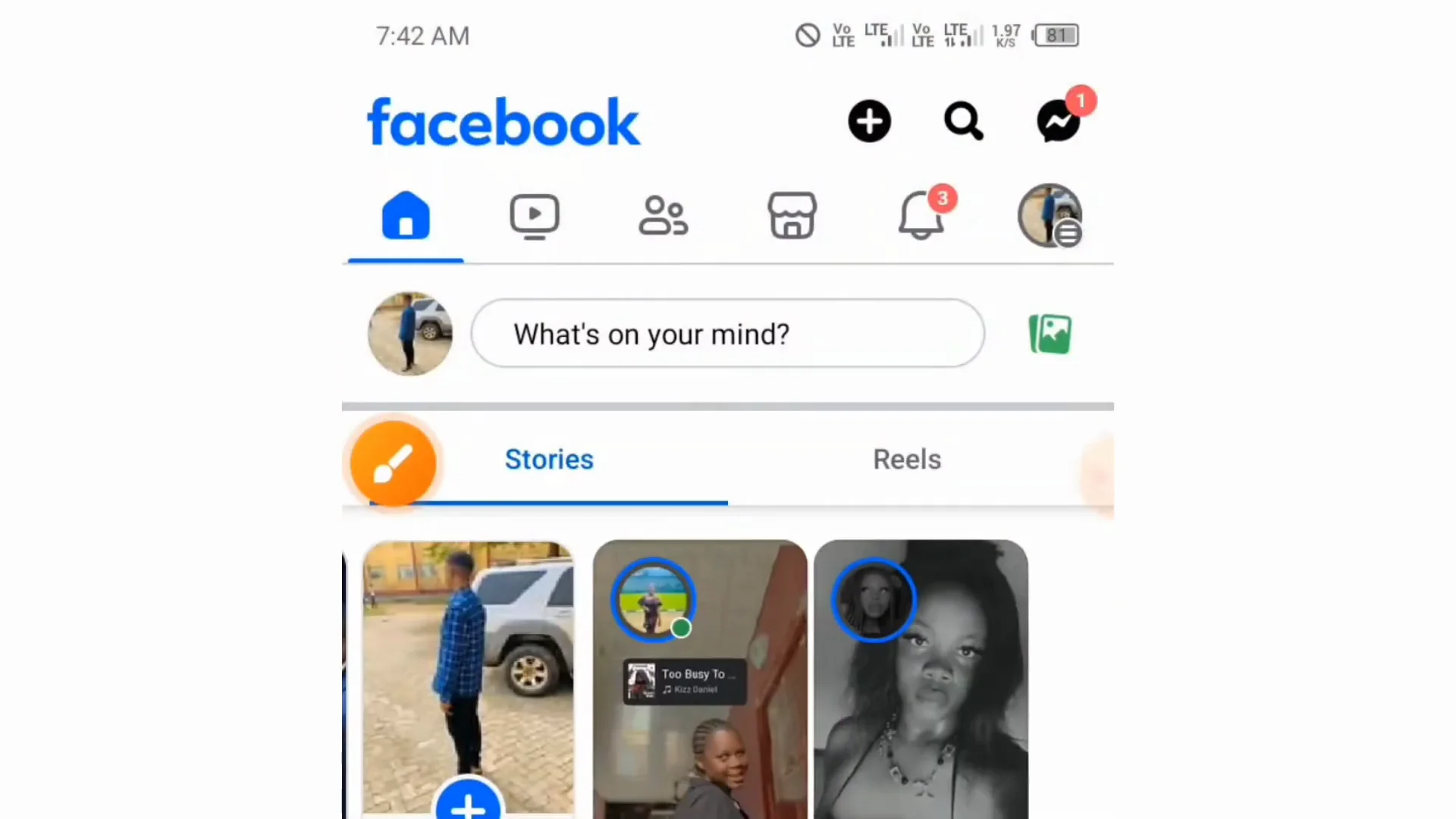
- Open your Facebook.
- Tap the search button.
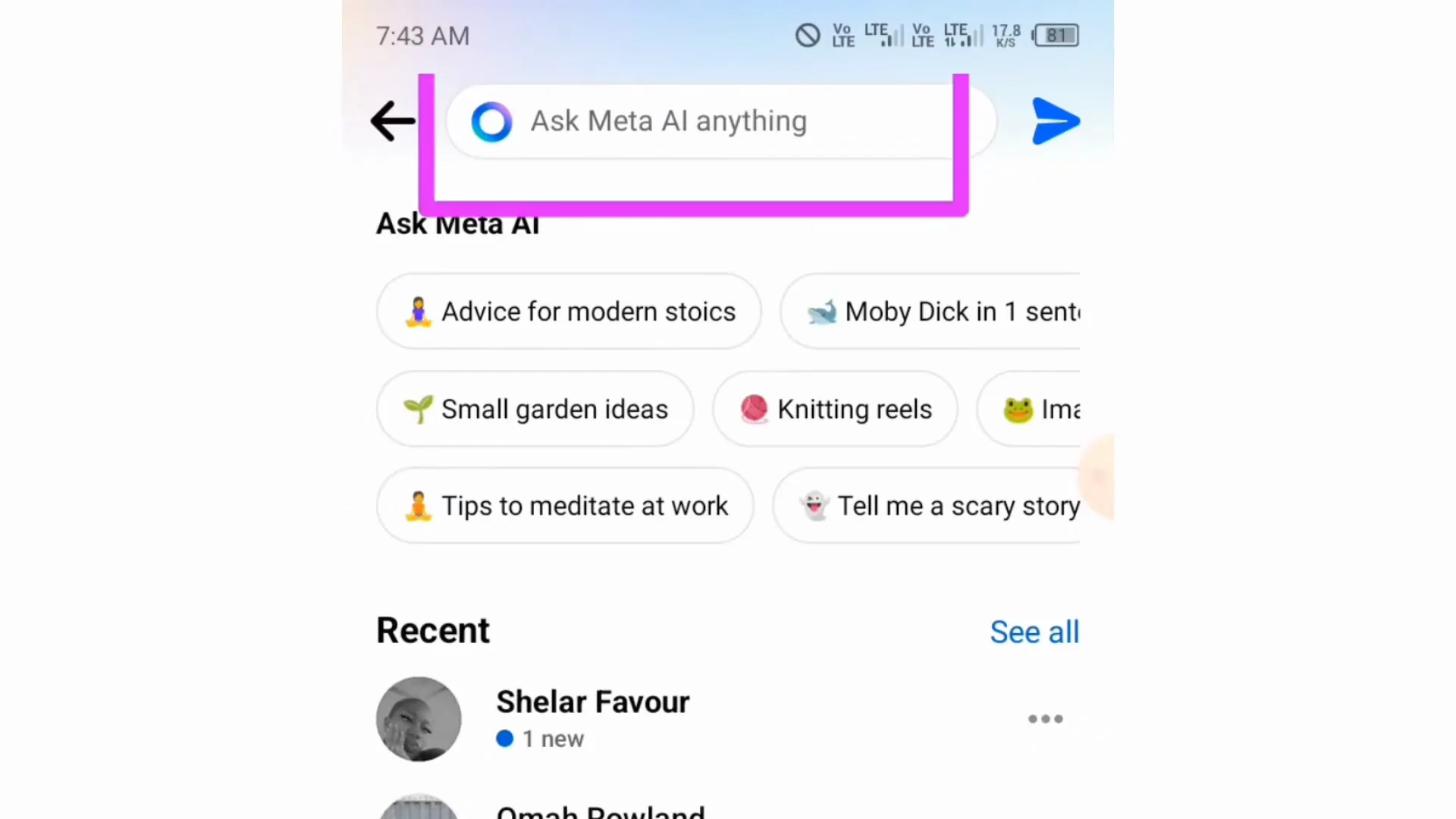
- By the side of the search bar, you will see Meta AI. Tap Meta AI. It gives you access to a space where you can ask this AI anything or ask the AI to generate an image for you.
Facebook AI Image Generation: Generate an Image with /imagine
To ask the AI to generate an image:
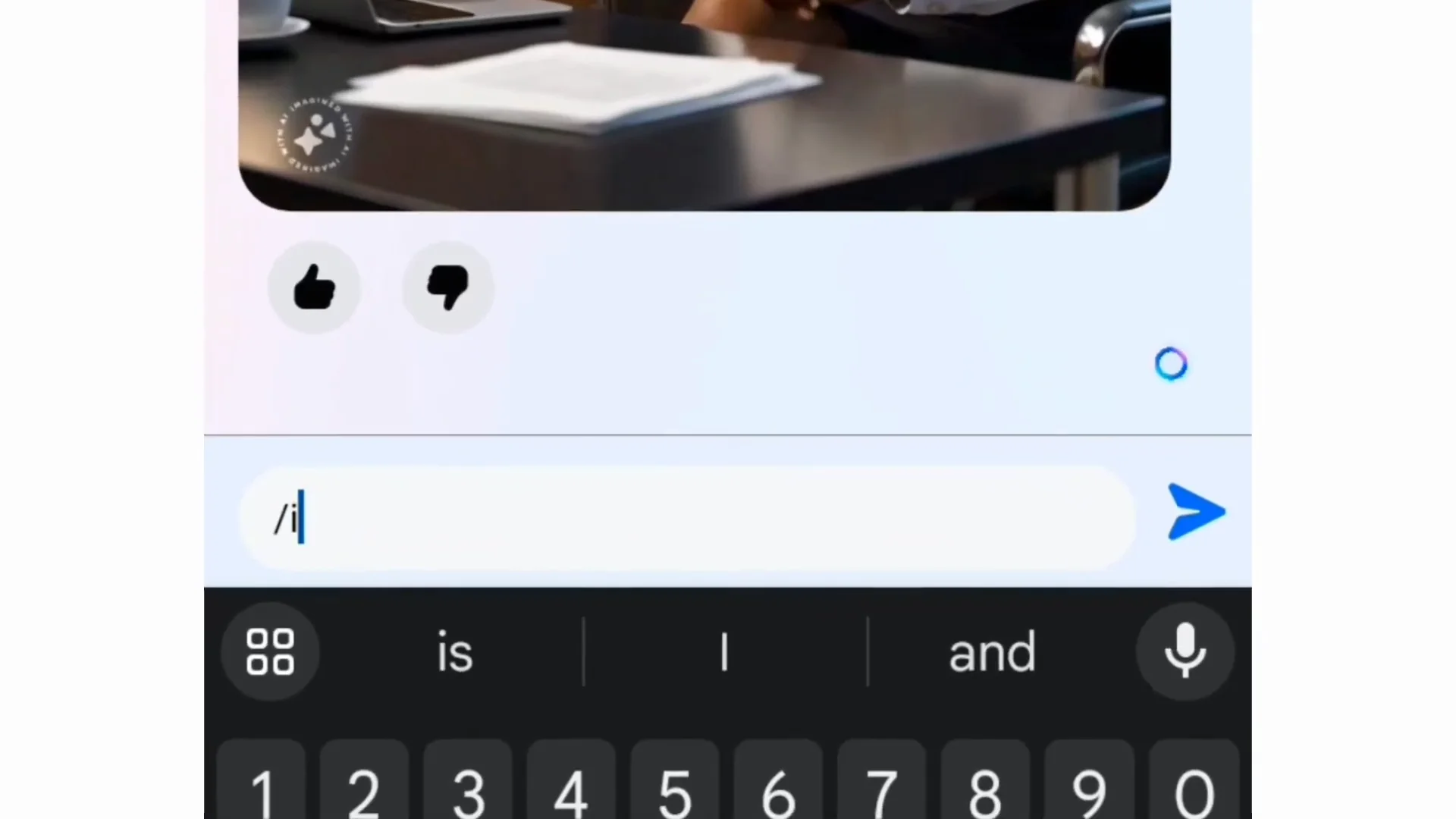
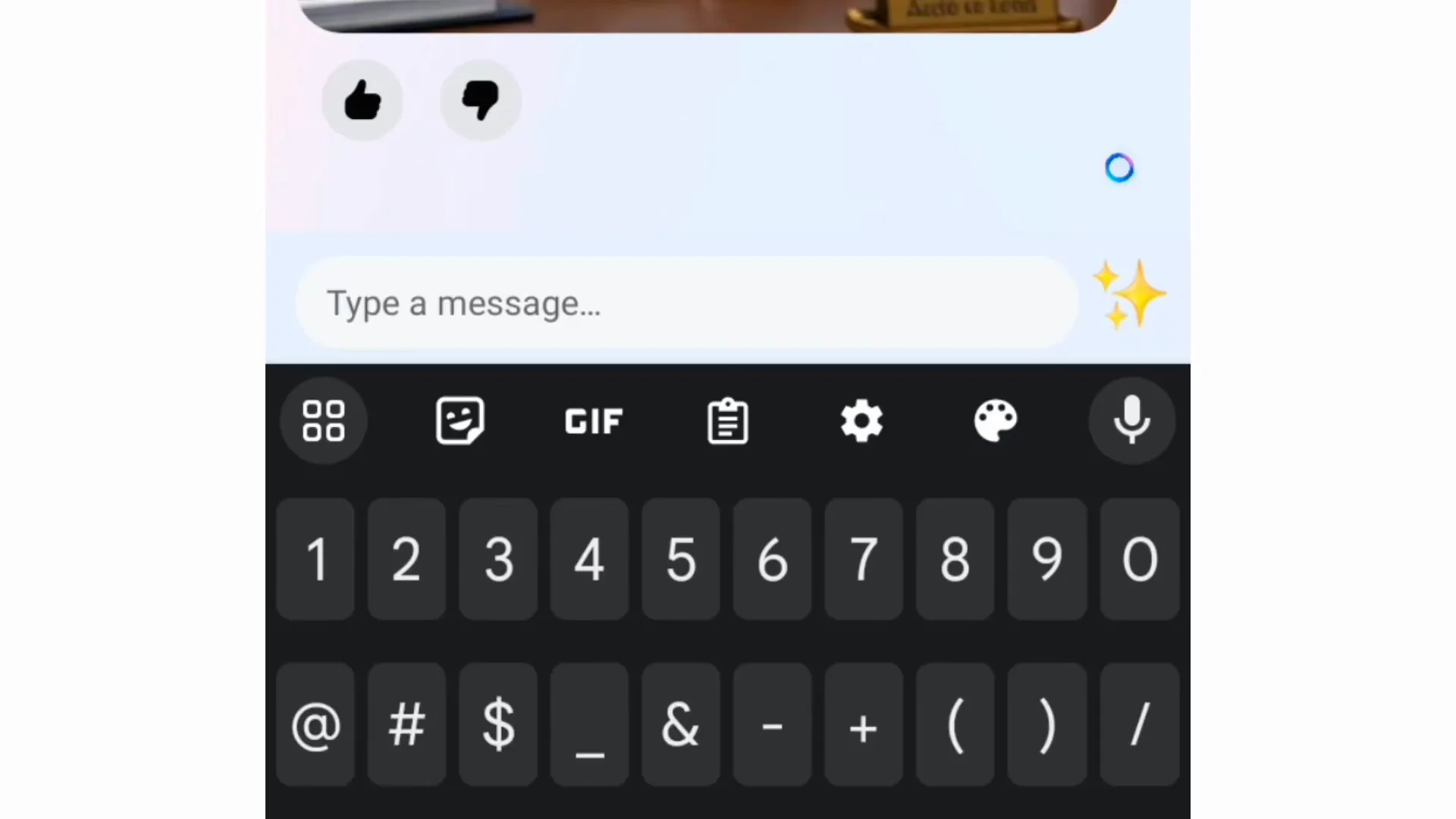
- Type a slash: /
- Tell the AI to imagine.
- Describe the image you want the AI to generate.
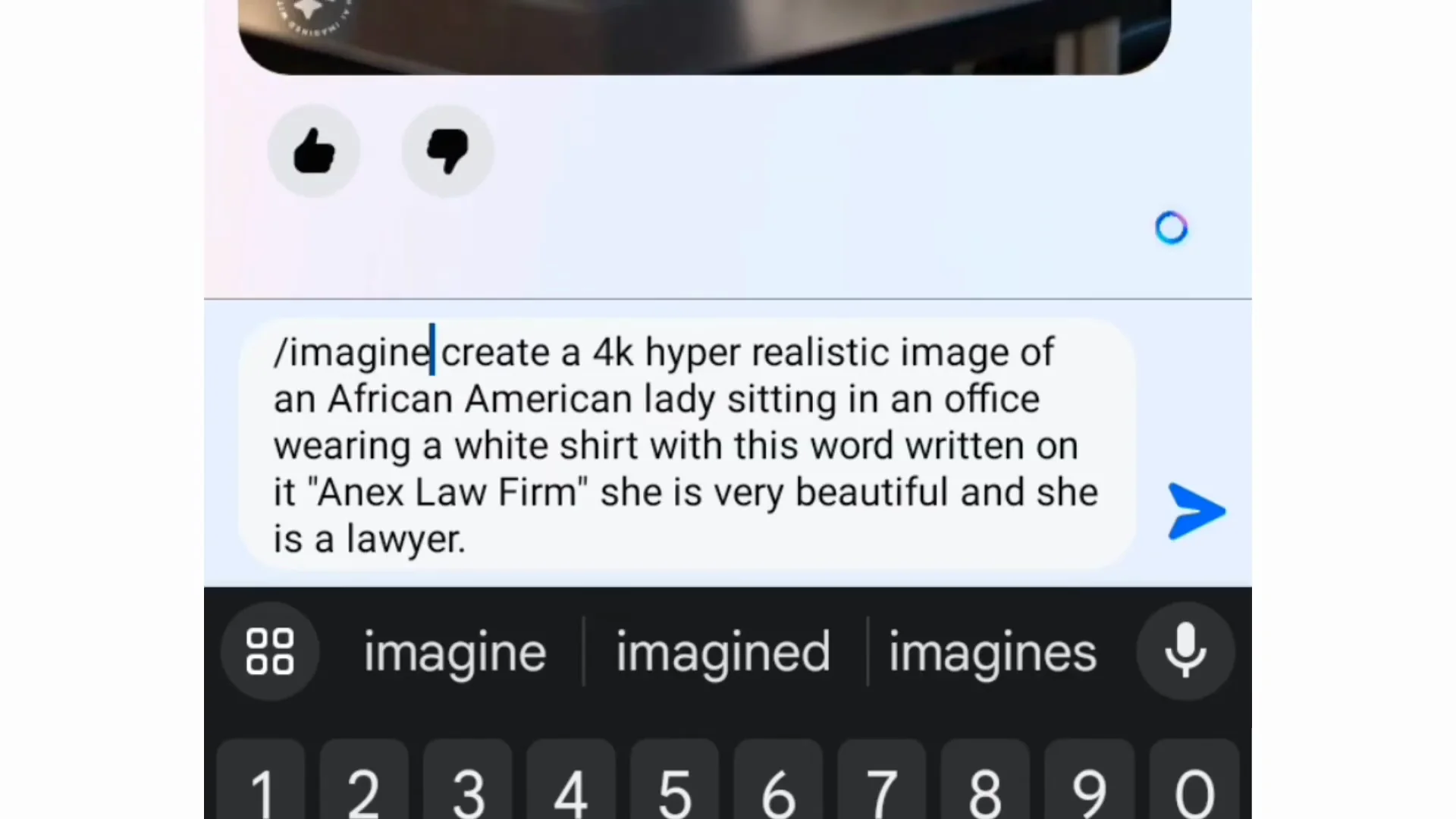
Example prompt:
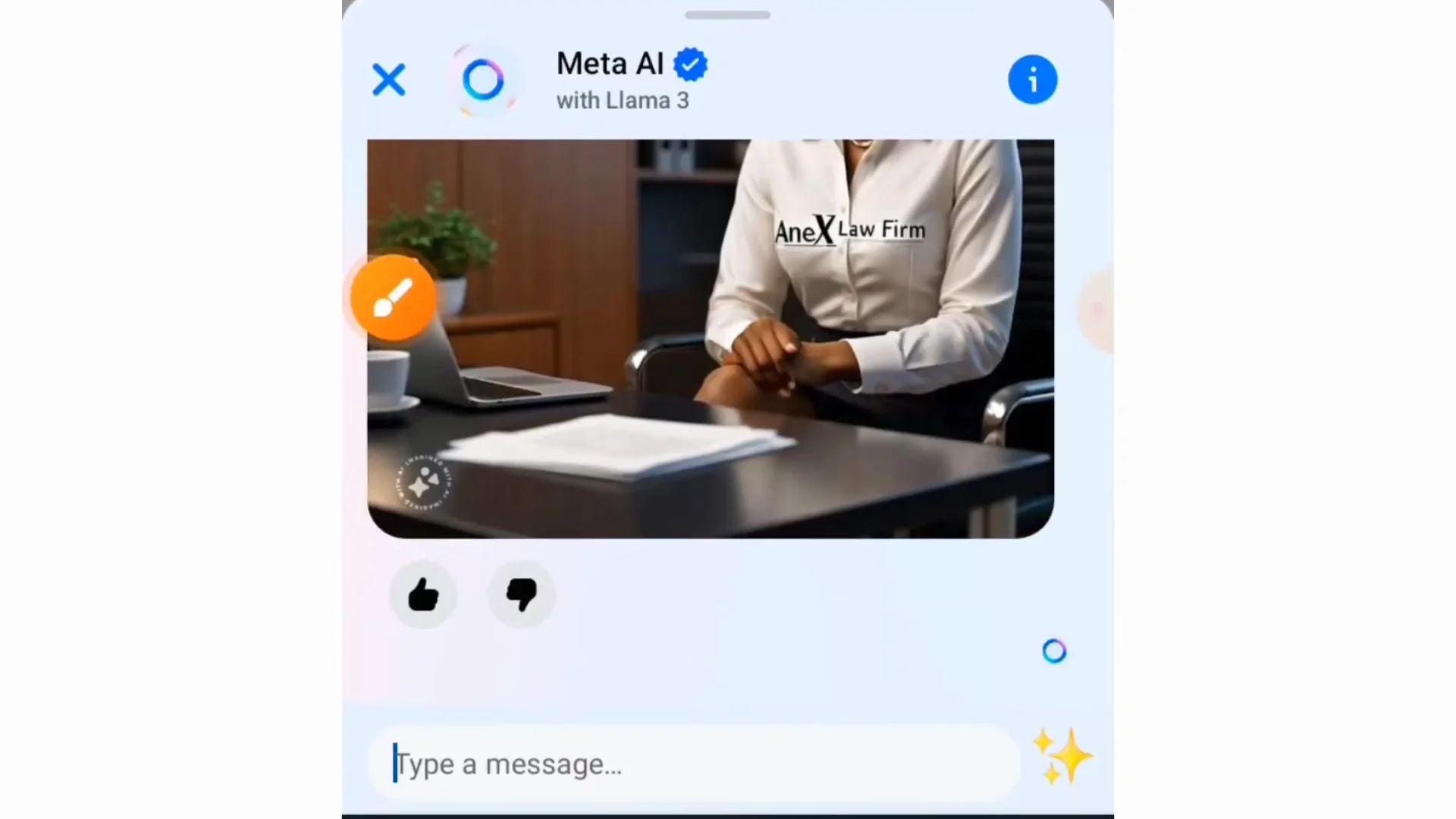
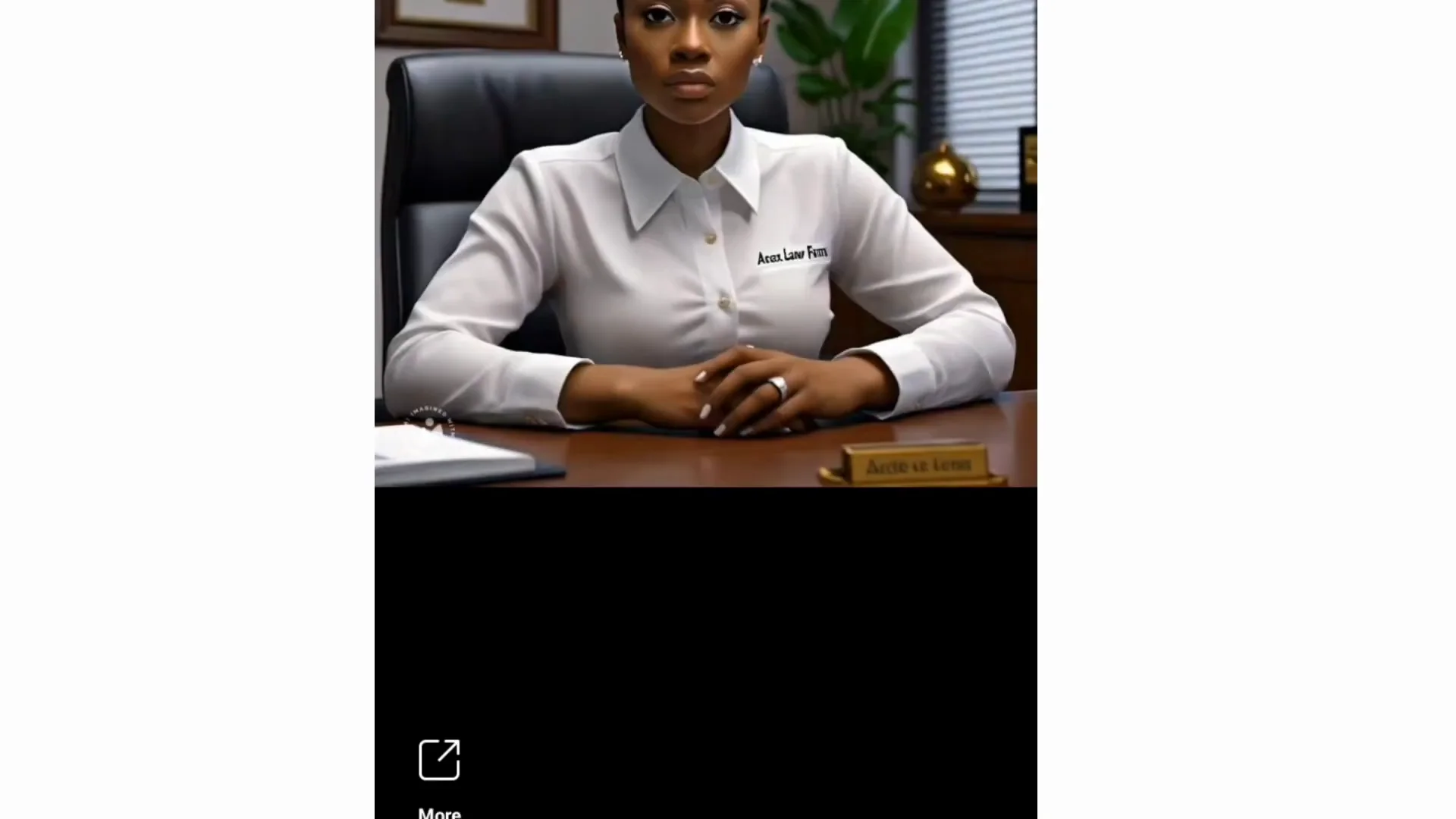
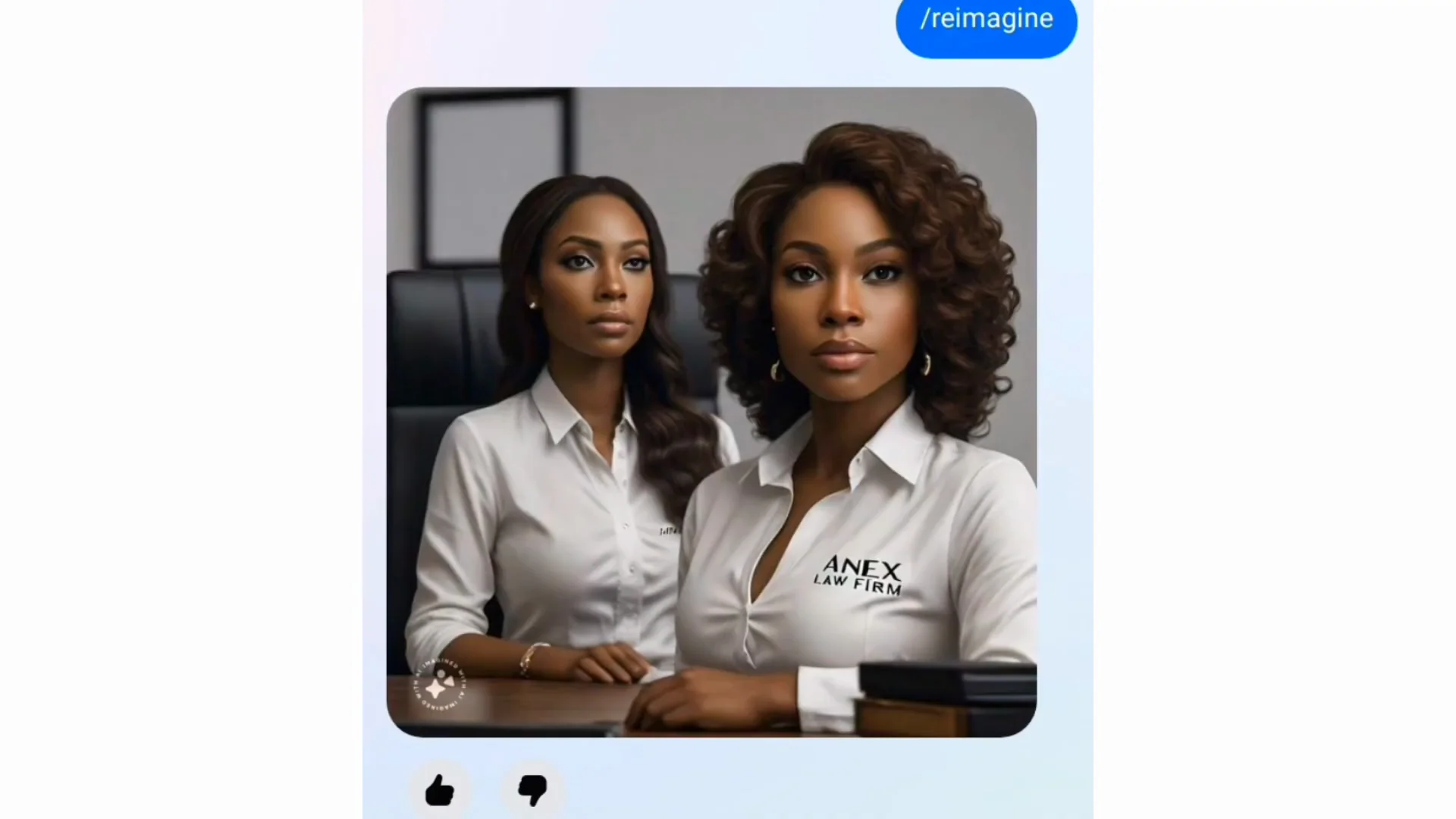
- Create a 4K hyper realistic image of an African Aman lady sitting in an office wearing a white shirt with this word written on it anex Law Firm. She's very beautiful and she's a lawyer.
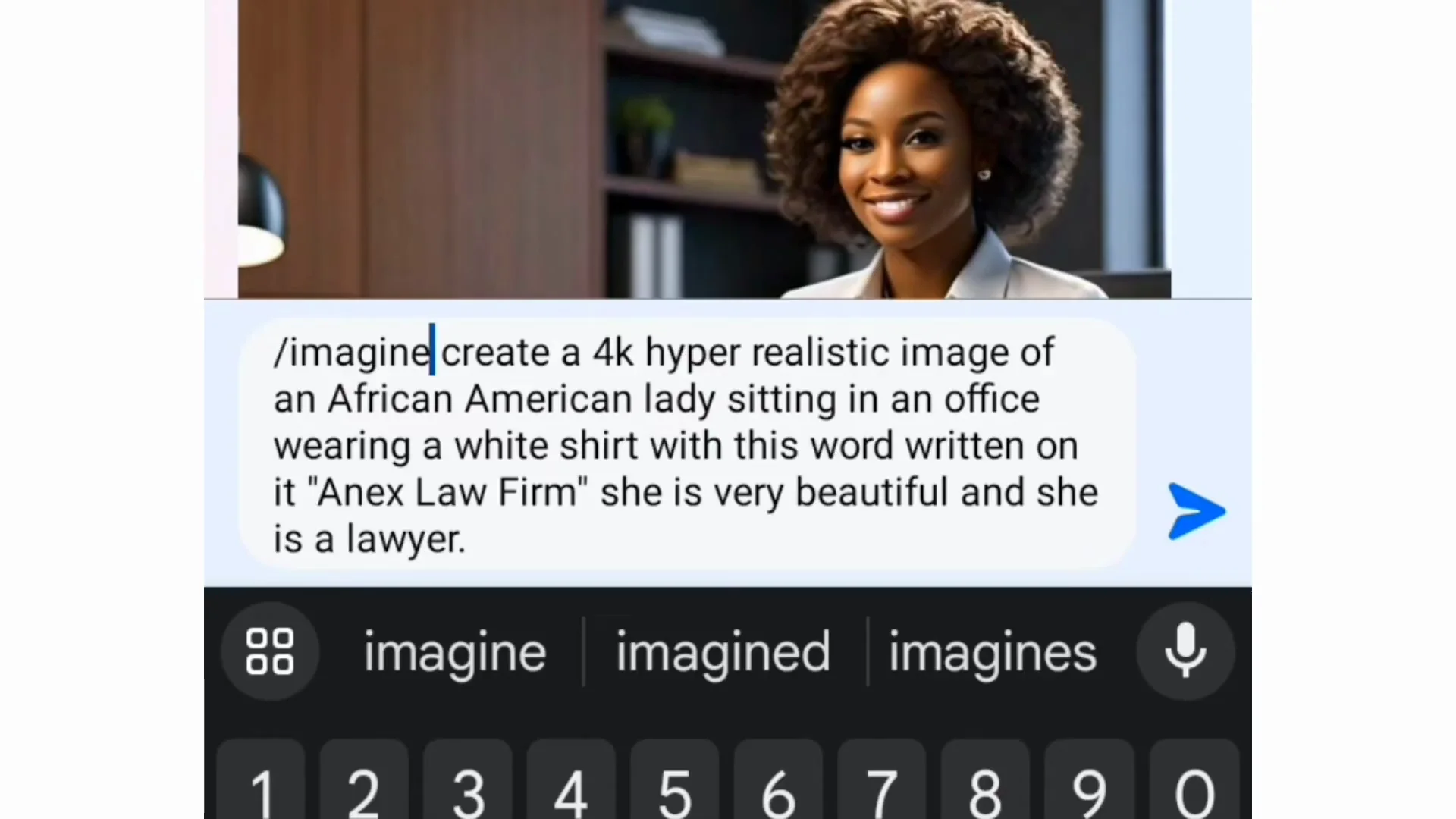
- Tap the send button.
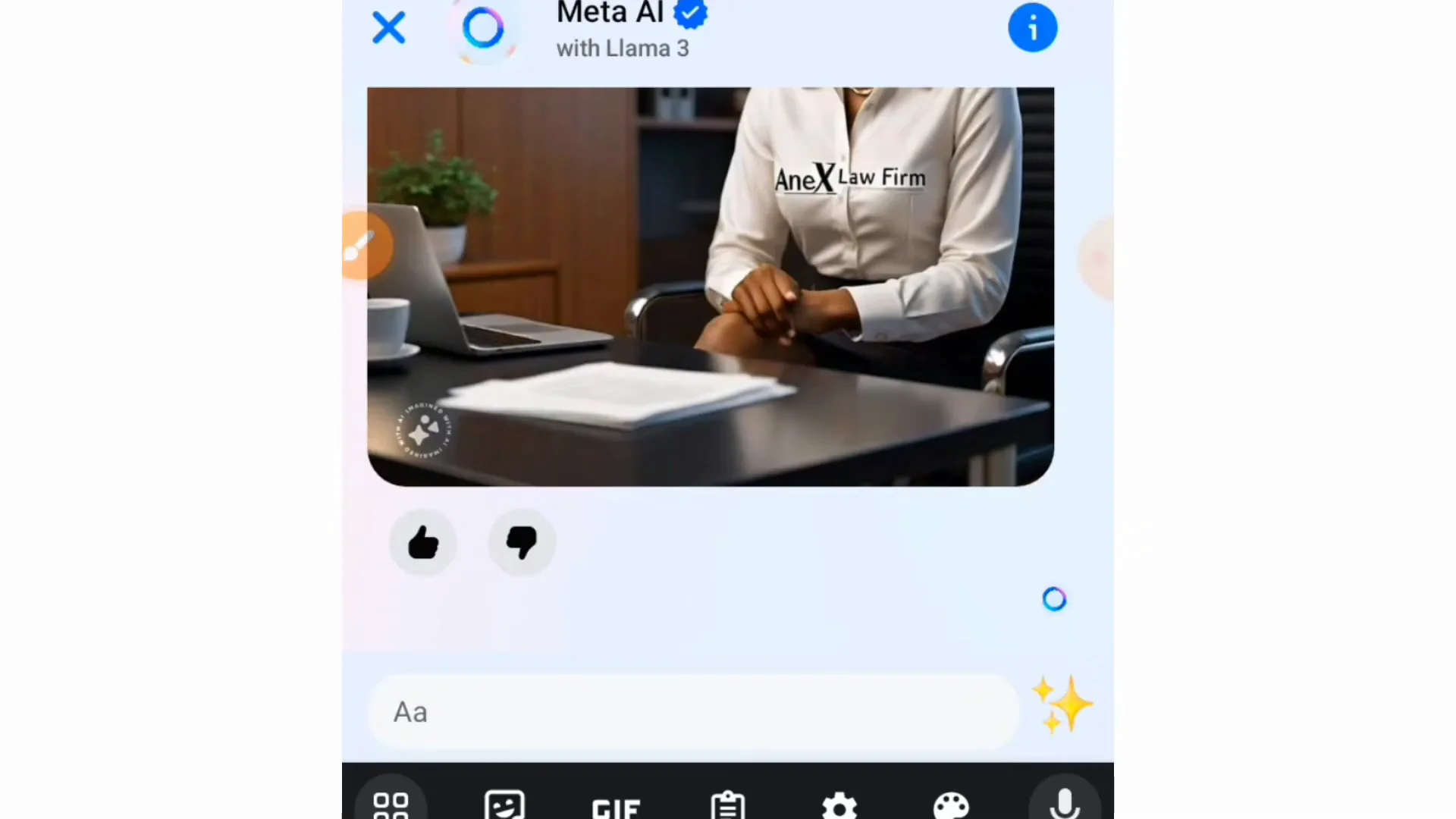
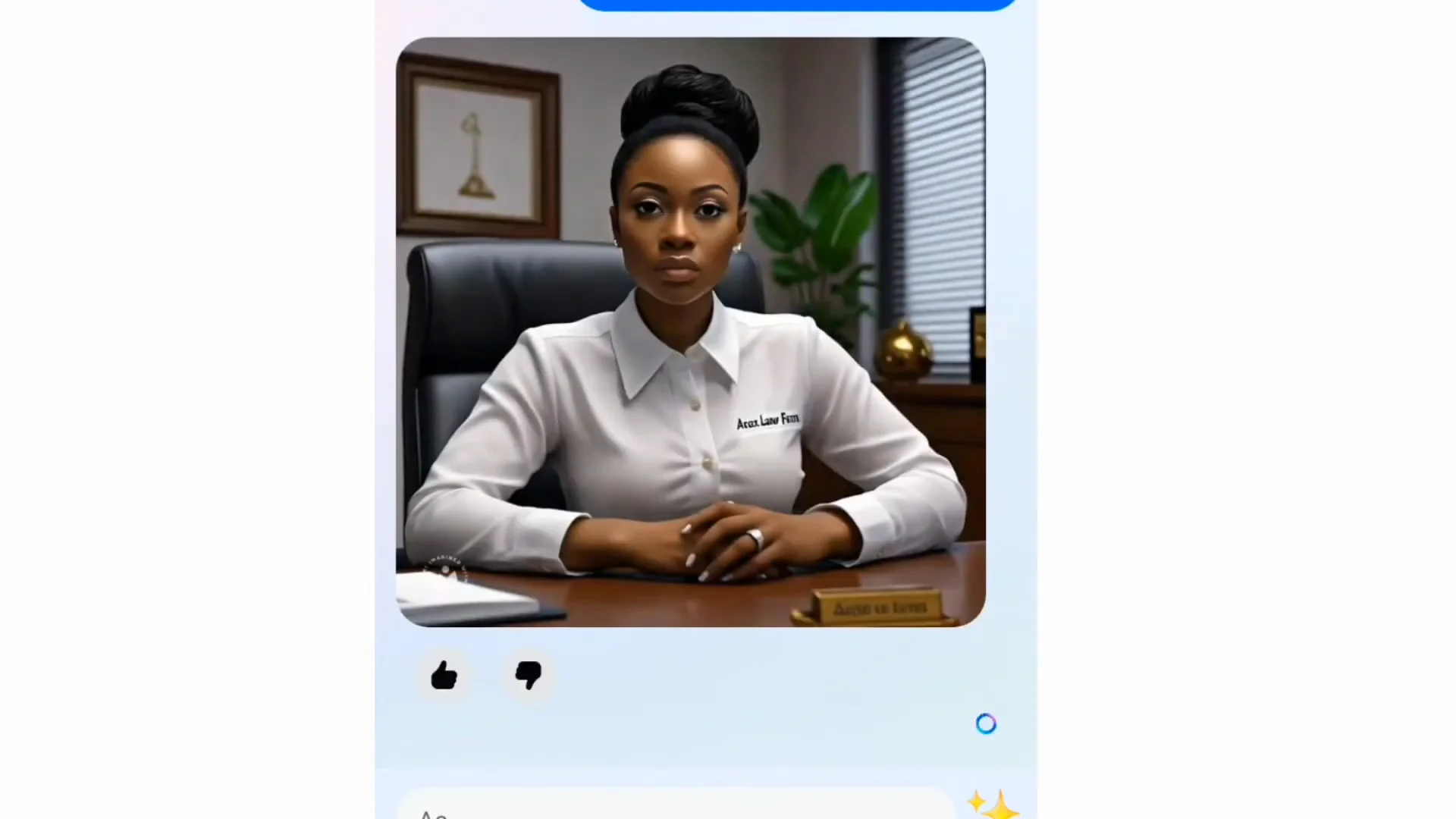
- Wait for the AI. It generates the image for you. At first it is going to generate one image for you.
Facebook AI Image Generation: Save the Image to Your Phone
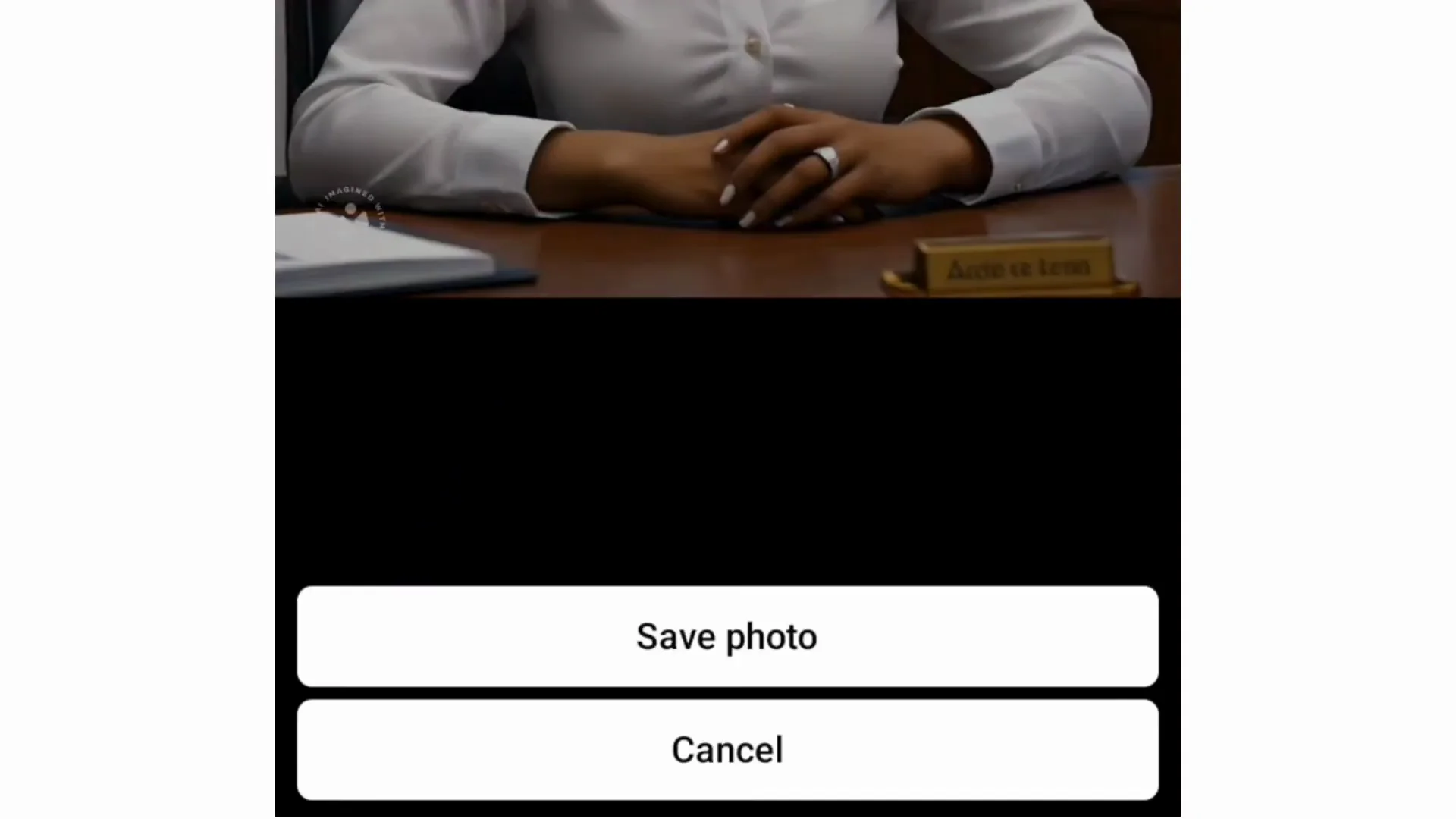
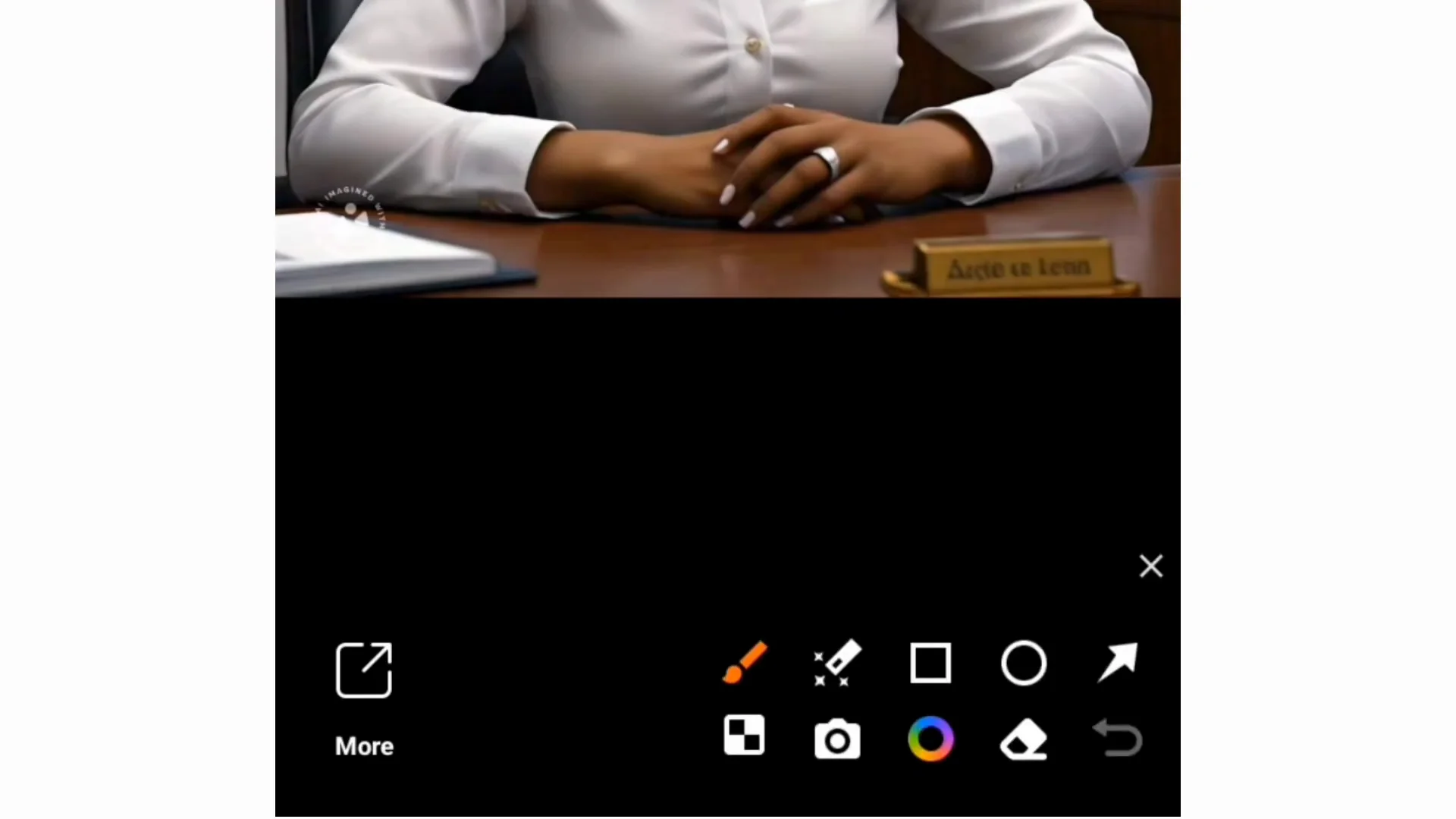
- Tap the image to open it.
- At the bottom, tap More.
- Tap Save photo. It will be saved to your phone.
Facebook AI Image Generation: Regenerate with /reimagine
If you want this AI to regenerate this image again:
- Type a slash: /
- Tell it to reimagine.
- Send and hold on to see the outcome of the image. It will regenerate that same image again.
Final Thoughts
This is how you create an AI image right from your Facebook using Meta AI: access Meta AI from the search bar, use /imagine with a clear description, save your image, and use /reimagine to generate a new version.
Recent Posts

How to use Grok 2.0 Image Generator?
Learn how to access Grok 2.0’s AI image generator (Premium required), write better prompts, and avoid pitfalls like real people and brands. Step-by-step tips.
How to use Instagram AI Image Generator?
Use Meta AI in Instagram DMs to turn text into images—and even animate them. It’s free, fast, and built in. No external apps needed; create art right in chat.
Leonardo AI 2026 Beginner’s Guide: Create Stunning Images Fast
Learn Leonardo AI step by step—sign up, explore Home, and generate or enhance photos with free, powerful tools. A quick, clear starter for beginners.