Hwo to use ChatGPT's 4o New Image Generator?
OpenAI released a new model for ChatGPT with image generation and people went crazy with all those styles. You can do much more than applying just styles. I've been testing around and I’ll share the opportunities that we have at our hands. The results of these tests are quite impressive.
Style Transformations From a Single Photo
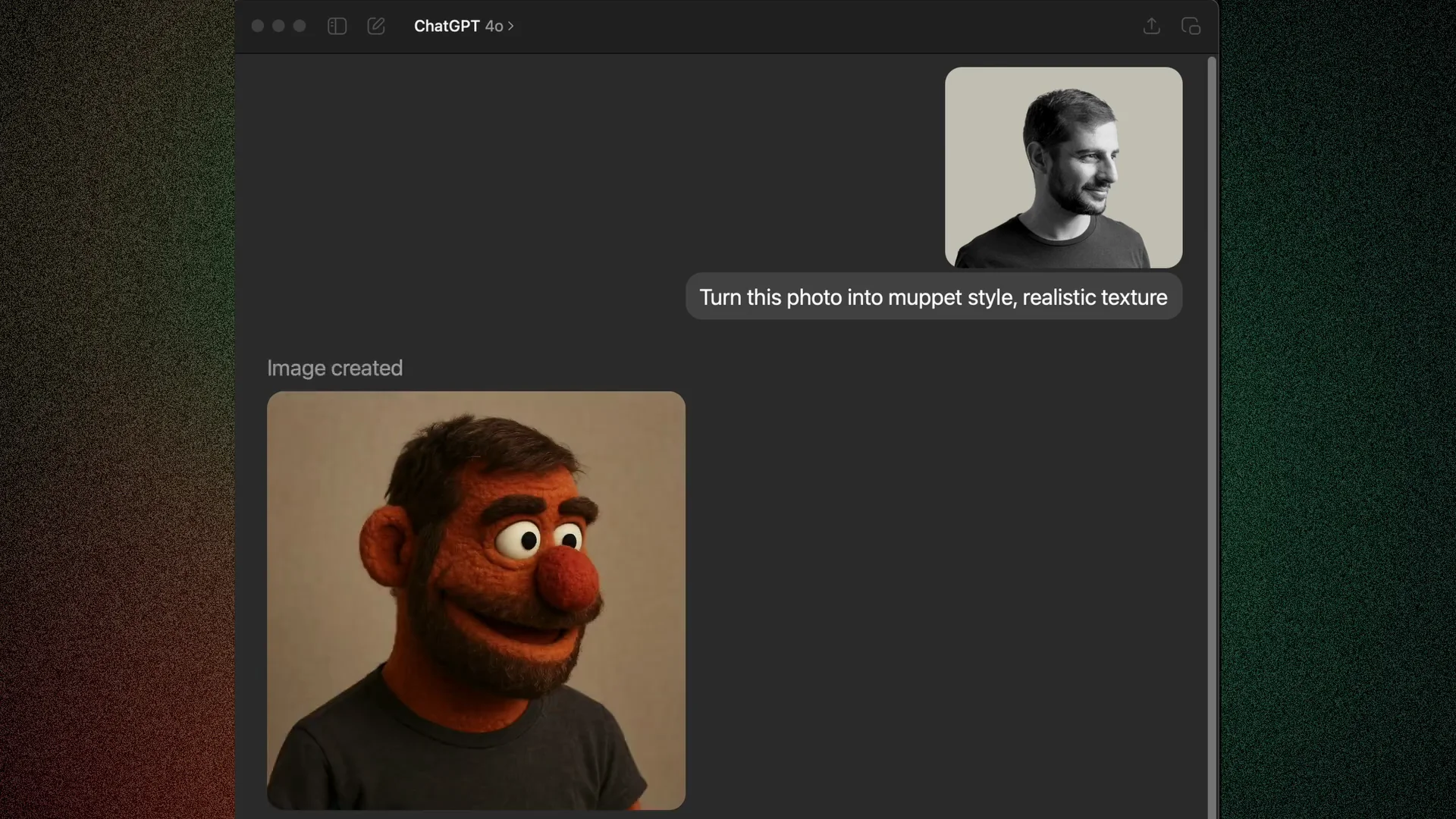
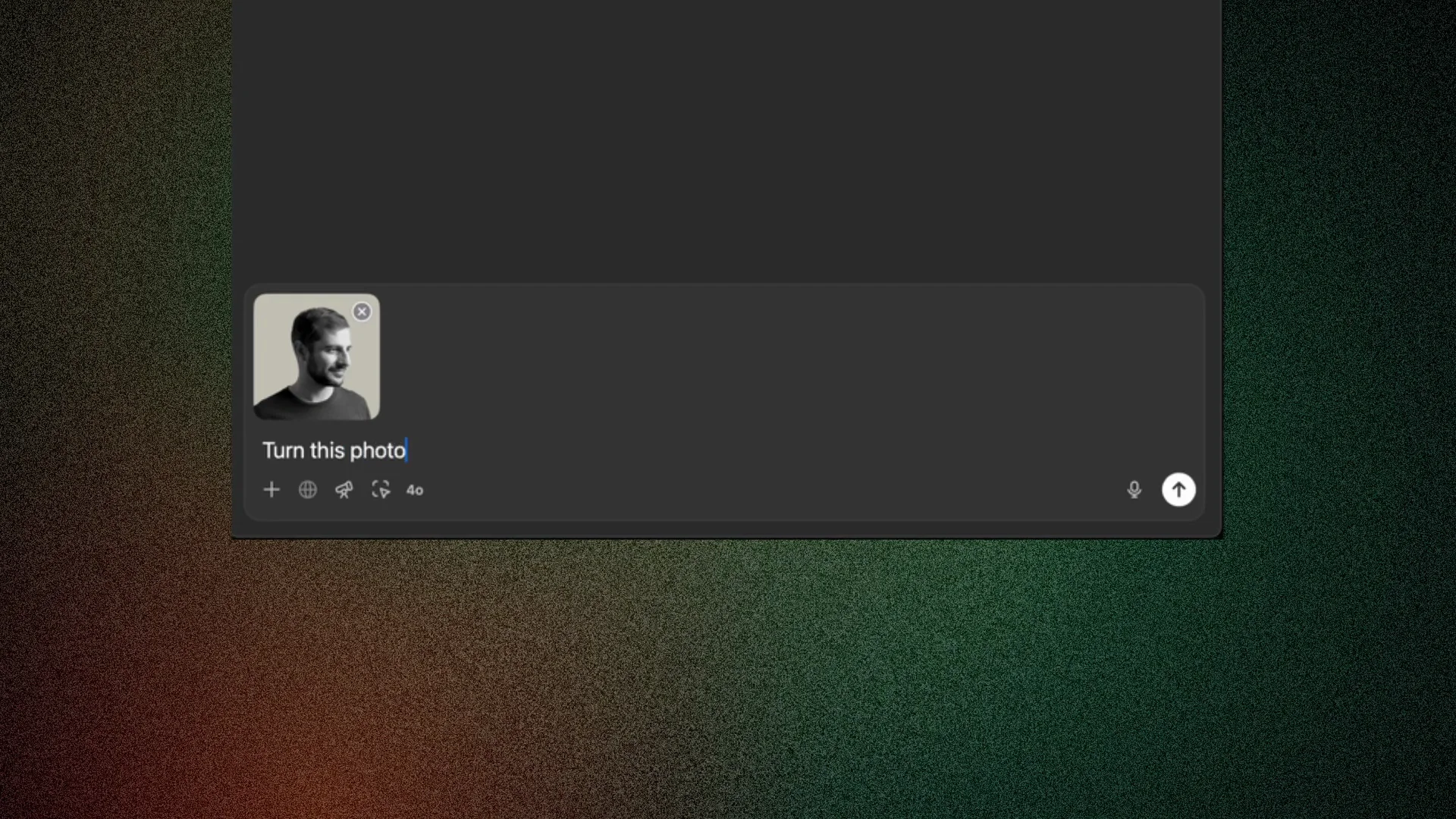
I uploaded a photo of mine and asked ChatGPT to turn this photo into a Muppet style using a realistic texture. It started to generate and reveal pieces of the image along the way. I really like the result.
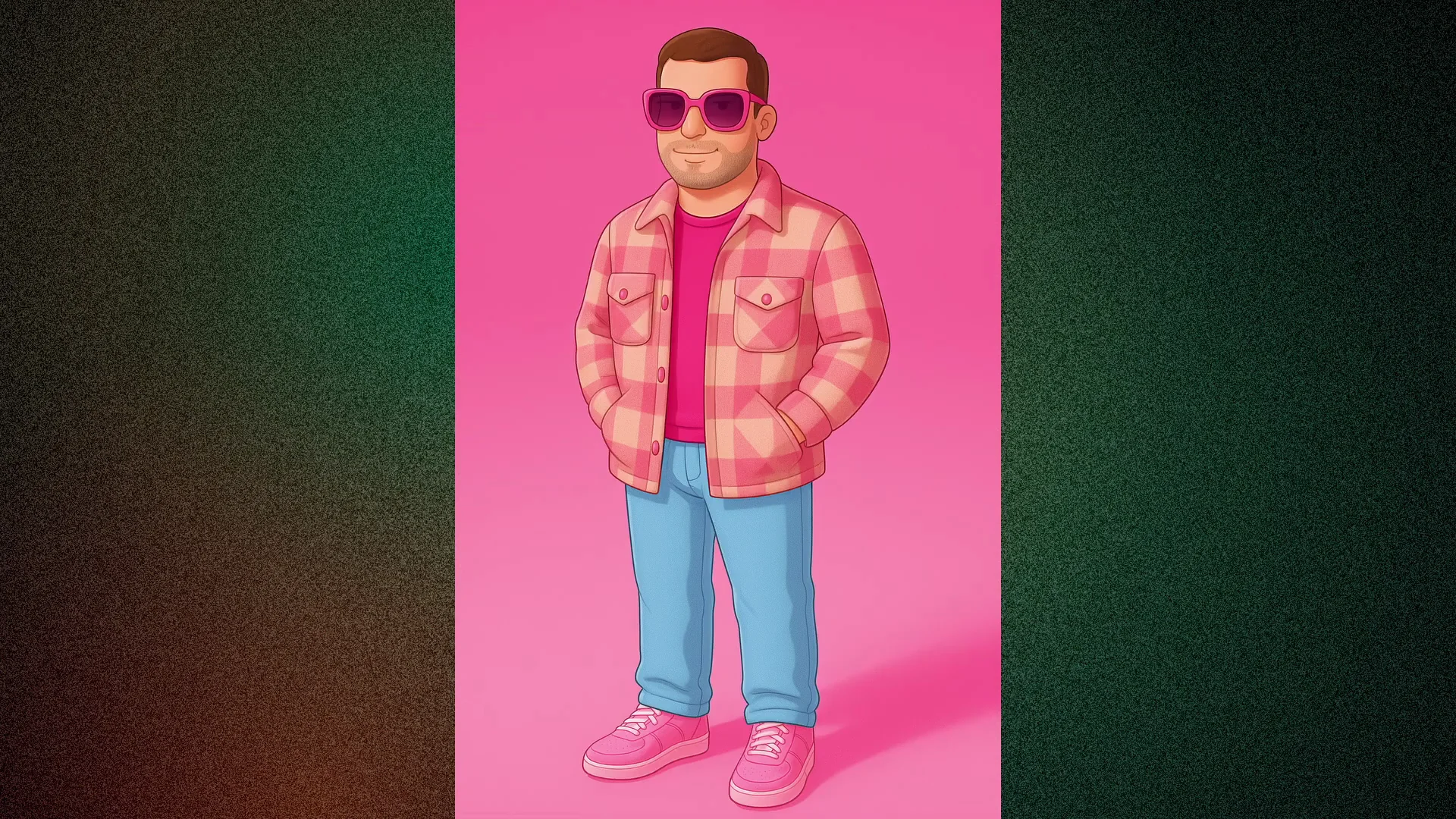
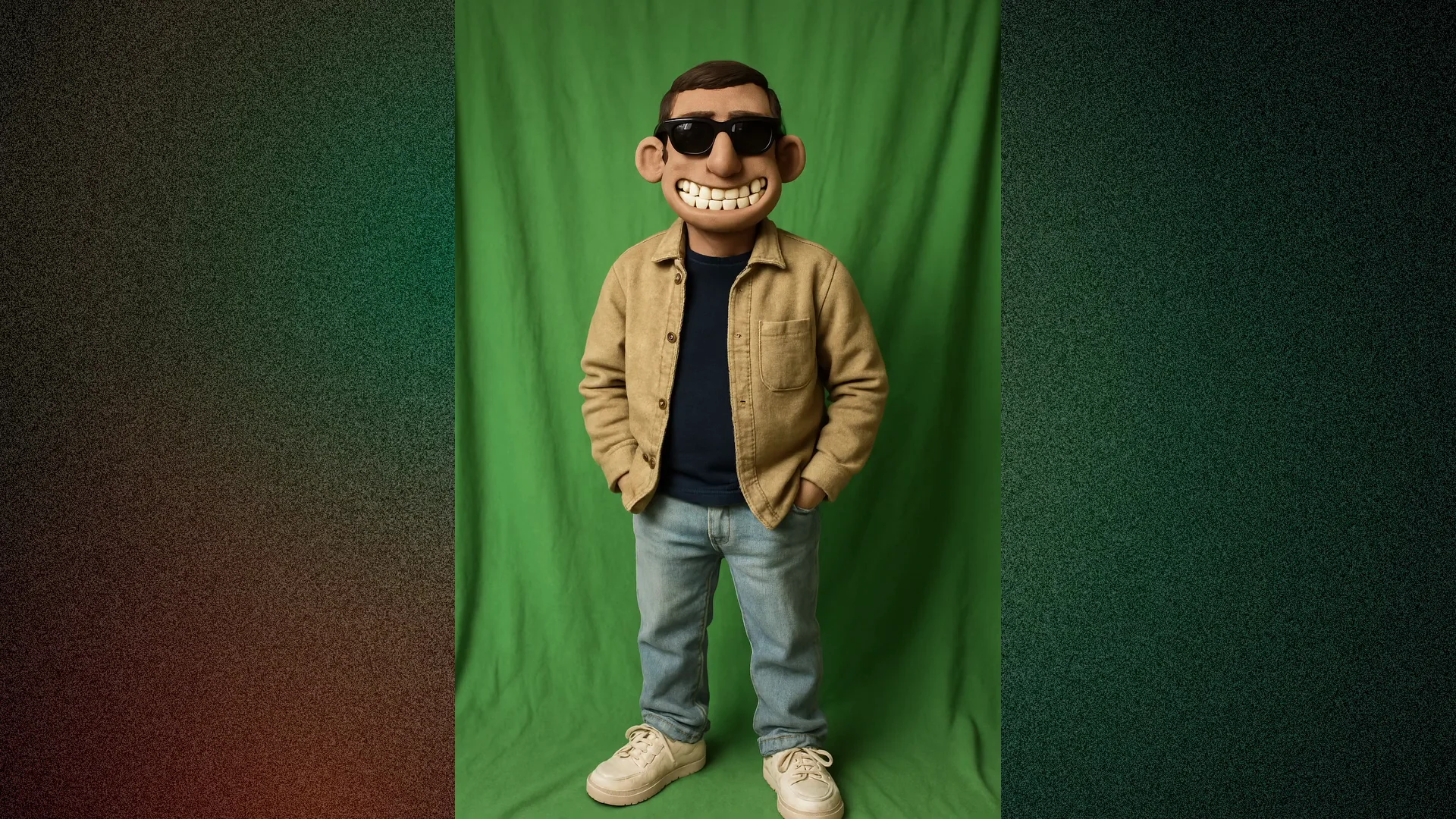
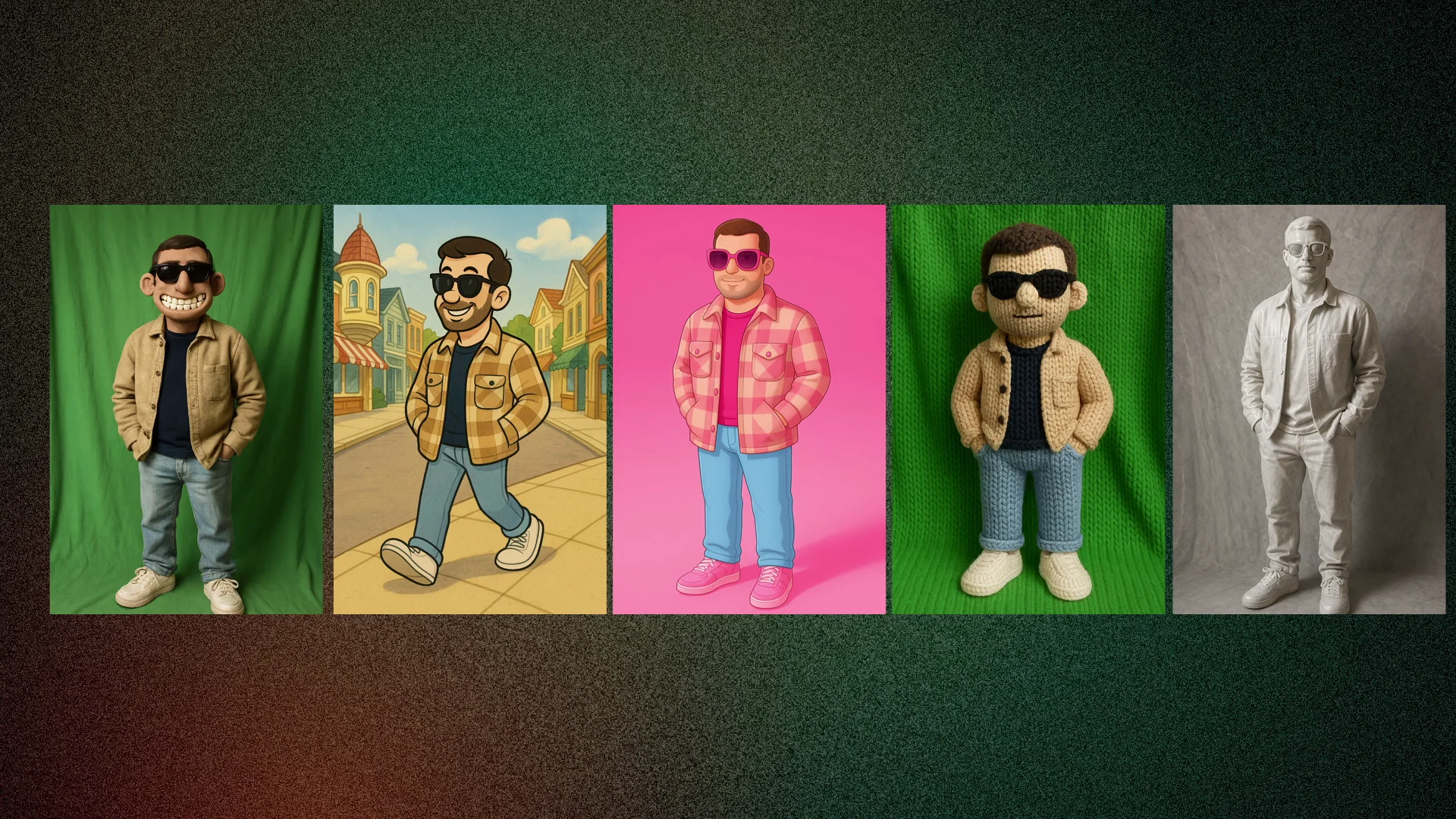
I tested another photo of me and asked for different looks:
- Claymation inspiration style
- Walt Disney drawing style
- Another claymation style
- Barbie style
- A knle texture style
- Shiny marble style
- Powerpuff Girls
Notes on Reliability and Timing
- Sometimes ChatGPT doesn't generate the image due to copyright content.
- It may take some time to generate an image. It depends on server load.
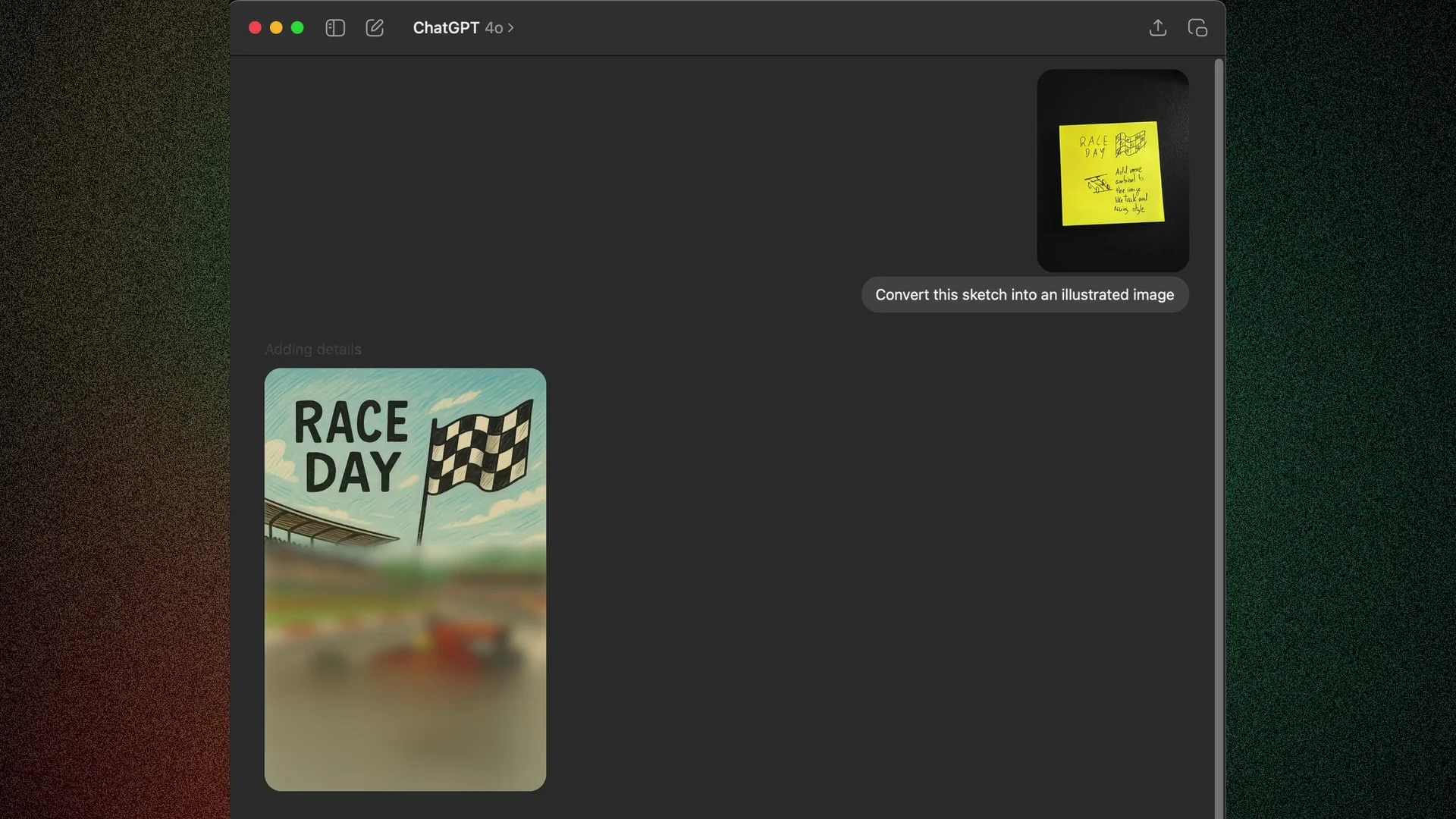
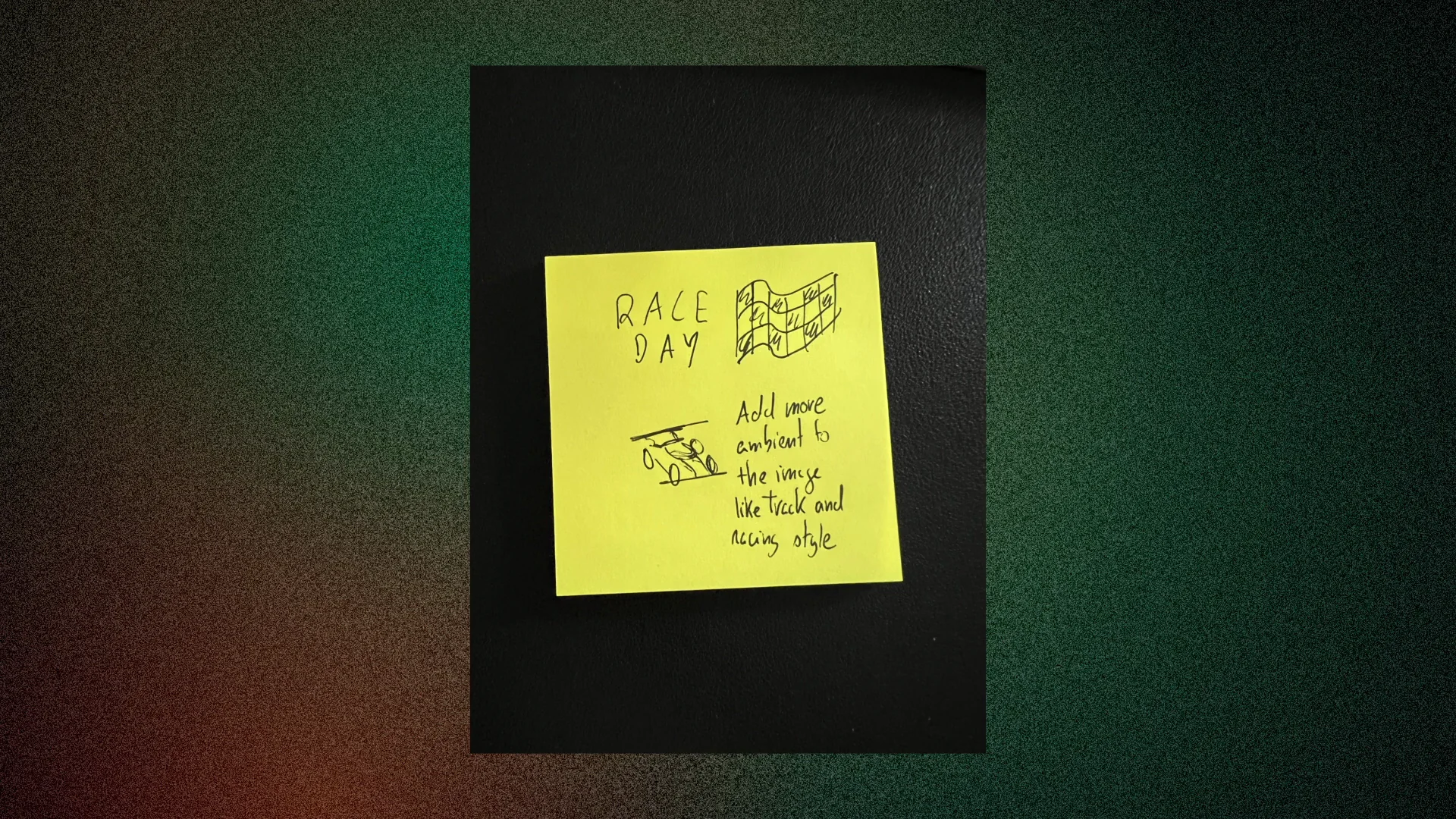
ChatGPT 4o Image Generation: Reading Instructions From a Note
I drew something very rough in a Post-it note. Besides having the prompt directly typed in the chat, I also added instructions in the Post-it note to see if the model would see it. When it started to generate the image, you can see that it added the information I wrote in the note to the image, like the movement and ambient. It’s incredible.
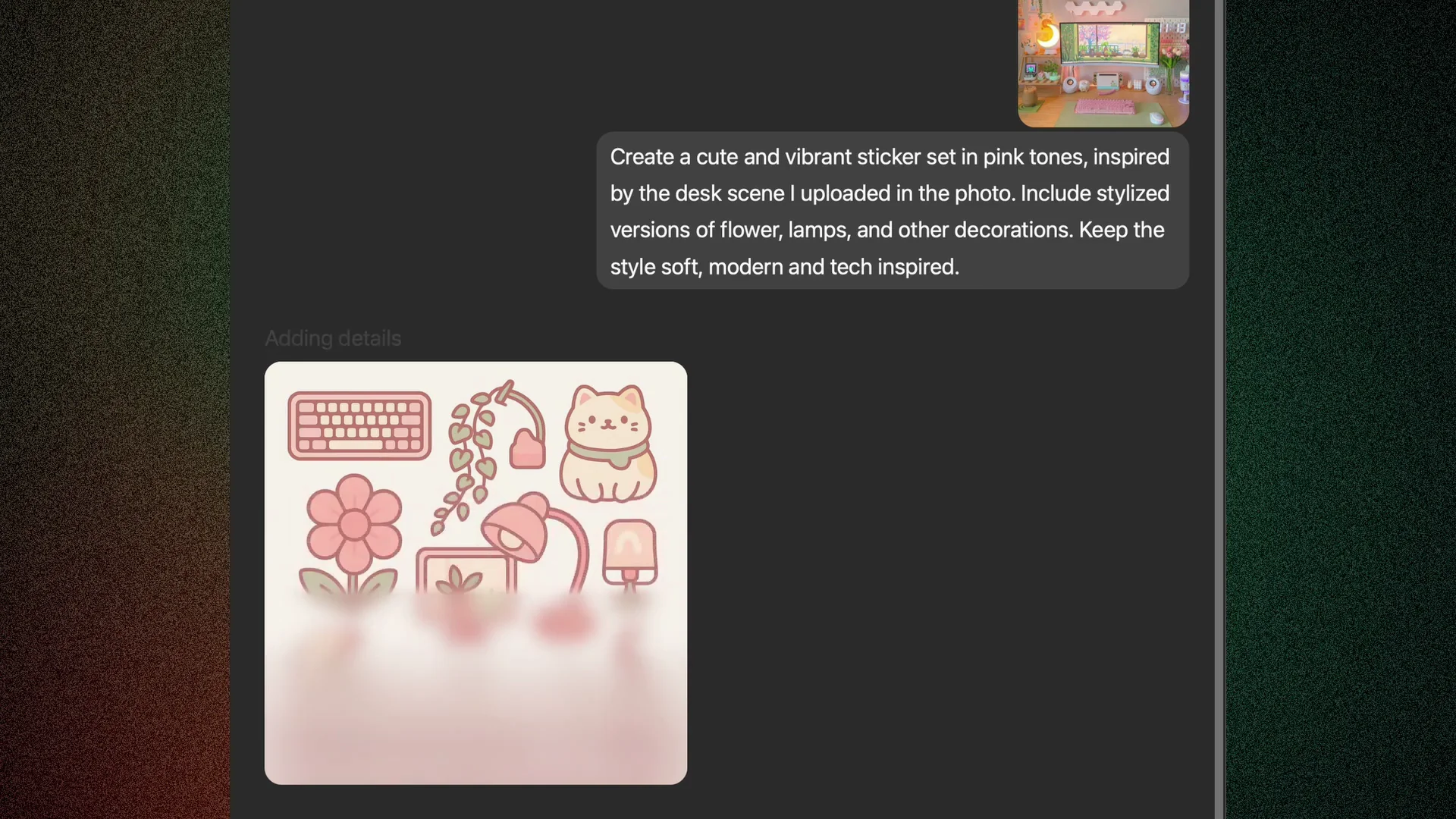
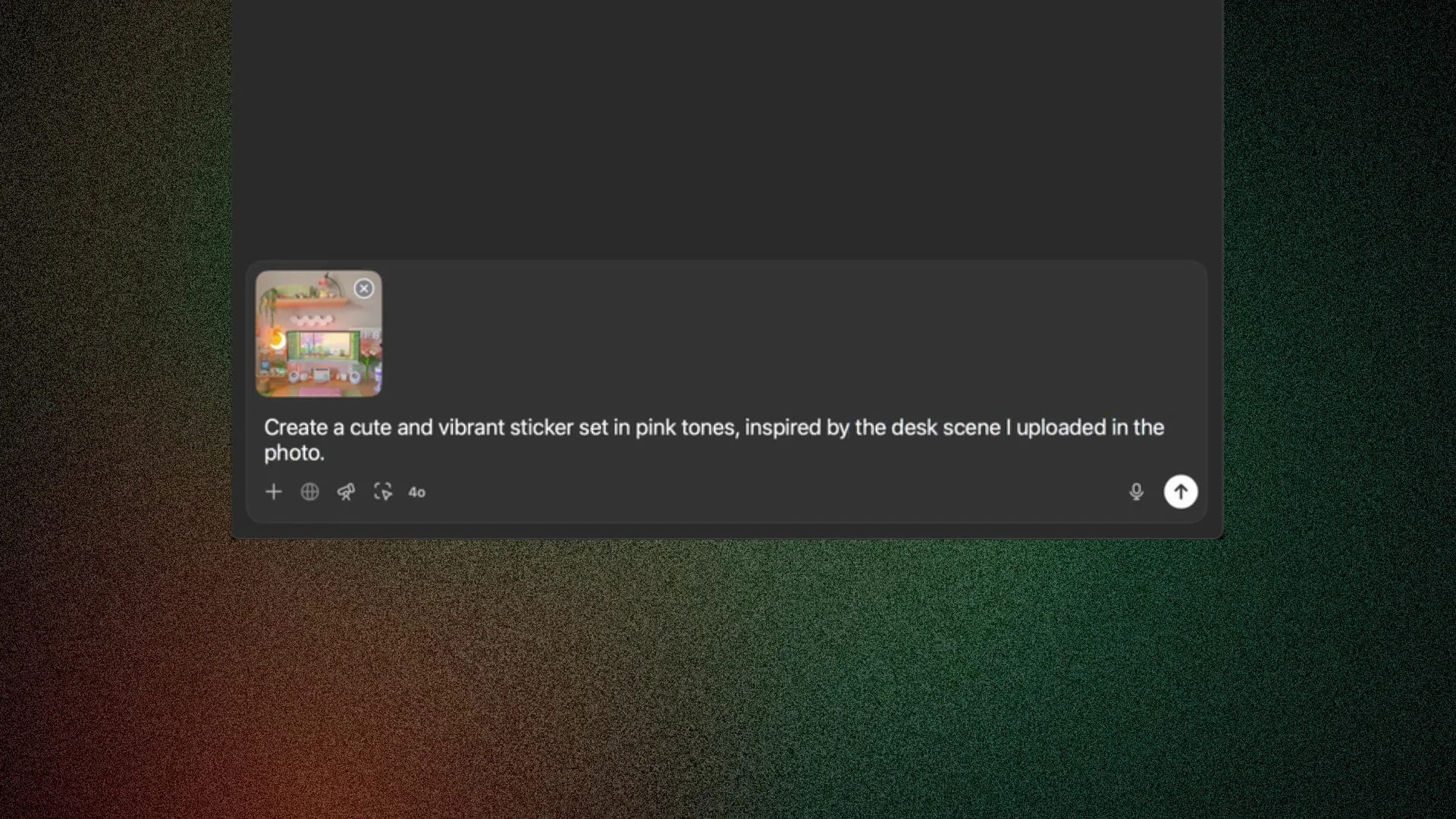
ChatGPT 4o Image Generation: Sticker Creation From a Desk Photo
I discovered this around the internet and wanted to test it. I picked a photo from a home office desk and asked ChatGPT to create stickers inspired from some objects that are in the photo. Look at the results. This is awesome. Look at the quality.
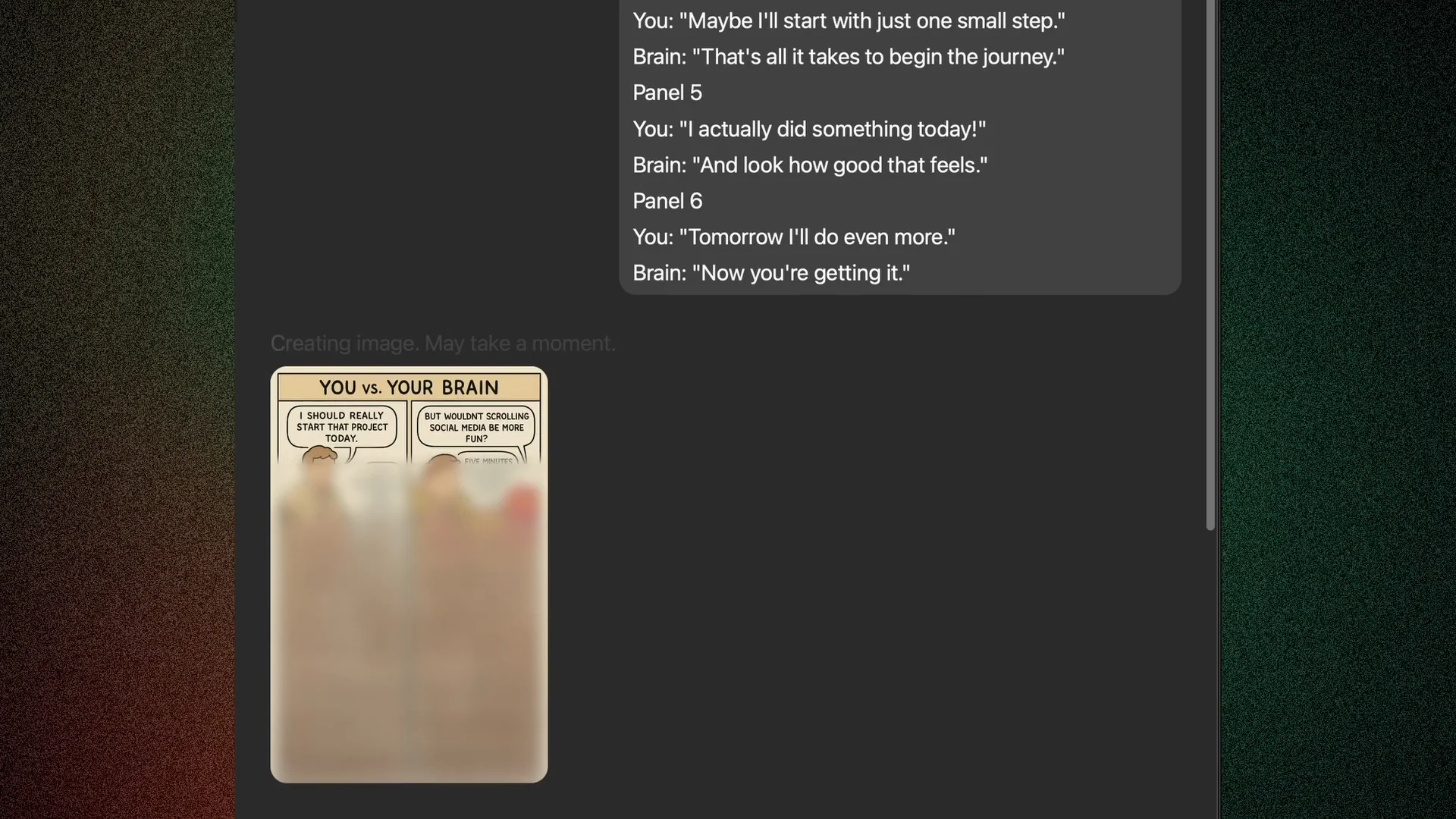
ChatGPT 4o Image Generation: Comic Strips From a Story Outline
Even if you have any capabilities to draw, you can create your own comic strips. I wrote a small story, set chapters, and asked ChatGPT to create the comics for me. You might see some character inconsistencies in the strips, but that's why you need to do the job afterwards with the adjustments.
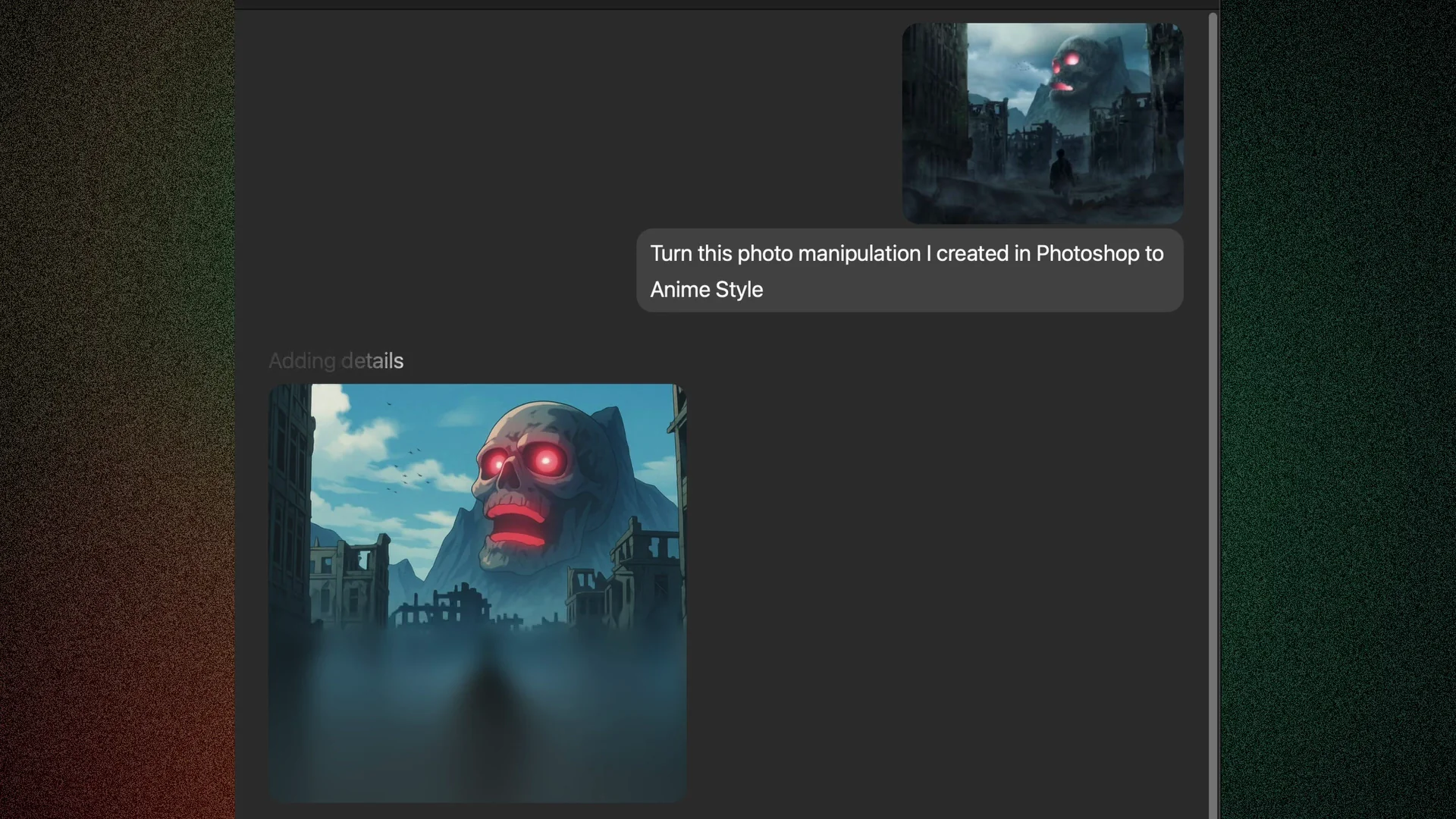
Applying New Styles to Existing Art
This one is similar to the first test, but I wanted to try it with one of my Photoshop works and apply a different style. The results were nice and very interesting, but again it lacked some inconsistencies in the mouth style. It catches the eyes pretty well, but not the mouth.
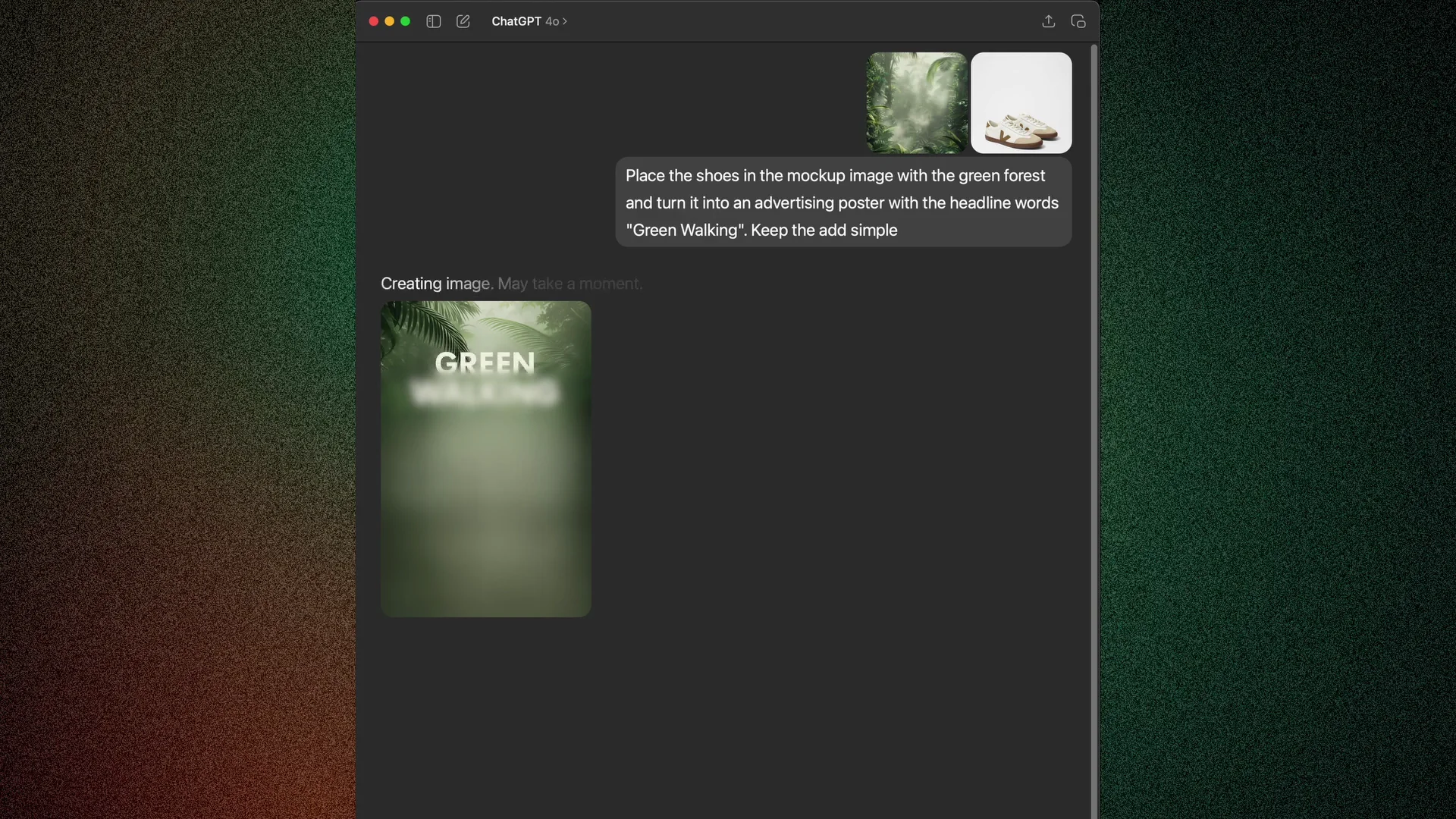
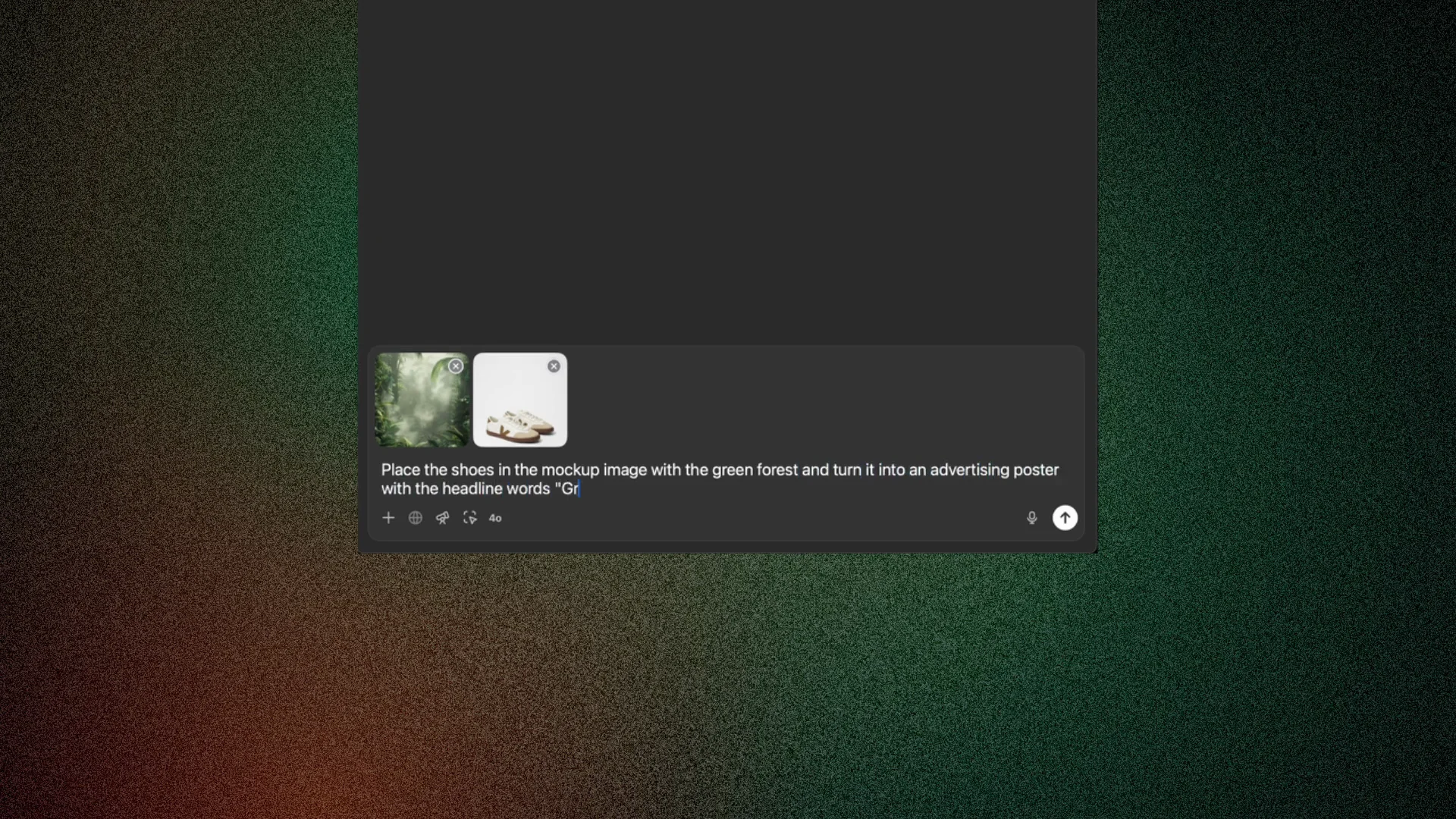
ChatGPT 4o Image Generation: Merging Two Photos for an Ad Poster
I uploaded two photos and asked ChatGPT to merge them into one photo for an advertisement poster, and I added some headline. I was more curious about the blending of the two images and the shadows. The final image is so good, with almost no imperfections.
Final Thoughts on ChatGPT 4o Image Generation
These experiments show how far you can push styling, instruction reading from images, sticker generation, comics, style transfer on existing art, and photo merging. The results are often impressive, with occasional inconsistencies and some delays or refusals due to copyright. Overall, the creative potential is strong if you’re willing to iterate and make adjustments afterwards.
Recent Posts
How to use Grok 2.0 Image Generator?
Learn how to access Grok 2.0’s AI image generator (Premium required), write better prompts, and avoid pitfalls like real people and brands. Step-by-step tips.
How to use Instagram AI Image Generator?
Use Meta AI in Instagram DMs to turn text into images—and even animate them. It’s free, fast, and built in. No external apps needed; create art right in chat.
Leonardo AI 2026 Beginner’s Guide: Create Stunning Images Fast
Learn Leonardo AI step by step—sign up, explore Home, and generate or enhance photos with free, powerful tools. A quick, clear starter for beginners.