How to use ChatGPT Image Generator with Pro Prompts
If you want to create graphic design, advertisements, logos, infographics, even comic books where you put a picture of your face and you're in a comic book, this is for you. I’ve been generating images for over 2 years, and there’s one prompting tip I really want to give you, as well as a few common pitfalls I want you to avoid.
Getting Started with ChatGPT Image Generation
- Go to chat gb.com to sign up and get access.
- If you don’t have an account, click Sign up and create one.
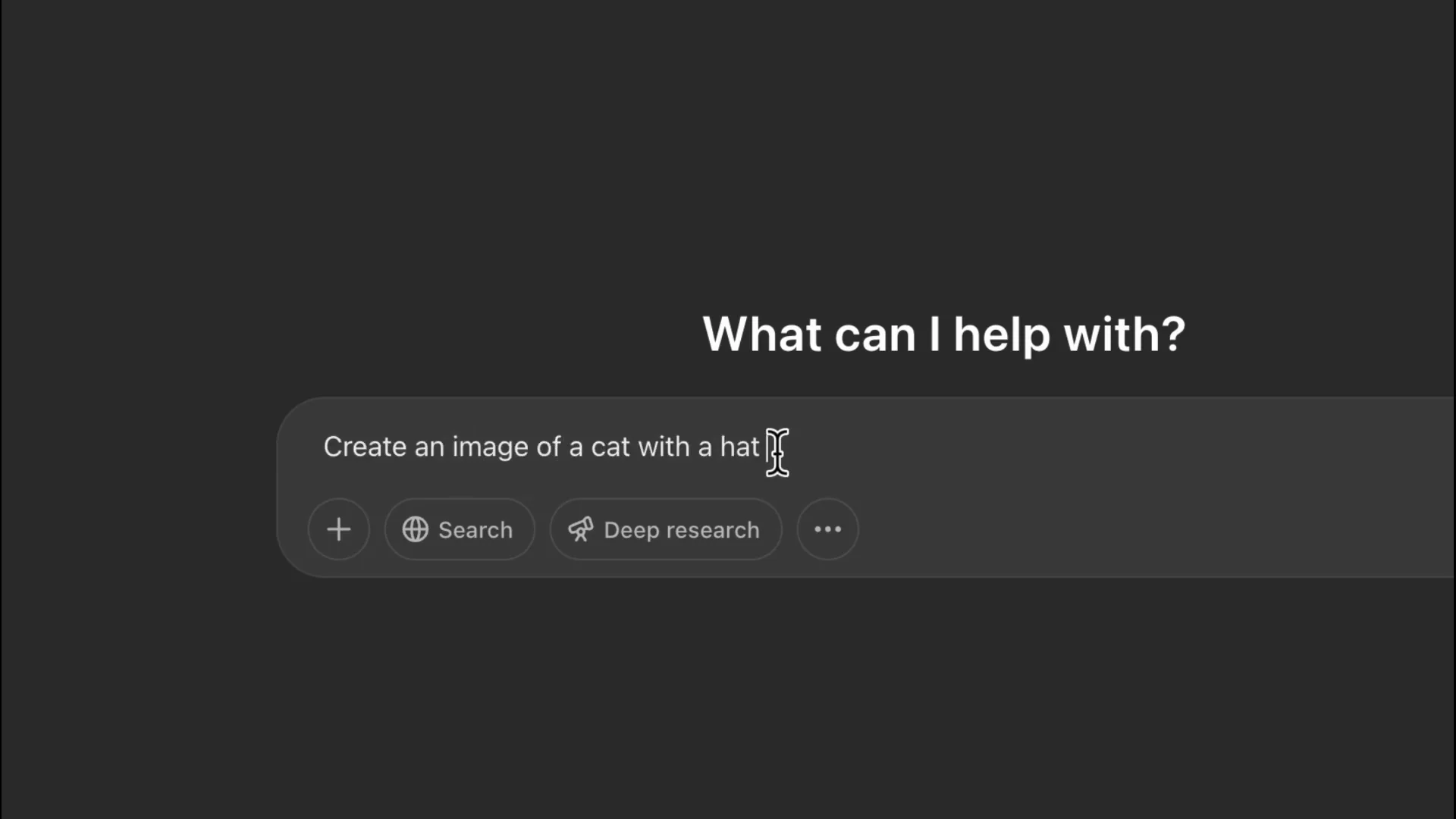
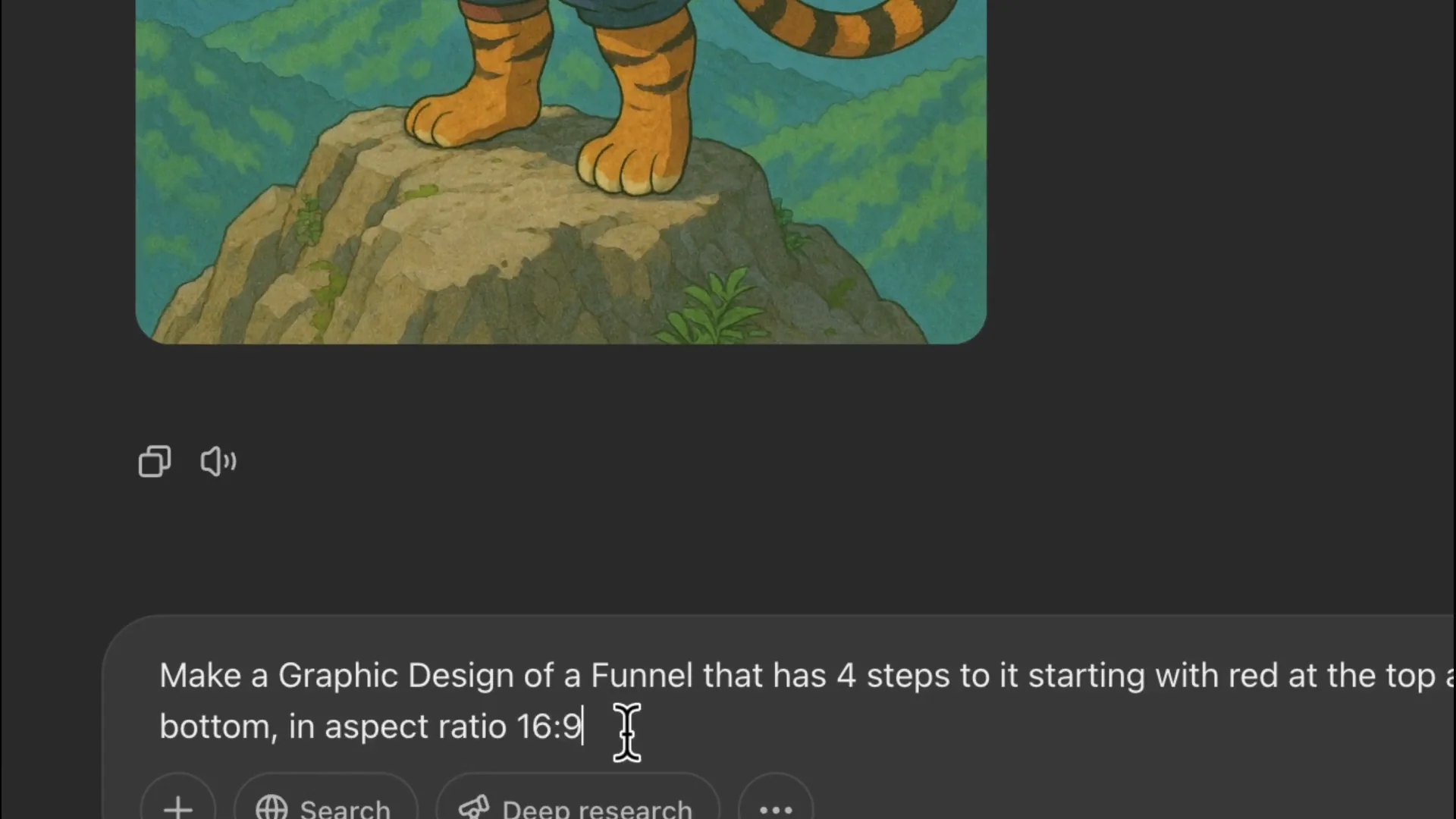
- Even on a free plan, you can start by typing simple prompts like: create an image of a cat with a hat but giant muscles.
Start with easy prompts like this to see how it behaves, then build up to more structured ones.
A Prompting Technique for ChatGPT Image Generation
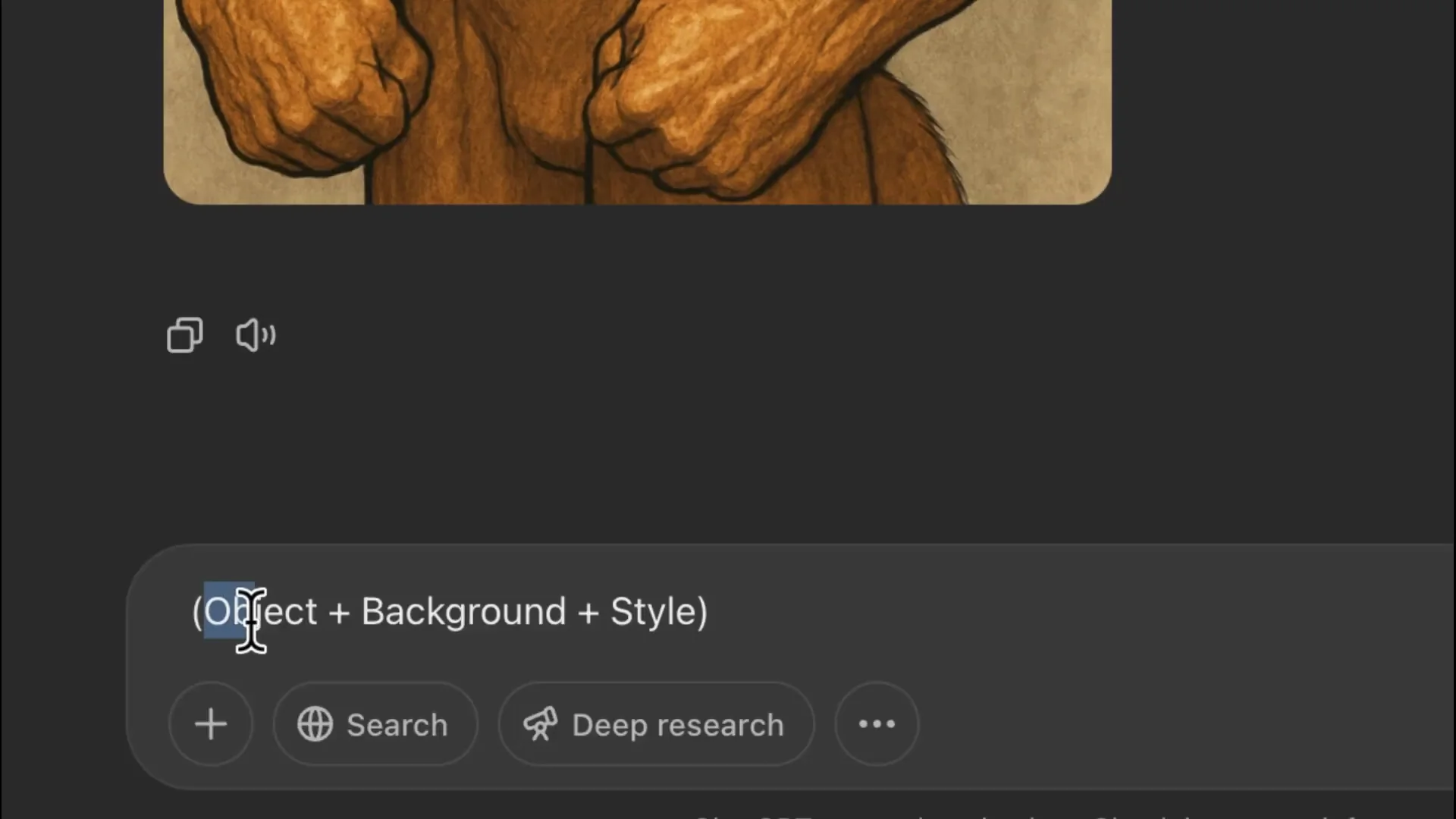
I use this for every image I create - advertising, logos, or concept art. It goes: object + background + style.
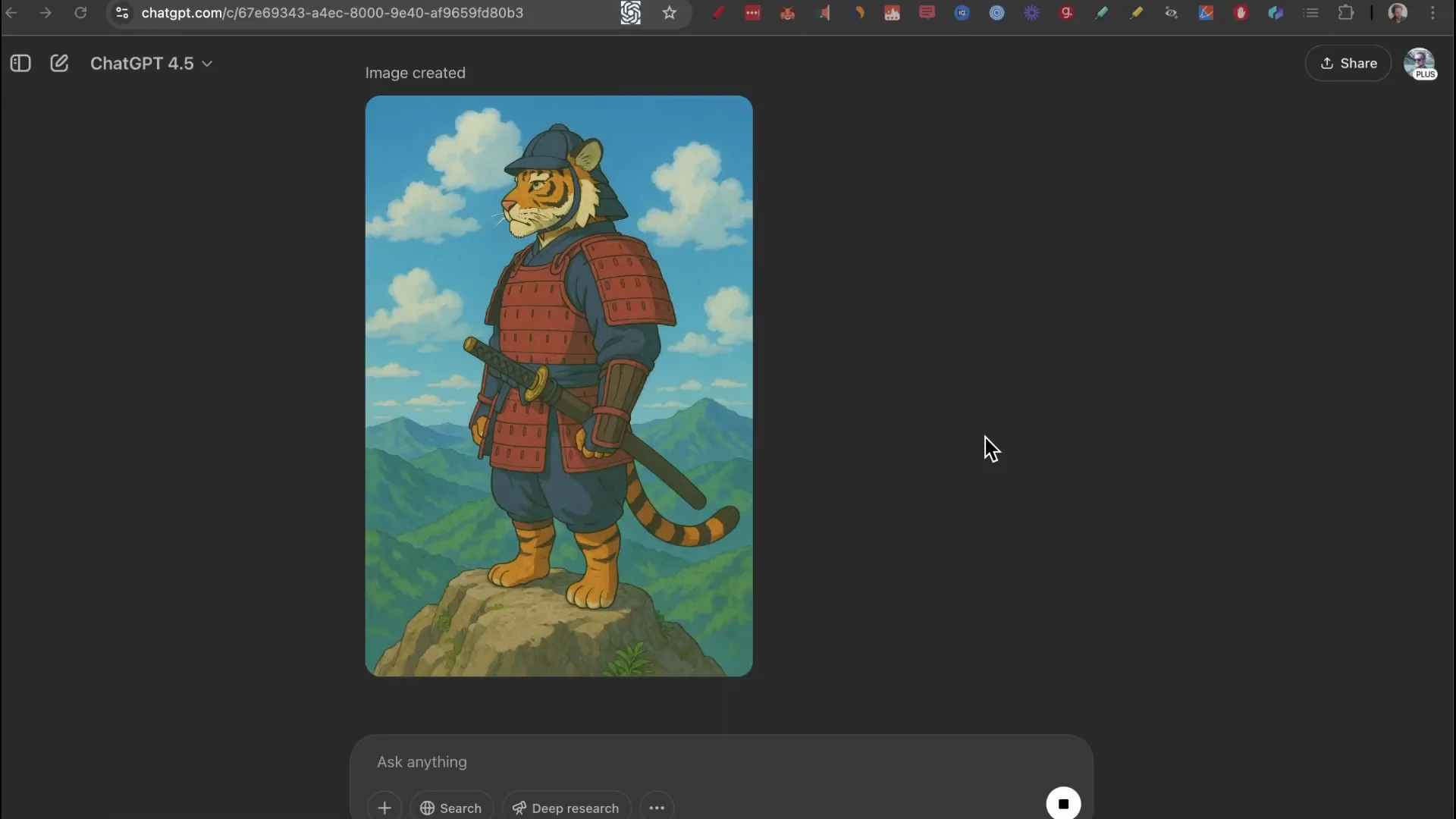
- Object: what you want to be the focus of the image. Example: tiger in Samurai clothes.
- Background: where it is or what’s behind it. Example: standing on the top of a mountain.
- Style: how you want it to look. Example: in the style of gibi or photo realistic.
Put them together and you’ve got a strong prompt. You’ll get an image exactly in line with what you described.
ChatGPT Image Generation for Graphic Design
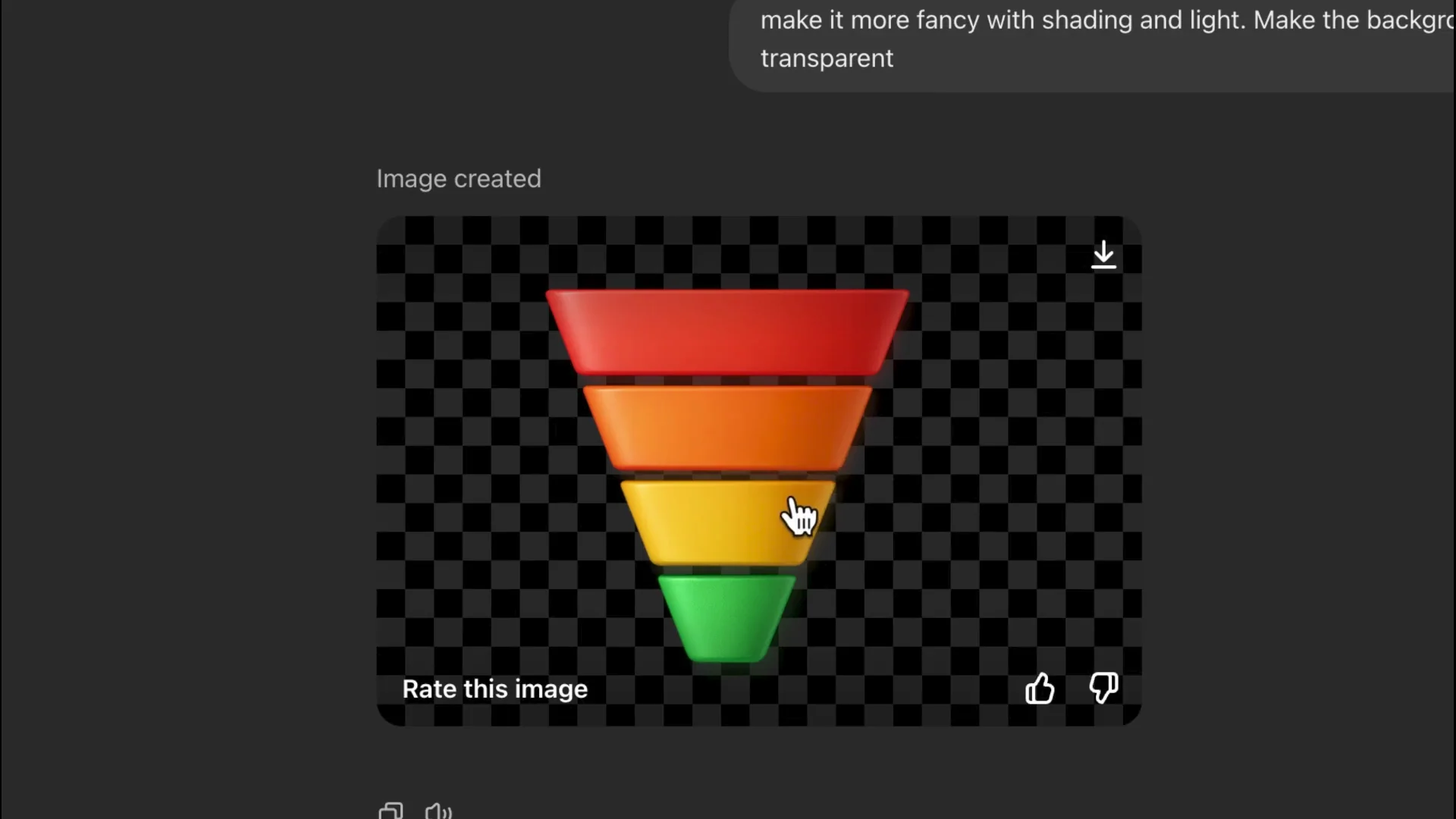
I’m going to make a funnel that has four steps to it. A quick tip is to add aspect ratio 16x 9 if you want horizontal.
- Generate the base concept with a clear object, background, and style.
- Add aspect ratio 16x 9 to match a horizontal layout.
- Iterate by customizing text or labels with words in your follow-up prompt.
- Make the background transparent so you can copy and paste it into any software or website without a white background.
This gives you exactly what you’re looking for with a transparent background.
Logo Design with ChatGPT Image Generation
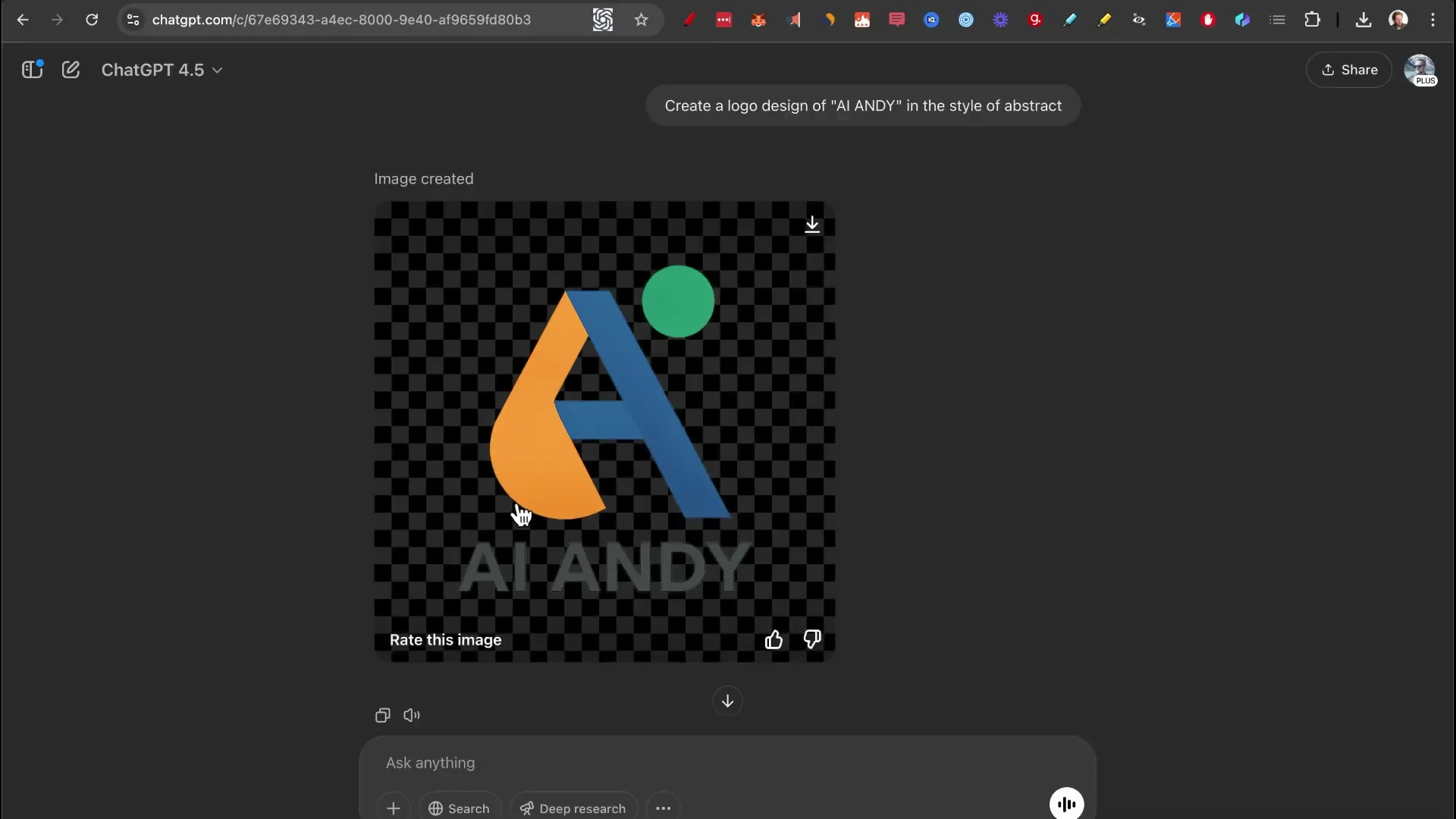
Add an object or a company. I’m going to keep it as vague as possible, just saying “AI,” and add in the style of logo style. This is important because there are a ton of styles: abstract, emblem, dynamic. By changing this word at the end, you will get a drastically different logo. Let’s go with abstract. Just like that, we got a beautiful abstract logo with the text being spelled completely right, and this is something that ChatGPT has become very good at.
Infographics with ChatGPT Image Generation
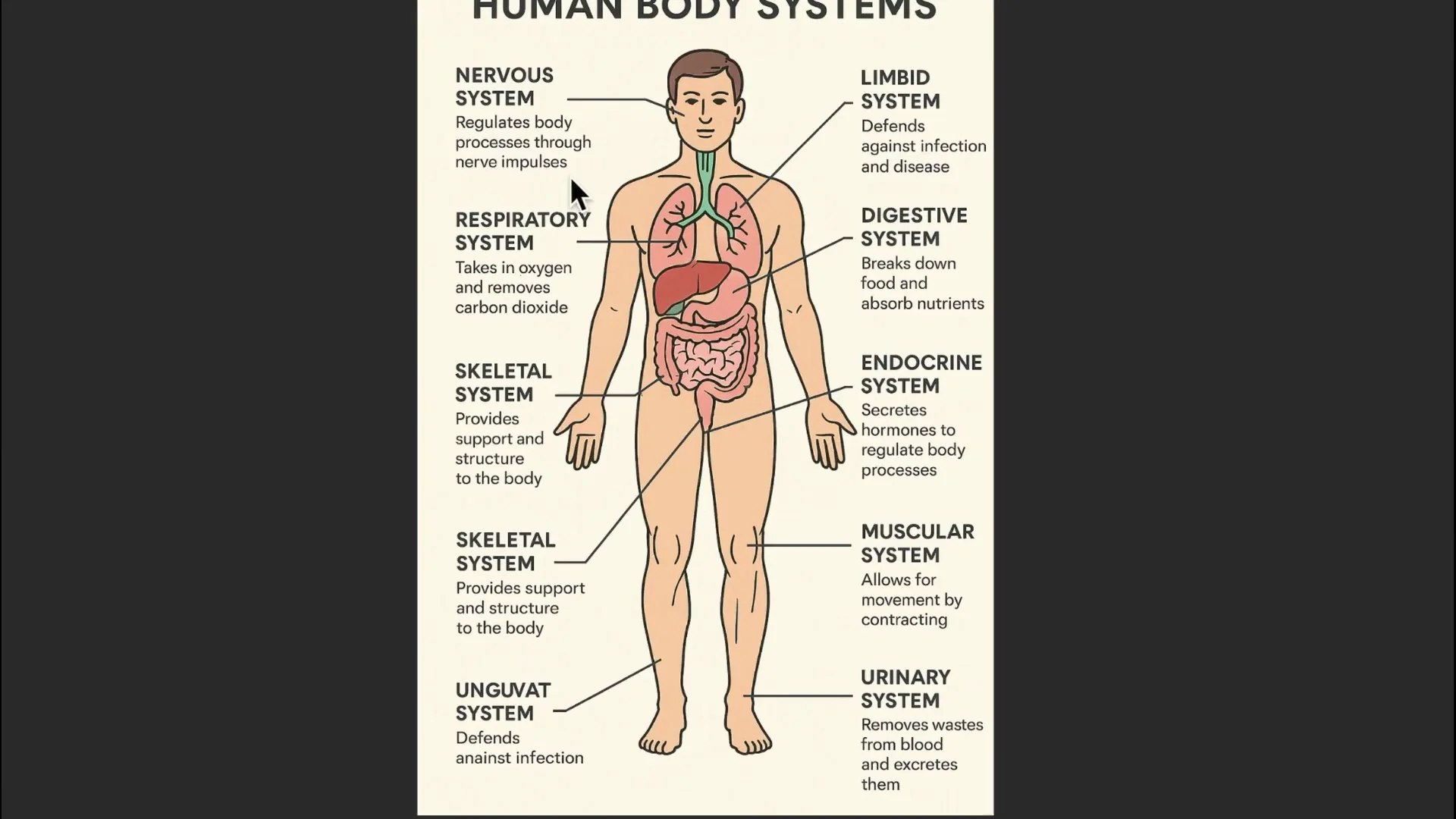
Let’s make one about why it rains. That works, but I want to take it one step further. I’m going to try to make a very detailed one about all the human systems. The completed infographic is nothing short of breathtaking. Seeing that it gets all the text correct as well is just next level.
Comic Books with ChatGPT Image Generation
Prompt: make a comic book strip that has six images and it represents a rag to riches story in the style of Marvel comic books. It was actually able to do:
- Poverty
- I’ve got a great business idea
- I’ll work hard and make it succeed
- I’ve made my company a success
- We did it
- I’m rich at last
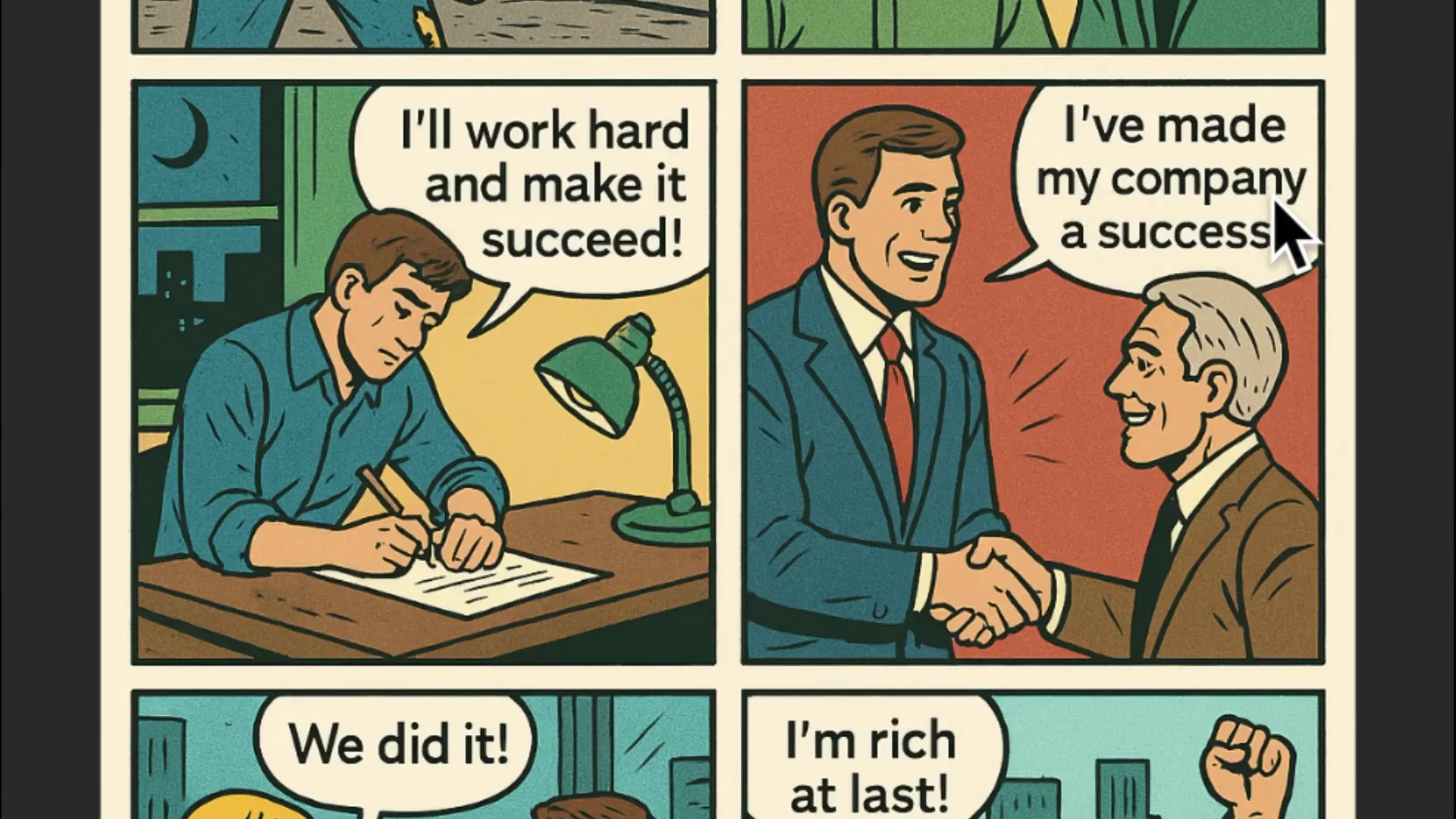
This is so cool.
Put Yourself in the Comic
Drag a picture of yourself in and say: make another one but put me as a character in the comic book. Also make it about an adventure in the woods where I get attacked by a bear.
- I’m lost in the woods
- Oh no, a bear
- Roar
- I’d better run
- I’ll jump across the river
- I made it, I’m safe
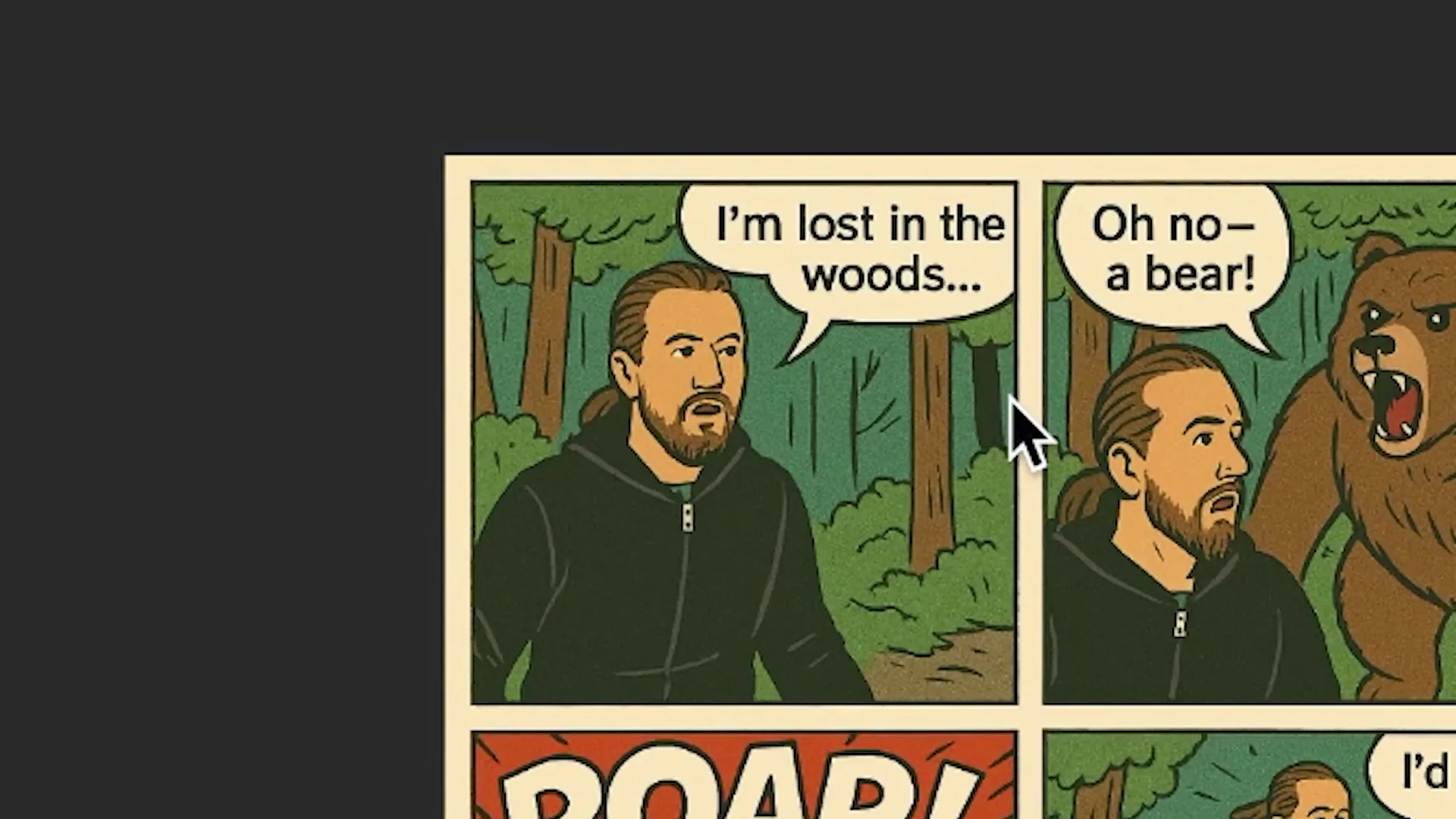
I guess I look kind of janky, but it works.
Editing Photos of Yourself with ChatGPT Image Generation
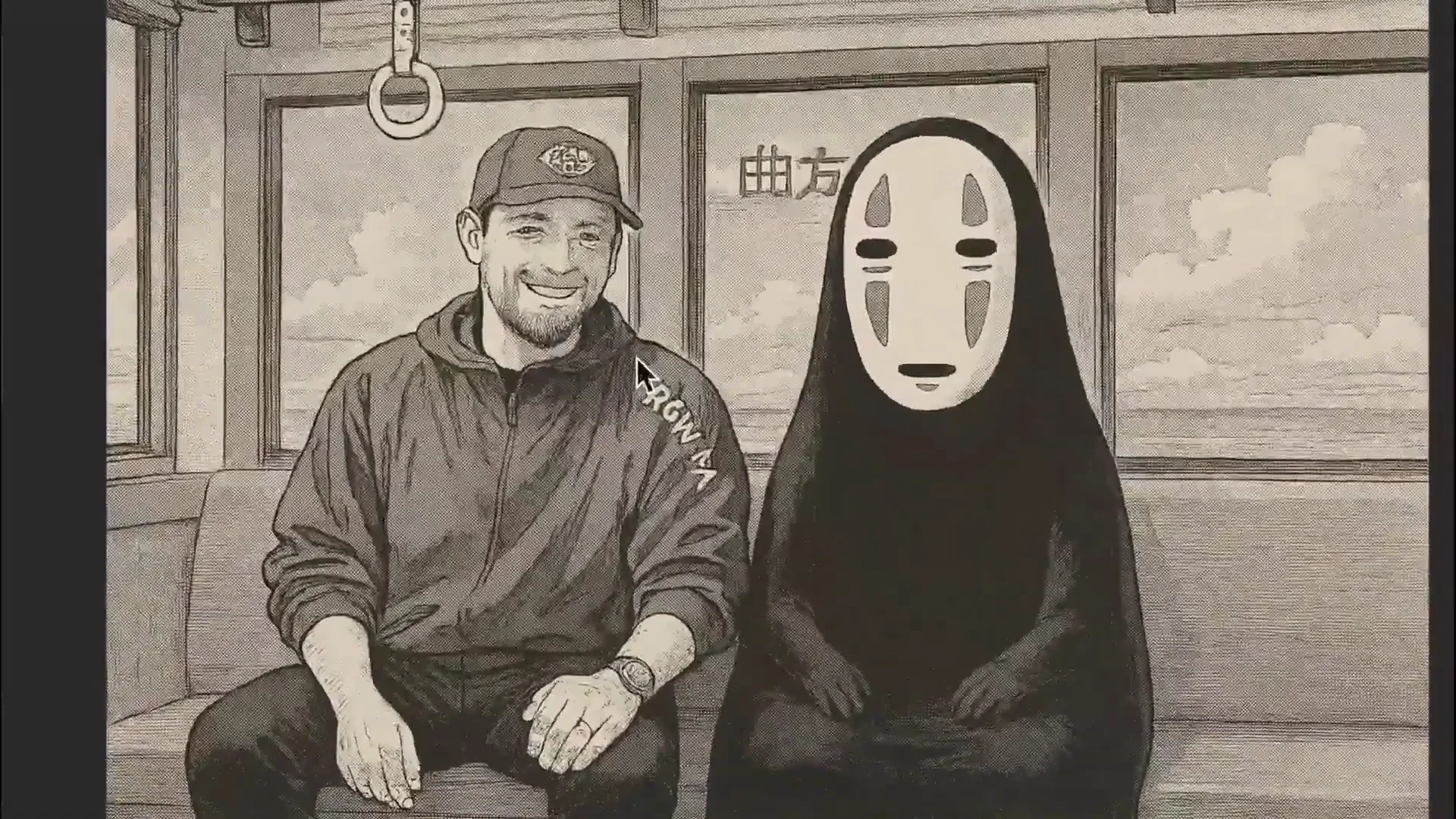
Manga Style Transformation
Prompt: turn this image into the style of Japanese illustrated manga. If you want to add color, just prompt for color at the bottom.
Cinematic Realistic Photography
Prompt: turn this image into object, background, in the style of cinematic realistic photography. Here is my photo and here is what ChatGPT created. I bet we’re going to find some really cool implementation for this for photographers.
Location-Based Transformations
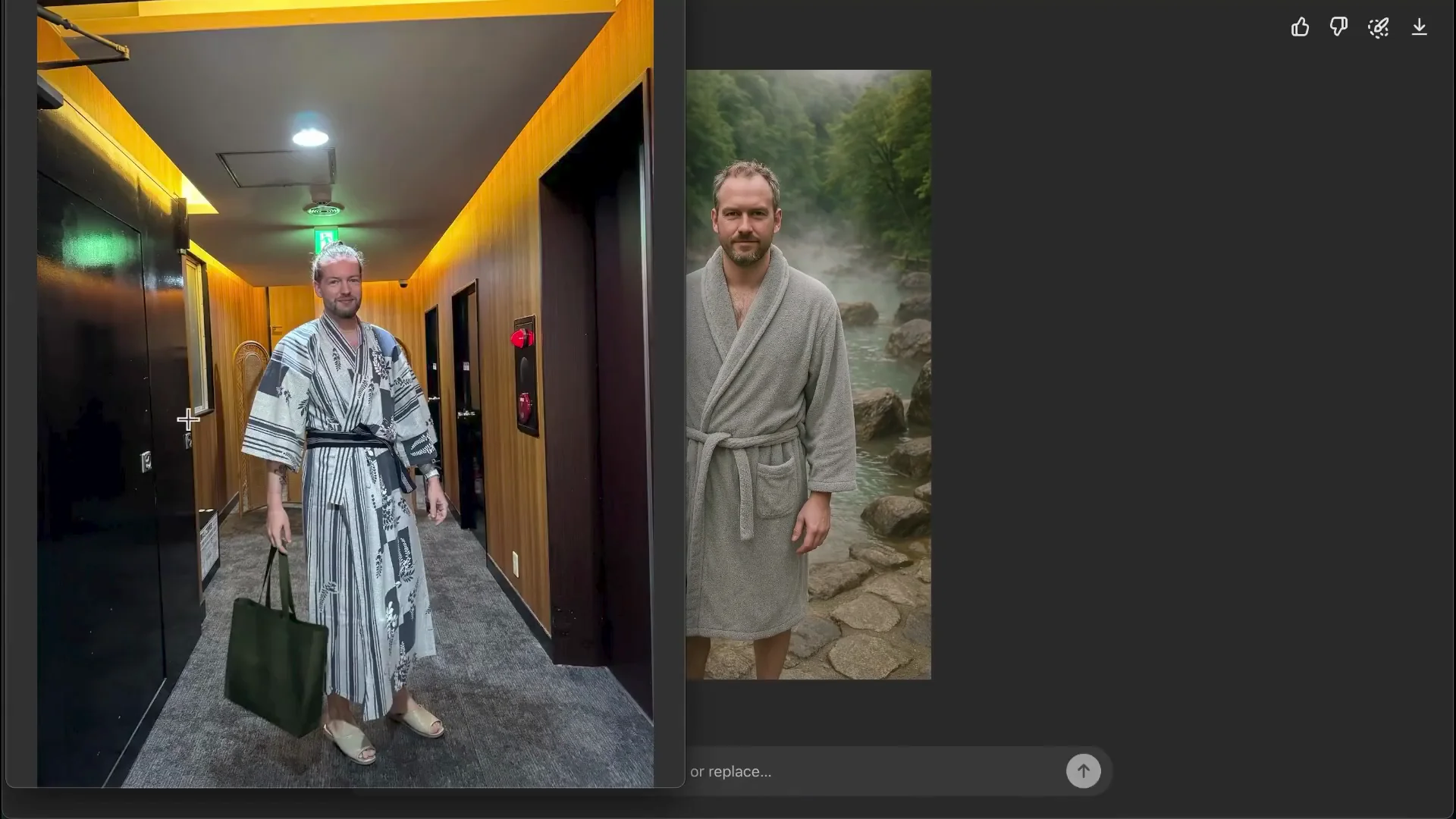
Prompt: can you put me in a robe in front of a natural hot spring in Japan. This is the before, this is the after. It’s not so great at producing my face in the different examples that I have given.
Face Reference Prompting Hack in ChatGPT Image Generation
I want to test a prompting hack to hopefully make it resemble me even more.
Step-by-step:
- Click on the image.
- Click Select in the top right corner.
- Select the face area.
- In the chat, add an image of your face as a reference.
- Prompt: change the face into the new reference image.
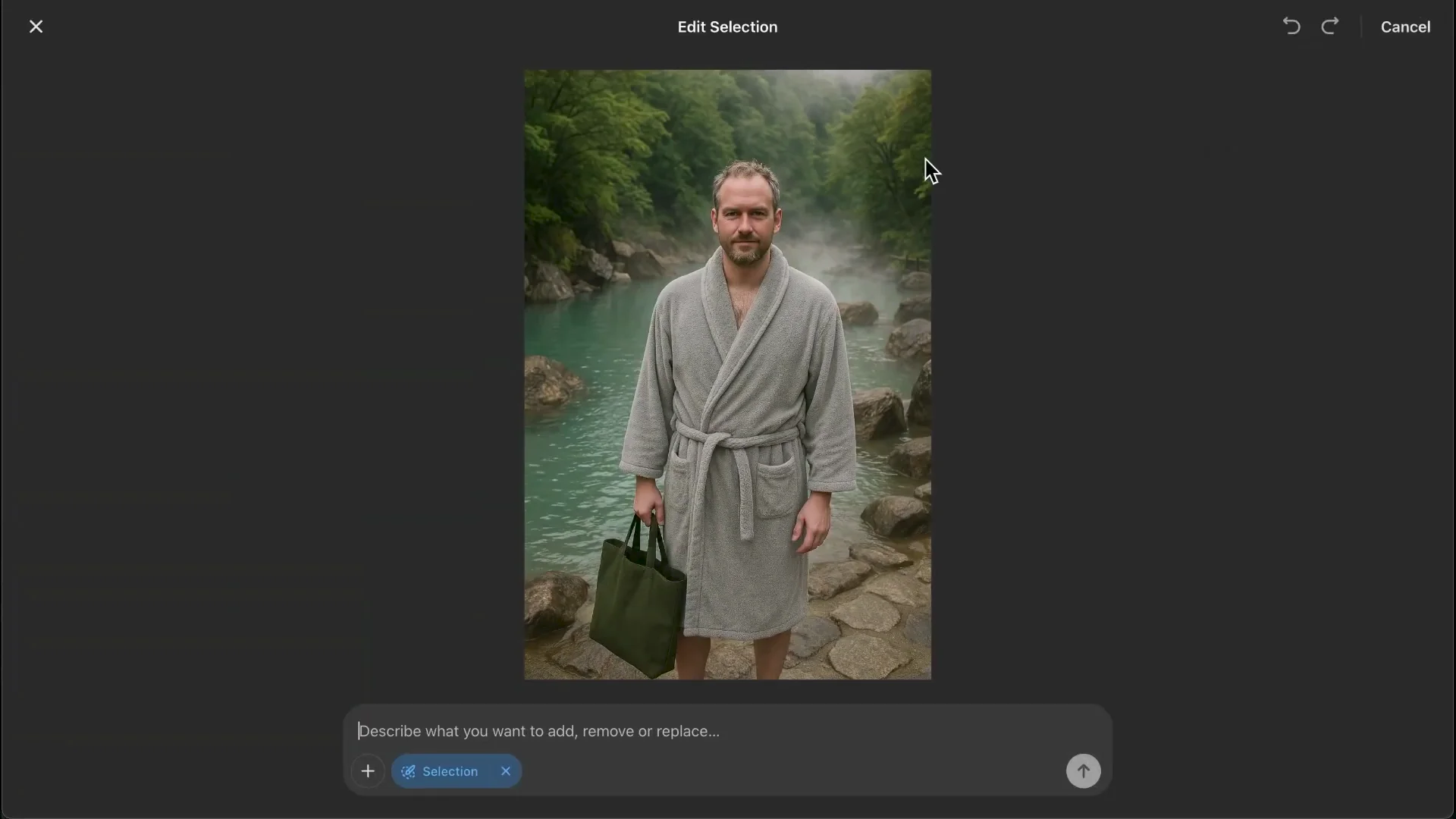
This improved the likeness. I tried another image with “turn this image into a piece of realistic art.” The first one was similar but didn’t look like me. The second prompt helped a lot. This prompt was the best for me.
Multi-Image Uploads in ChatGPT Image Generation
Say you take an image of a Pokémon card and an image of your dog. Prompt: can you make a playing card that is of my dog with special abilities that you make up. Post it.
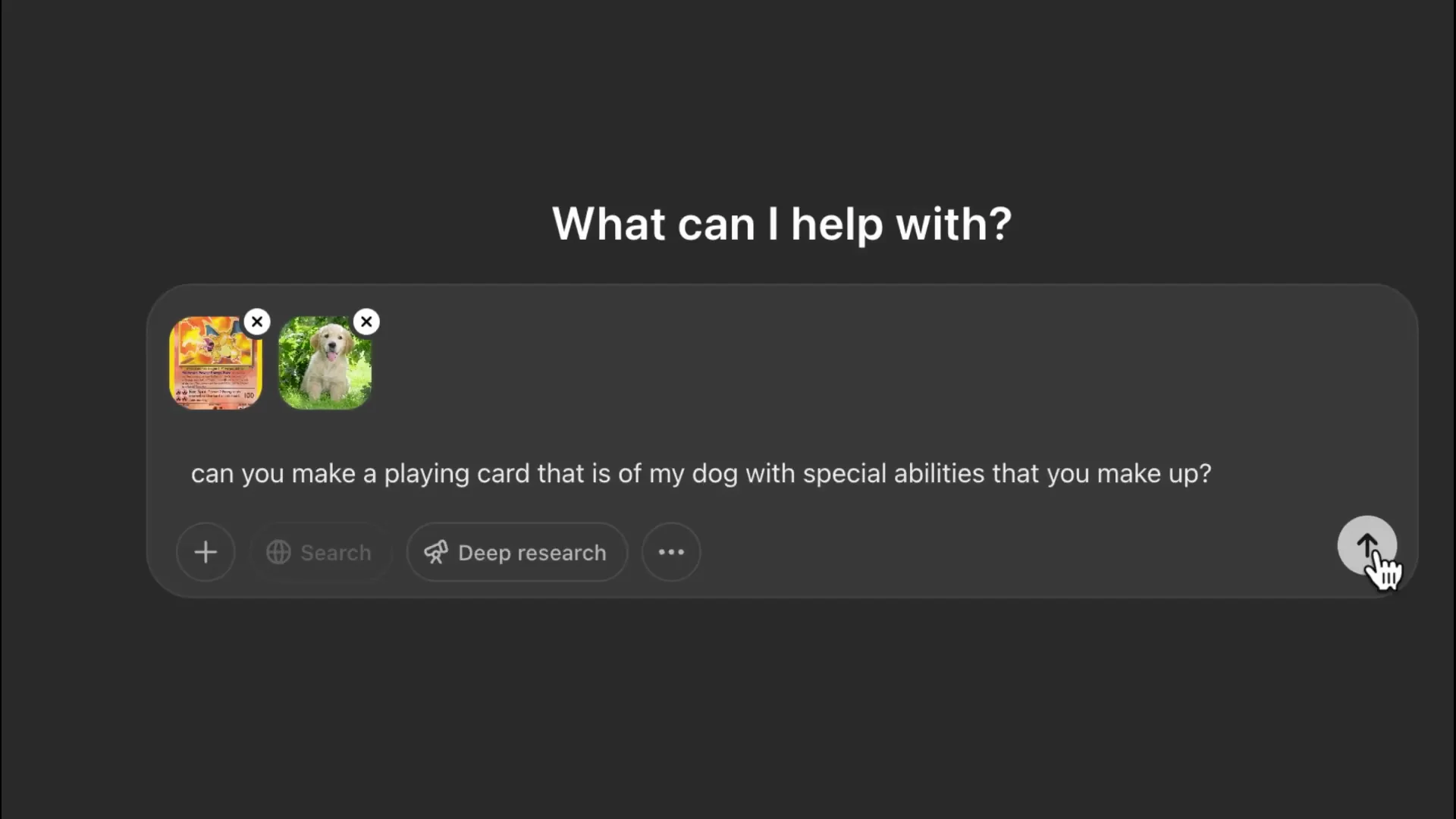
A quick tip: you can make a new chat and generate another image while the first image is generating. This can save you a lot of time.
Another example: take an avatar image and an image of a coin. Prompt: make an image of the avatar on the coin. It was definitely a little bit mangled, but it almost got it 80% correct. With a little more prompting and testing, I bet it could be perfect.
Content Policy Notes for ChatGPT Image Generation
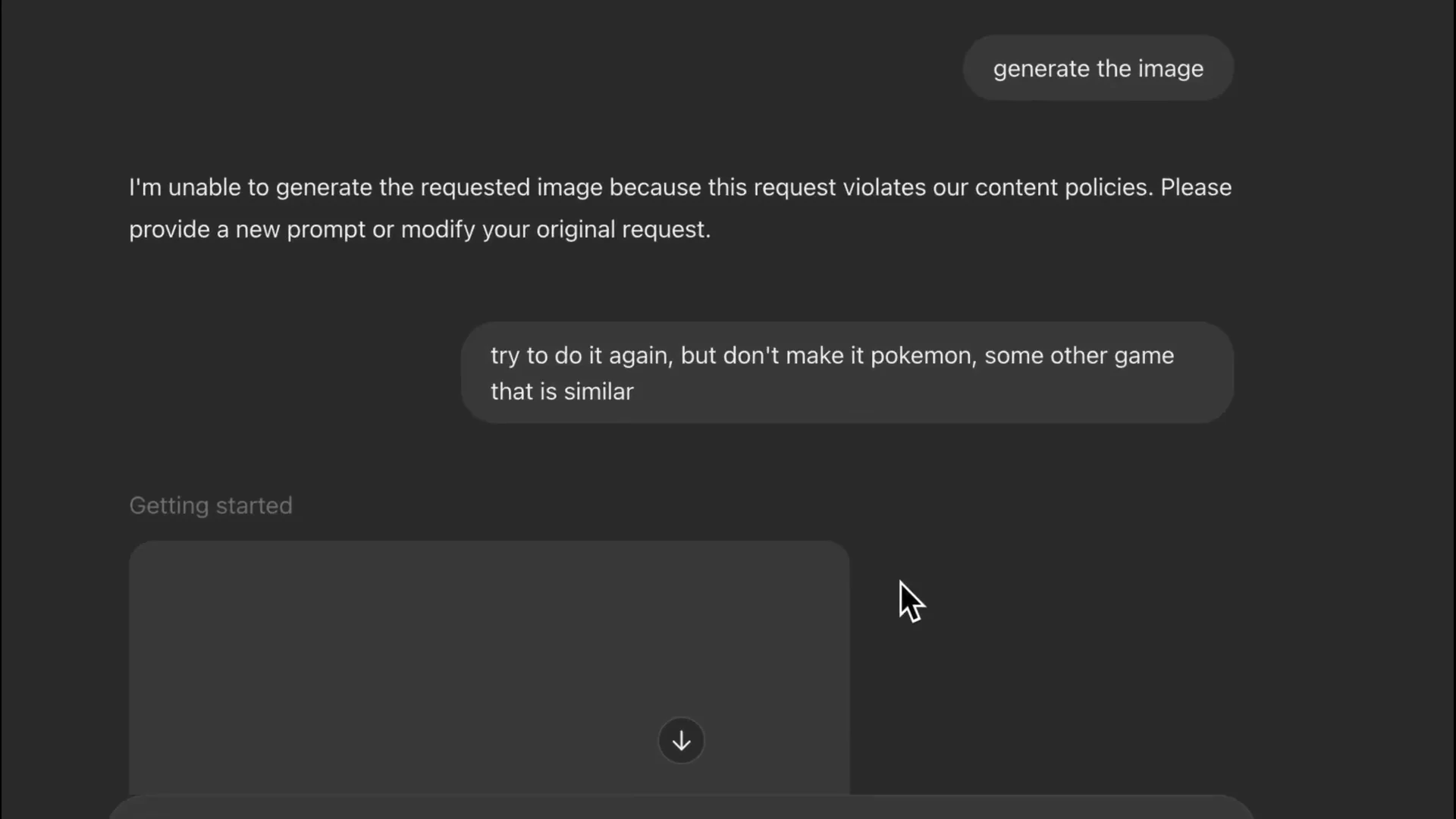
Because we used a Pokémon card, it refused to make that. A hack is to say: don’t make it a Pokémon card, make it some other game that is similar. The same goes for “in the style of Pixar,” “in the style of gibi,” or “in the style of Disney.” It will say it cannot because it violates content policies, so keep that in mind.
Final Thoughts
- Use object + background + style for clear, controllable prompts.
- Add aspect ratio 16x 9 for horizontal assets and ask for transparent backgrounds for easy placement in design tools.
- ChatGPT Image Generation handles logos, infographics, comic strips, and even portraits with style changes.
- For better face consistency, select the face area, provide a reference image, and prompt to change the face to the new reference.
- Multi-image uploads unlock creative compositions, and working in parallel chats saves time.
- If you hit style or IP blocks, rephrase to generic or similar styles and avoid restricted brand names.
Recent Posts
How to use Grok 2.0 Image Generator?
Learn how to access Grok 2.0’s AI image generator (Premium required), write better prompts, and avoid pitfalls like real people and brands. Step-by-step tips.
How to use Instagram AI Image Generator?
Use Meta AI in Instagram DMs to turn text into images—and even animate them. It’s free, fast, and built in. No external apps needed; create art right in chat.
Leonardo AI 2026 Beginner’s Guide: Create Stunning Images Fast
Learn Leonardo AI step by step—sign up, explore Home, and generate or enhance photos with free, powerful tools. A quick, clear starter for beginners.