Z-Image family of models

Z-Image Turbo
Efficient 6B-parameter image generation model

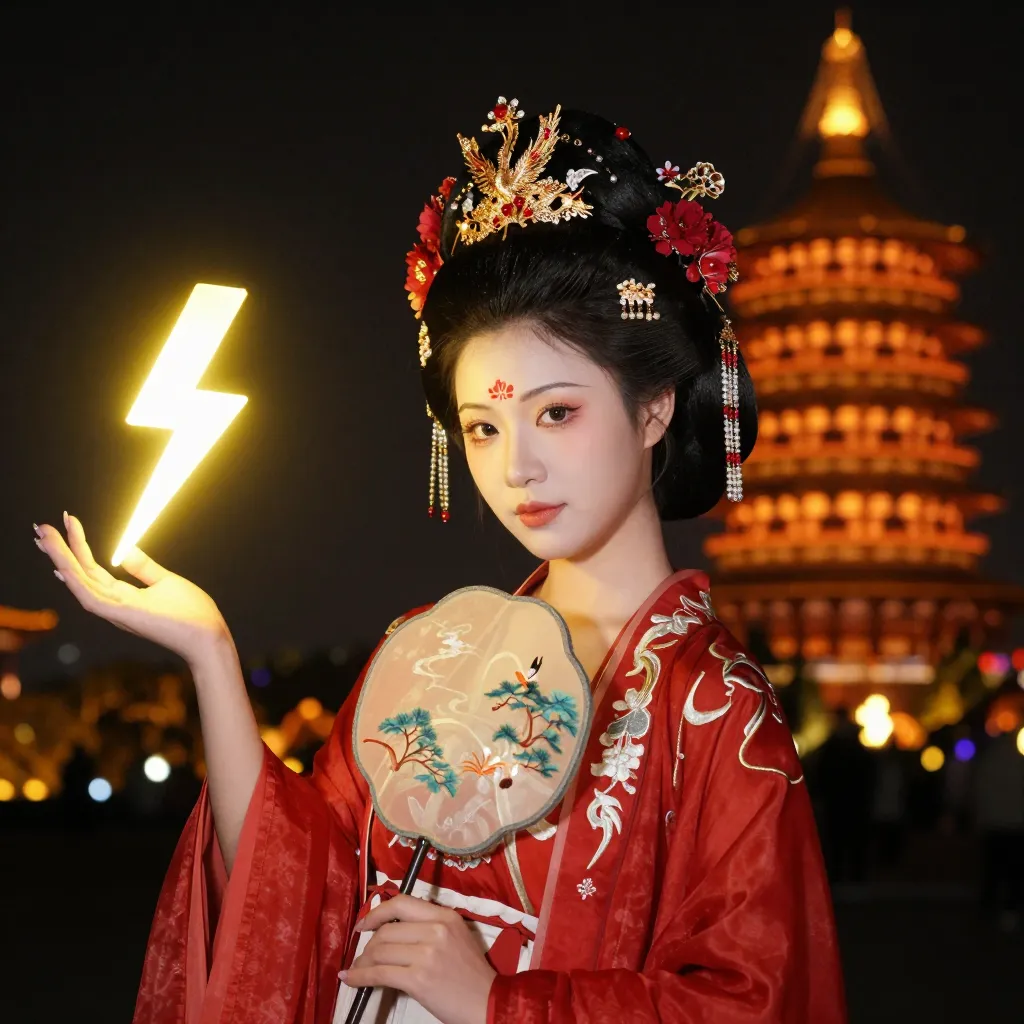
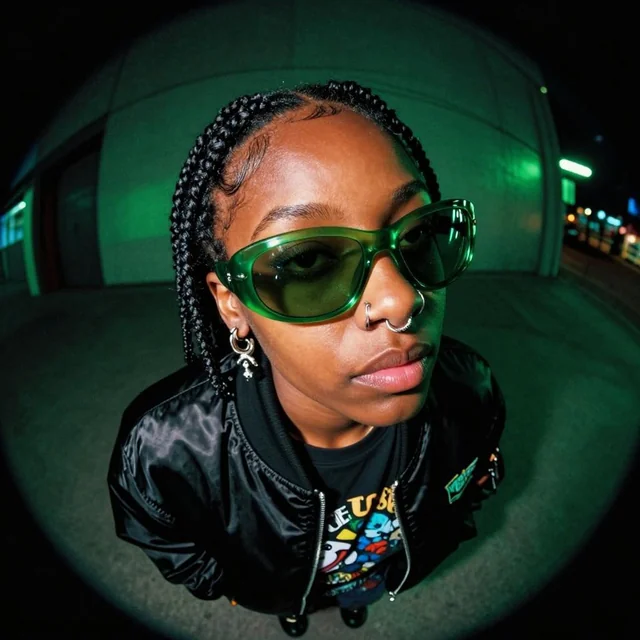
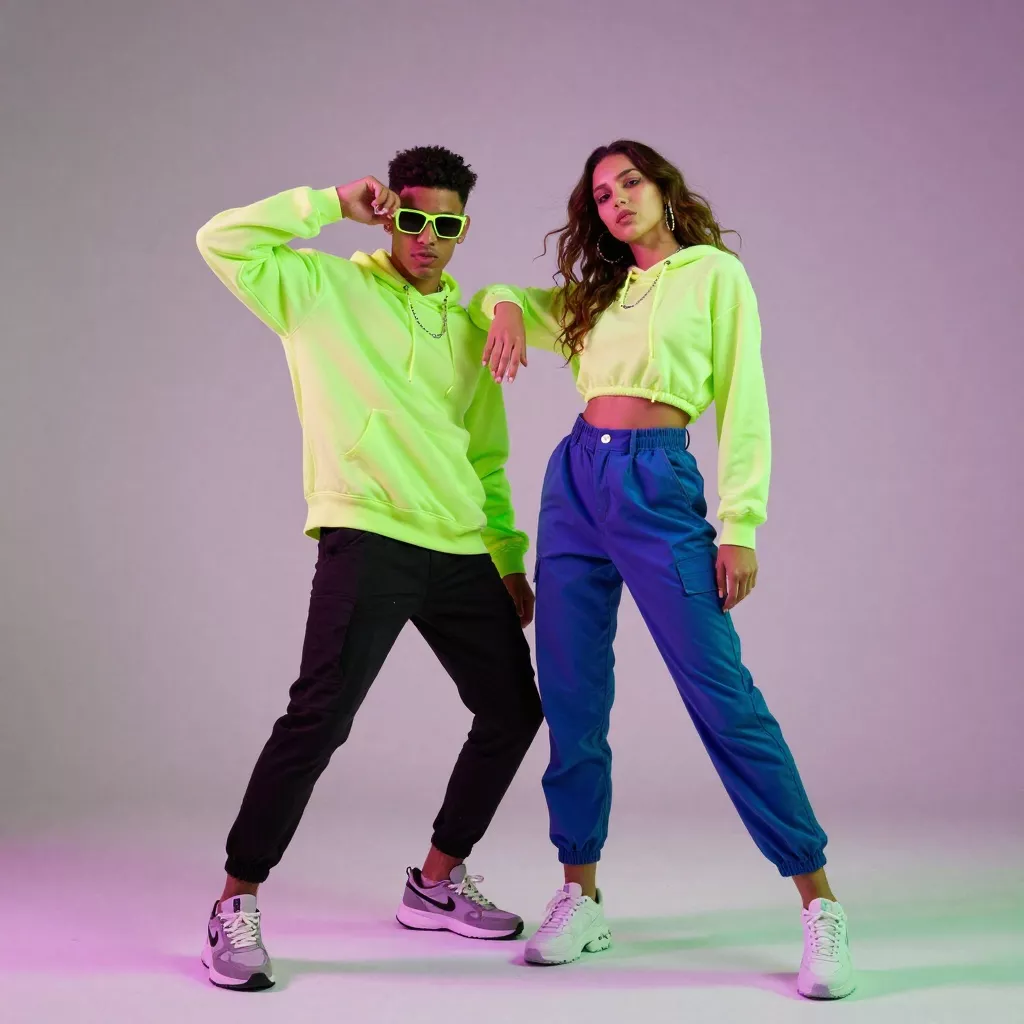
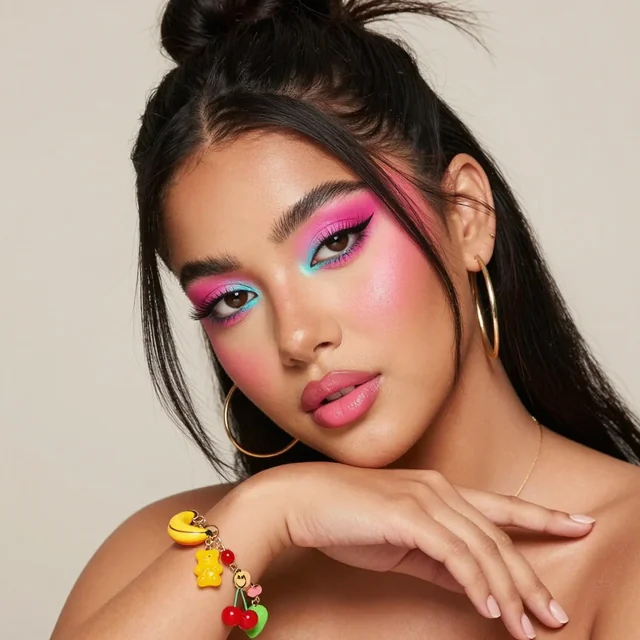
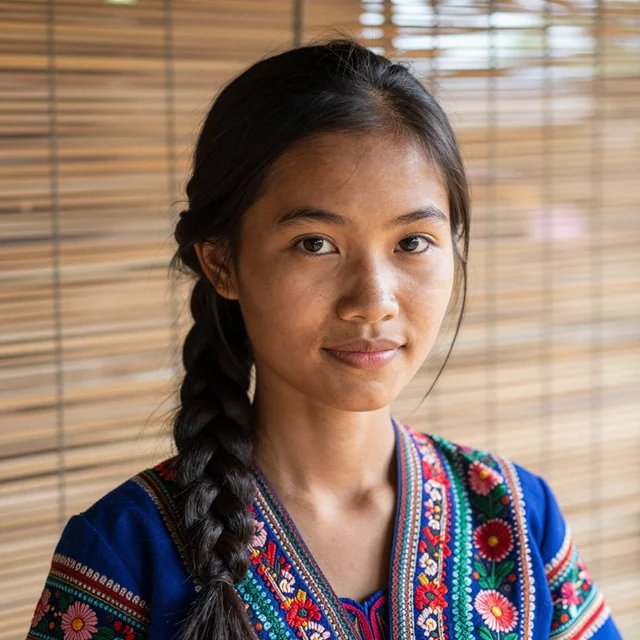
Z-Image Turbo generated image example

Z-Image Turbo sits at the center of the Z-Image project. It shows that strong image generation quality does not require an extremely large model, and that careful optimization can make photorealistic images and bilingual text rendering available to a much wider group of users.

At around 6 billion parameters, Z-Image Turbo reaches results that are comparable to commercial models that are many times larger. It is designed to run on consumer graphics cards with less than 16 GB of memory, so researchers, hobbyists, and small teams can explore serious image generation without large hardware budgets.

Model scale
6B

Compact parameter count with strong generation quality

Hardware target
<16 GB

Designed for common single‑GPU setups and local experiments

Step count
8

High quality images with a short sampling schedule

The Z-Image project

This site is the central hub for the Z-Image project. It brings together the main model families, training ideas, small practical notes, and example workflows. Z-Image is a foundation model for image generation with about 6 billion parameters, designed to reach strong performance without taking the path of very large parameter counts.

Z-Image Turbo Architecture

Through systematic optimization, Z-Image shows that top-tier performance is possible on moderate hardware. It delivers strong results in photorealistic generation and bilingual text rendering that are comparable to much larger commercial systems. These results are achieved through design choices in architecture, training schedules, and data preparation rather than only by increasing size.

Two public model variants are released on top of this base. Z-Image Turbo focuses on fast generation and prompt following, while Z-Image Edit focuses on controlled editing of existing images. The model code, weights, and an online demo are available to encourage community exploration, inspection, and reuse.

The goal of the project is to help build image generation systems that are accessible, relatively low cost to run, and still high in performance. By keeping the full workflow open, users can study how the model behaves, trace how results are produced, and adapt it for their own research or tools.

Models at a glance

Z-Image Turbo and Z-Image Edit share the same backbone but are tuned for different goals: one for sampling speed and instruction following, the other for careful editing.

Z-Image Turbo

Distilled generation model • 8‑step sampling • Bilingual prompts

Z-Image Turbo is a distilled version of the base model that focuses on fast sampling while keeping image quality high. It produces detailed scenes, clear structure, and stable color with only a small number of diffusion steps.

A key focus area is bilingual instruction following. Z-Image Turbo can read and render both Chinese and English text directly in the generated image, while also following prompts in these languages. This makes it practical for global teams that share prompts and outputs in more than one language.

In many common tasks, such as product scenes, portraits, and everyday photography‑style images, Z-Image Turbo can reach quality that is comparable to much larger models while running comfortably on a single GPU.

Z-Image Edit

Continued‑training variant • Focused on editing and consistency

Z-Image Edit is trained on top of Z-Image with a focus on instruction‑based editing. Instead of starting from noise, it takes an existing image and applies changes step by step, such as local modifications, style shifts, and background adjustments.

The training setup encourages the model to keep important parts of the input stable while still following complex instructions. For example, it can keep the same subject identity and layout while adjusting lighting, color scheme, or clothing, or it can change only a small region such as the sky or an object.

Because it shares the same backbone as Z-Image Turbo, Z-Image Edit can be used in the same codebase and hardware environment, which keeps project maintenance simple and predictable.

Interactive demo

An online demo is available so you can explore prompts, layouts, and bilingual instructions before setting up the model locally.

The demo lets you test prompts, step counts, and guidance values in a browser. It is a simple way to understand how the model behaves before integrating it into your own tools.

Installation overview

Z-Image Turbo is released together with model weights and reference code so that you can run it in local projects, notebooks, or existing diffusion pipelines.

1. Choose your environment

Most users start from a Python environment with standard deep learning libraries. A single GPU with 12–16 GB of memory is usually enough for common resolutions and batch sizes.

2. Install dependencies

The reference implementation builds on familiar components such as diffusion frameworks and tokenizers. A short list of packages is sufficient to load checkpoints, sample images, and run text encoding.

3. Load weights and run a prompt

After downloading the checkpoints, you can load the model, send a prompt, and generate images with an 8‑step schedule. From there, you can plug the model into your own dataset, pipeline, or user interface.

A dedicated installation page in this site explains environment setup, recommended dependency versions, checkpoint loading, and first‑run examples in more detail. It also covers common topics such as GPU memory usage, precision options, and guidance settings that affect the balance between speed and quality.

Model capabilities

Z-Image Turbo is tuned for strong general‑purpose generation with focus areas that support day‑to‑day creative and research work.

Photorealistic scenes

The model can create detailed everyday scenes, including objects, people, and lighting that follow the structure of natural photographs. It is suitable for concept references, product scenes, and layout exploration.

Bilingual text rendering

Z-Image Turbo can write both Chinese and English text directly into generated images, for example on posters, labels, or banners. This is helpful for content that needs to match user interface copy or branding in more than one language.

Instruction following

Prompts that describe style, layout, and content in detail are handled with care. Short prompts work well for quick drafts, while longer prompts can describe precise structure when needed.

Fast sampling

The distilled sampling schedule makes it possible to reach strong results in 8 steps. This is useful when many prompts need to be tested or when images must be updated often in a tool.

Stable structure

The model is trained to keep geometry, perspective, and composition stable across a wide range of prompts. This helps reduce strong distortions in common object categories and keeps results consistent across runs.

Editing with Z-Image Edit

For editing tasks, Z-Image Edit extends the same backbone with continued training. Both models can be loaded together so that pure generation and editing can be used in one project.

Example use cases

Z-Image Turbo is meant to be a building block. A few common patterns have already appeared in early experiments.

Research and teaching

Universities and independent researchers can study diffusion behavior, bilingual text rendering, and sampling schedules using a model that fits into a single GPU setup.

Prototype tools

Small teams can connect Z-Image Turbo to internal design tools, prompt libraries, or automation pipelines that create reference images for product and content work.

Educational material

Instructors can show how diffusion models behave, how text conditioning works, and how bilingual prompts affect text rendering using a model that students can run on their own machines.

Design exploration

Artists and designers can test layouts, color schemes, and typography concepts before moving to manual refinement, especially for content that includes both Chinese and English text.

Editing workflows

With Z-Image Edit, teams can design controlled editing pipelines that keep subject identity stable while applying style changes, retouch operations, or localized updates.

Benchmarking and evaluation

Because the weights and code are available, Z-Image Turbo can serve as a reference point in custom benchmarks, data studies, and system comparisons.

Frequently asked questions

This section answers common questions about the Z-Image project, Z-Image Turbo, and installation.